
Tasks: One-Time Reports and Exports
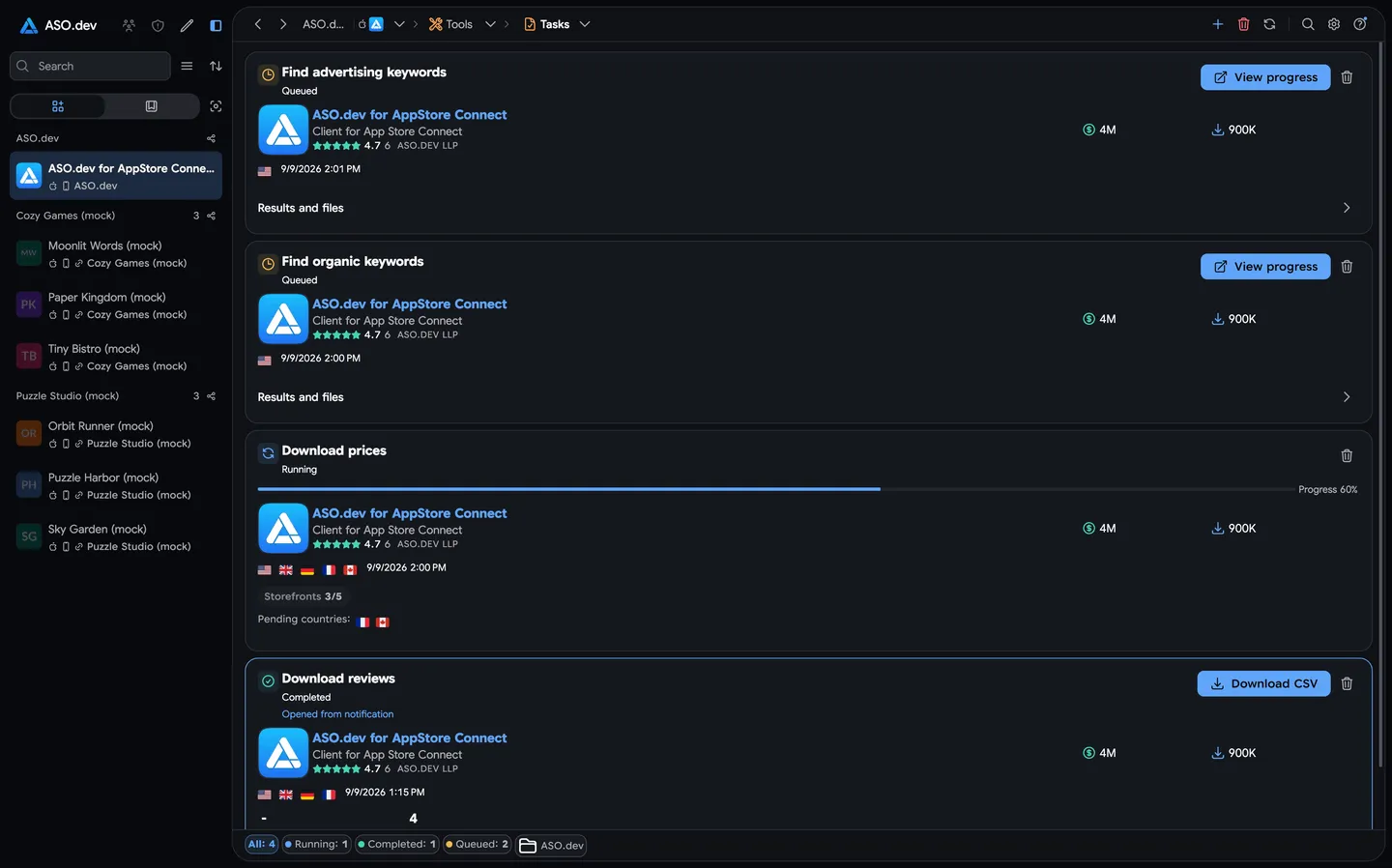
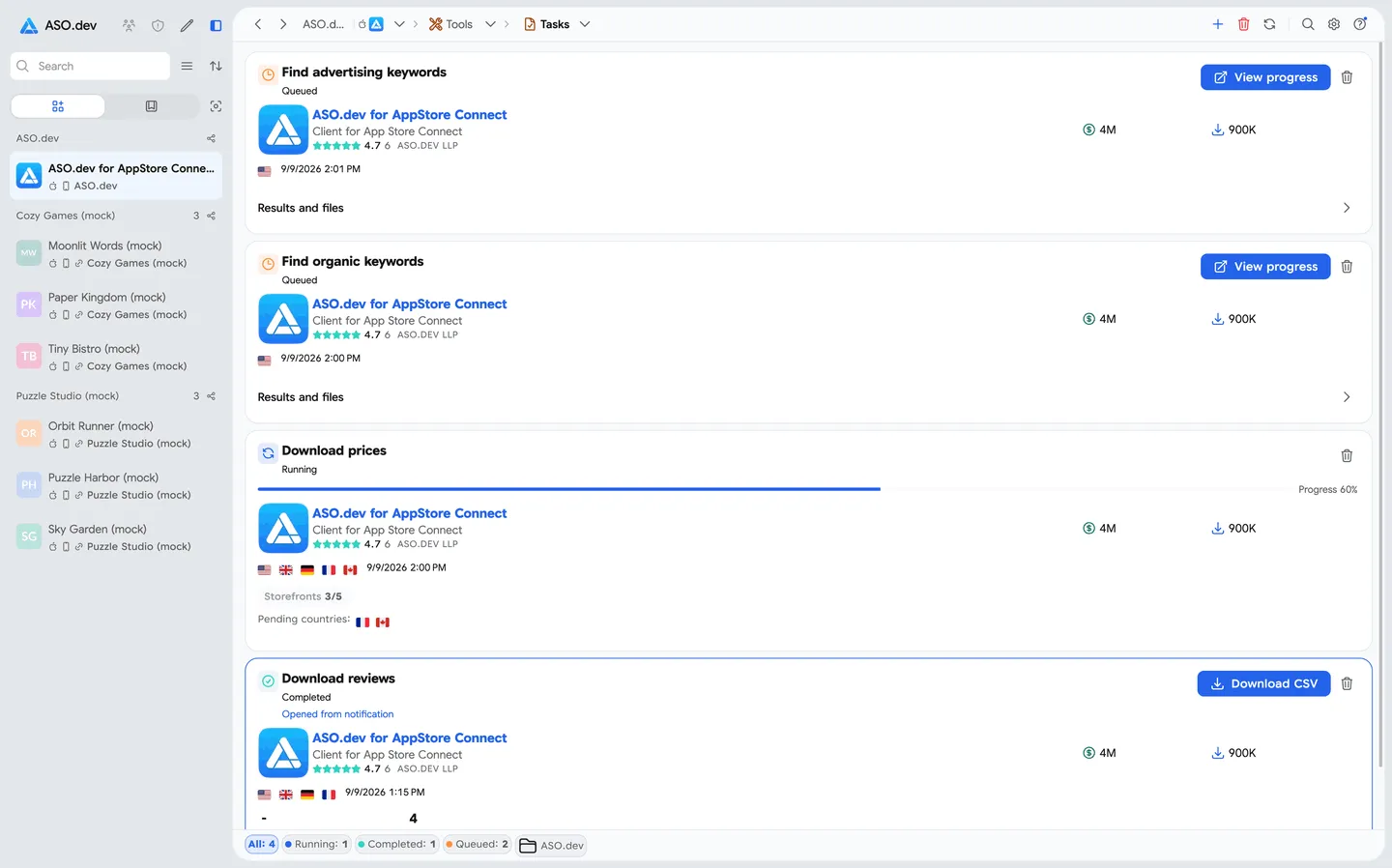
Tasks is the screen for one-time operations: reports, exports, and background processing.
A task is started manually, runs once, and sends its result to Notifications when complete.
Use Tasks when you need a specific result: a report, CSV file, editing template, competitor list, or data export.
How It Works
Section titled “How It Works”- Create a task and choose its parameters.
- ASO.dev processes the task in the background.
- When the task is complete, you receive a notification.
- The result becomes available in Notifications: open it, view it, or download it if the task creates a file.
This lets you run heavier operations without waiting on the screen.
When to Use It
Section titled “When to Use It”- bulk data export
- preparing pricing templates
- finding competitors from app data
- finding organic keywords from competitor apps
- historical data analysis
- one-time report for the current state
- an operation that does not need continuous monitoring
Available Tasks
Section titled “Available Tasks”The task list will expand. For now, these tasks are available:
Note: task count limits for each plan may change at the discretion of the ASO.dev team.
Competitor Search
Section titled “Competitor Search”For memberships with access to the ASO analysis: Indie, Pro and Marketing
The task finds competitors for the selected app using the ASO.dev algorithm.
On the Indie plan, competitor search is available for your own app and returns up to 50 apps.
On Pro and Marketing, you can run competitor search for any app and get up to 250 apps.
The algorithm analyzes app data and returns similar apps worth checking as competitors.
The result includes:
- the list of found competitors;
- shared keywords for each competitor;
- one combined keyword list that merges keyword overlaps across all found competitors.
Use this task when you need to quickly expand your competitor list, check a niche, or find new keywords for ASO analysis.
The combined keyword list opens in Keyword Overview.
There you can review App Store search results for those keywords, compare app positions, and choose keywords for the next step.
Find Organic Keywords
Section titled “Find Organic Keywords”For memberships with access to the ASO analysis: Indie, Pro and Marketing
The task finds organic keywords shared by competitor apps over the last 7 complete days. The current incomplete day is not included in the analysis.
On the Indie plan, you can run the task only for your own app and get up to 5,000 keywords.
On Pro and Marketing, you can run it for any app and get up to 20,000 keywords.
When creating the task, choose:
- Competitor source:
- project competitors;
- project and discovered competitors;
- discover competitors automatically.
- Number of discovered competitors: 25, 50, or 100 when the selected source includes automatic discovery.
- Maximum keywords: 500, 1,000, 2,500, 5,000, 10,000, or 20,000, up to your plan limit.
- Application to find keywords for.
- Country to analyze.
Use this task to quickly collect organic search terms from an app’s competitive landscape and prepare a keyword list for further ASO analysis.
All Reviews Export
Section titled “All Reviews Export”Available only for the Pro and Marketing memberships.
For the Indie plan, review export for your own app is available in Reviews.
For any app and country, you can use the review export in the App Info section.
The task exports reviews for the selected app and selected countries. You can choose any country from the 175 available countries.
The result is generated in CSV format. It is useful for sentiment analysis, finding repeated issues, sharing data with support teams, or processing in external tools.
App Prices Across All Countries
Section titled “App Prices Across All Countries”For memberships with access to the ASO analysis: Indie, Pro and Marketing
The task exports app prices across all 175 countries in CSV format.
The result can be used as a template for editing prices for Subscriptions or In-App Purchases. Download the file, make changes, and use it as a base for further pricing work.
Key Difference
Section titled “Key Difference”Subscriptions are for cases where ASO.dev should continuously watch for changes.
Tasks are for cases where you want to run one operation and get one result.
API
We have started working on a public API.
If you have requirements for specific endpoints, send them to support@aso.dev.