
Introductory Offers
Introductory Offers help convert new users into subscribers by giving them a special first experience: a free trial, a discounted first period, or a prepaid discounted period.
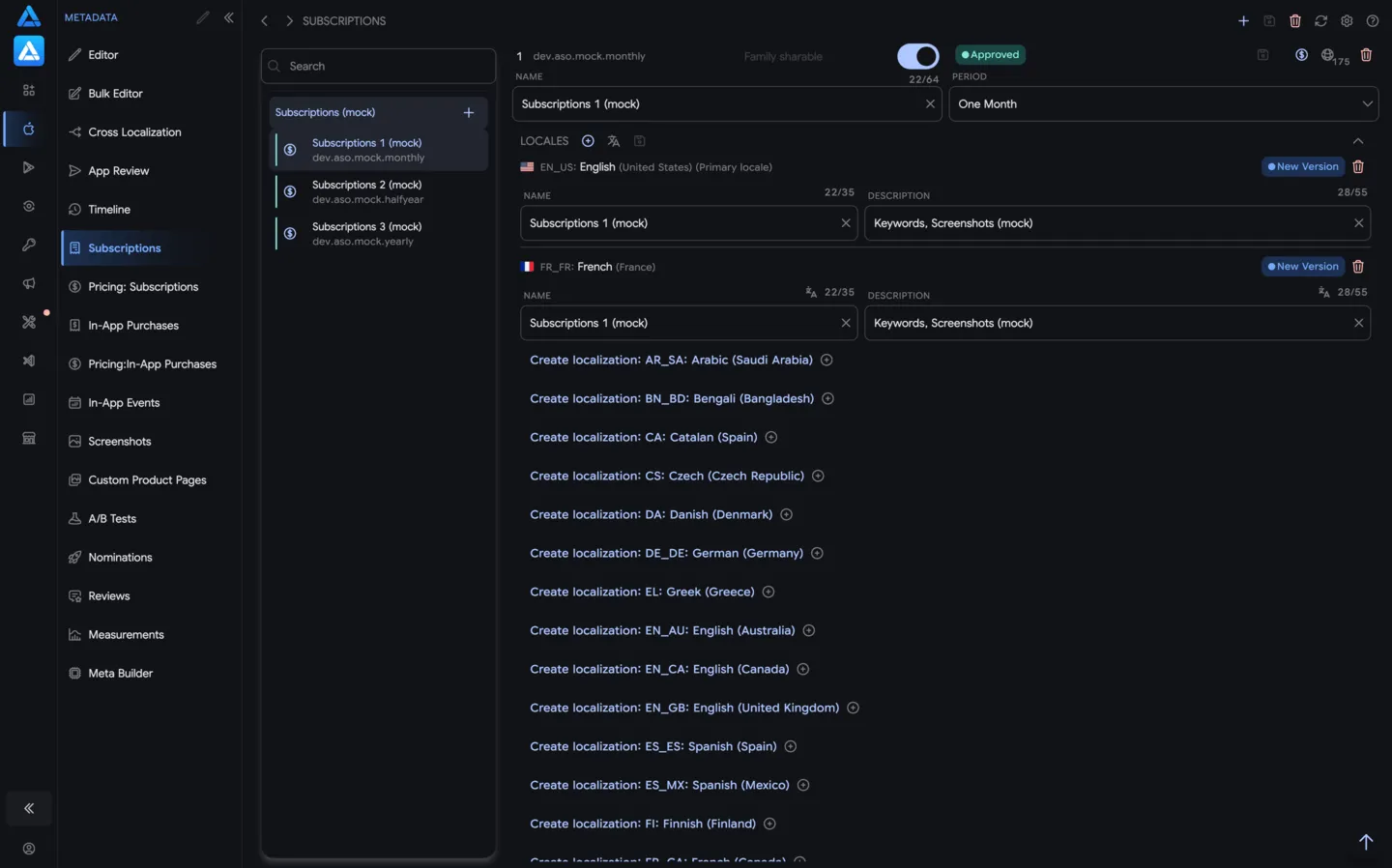
In ASO.dev, introductory offers are created in the Pricing editor for a selected subscription. They are not a separate product: first choose the subscription, open its pricing editor, then create the offer type for it, such as Free Trial, Pay As You Go, or Pay Up Front.
Offer Types
Section titled “Offer Types”Free Trial
Section titled “Free Trial”Users get access to the subscription for a limited time before paid renewal starts.
Use it when:
- the product value is clear after real usage
- users need time to evaluate the content
- conversion depends on onboarding or habit building
Pay As You Go
Section titled “Pay As You Go”Users pay a discounted recurring price for a limited number of periods, then move to the regular subscription price.
Use it when:
- you want a softer first purchase
- the subscription value grows over several billing cycles
- you want to reduce the first-payment barrier
Pay Up Front
Section titled “Pay Up Front”Users pay a discounted one-time price for the introductory period, then renew at the regular subscription price.
Use it when:
- you want the user to commit for a longer first period
- the offer is seasonal or campaign-based
- the regular price is easier to accept after the first period
Manage Offers in ASO.dev
Section titled “Manage Offers in ASO.dev”- Open Subscriptions.
- Select the subscription group and the exact subscription you want to edit.
- Open the Pricing editor for that subscription.
- At the top, choose Introductory Offer instead of Main Price.
- Create the offer: choose Free Trial, Pay As You Go, or Pay Up Front, then configure duration and periods.
- Review local changes before saving.
- Save changes to App Store Connect.
On the same Pricing editor screen, the top switch defines what you are editing:
- Main Price edits the regular price of the selected subscription.
- Introductory Offer edits the promotional price for the offer attached to the selected subscription.
Pricing
Section titled “Pricing”Introductory Offer pricing uses the same pricing workflow as subscriptions and in-app purchases:
- update prices by country
- use rounded or charming prices
- apply multipliers such as purchasing power parity (PPP) or Big Mac Index (BMI)
- import and export pricing data