
Build a relevant keyword backlog
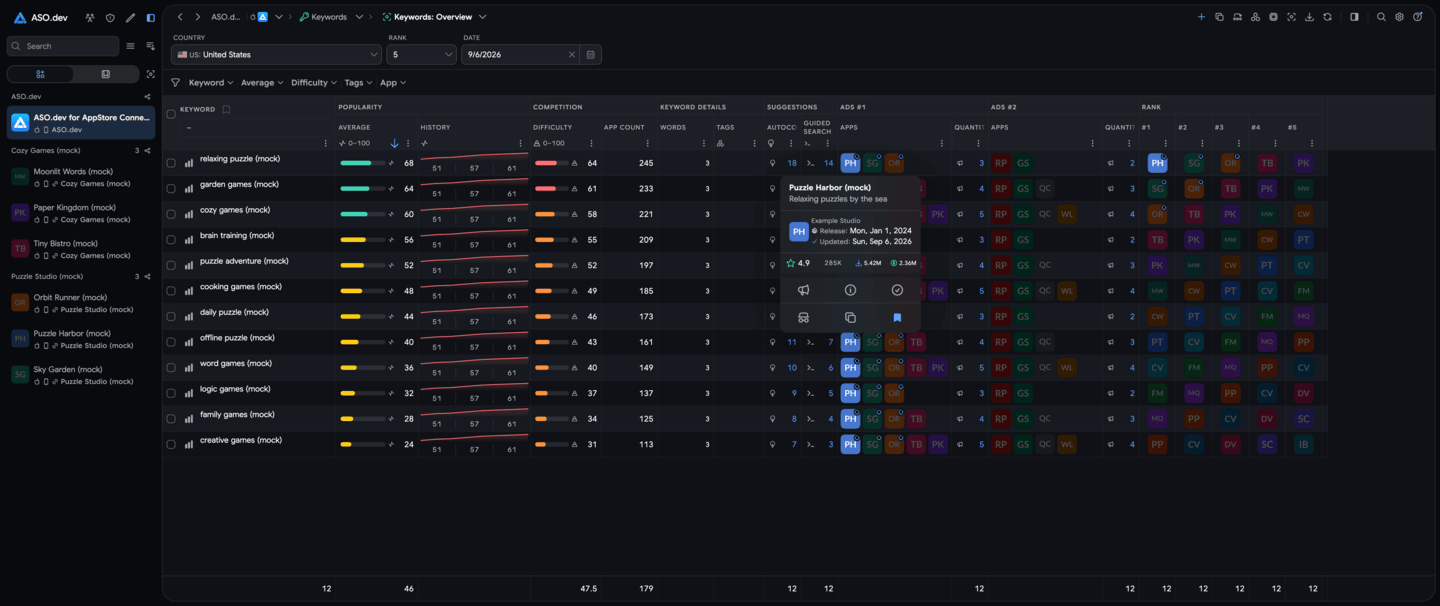
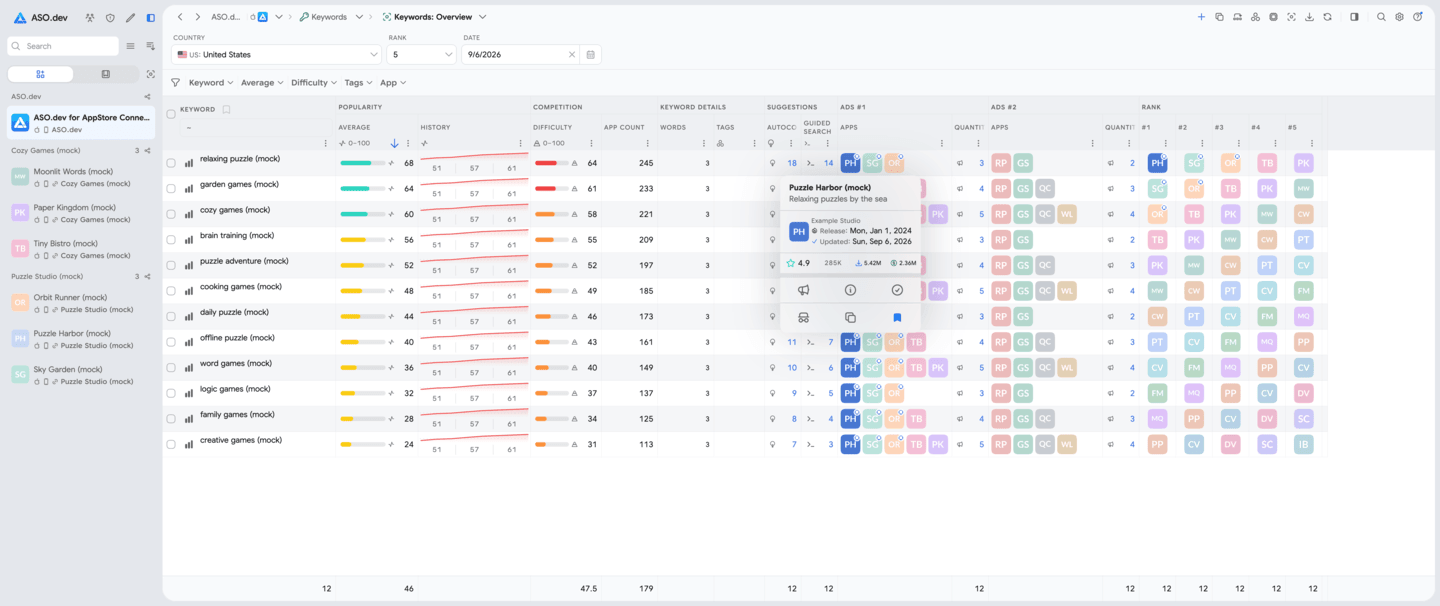
Explore search terms without research limits and compare demand, difficulty, and the apps already ranking.
Unlimited ASO research
Research keywords and competitors across 60 countries with 6.4M+ keywords, 4-hour rank refreshes, and no limits on your research.
3-day trial · Cancel anytime

Evidence for every release
Evaluate demand, ranking difficulty, and competitor activity. Explore the new App Store images and videos alongside keyword research.
A workflow you can repeat
Paste a link to your app or any competitor—no API key or account connection required—then move from public market data to a focused metadata hypothesis.
Paste an App Store link for your app or a competitor. ASO.dev loads the public data so you can start immediately without connecting a developer account.
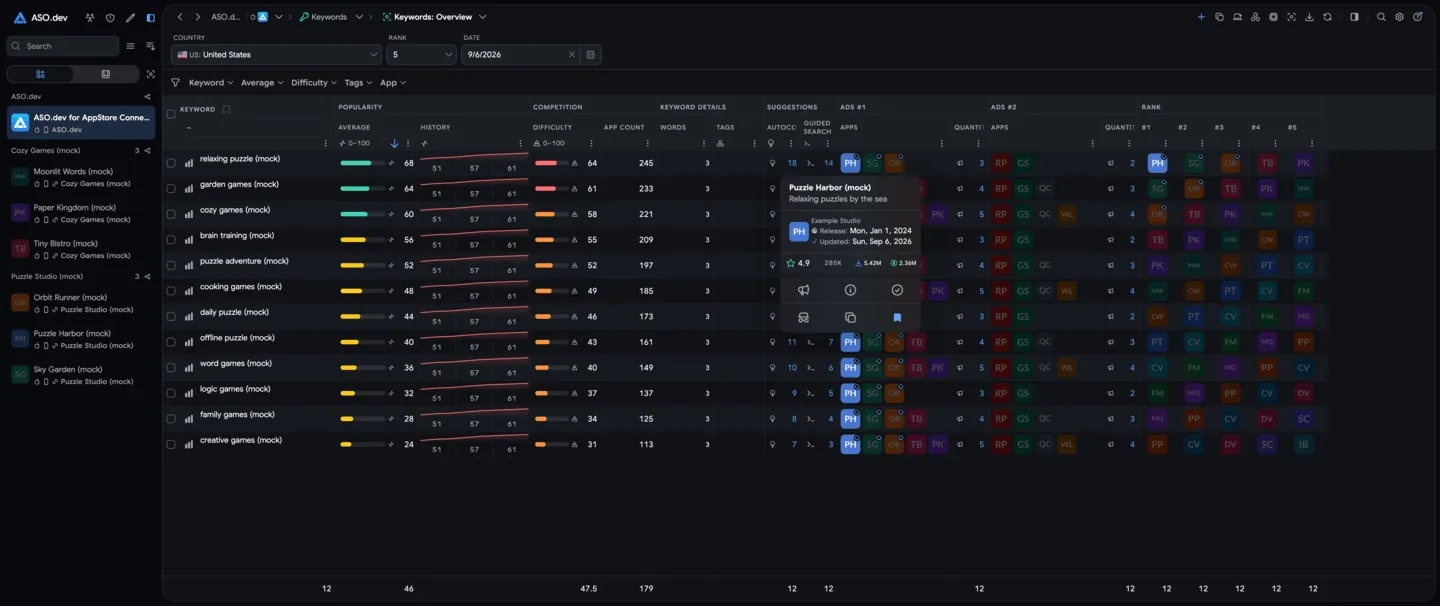
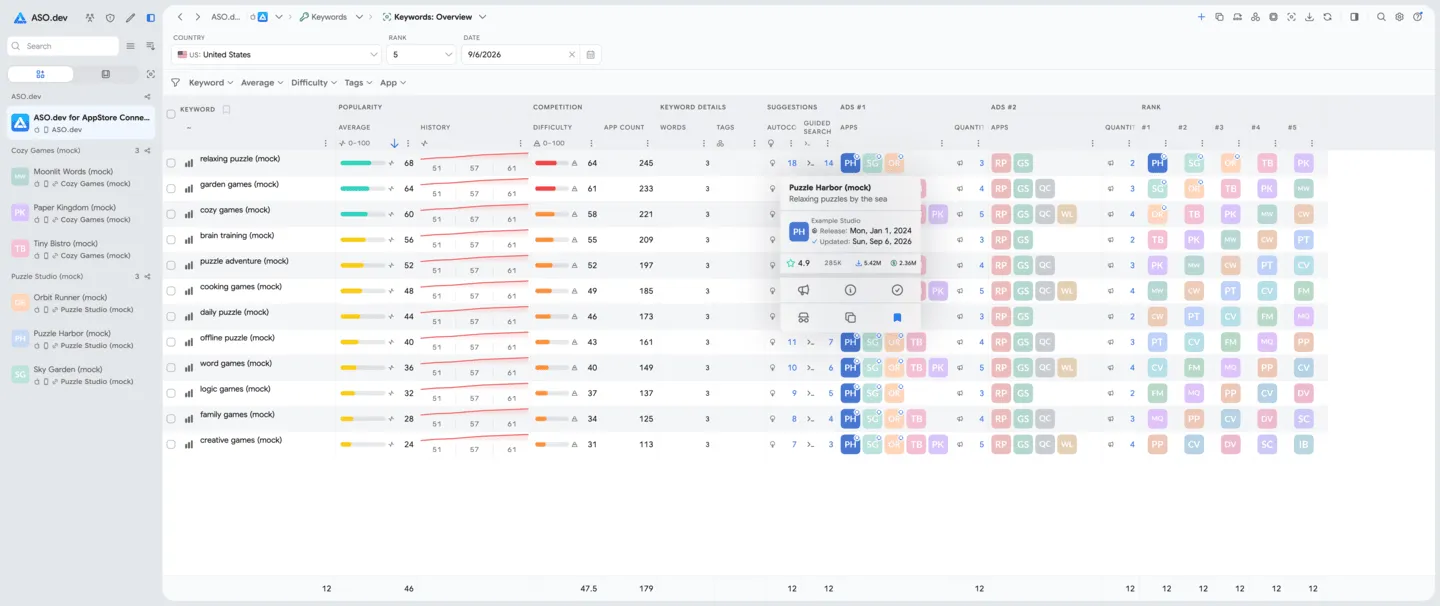
Shortlist terms using demand, difficulty, relevance, and current ranking context instead of intuition alone.
Monitor positions on the four-hour refresh cycle and use the result to shape the next metadata update.
Built for real ASO work
Use the same market data whether you manage a portfolio, advise a client, or grow one app on your own.
Explore search terms without research limits and compare demand, difficulty, and the apps already ranking.
Decide which terms deserve a place in the title, subtitle, or keyword field before the release is prepared.
Follow ranking changes across 60 countries with positions refreshed every four hours.
Keep keyword evidence, competitor context, and ranking outcomes together for clients, teammates, or your own release notes.
Inside the platform
Research keywords, rankings, competitors, and the new App Store media. Use Placements Explorer to find examples by category and localization.
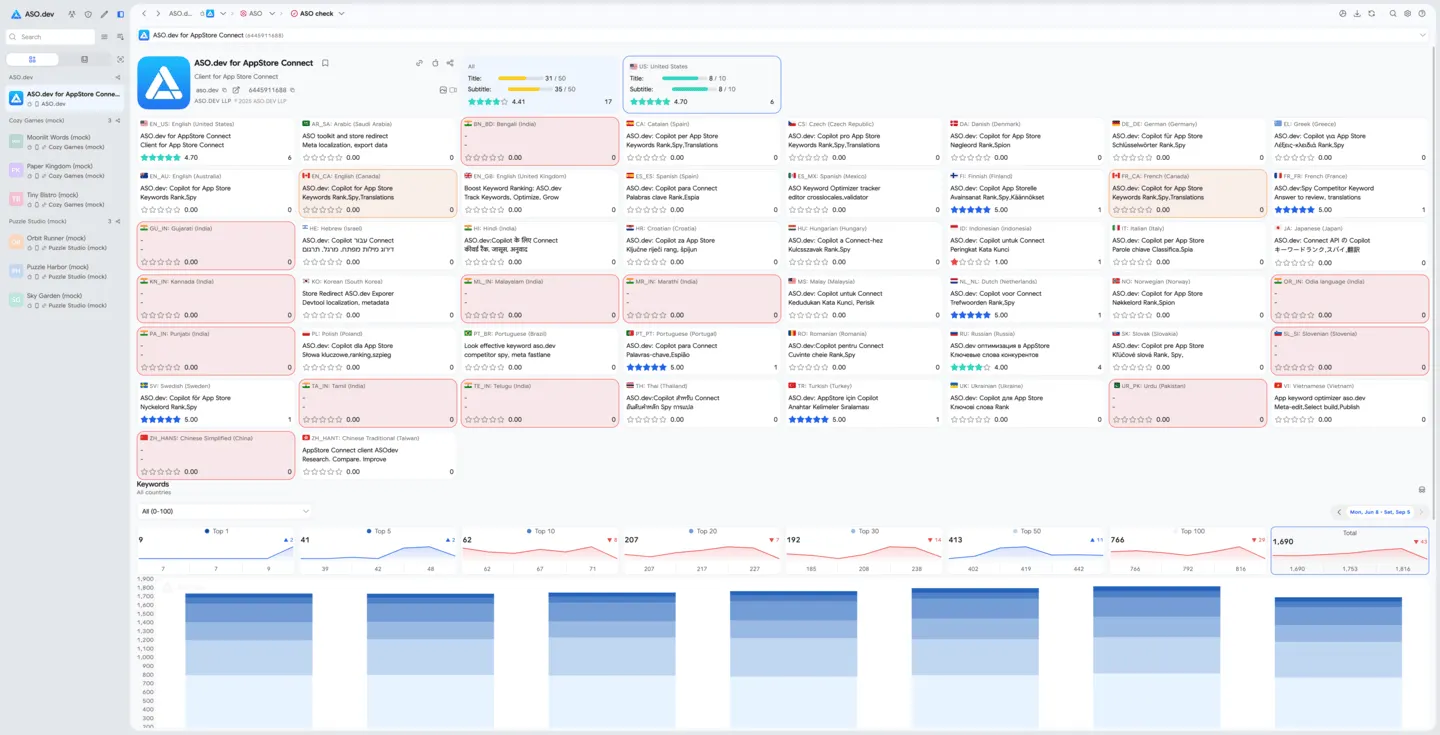
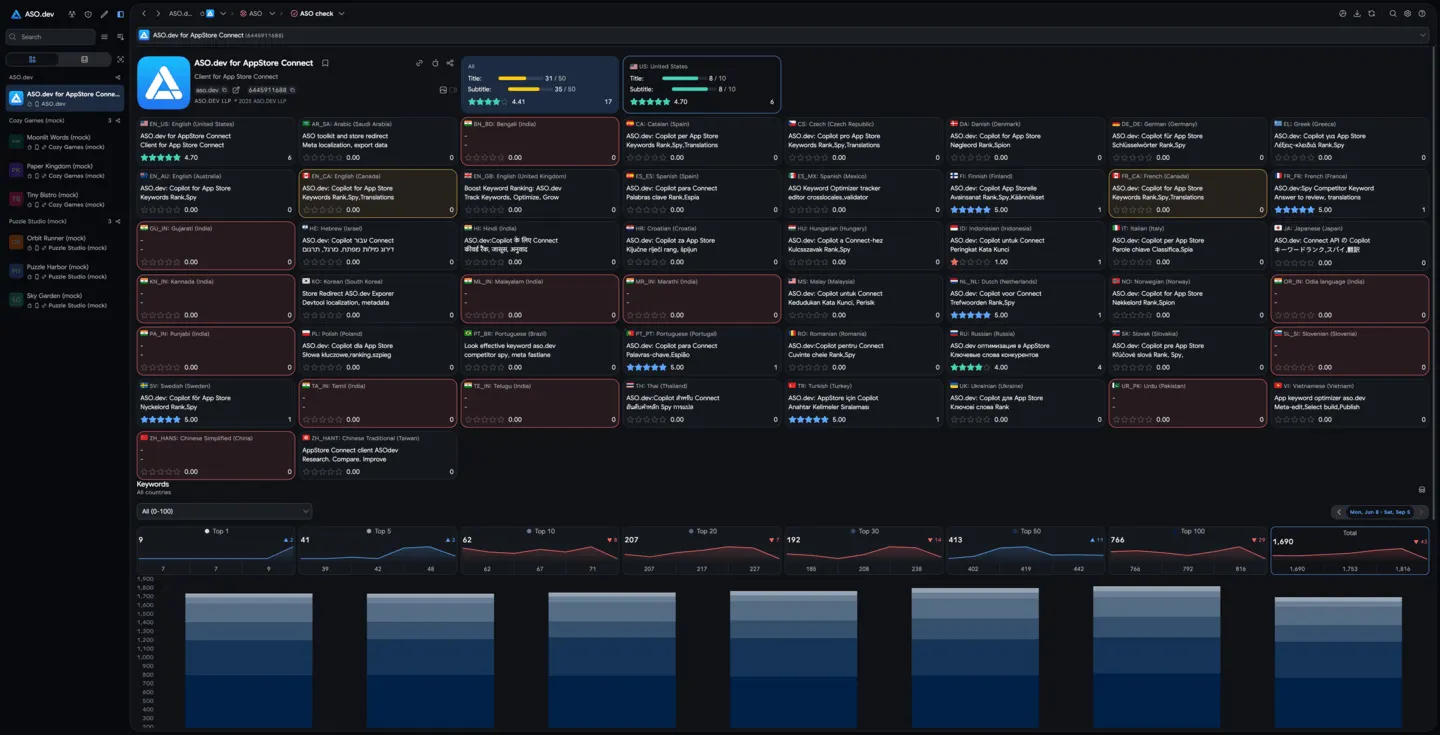 01ASO CheckEvaluate any app’s ASO across all 50 App Store locales. Identify where titles, subtitles, keywords, or ratings can improve in each country, and use keyword distribution insights to boost global visibility.
 02NewNew App Store images and videosExplore Product Page Header and Search Results images and videos. Find examples by category and localization in Placements Explorer.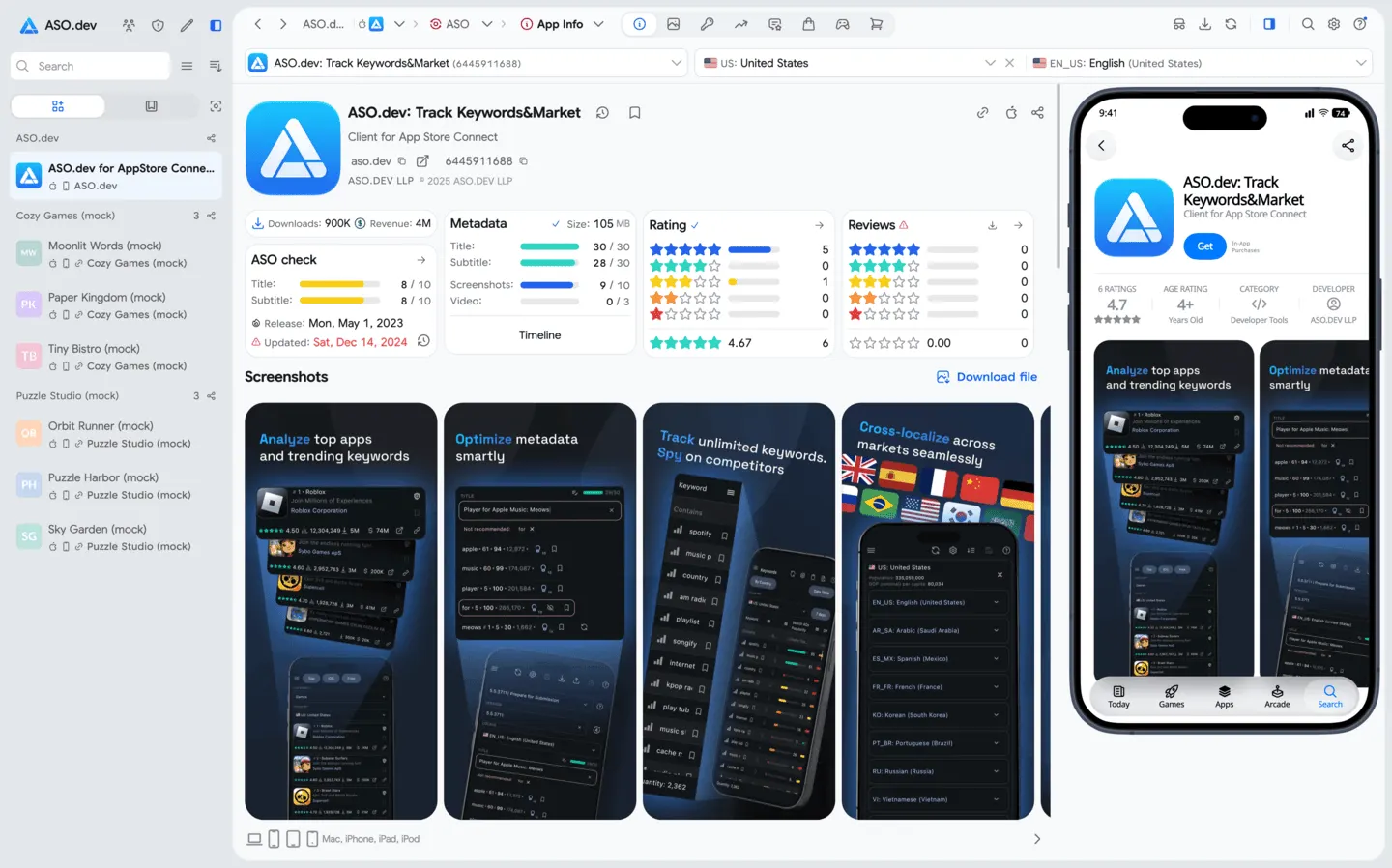
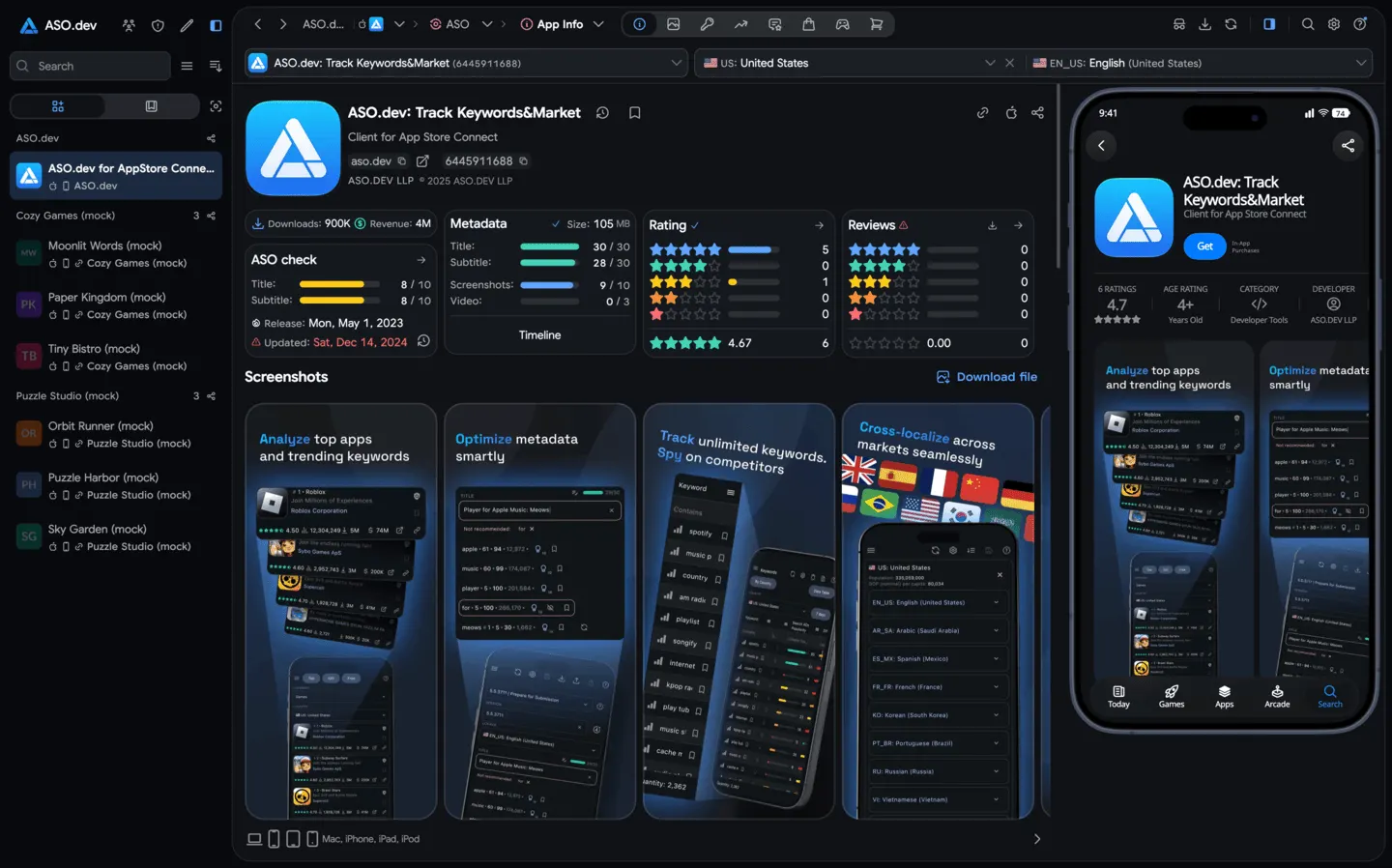 03App InfoGet a comprehensive overview of any app’s performance: keyword rankings, ratings, reviews, category rankings, and more. Analyze competitor listings, preview the app’s store page on devices, and discover related apps through “People Also Buy” insights. See its actual Product Page Header and Search Results images and videos for the selected country and localization.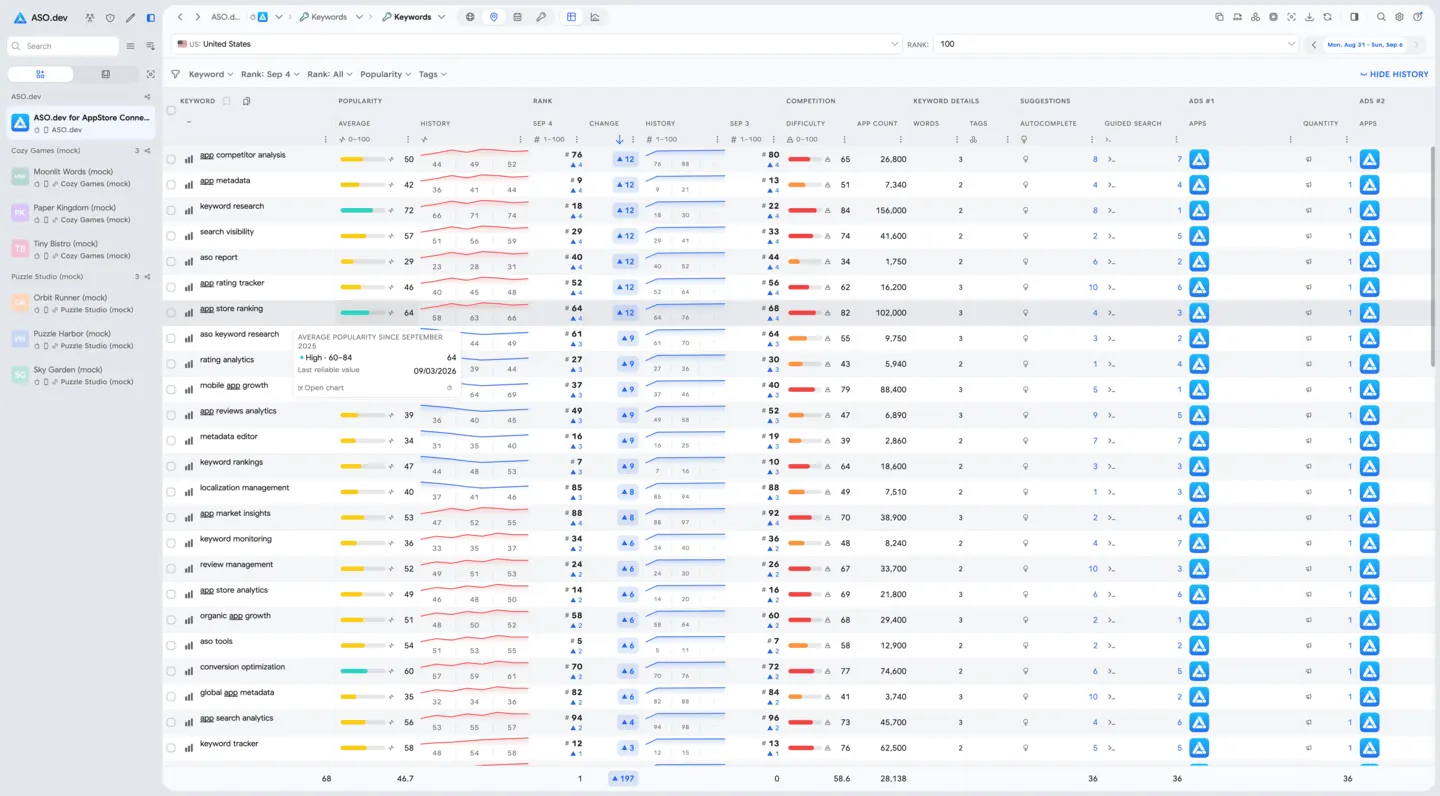
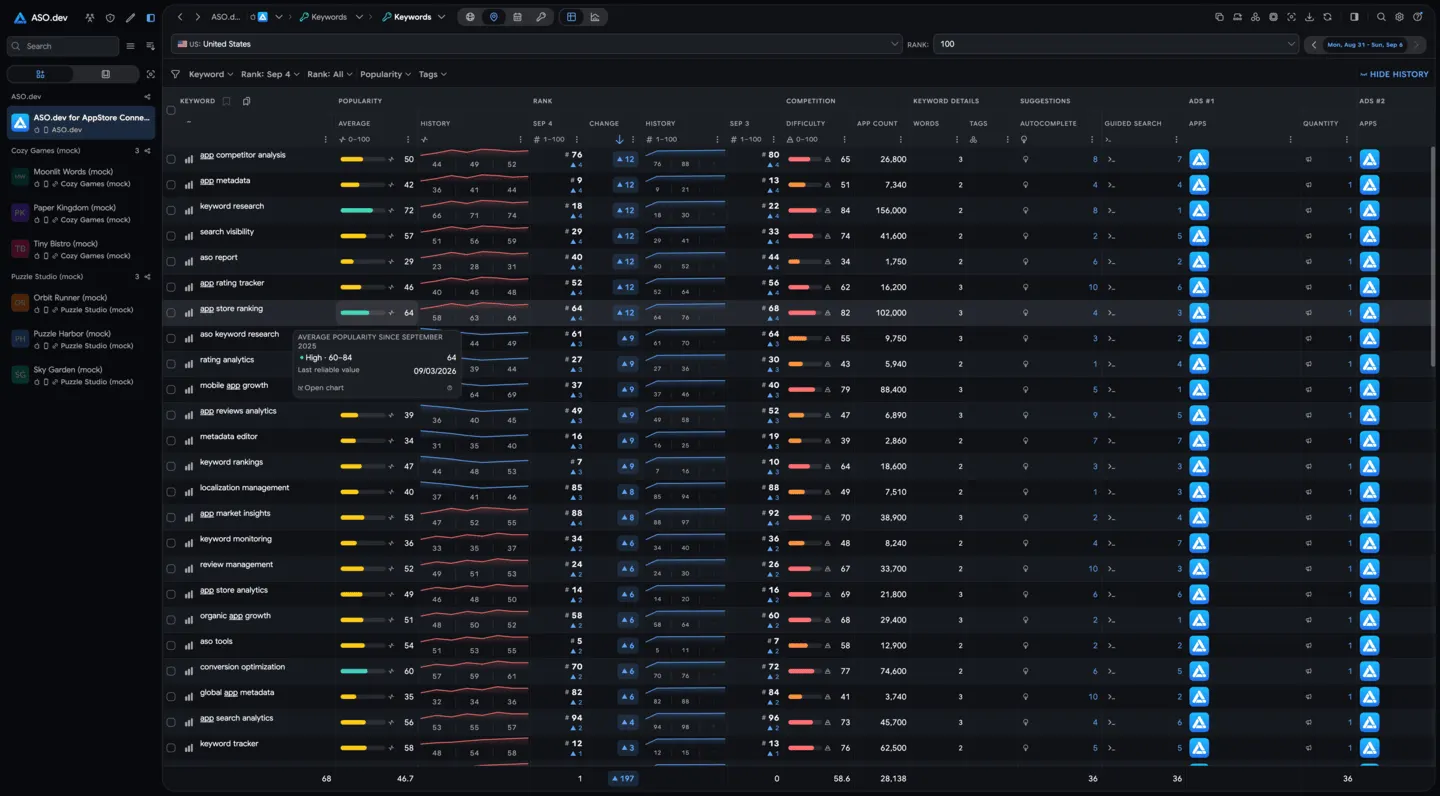 04Keywords: RankingsTrack positions every 4 hours for keywords in your list.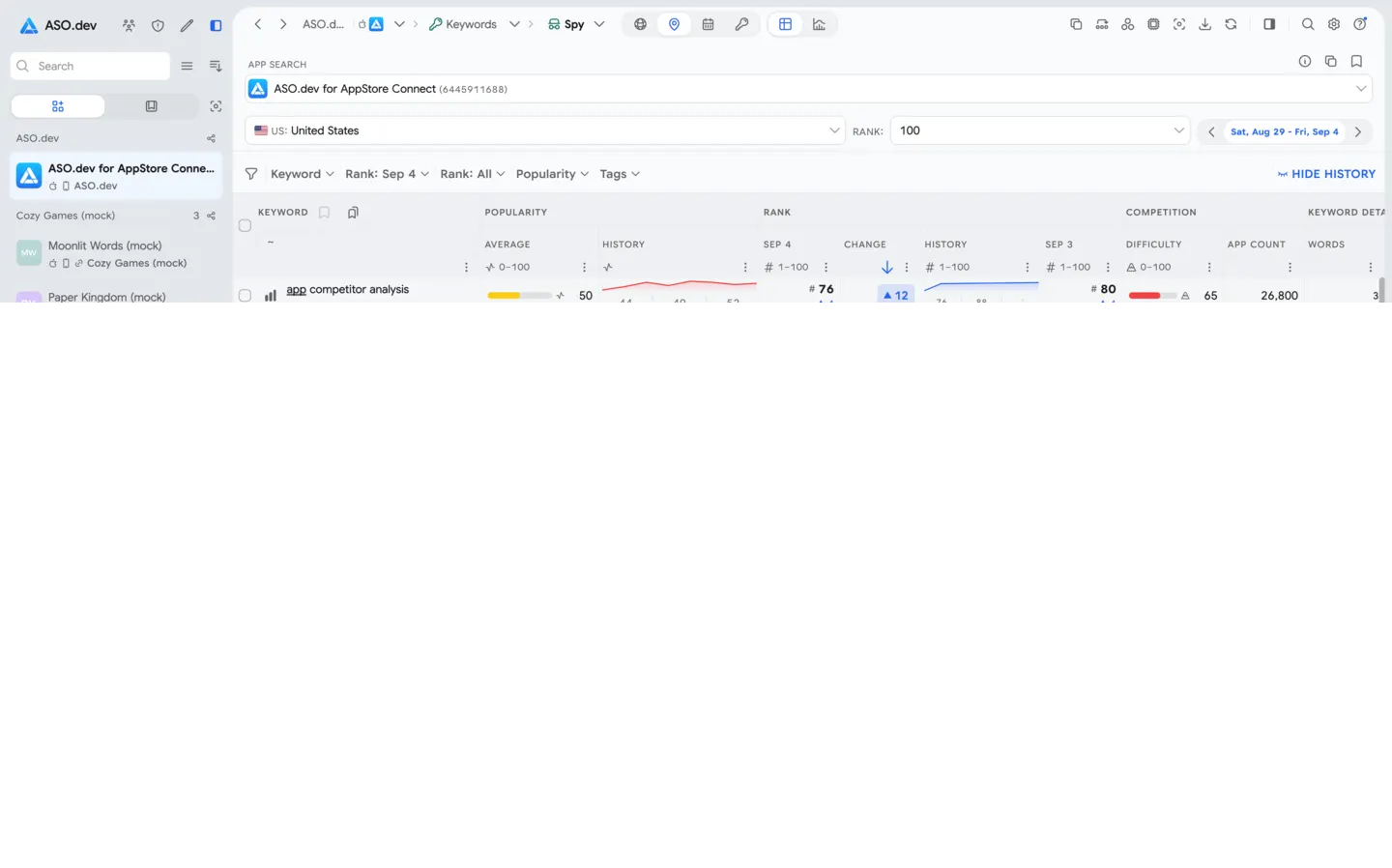
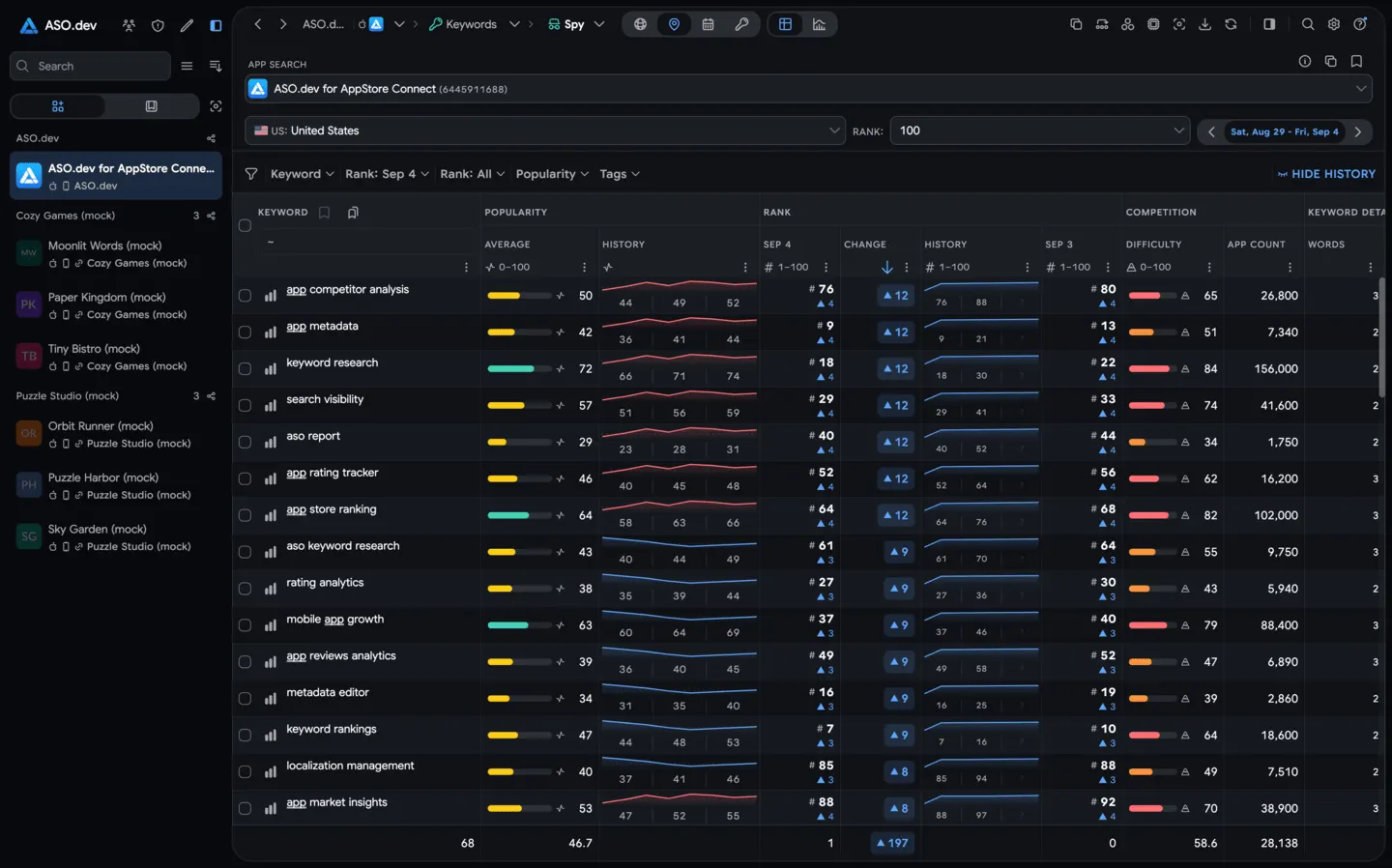 05Spy: Competitors’ Keywords RankingSee Competitor Keywords Ranking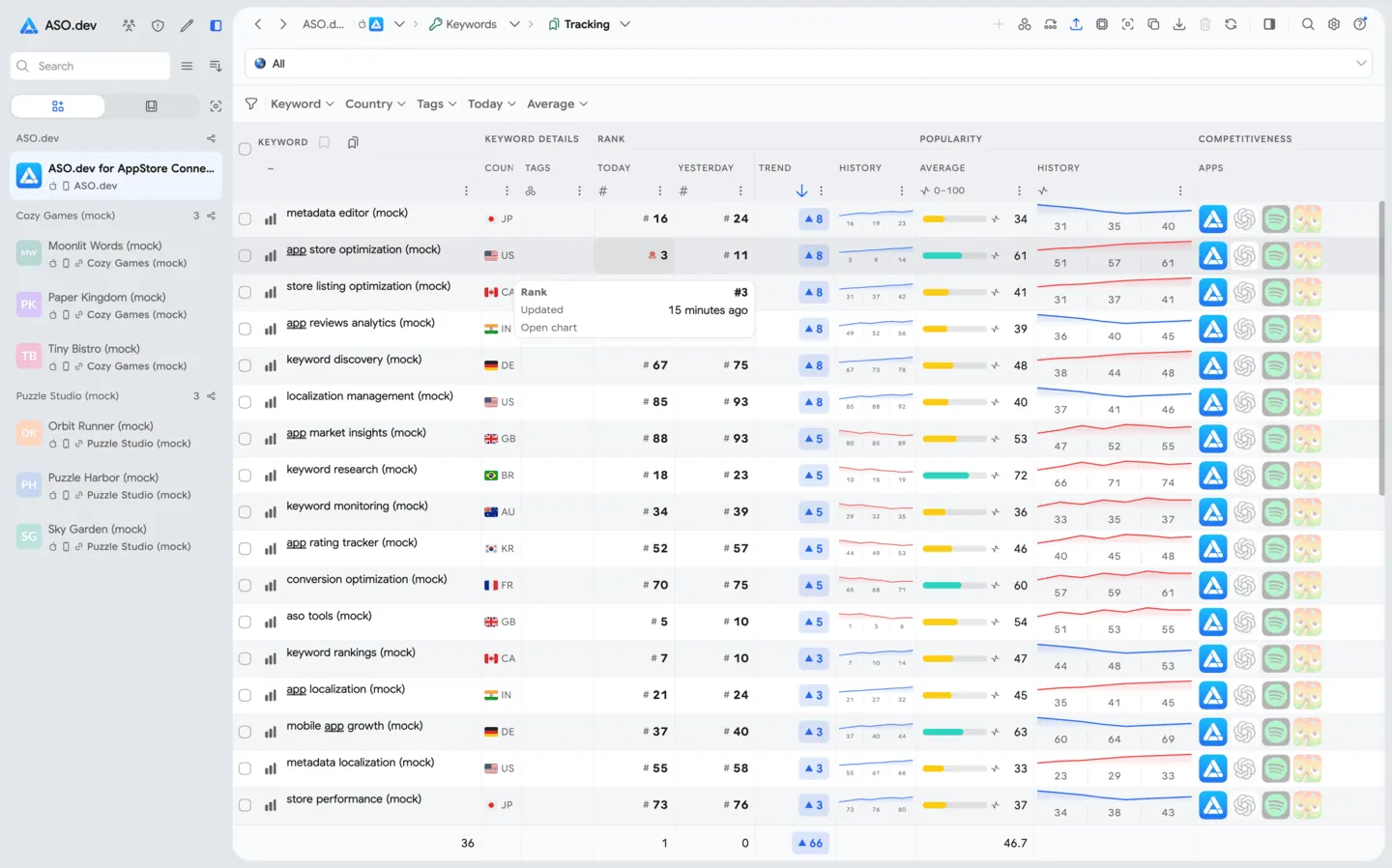
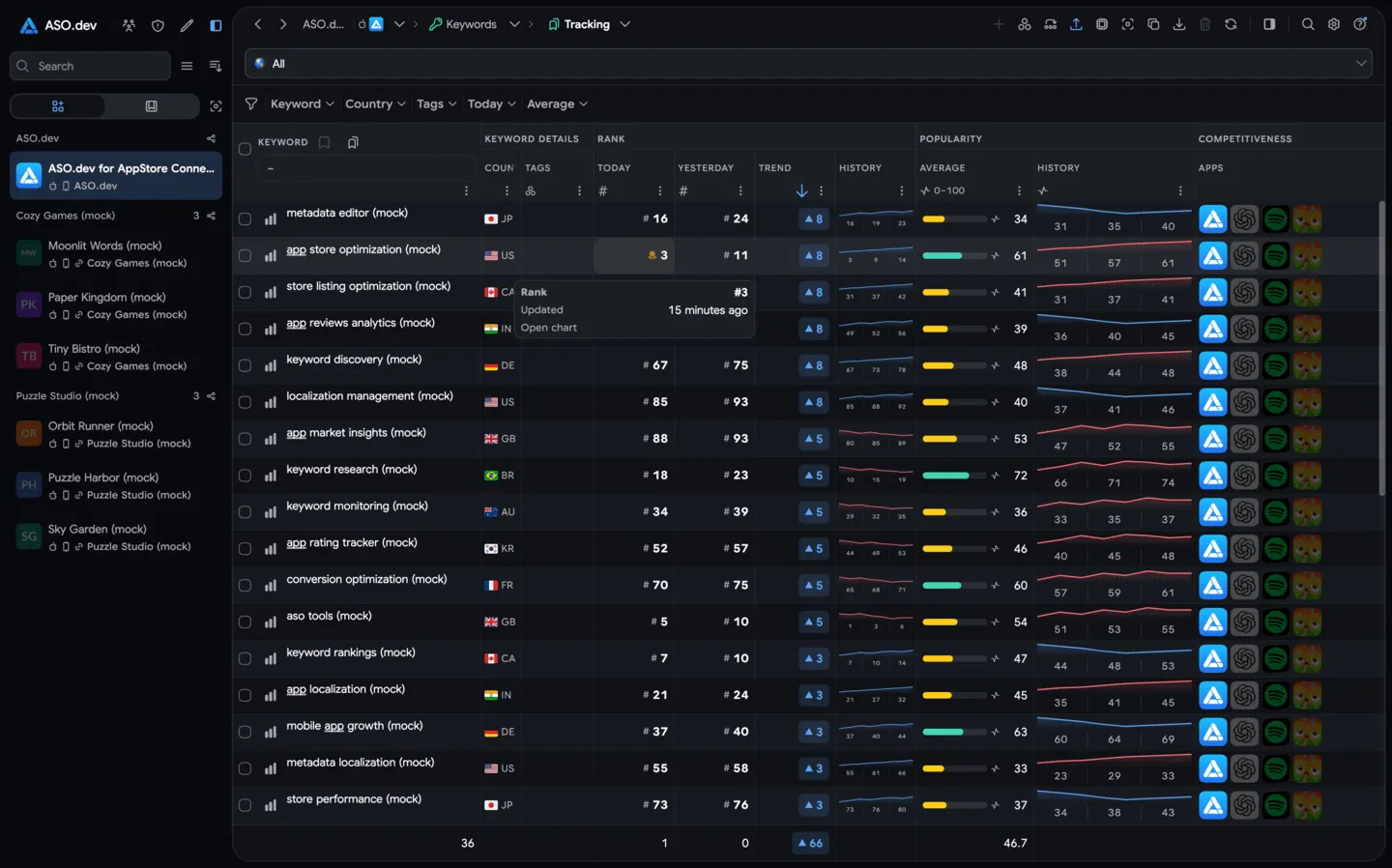 06Tracking keywords listBookmark and organize unlimited keywords into workspace-specific lists. Track each keyword’s performance over time (popularity, difficulty, number of apps, hints, history, current rank) and easily import or export these lists.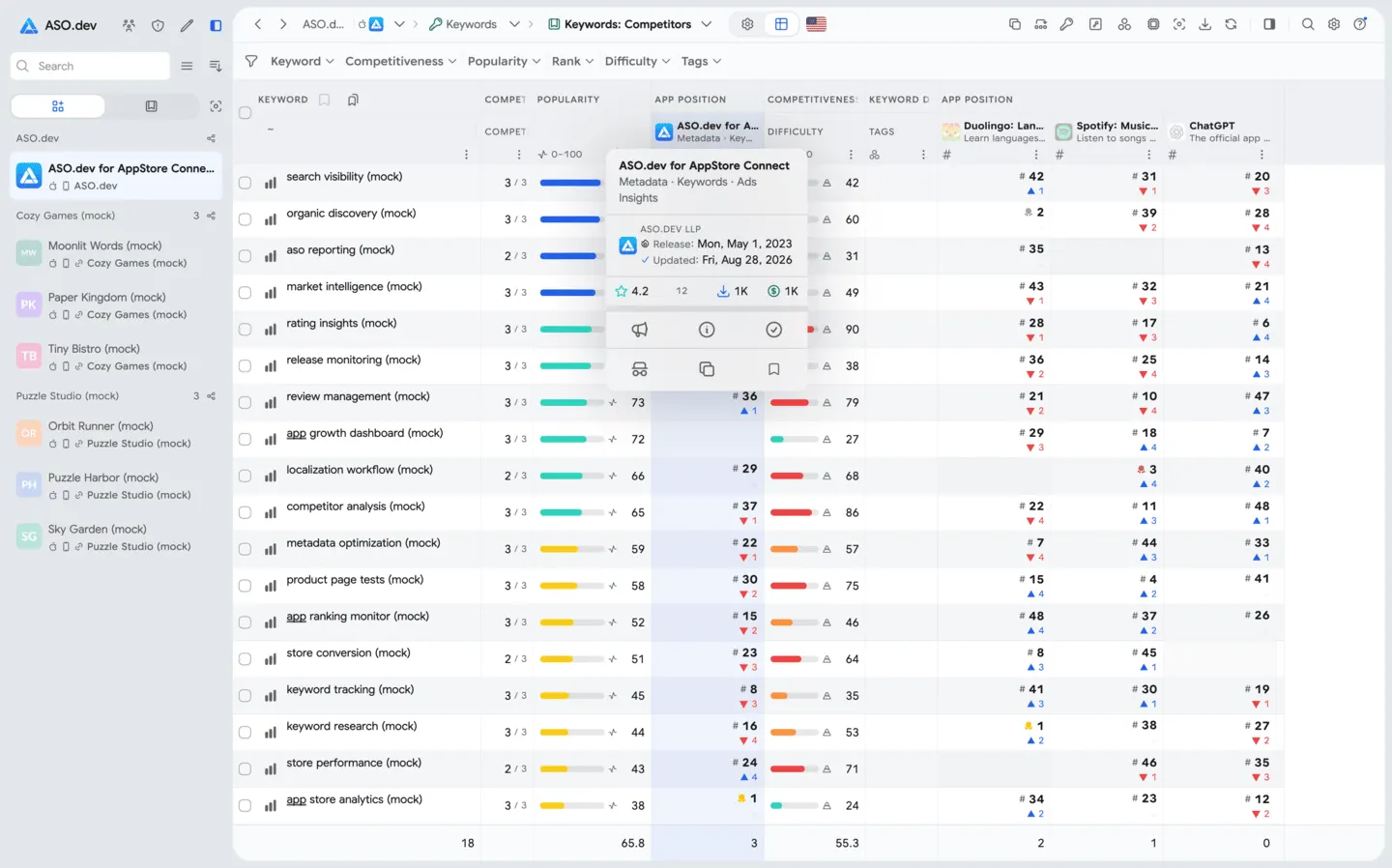
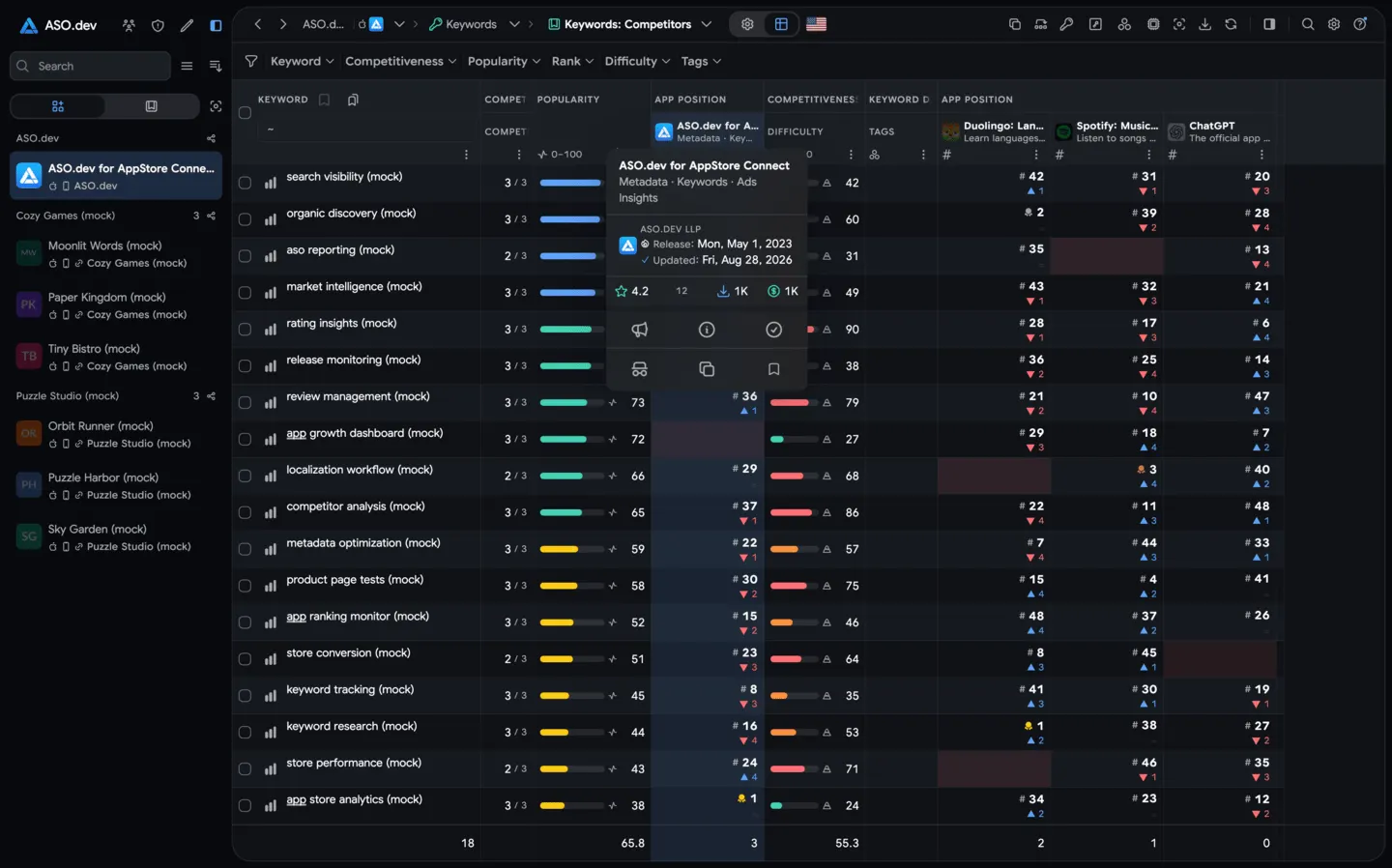 07Competitors’ Keywords RankingCompare your app’s keyword rankings against those of competitors across different countries and time frames. Discover new relevant keywords and track metrics like popularity (SAP), difficulty, competing apps, and ranking trends to find opportunities to improve visibility.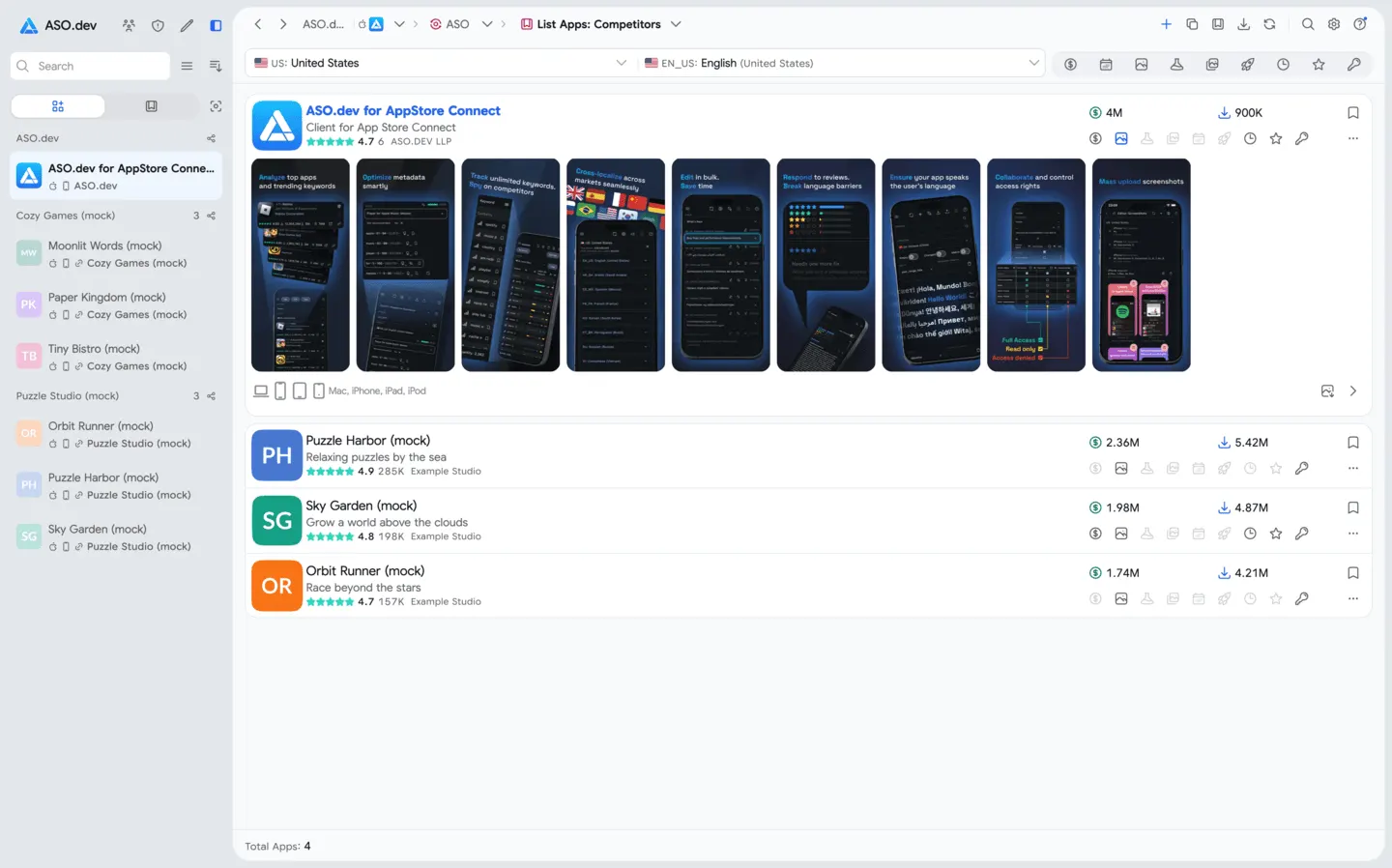
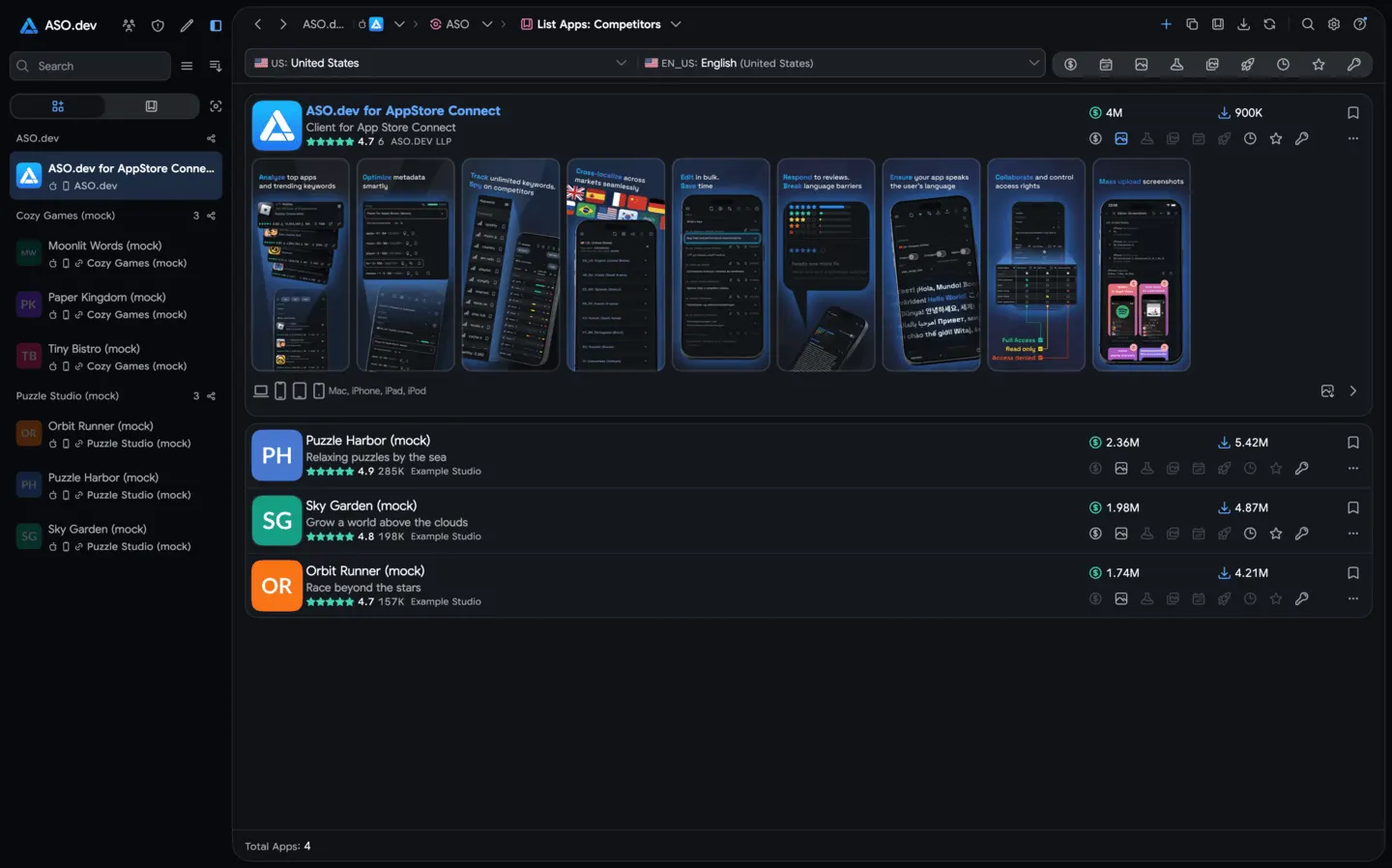 08Competitor AnalysisSee how your app stacks up against competitors at a glance. Compare icons, titles, subtitles, ratings, downloads, revenue, and more to spot areas for improvement. Stay informed on competitors’ updates and user feedback to refine your ASO strategy.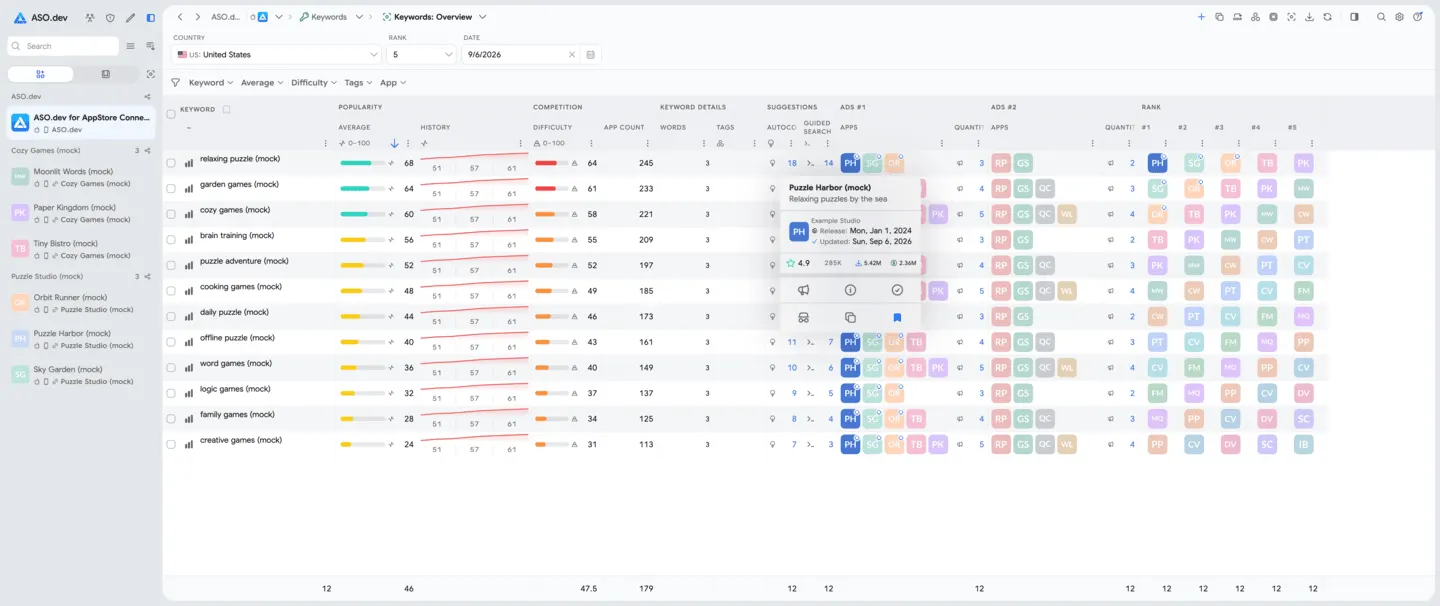
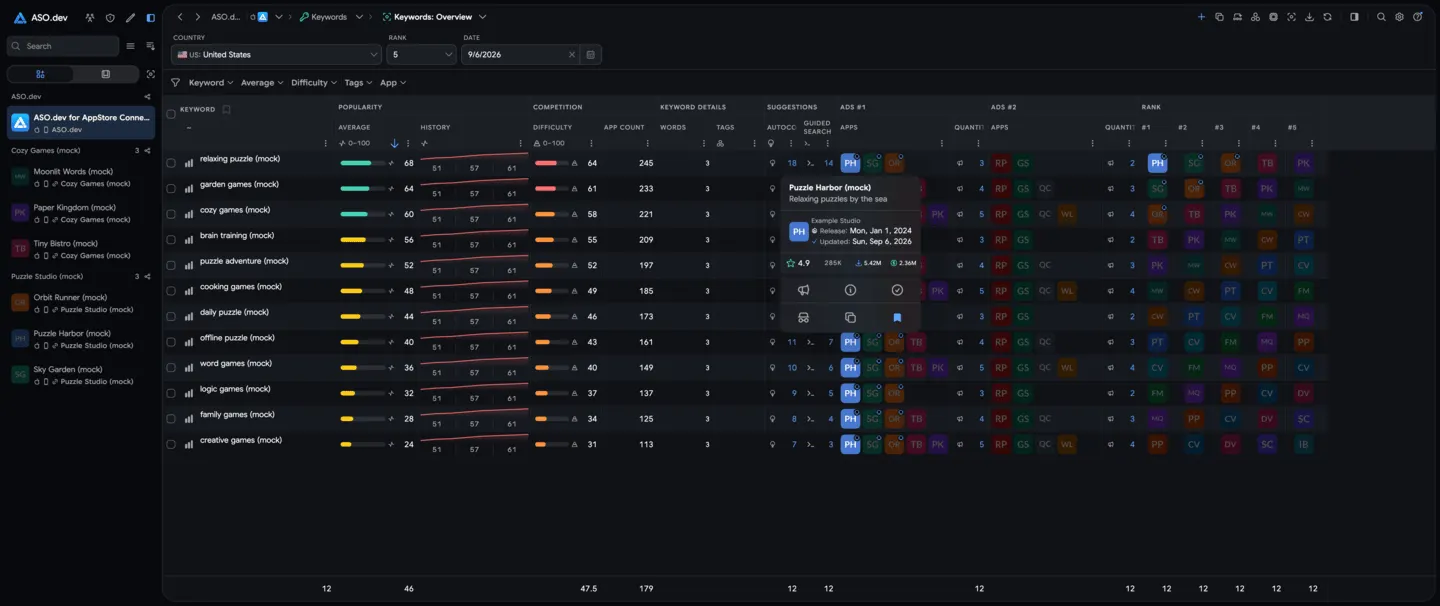 09Keywords: OverviewSee the top-ranking apps for any keyword, giving you quick insights into which apps lead the search results and how relevant a keyword is.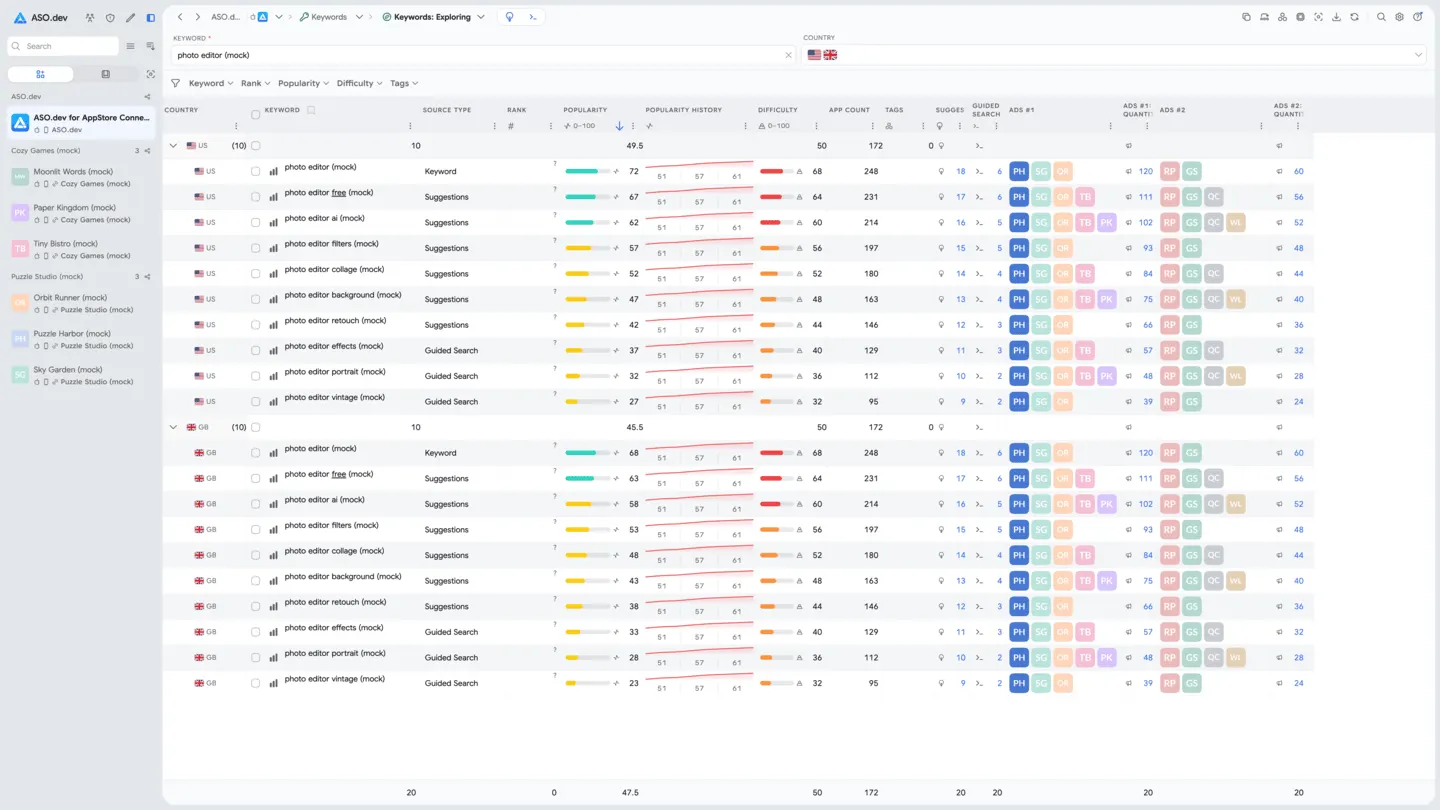
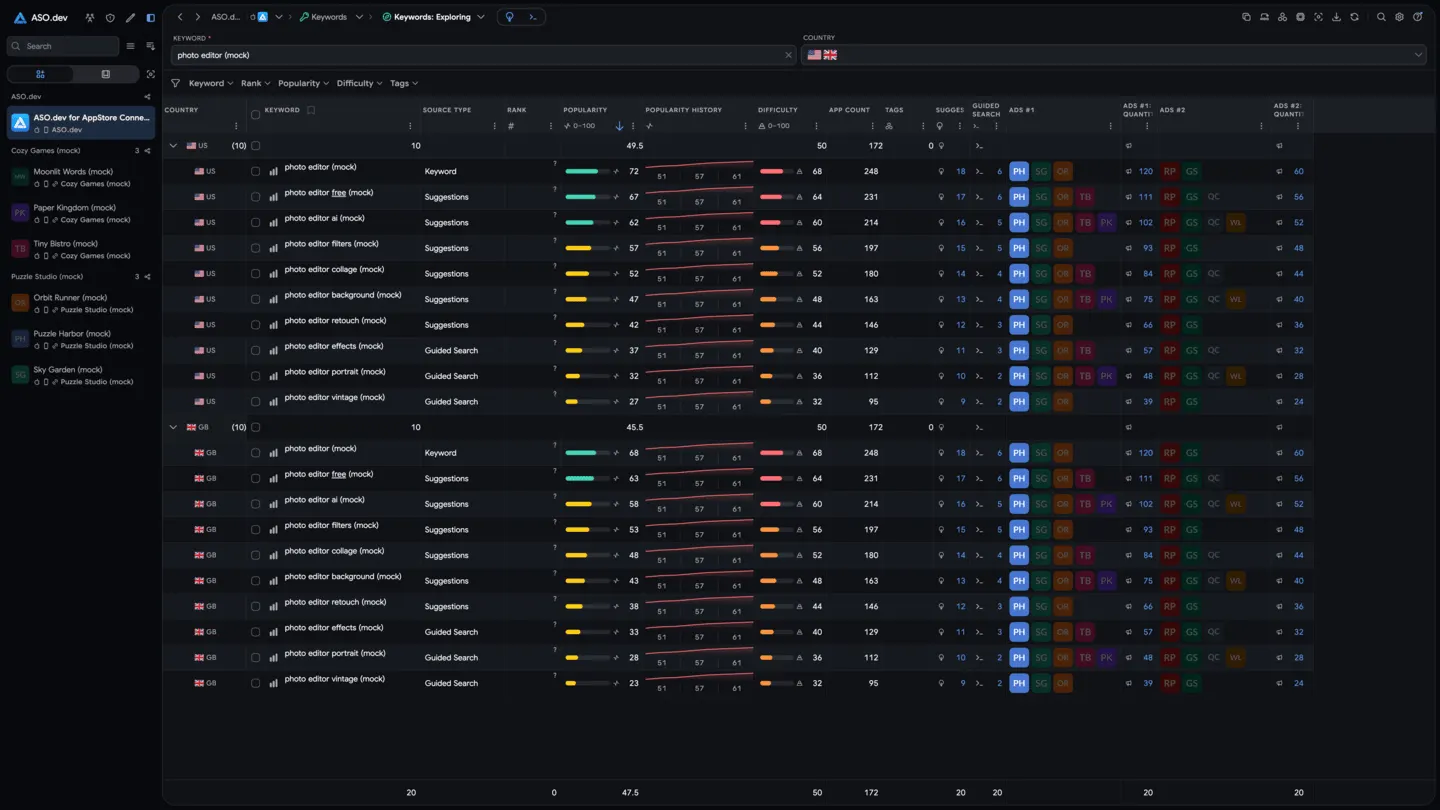 10Keywords: ExploreAnalyze App Store keywords with real data. Track popularity trends, see autocomplete suggestions and guided search tags, and find high-performing terms to boost your app’s visibility.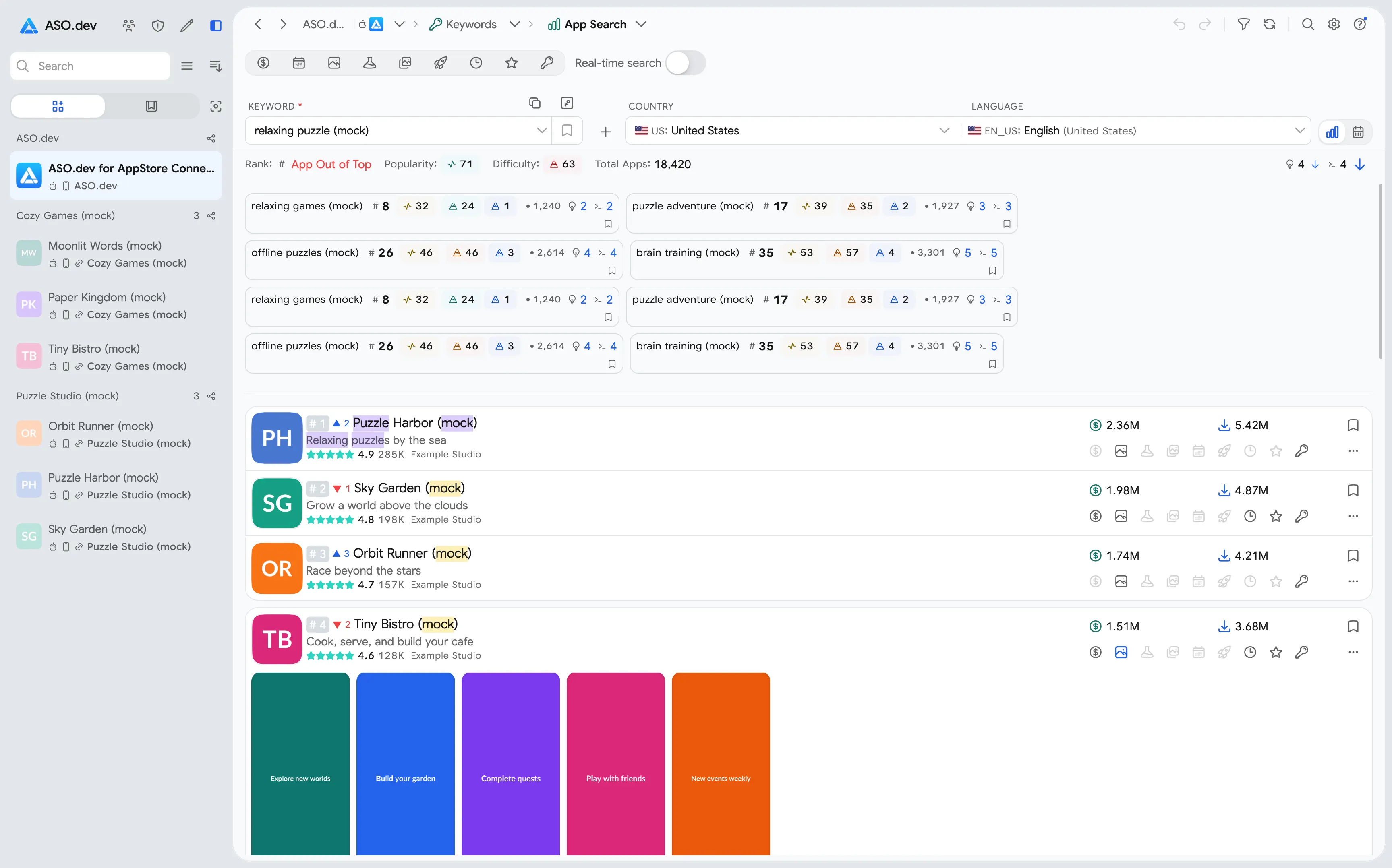
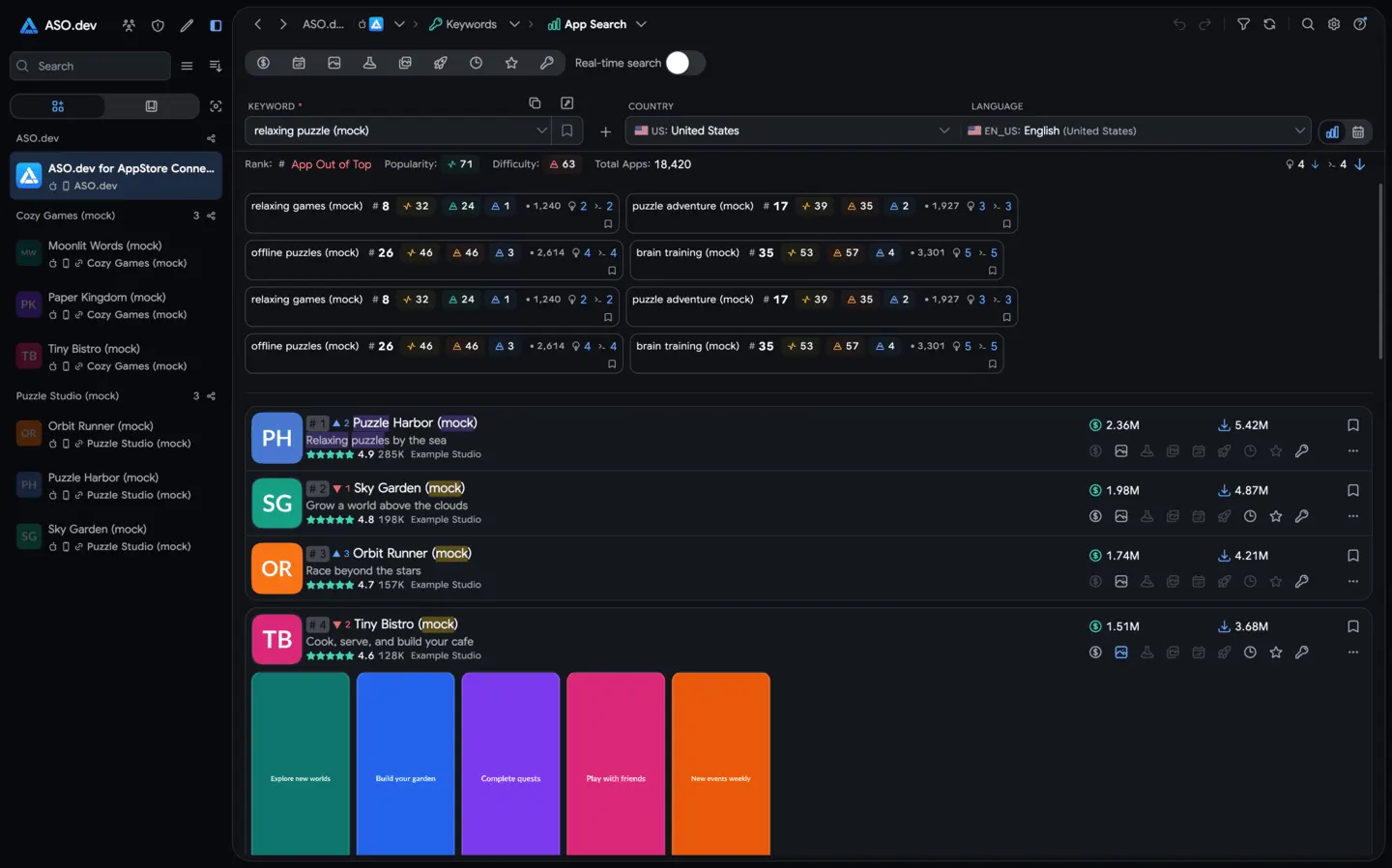 11Keywords: Search App by keywordFind which apps rank for any keyword and see detailed info like their rank changes, ratings, downloads, revenue, and more. Use this to refine your keyword strategy, and add interesting apps to your competitors list for deeper analysis with the Spy tool.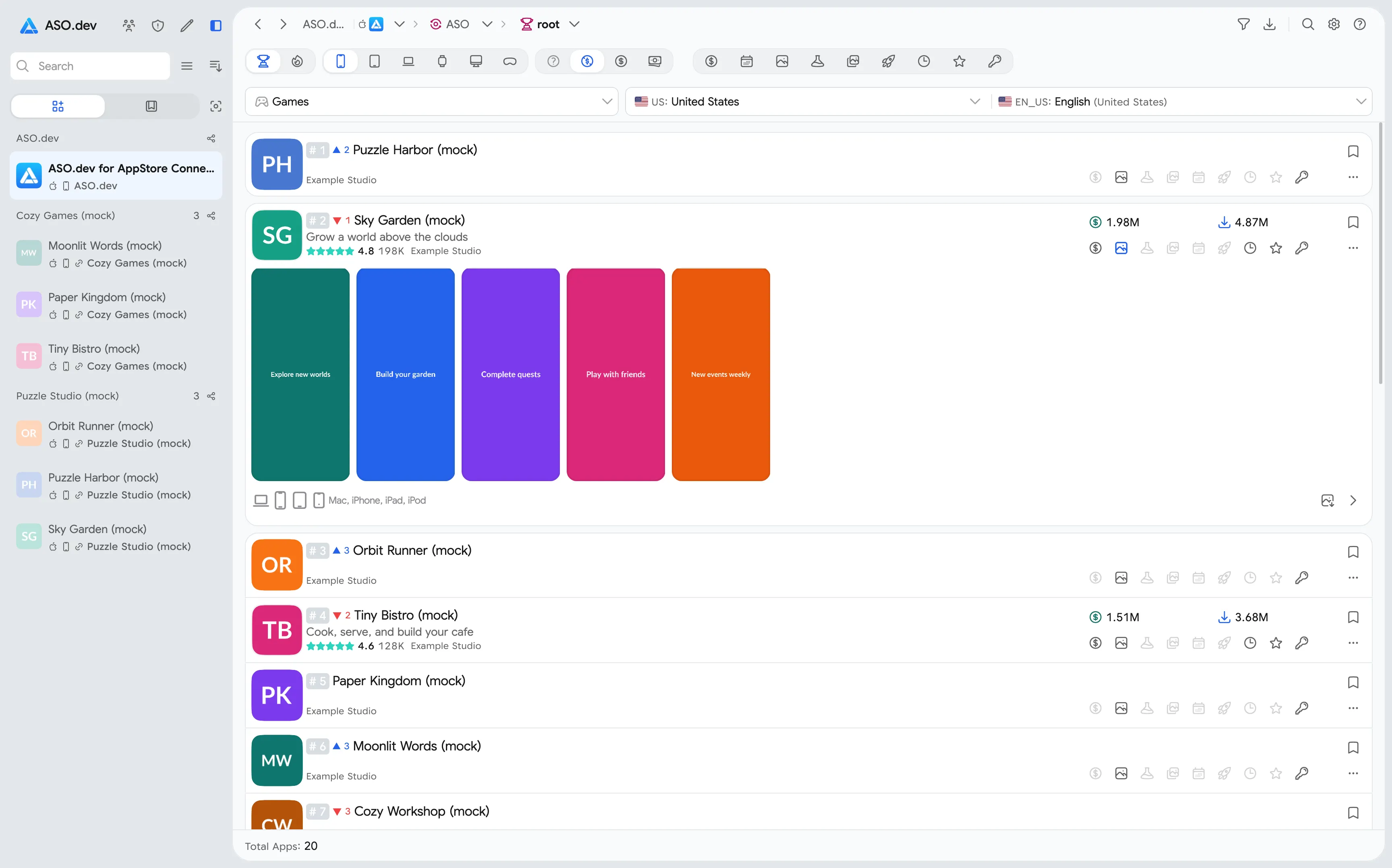
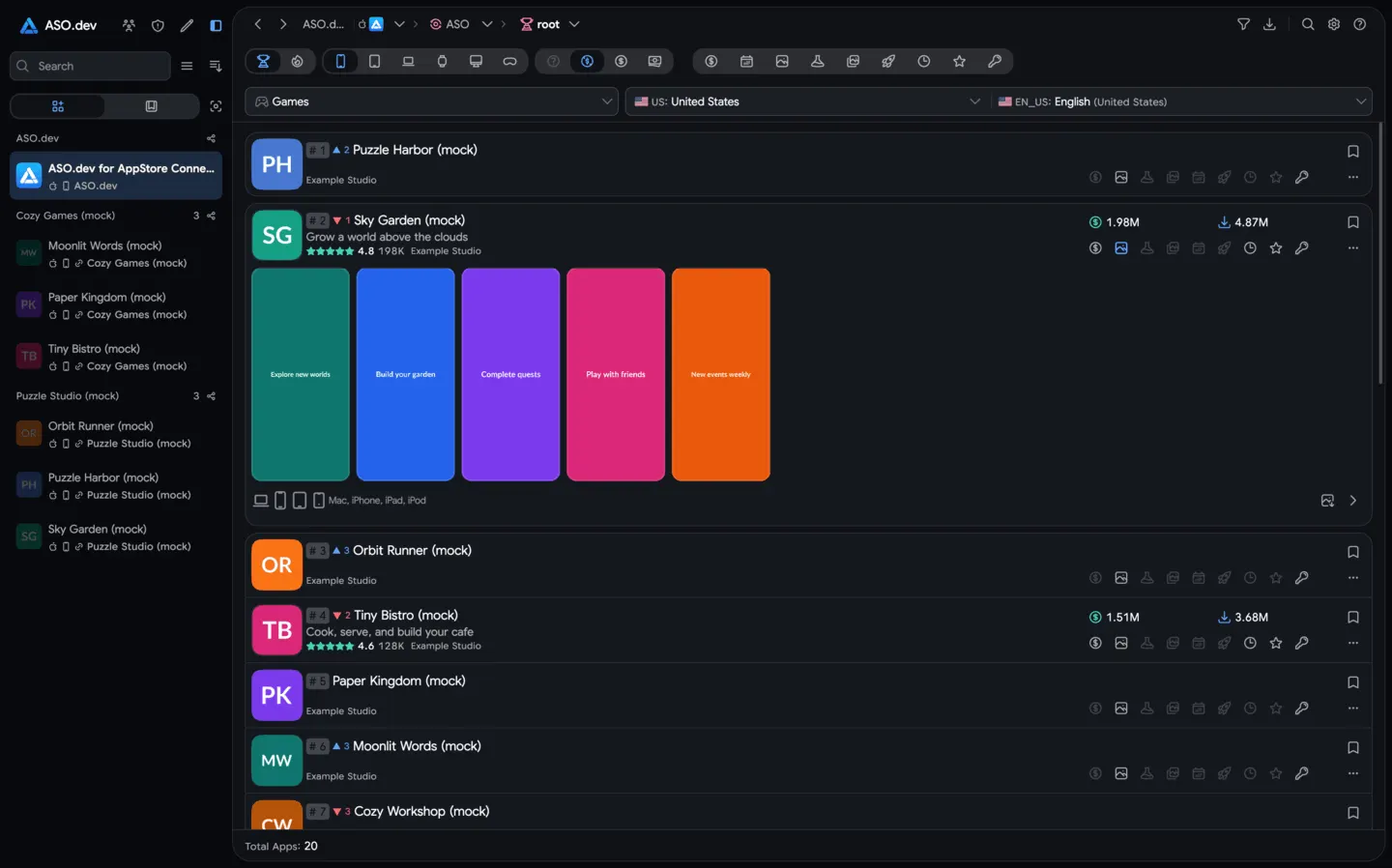 12Top apps by categoryBrowse top apps by category across all Apple devices (iPhone, iPad, Mac, Apple TV, Watch, and visionOS) and countries. Filter by top free, paid, grossing, or new apps to see who’s leading. View each app’s details (rank changes, ratings, downloads, revenue, etc.) and add competitors for further tracking.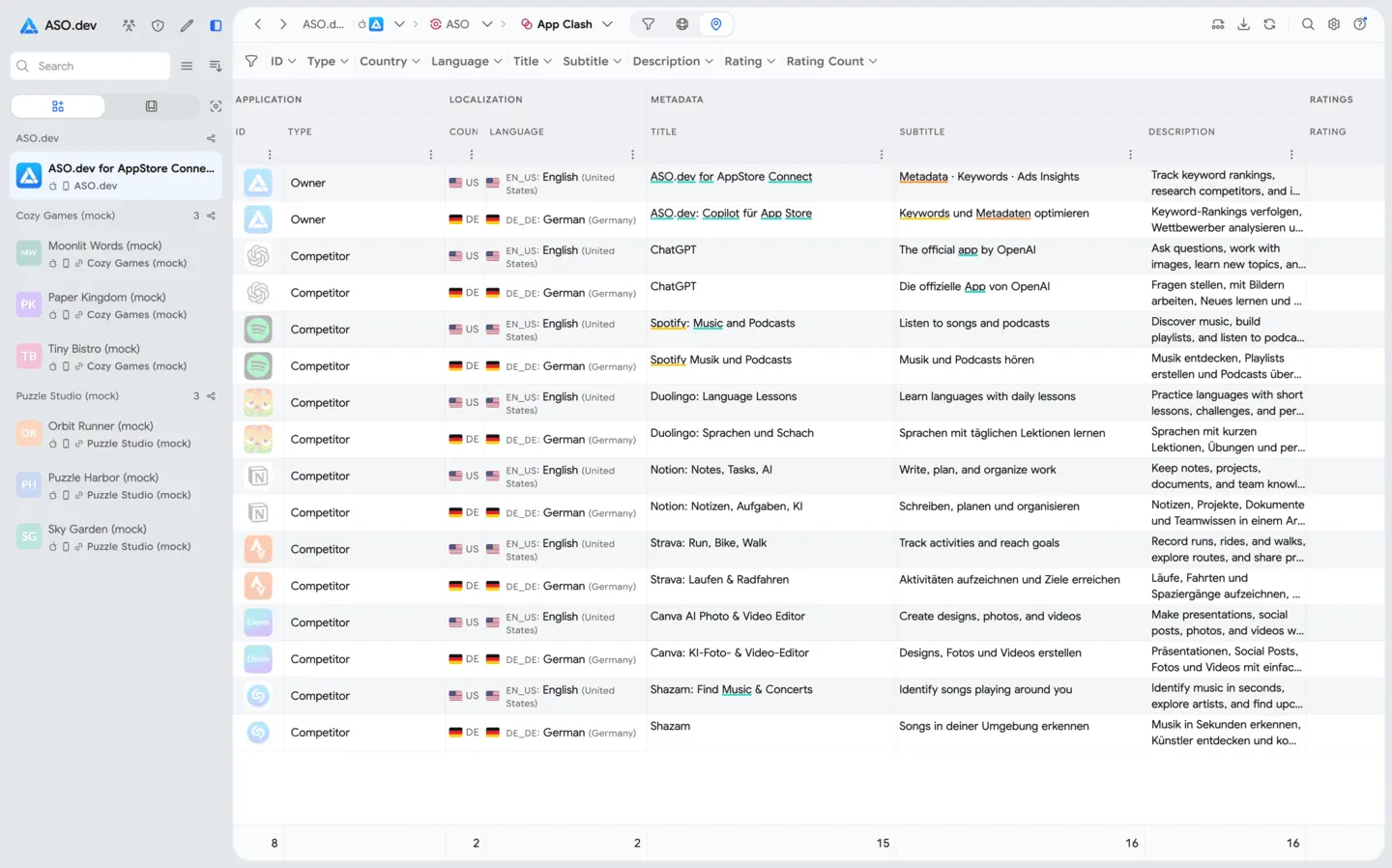
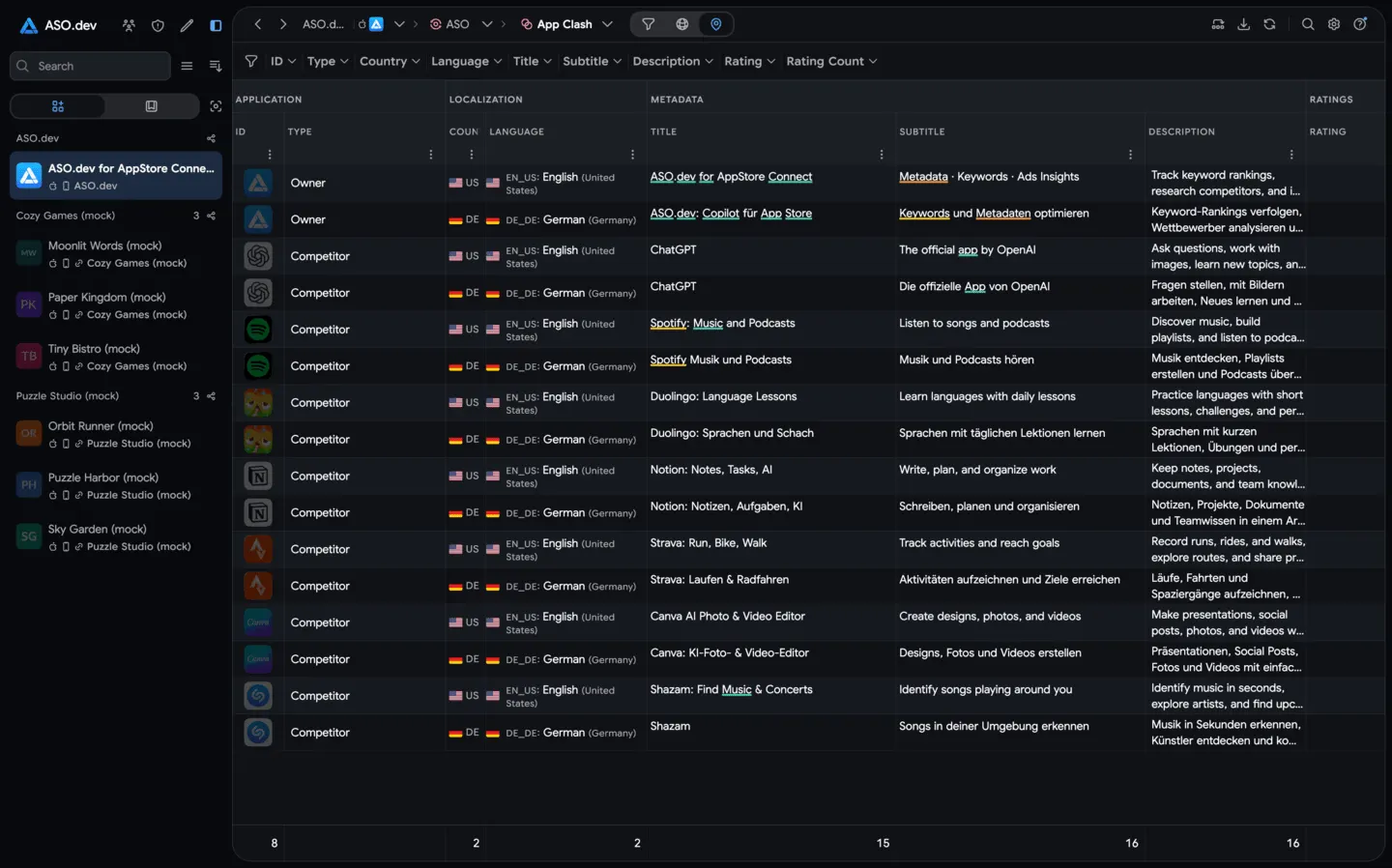 13App ClashCompare multiple apps side by side across all countries in one interactive table. See each competitor’s localized titles, subtitles, and ratings, and quickly highlight where your keywords appear in their metadata. Switch to a visual matrix to compare revenue, downloads, and release dates to spot strengths and gaps in each market.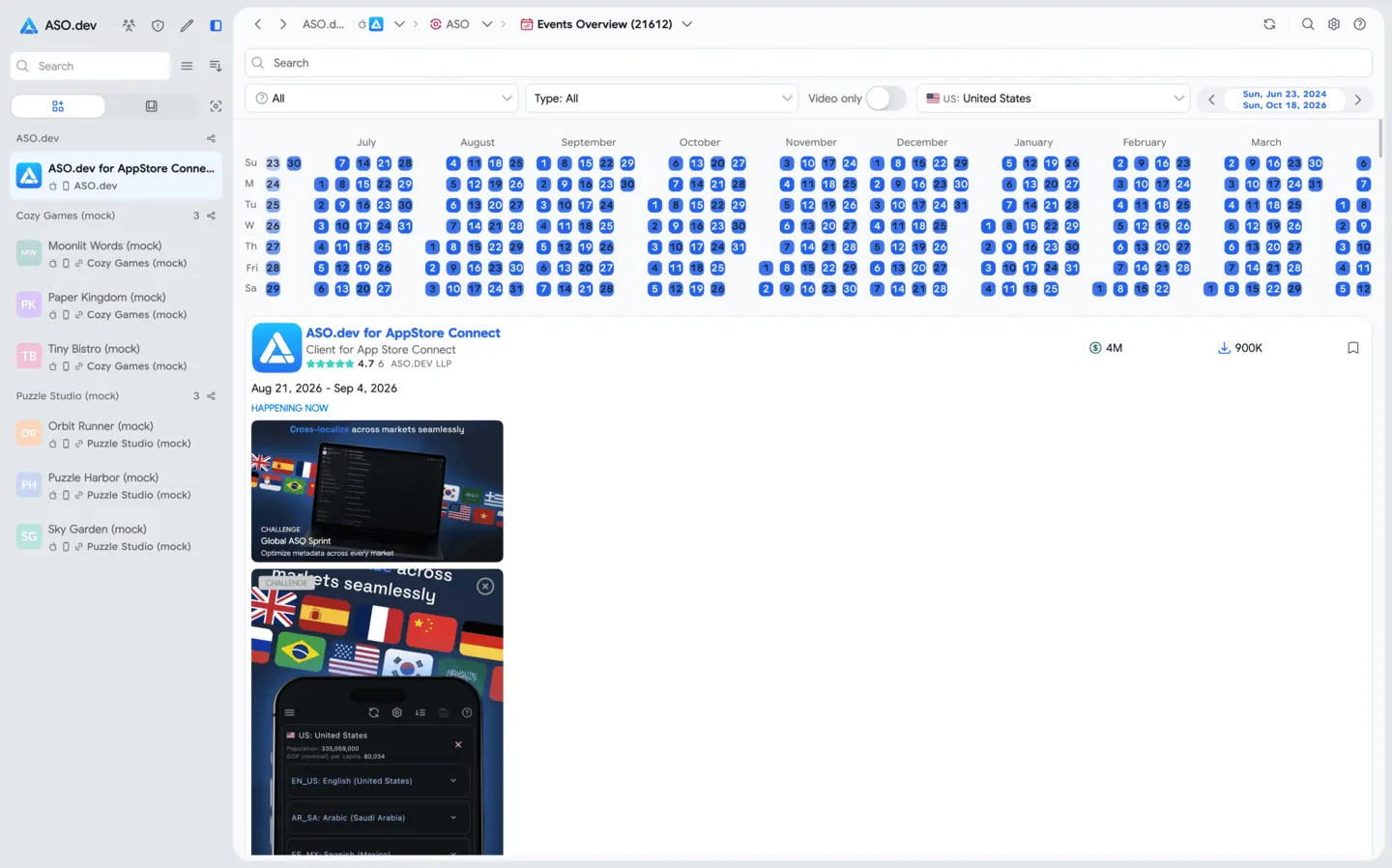
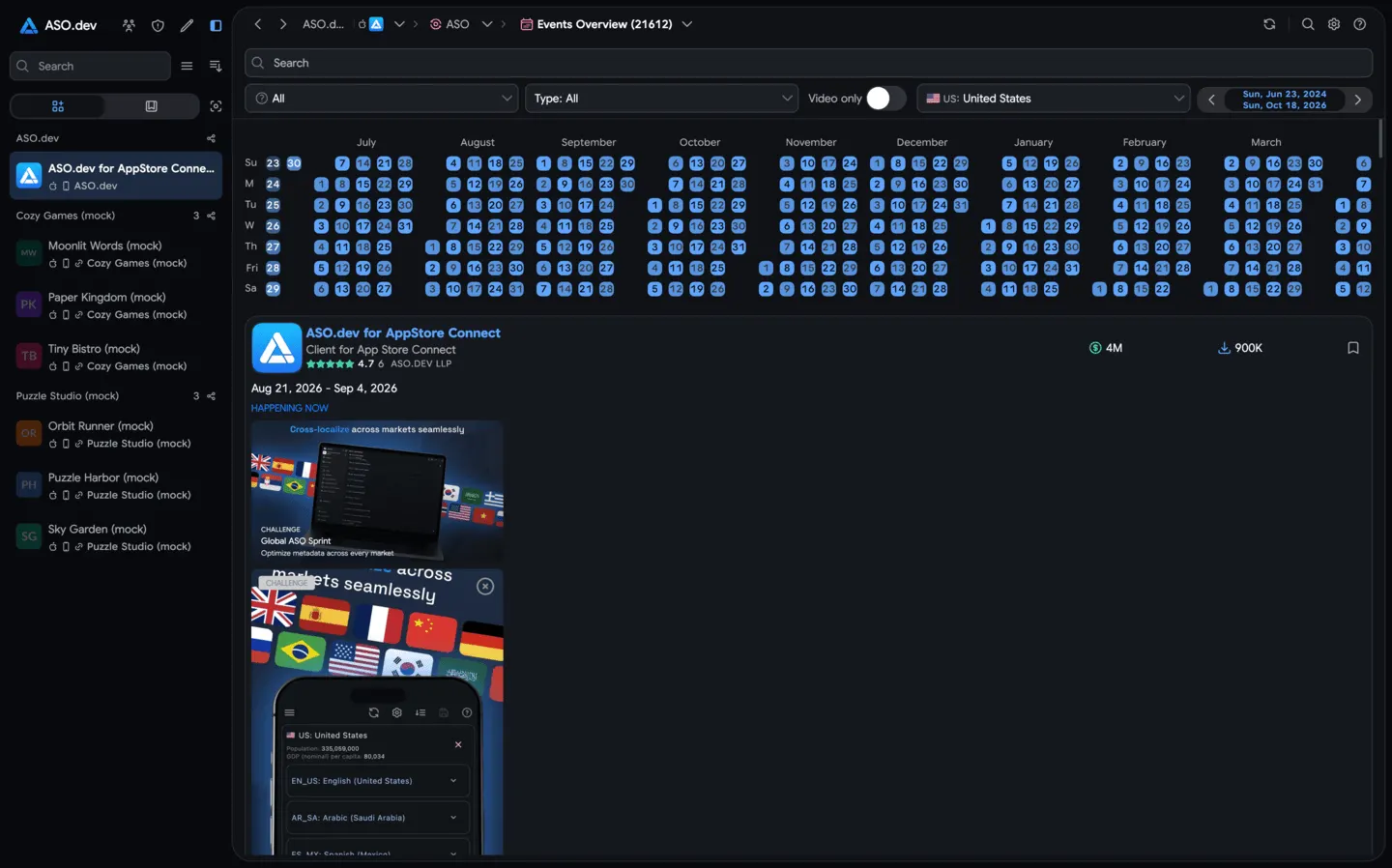 14In-App Events OverviewExplore in-app events across categories and countries. Use a heat map to visualize event activity globally, and dive into event cards (with images or videos) to analyze how different apps are using events.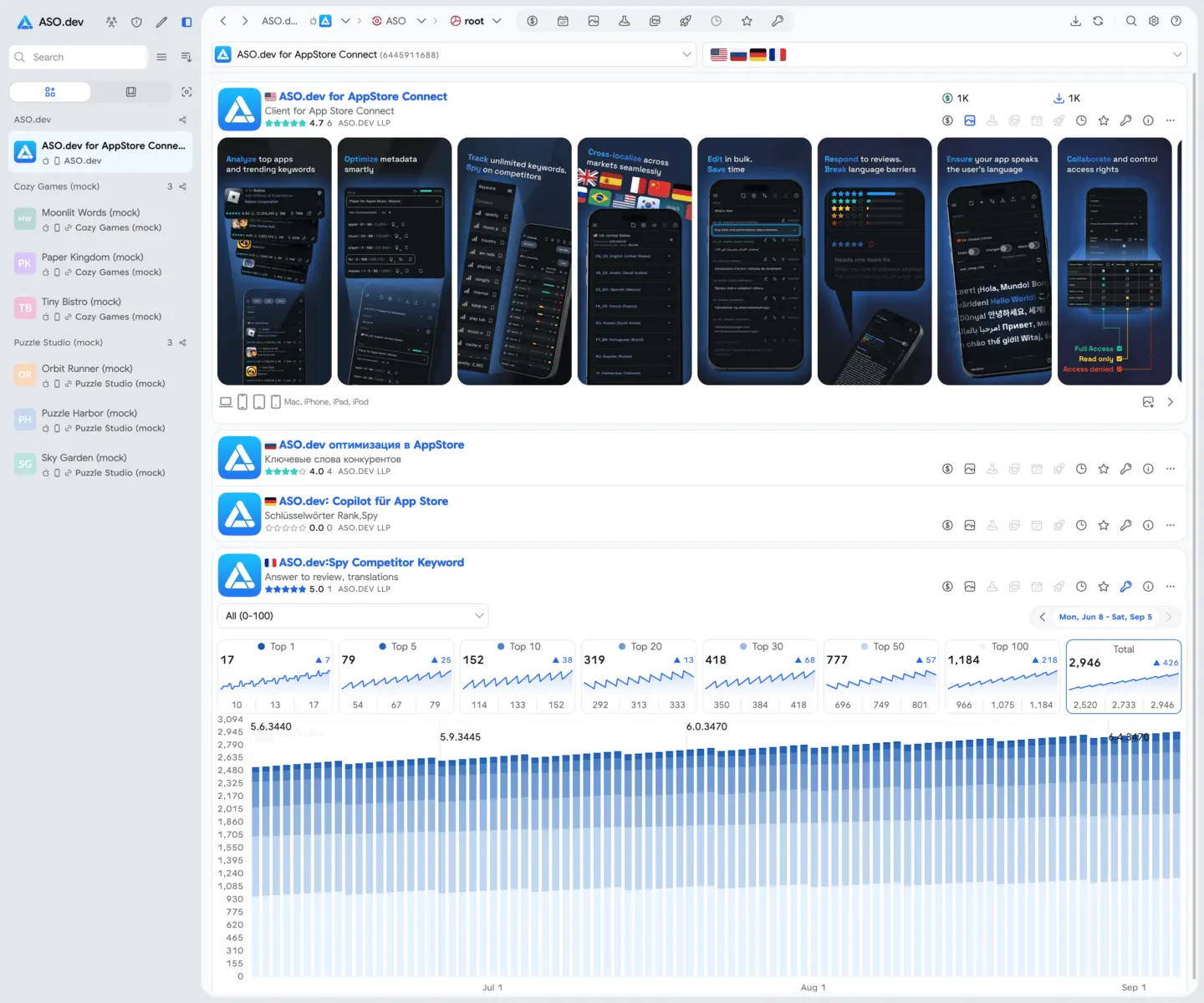
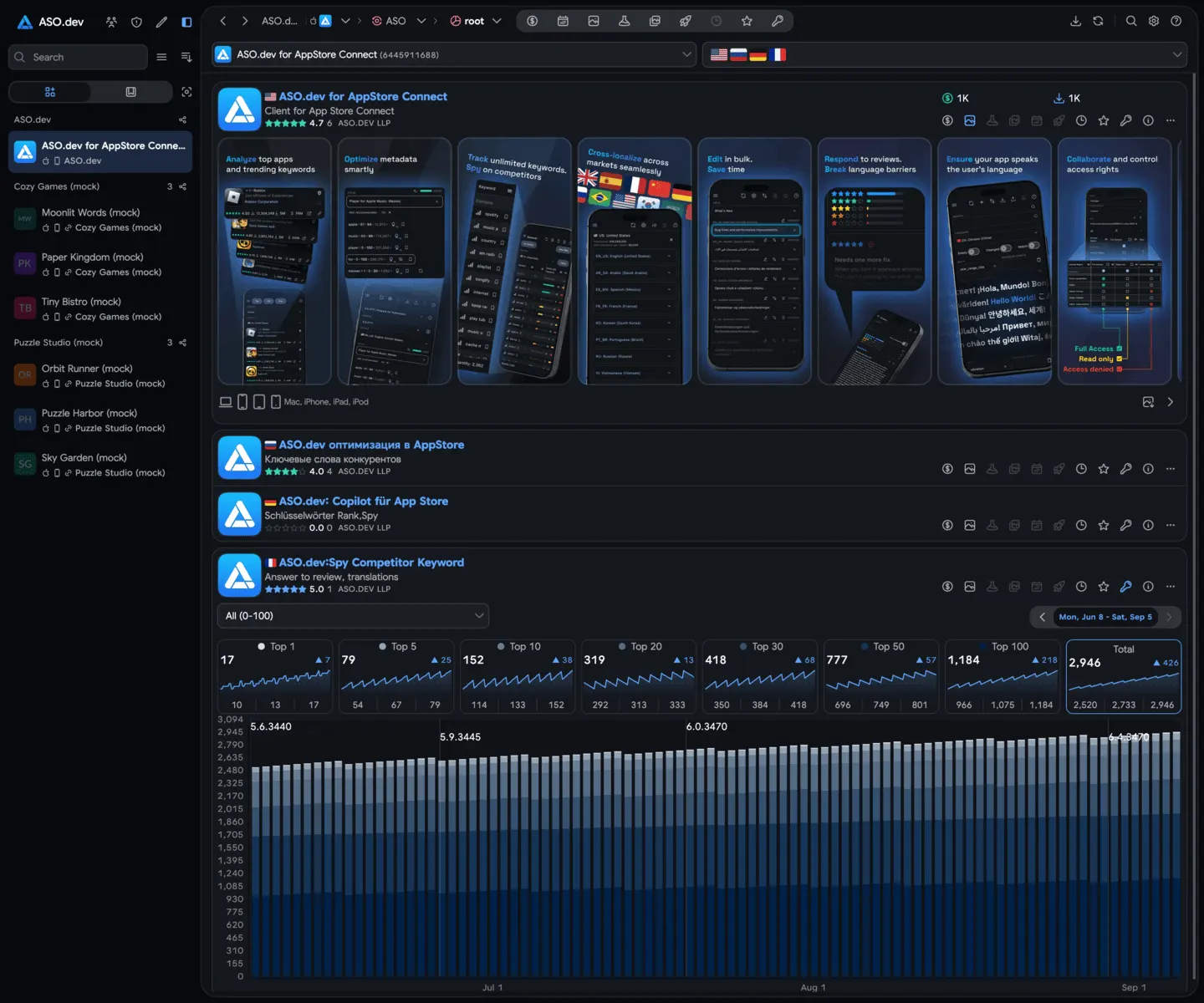 15App OverviewSee everything about an app across all its localizations in one view. Browse its localized screenshots, keyword usage, ratings, in-app purchases, subscriptions, and more - all in one dashboard.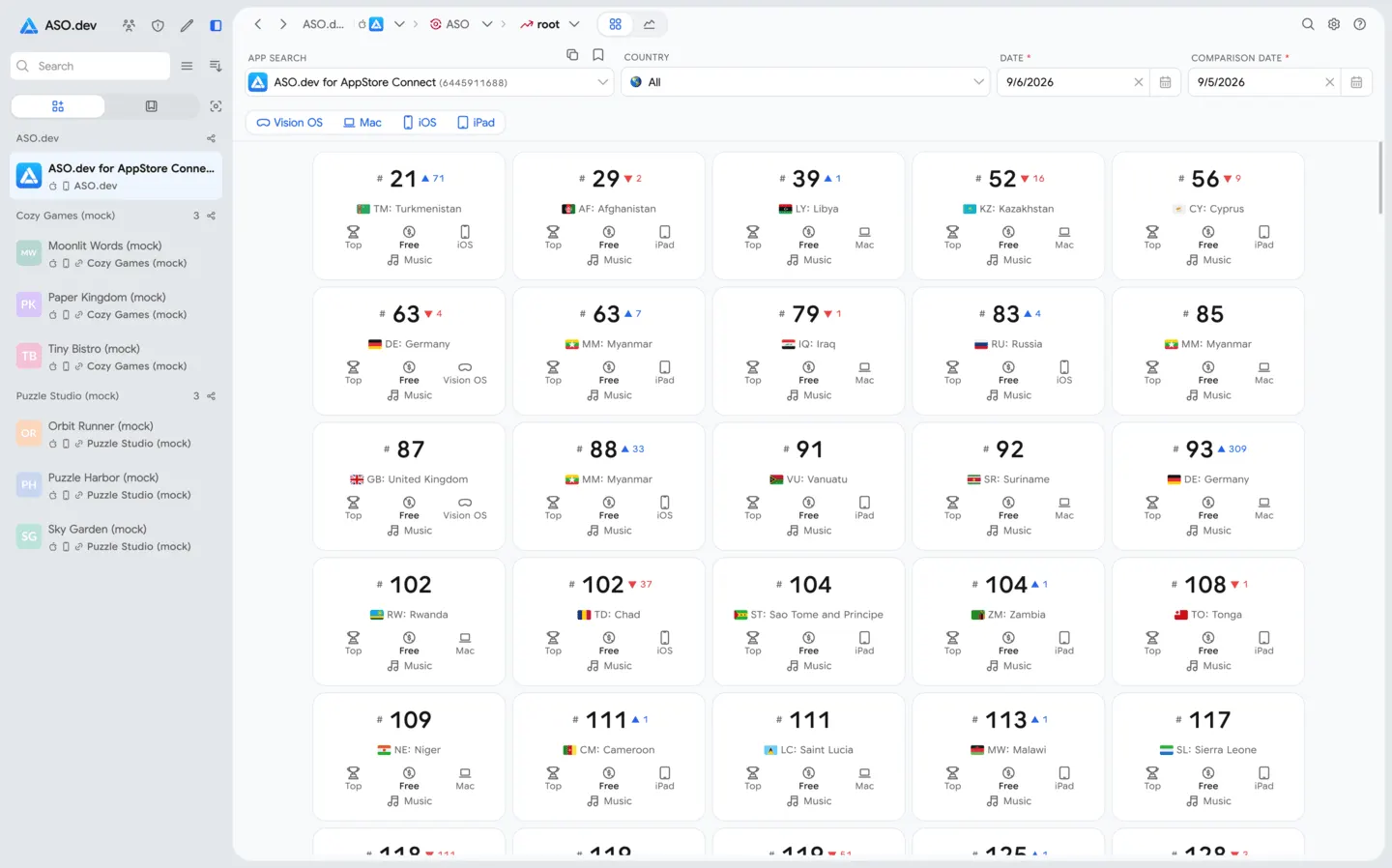
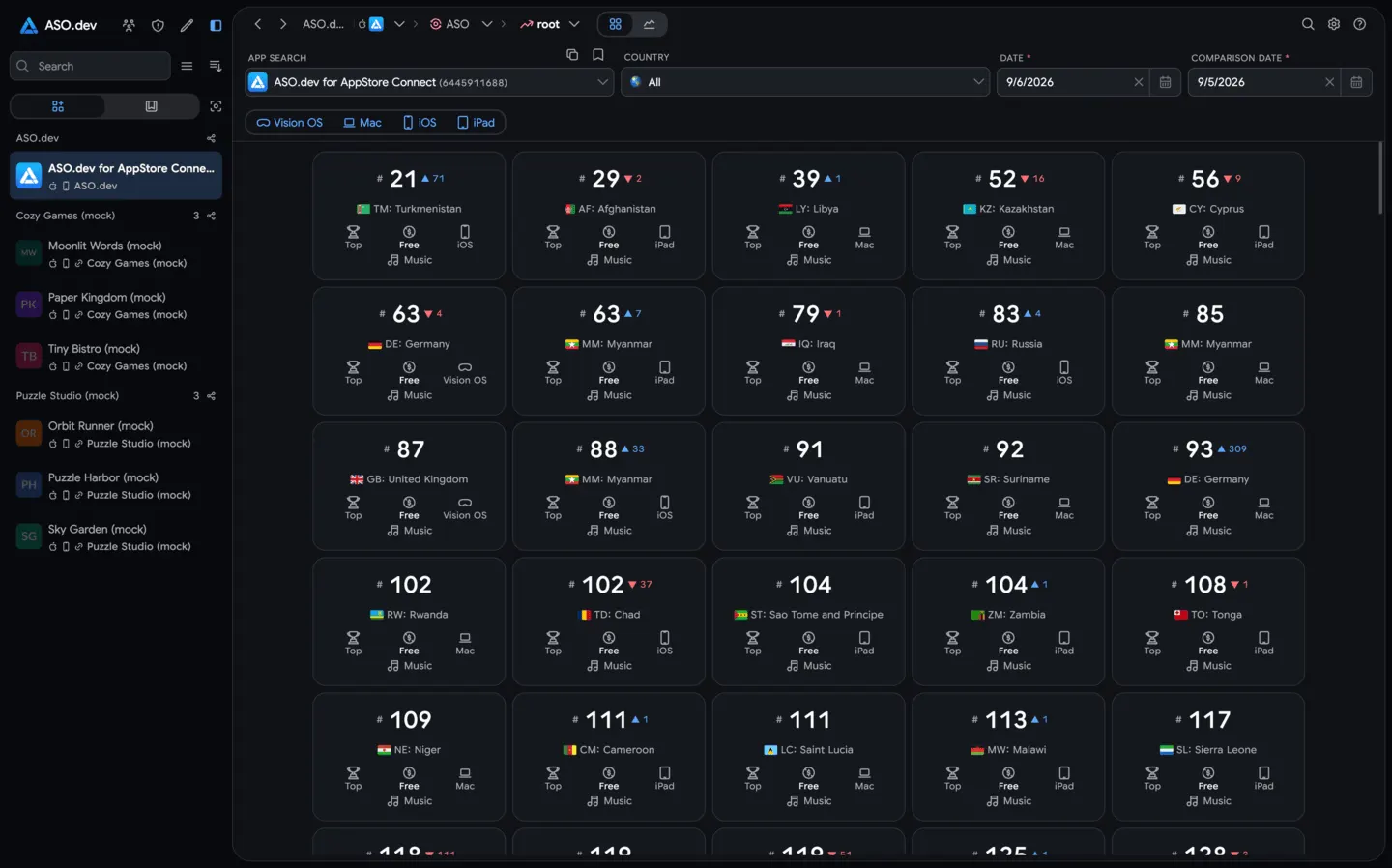 16Category RankingTrack your app’s category rankings across countries and device types in real time and over time. Monitor how you rank among top or new apps (free, paid, or grossing) and compare performance across different markets.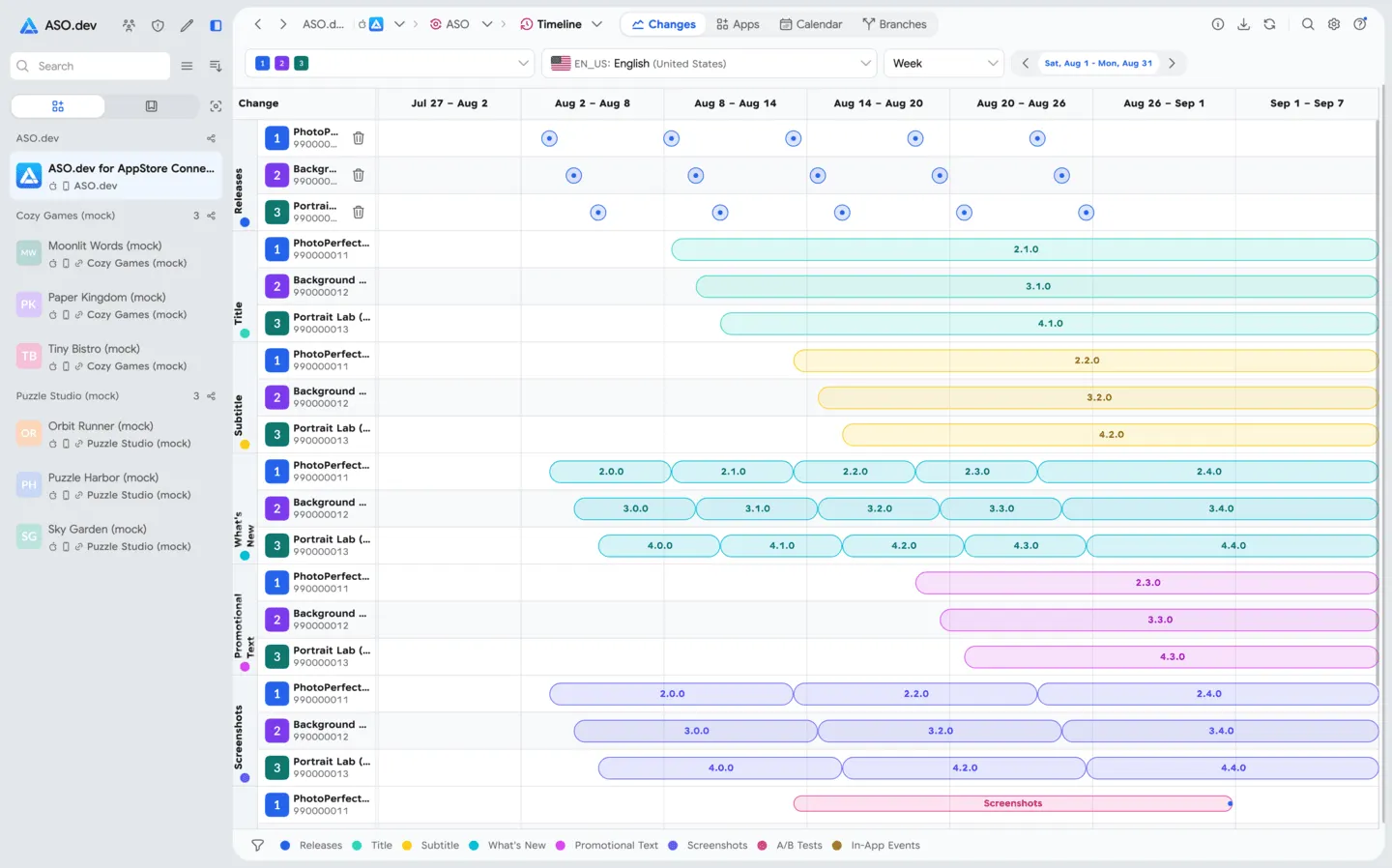
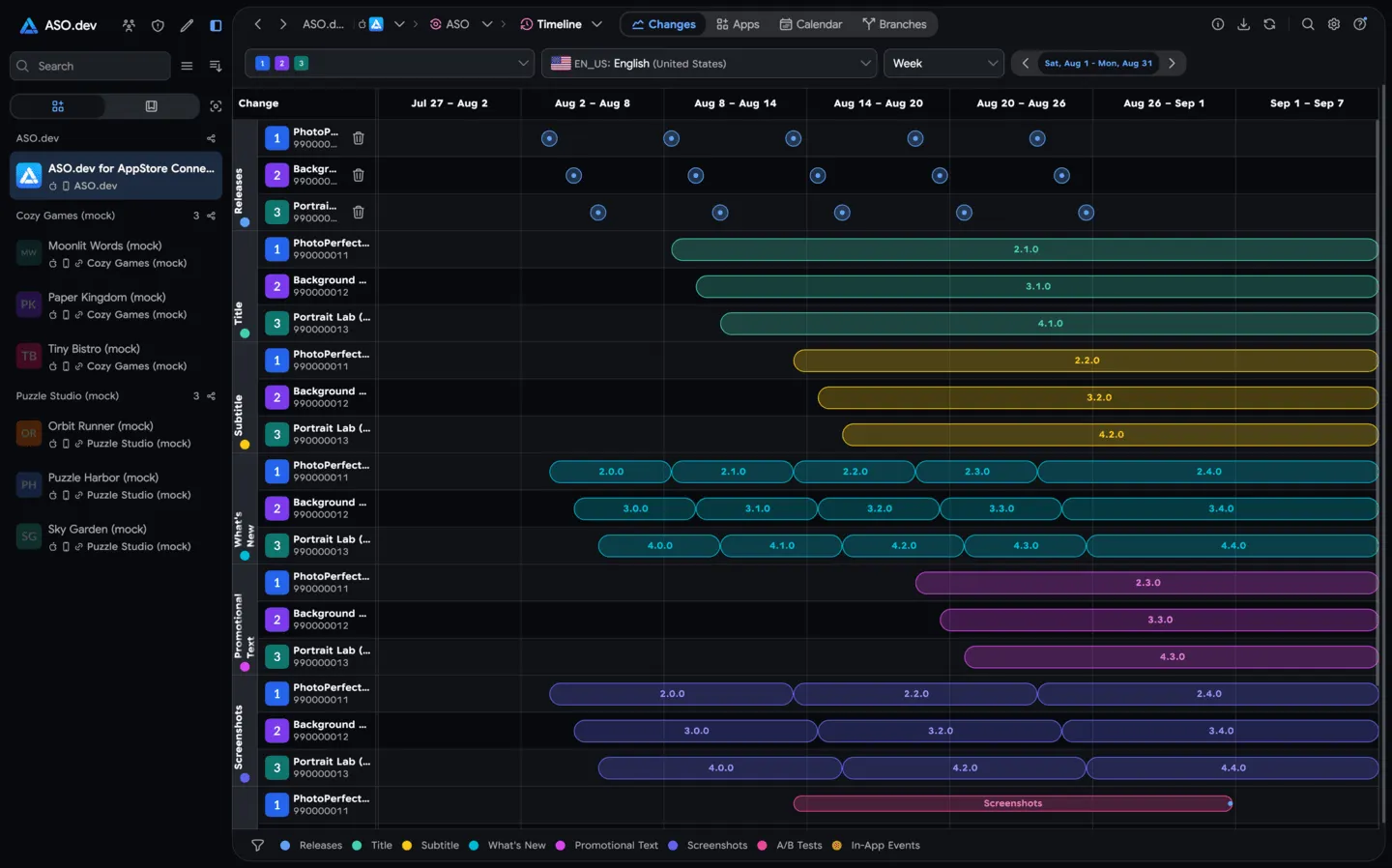 17NewChangelogTrack every change in an app’s App Store listing across versions and localizations, including titles, descriptions, screenshots, icons, and 'What’s New' notes.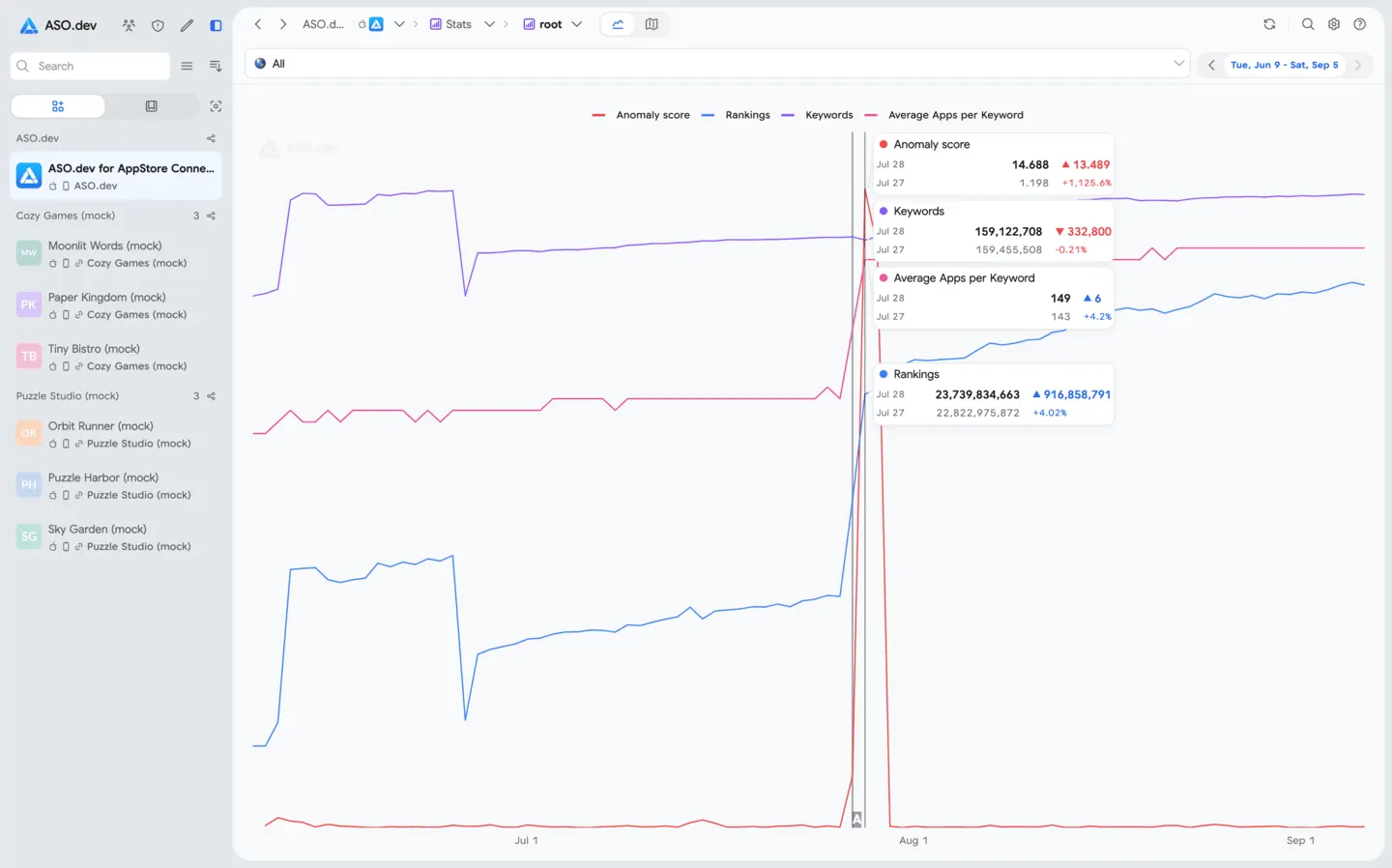
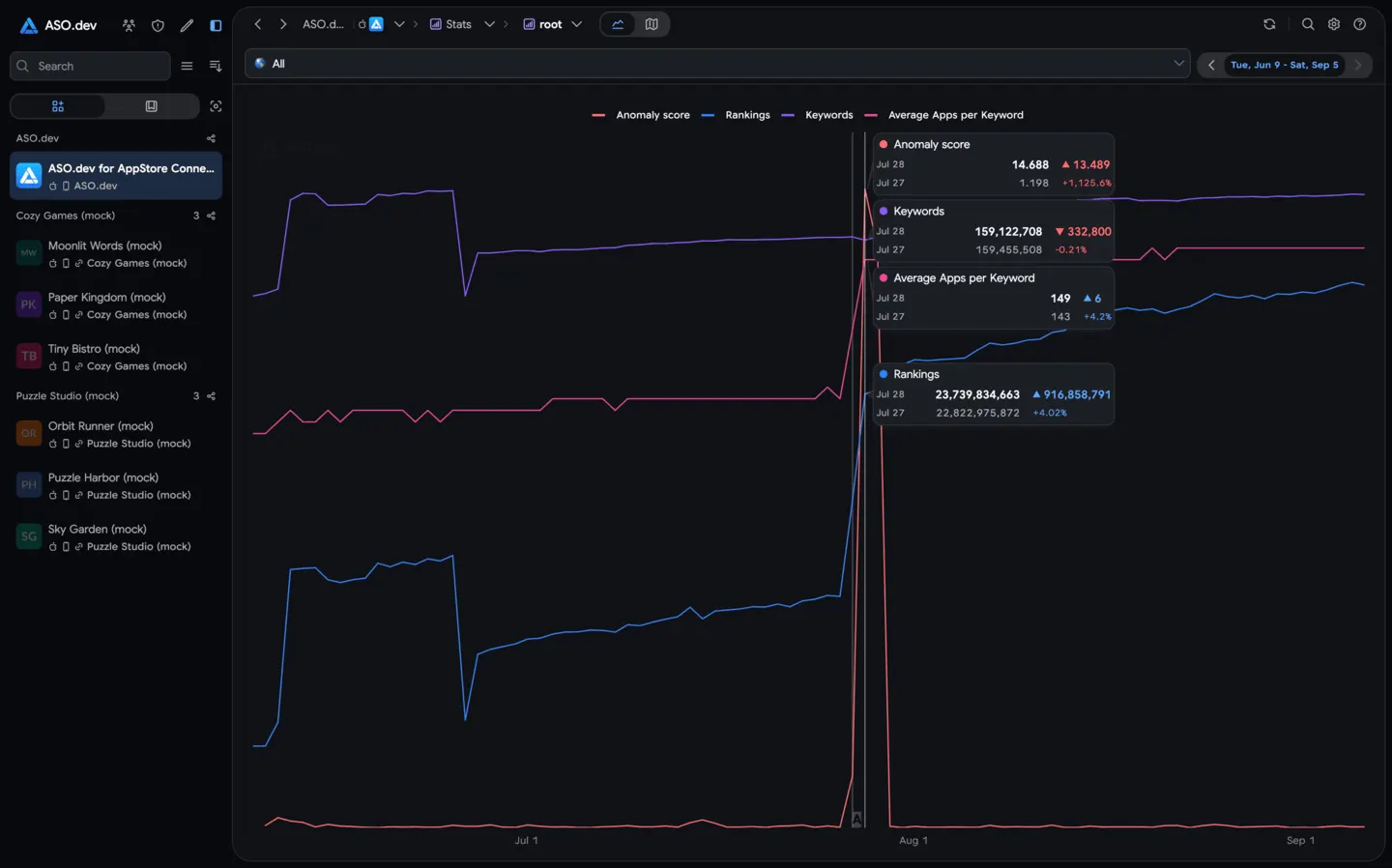 18Anomaly DetectorMonitor unusual spikes or drops in keyword rankings that could indicate App Store algorithm changes. Significant ranking anomalies are highlighted so you can quickly spot when something changes.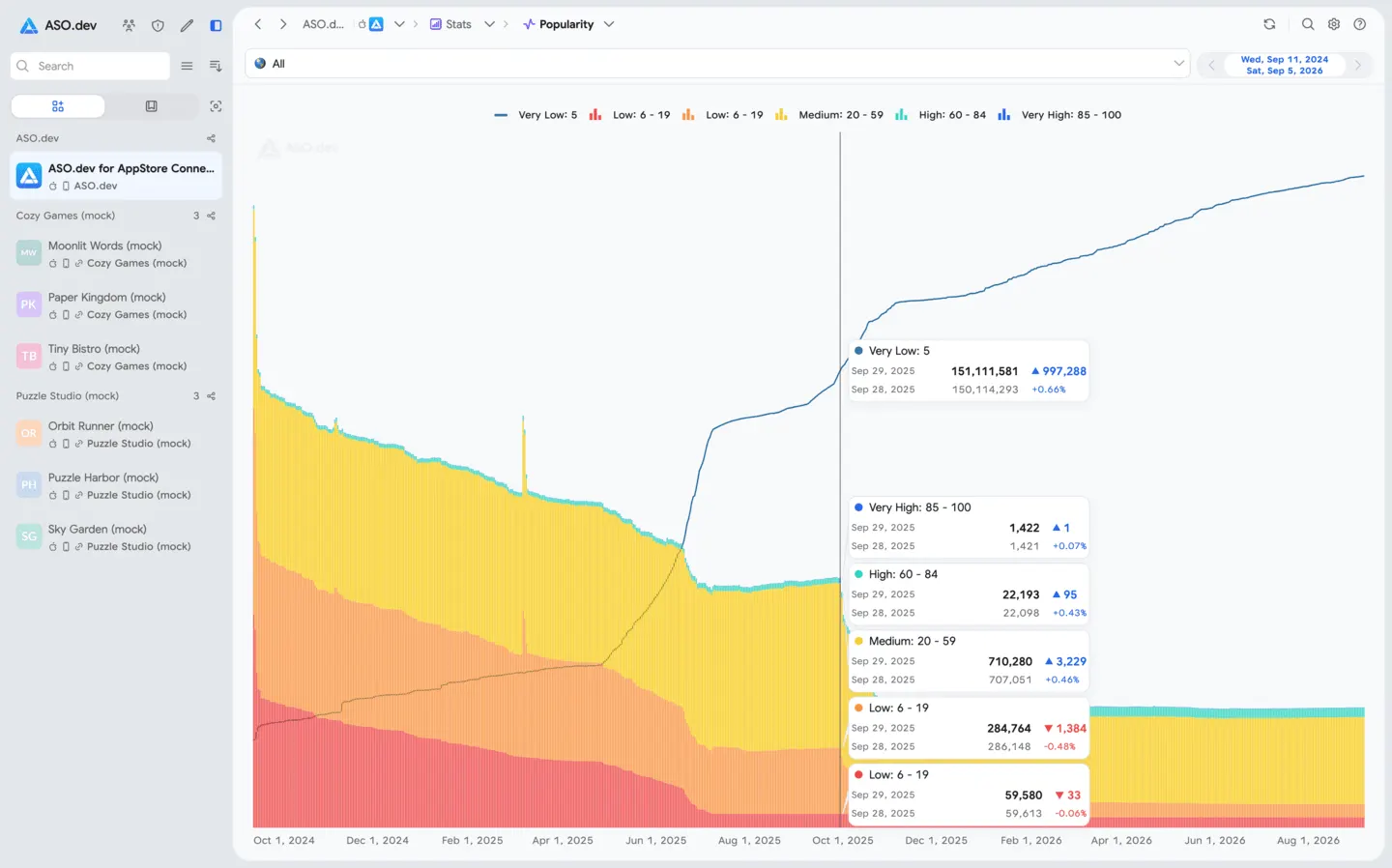
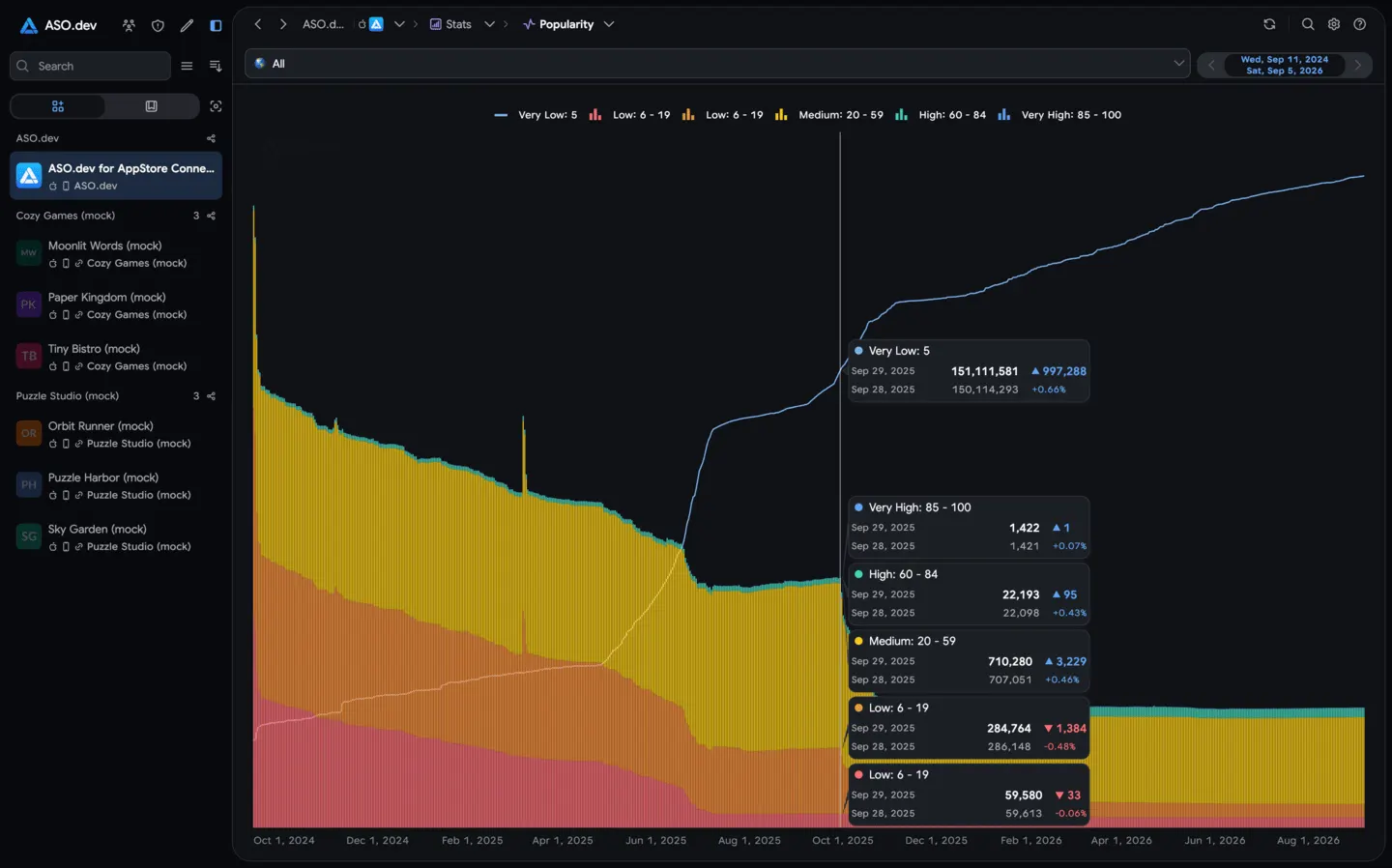 19SAP DetectorSee how Search Ads Popularity (SAP) for keywords changes over time. Keywords are grouped by popularity range so you can visualize shifts and catch unusual patterns that might signal an algorithm change.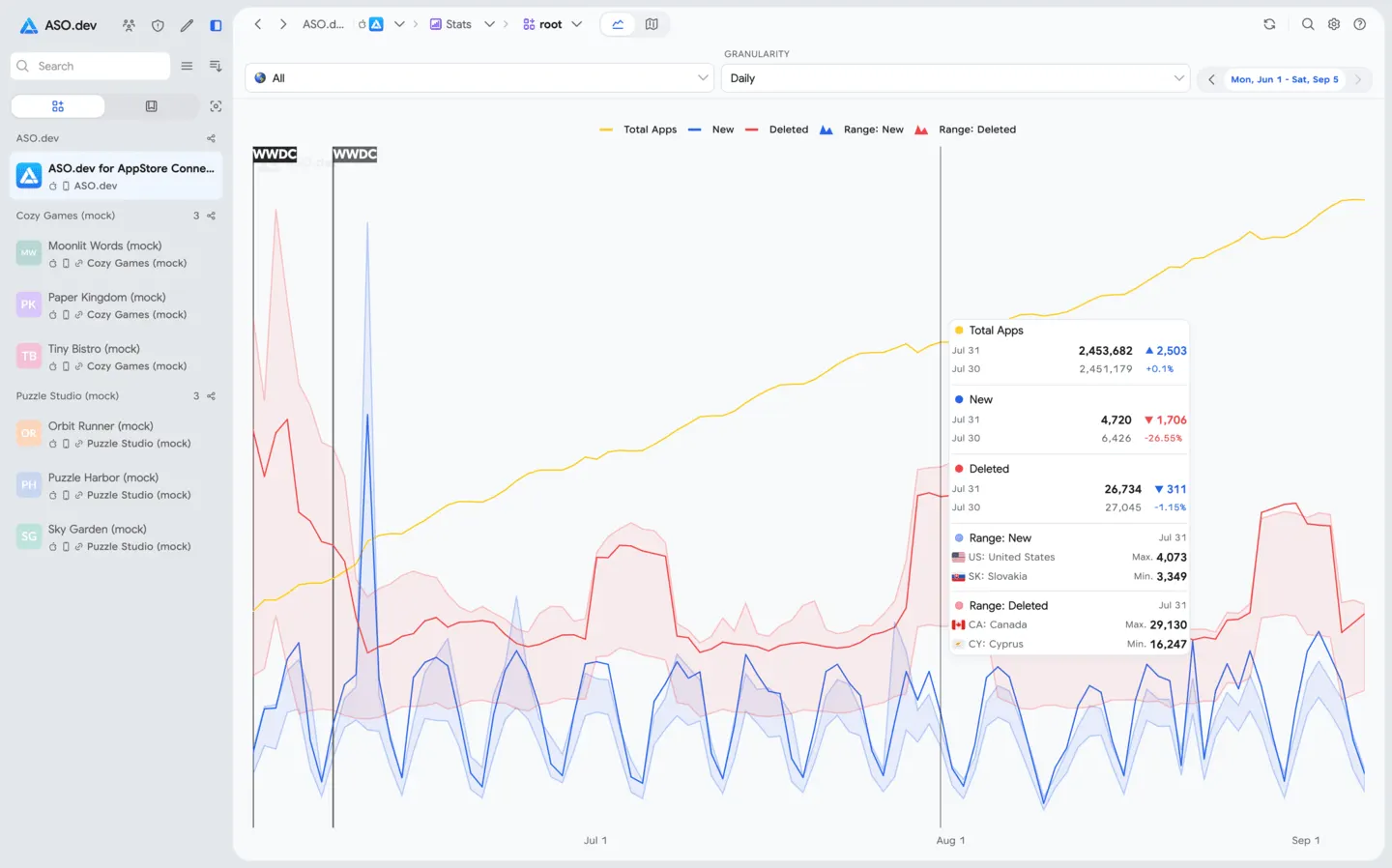
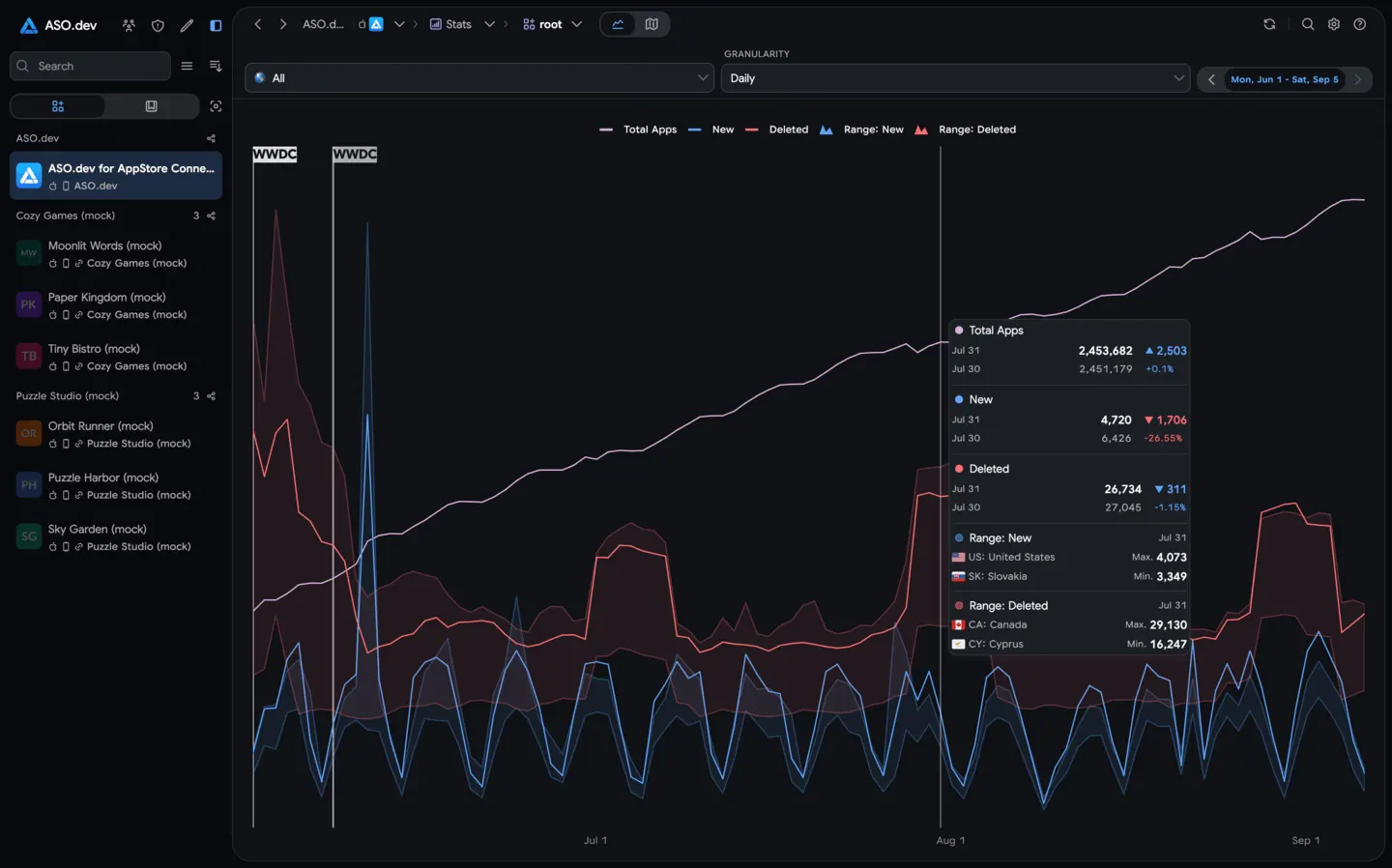 20App FlowTrack how many apps are live on the App Store and see the rate of new app submissions or removals over time.
ASO operations
Run one-time reports and exports in Tasks, configure continuous monitoring in Subscriptions, and collect completed results in one Notifications feed.
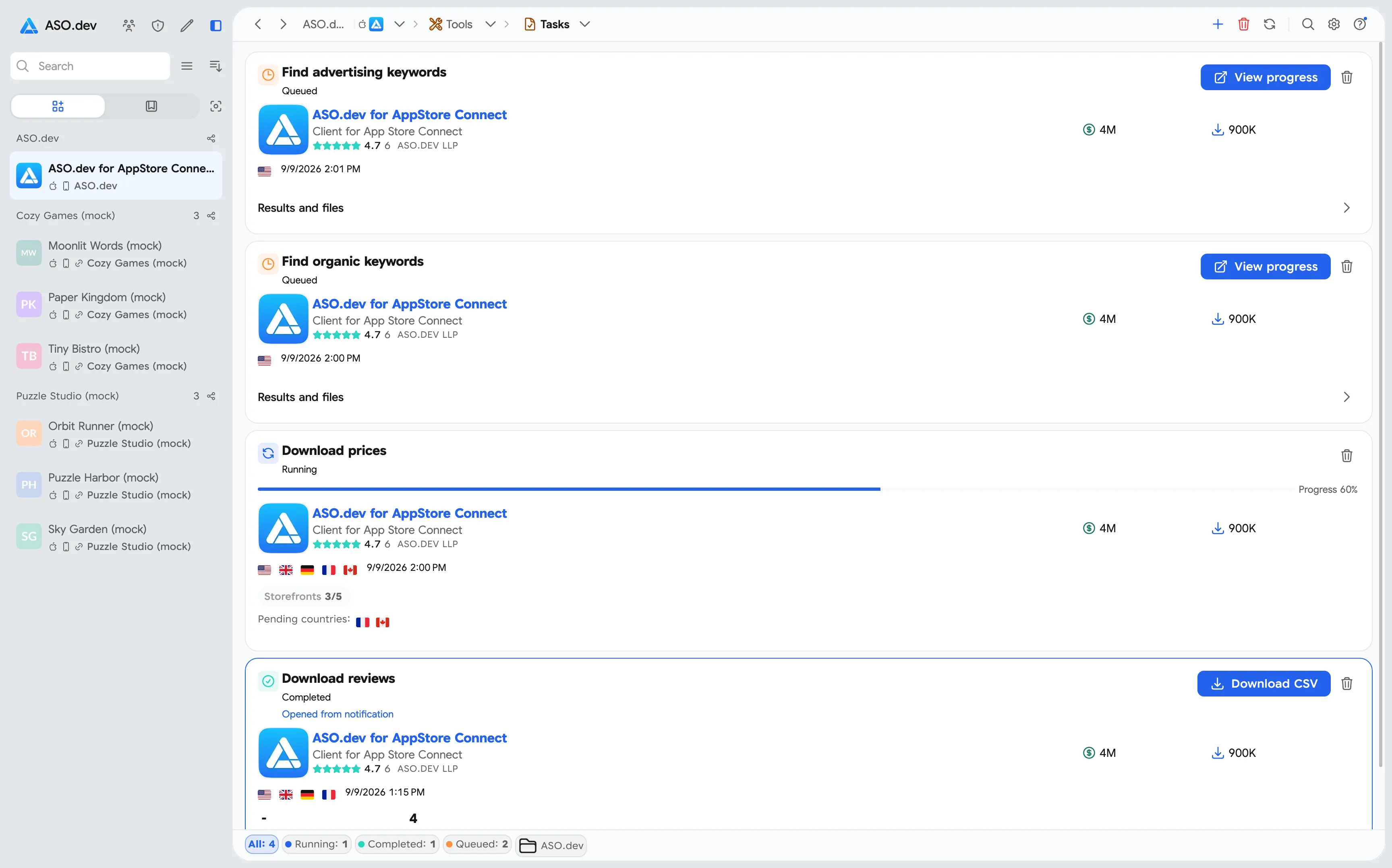
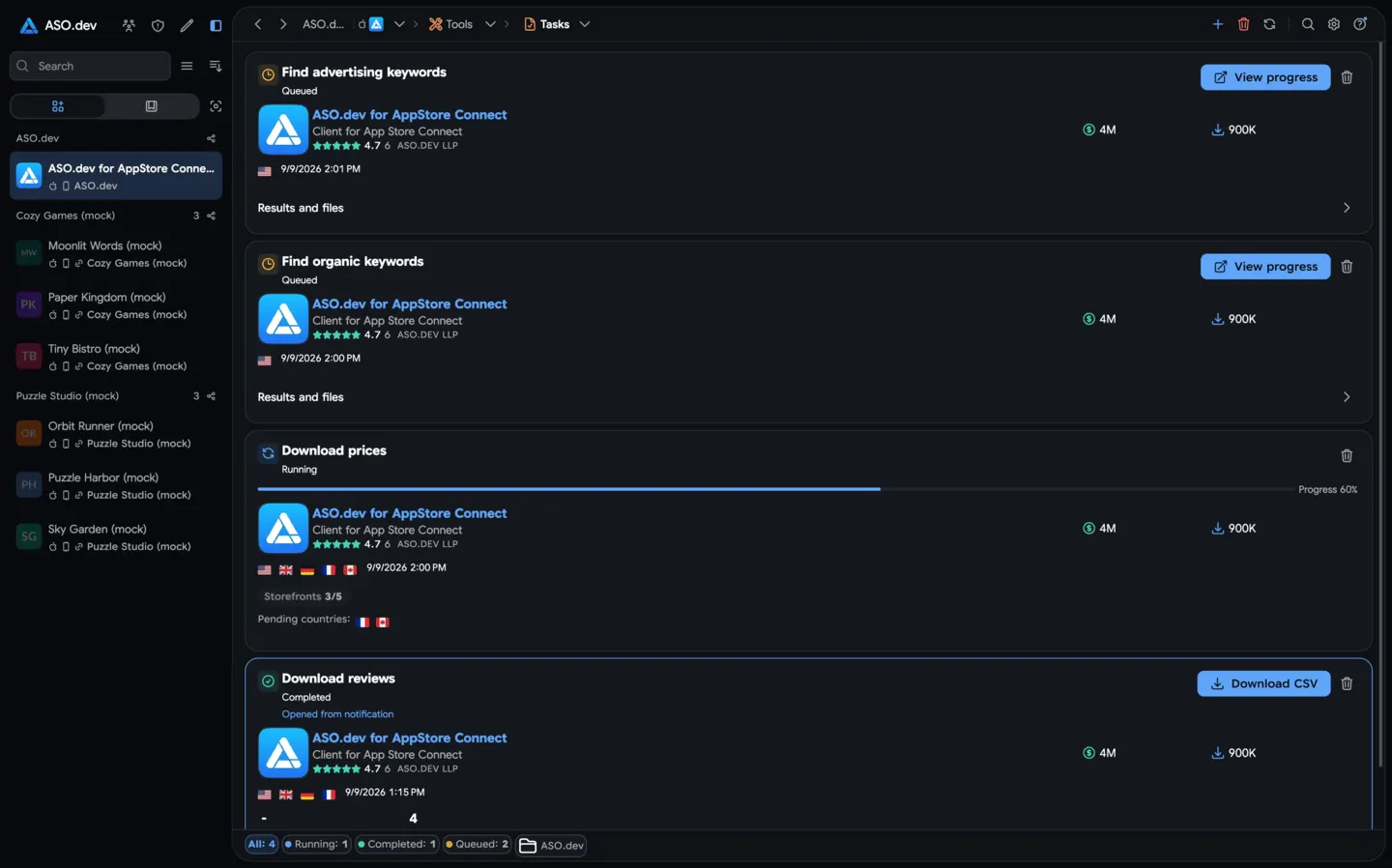 01TasksRun background tasks: competitor search by ASO.dev algorithms, shared-keyword lists, review exports, pricing templates, and downloadable reports.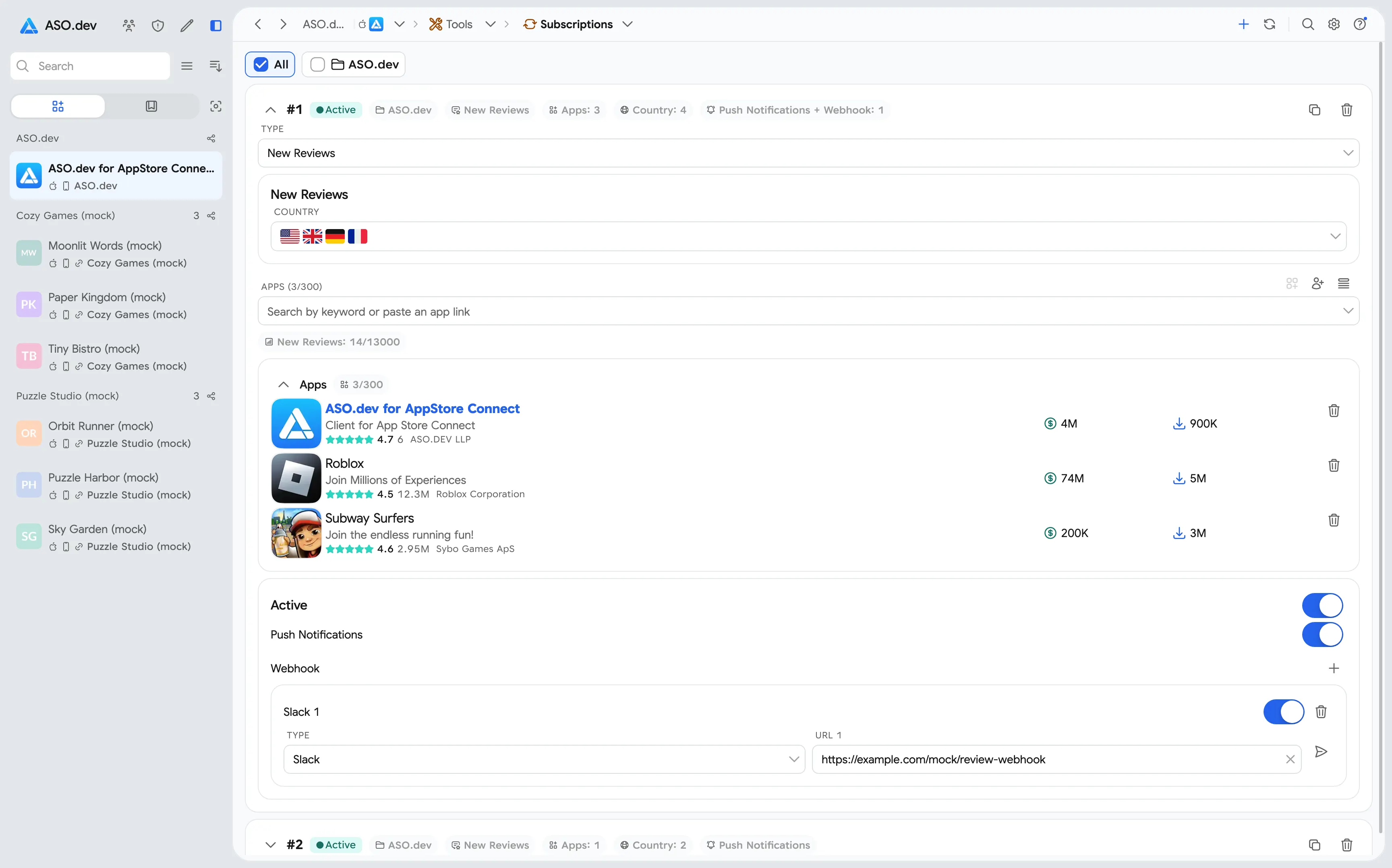
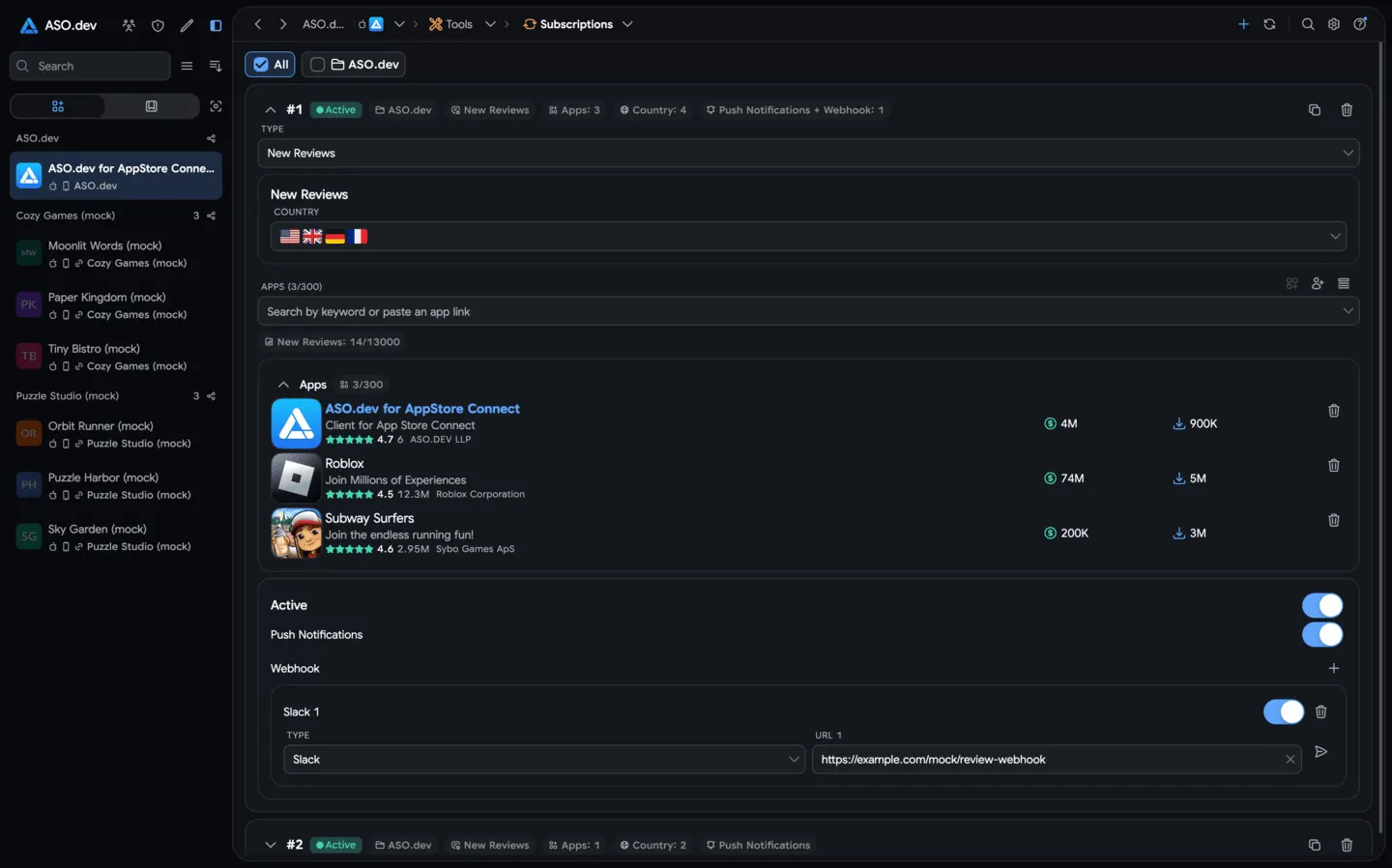 02SubscriptionsConfigure continuous monitoring for apps, countries, and events. ASO.dev checks changes automatically and sends results to Notifications.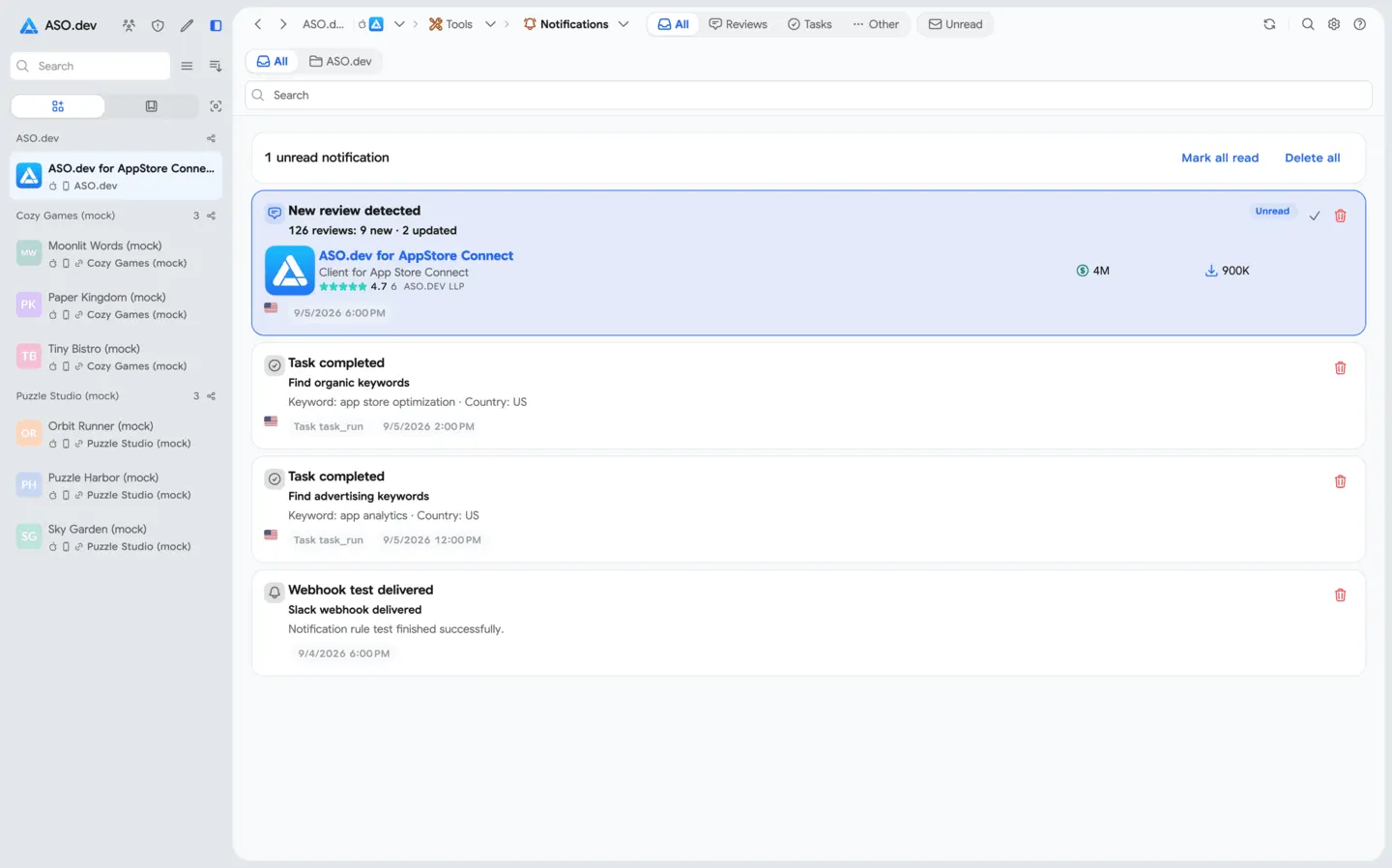
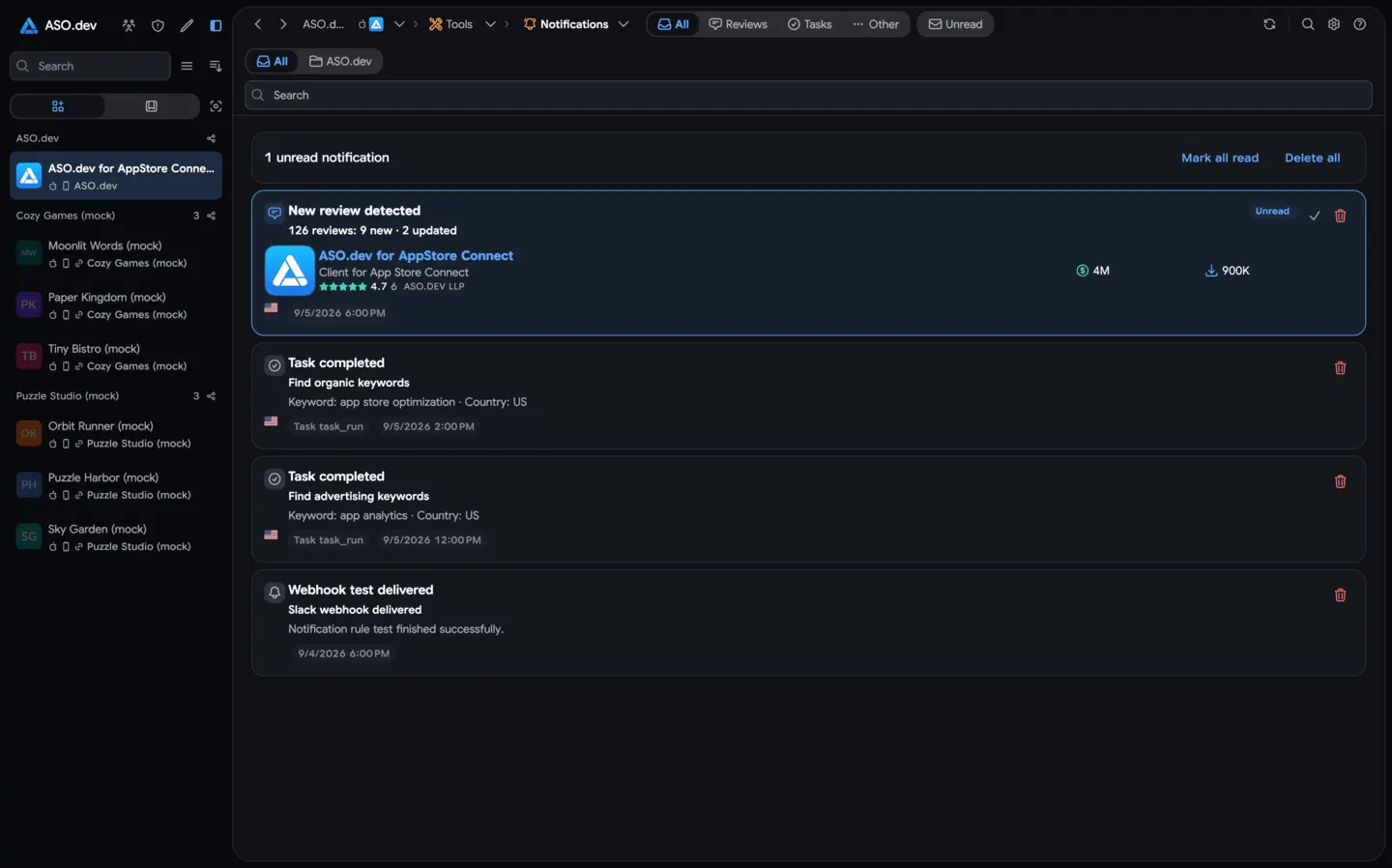 03NotificationsView monitoring events, completed task results, reports, push notifications, and files in one unified feed.
Questions, answered
The practical details teams usually want to know first.
Paste an App Store link for your app or any competitor. ASO.dev loads the public data, so you can start keyword and competitor research without an API key or developer-account connection.
ASO intelligence combines keyword demand, ranking history, competitor activity, and country-level market data to help you plan and measure App Store growth.
The suite includes keyword research and tracking, competitor analysis, ASO Check, app comparisons, anomaly detection, category rankings, and global app overviews.
Yes. ASO.dev lets you research keywords, rankings, and competitors across 60 countries.
Yes. App Info shows actual Product Page Header and Search Results images and videos for the selected app, country and localization. Placements Explorer helps you find apps using these formats and filter by category and localization.
Research without limits, choose a focused hypothesis, and measure the outcome across the countries that matter.