
Event Competitors: Event History and PDF Reports
For memberships with access to the ASO analysis: Indie, Pro and Marketing
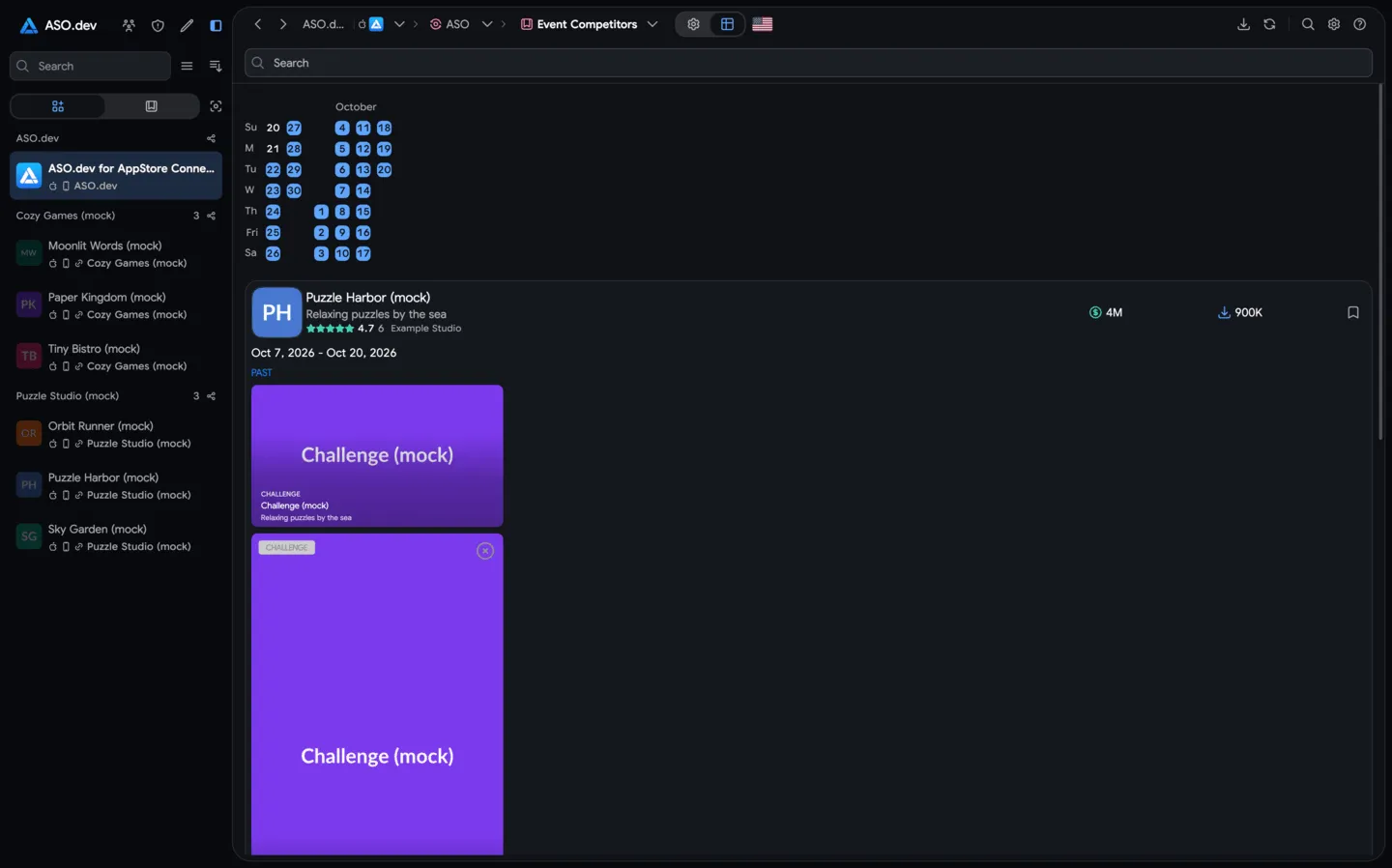
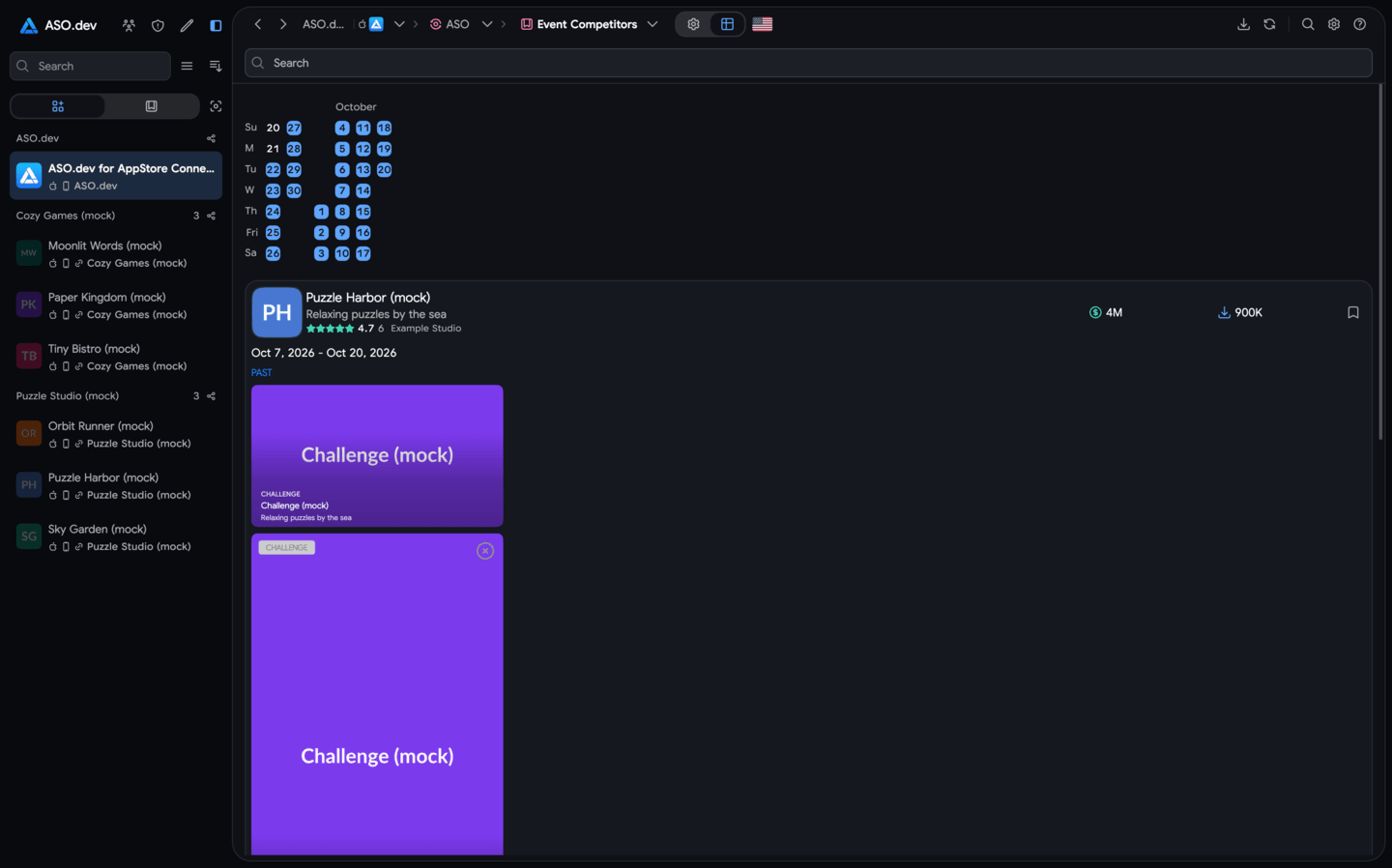
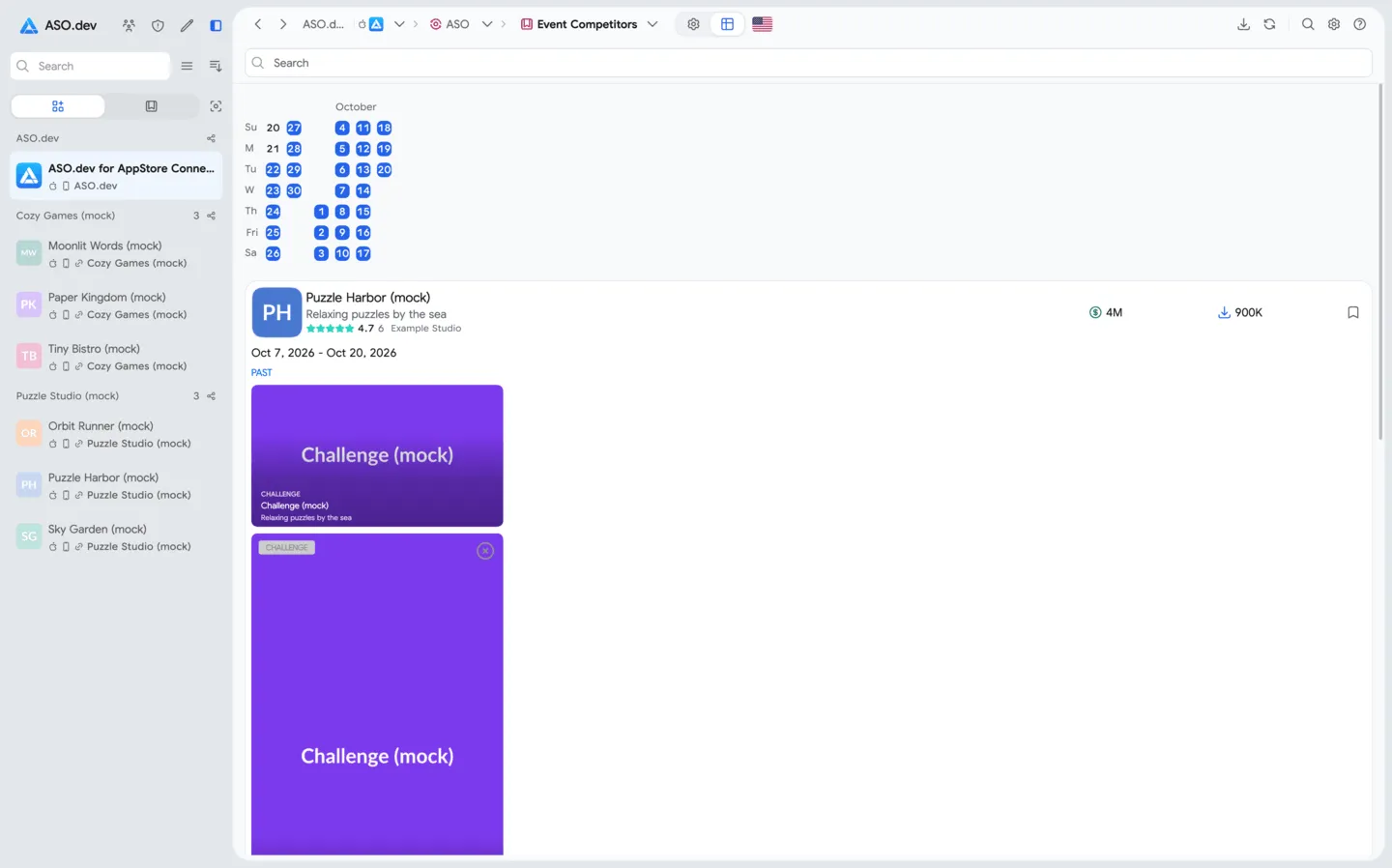
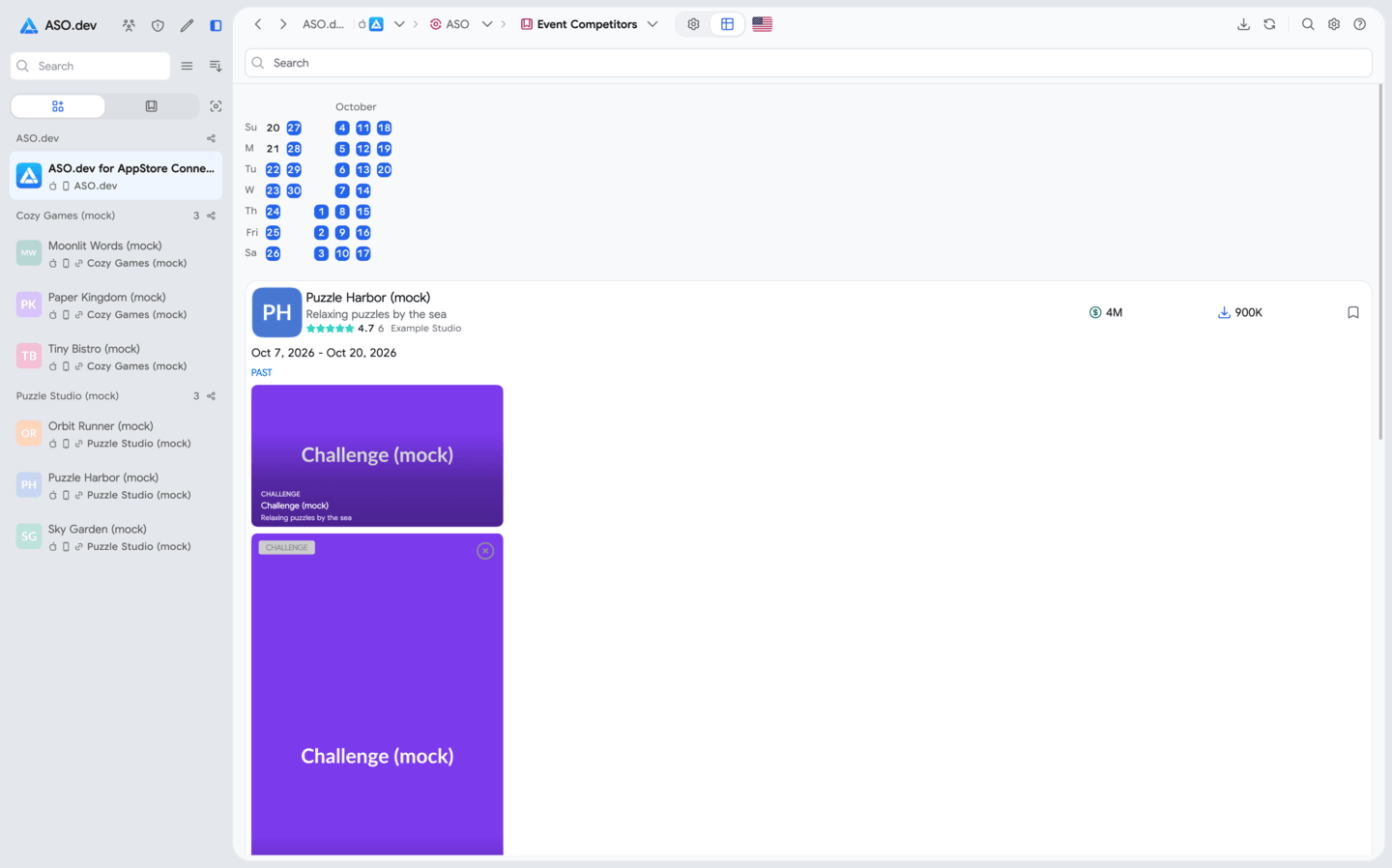
Event Competitors shows App Store in-app events for a selected list of apps. Use it to compare competitor activity, view past events and collect ideas for your own app.
Get started
Section titled “Get started”- Open ASO → Event Competitors.
- Add the apps you want to compare. You can also load your saved competitors.
- Choose a country and date range.
- Select Apply to load the results.
To change the apps or period, return to Settings, update your selection and select Apply again.
What the results show
Section titled “What the results show”Results are grouped by app. Each group shows the app card and its available events with descriptions, images or videos.
Use the search field to narrow the loaded results and review the events relevant to your research.
Event history
Section titled “Event history”History is available from June 23, 2024. The available date range depends on your plan.
Choose a past period to see the events available for those dates. Compare apps in the same country and period to understand which themes competitors used and when they ran their events.
PDF report
Section titled “PDF report”Save the results as a PDF report to review later or share with your team.
For a broader search by app category and country, use In-App Events Overview.