
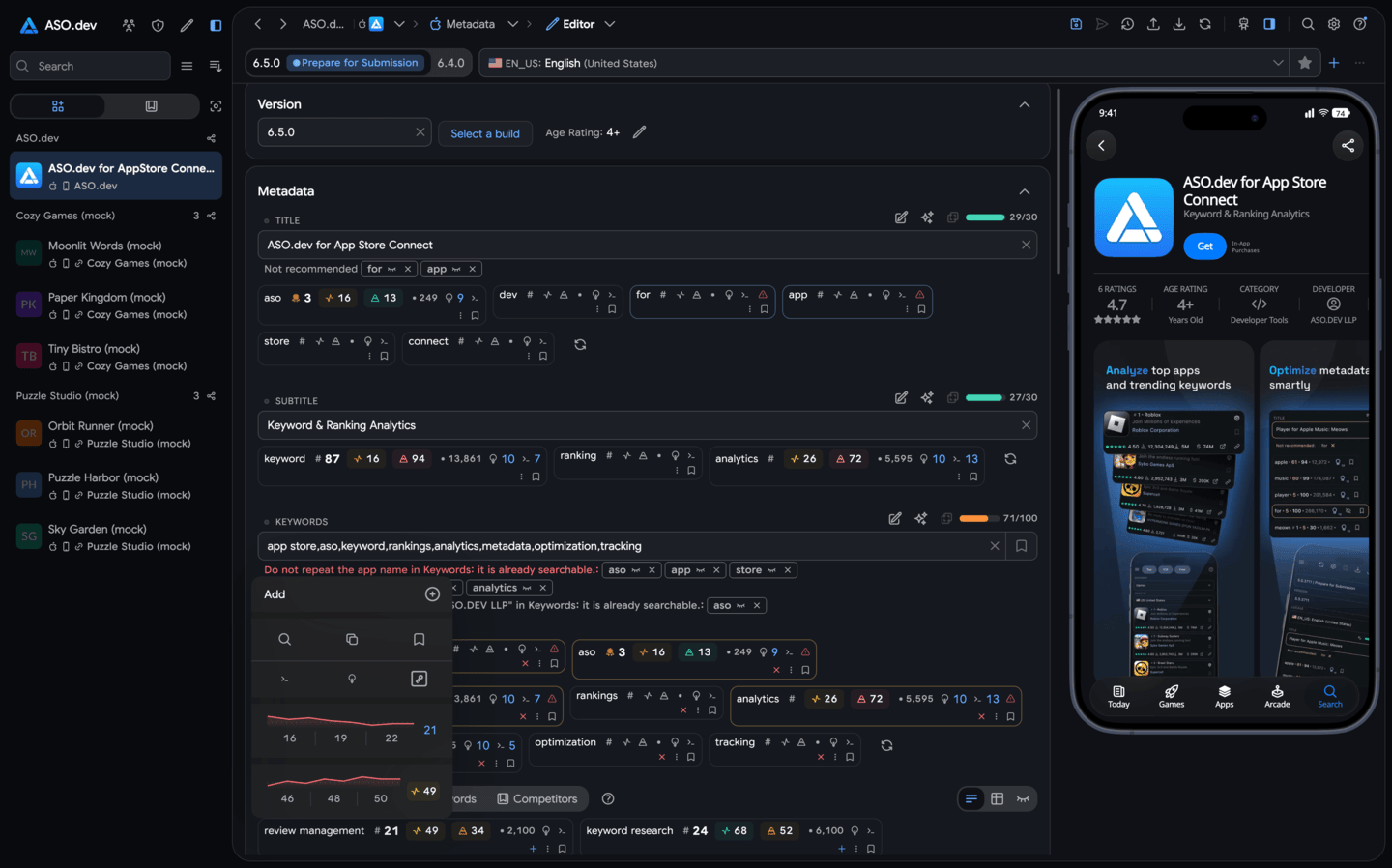
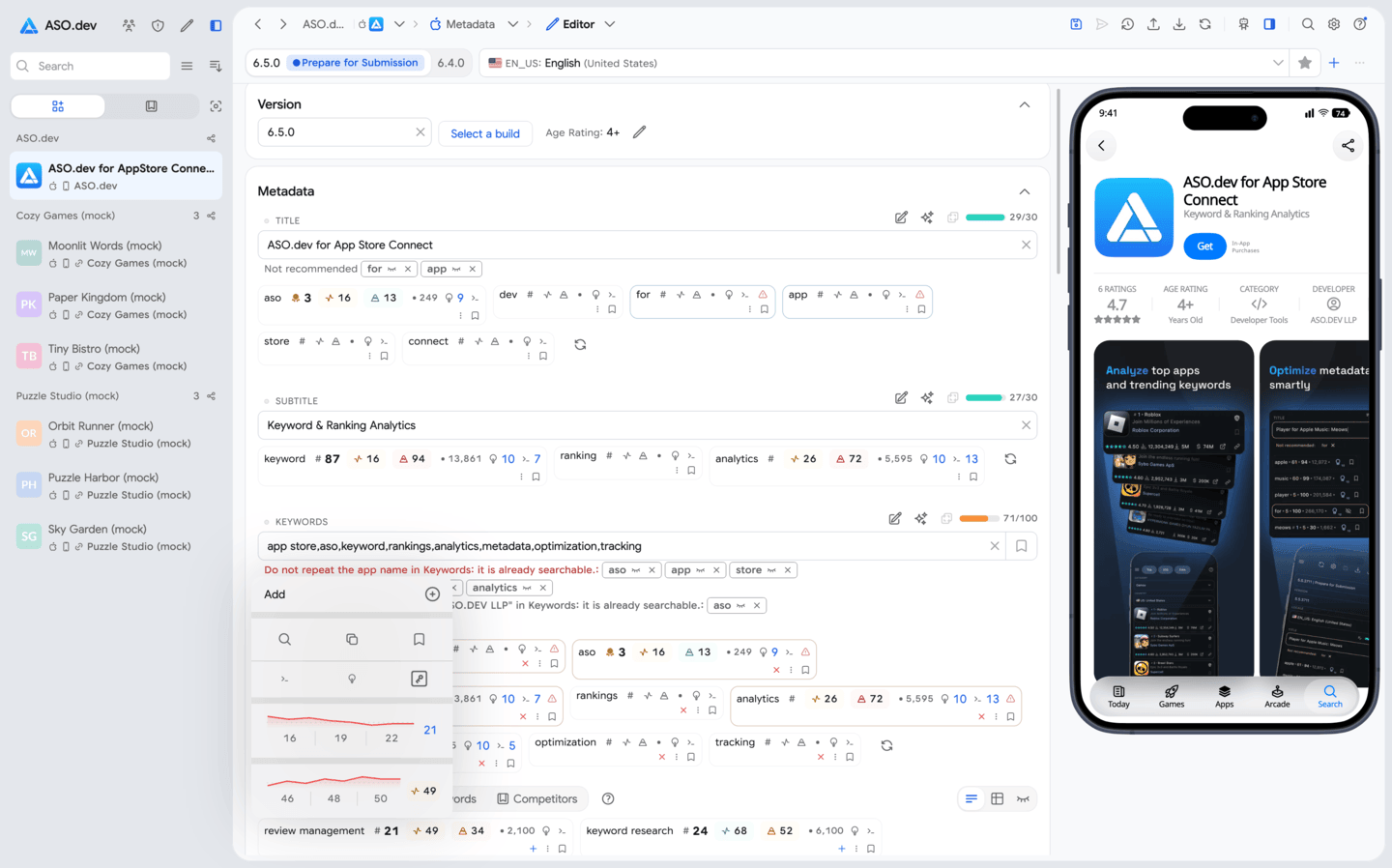
Scale localization without more tabs
Edit, translate, compare, and validate country localizations together while keeping local context visible.
App Store Connect without the busywork
Run App Store Connect from one workspace: 50 localizations, screenshots, signing, TestFlight, pricing, product pages, and unlimited AI review replies—for ASO teams and indie developers.
3-day trial · Cancel anytime

See the whole release
Keep copy, localizations, screenshots, pricing, products, and submission status together instead of rebuilding the release across tabs and spreadsheets.
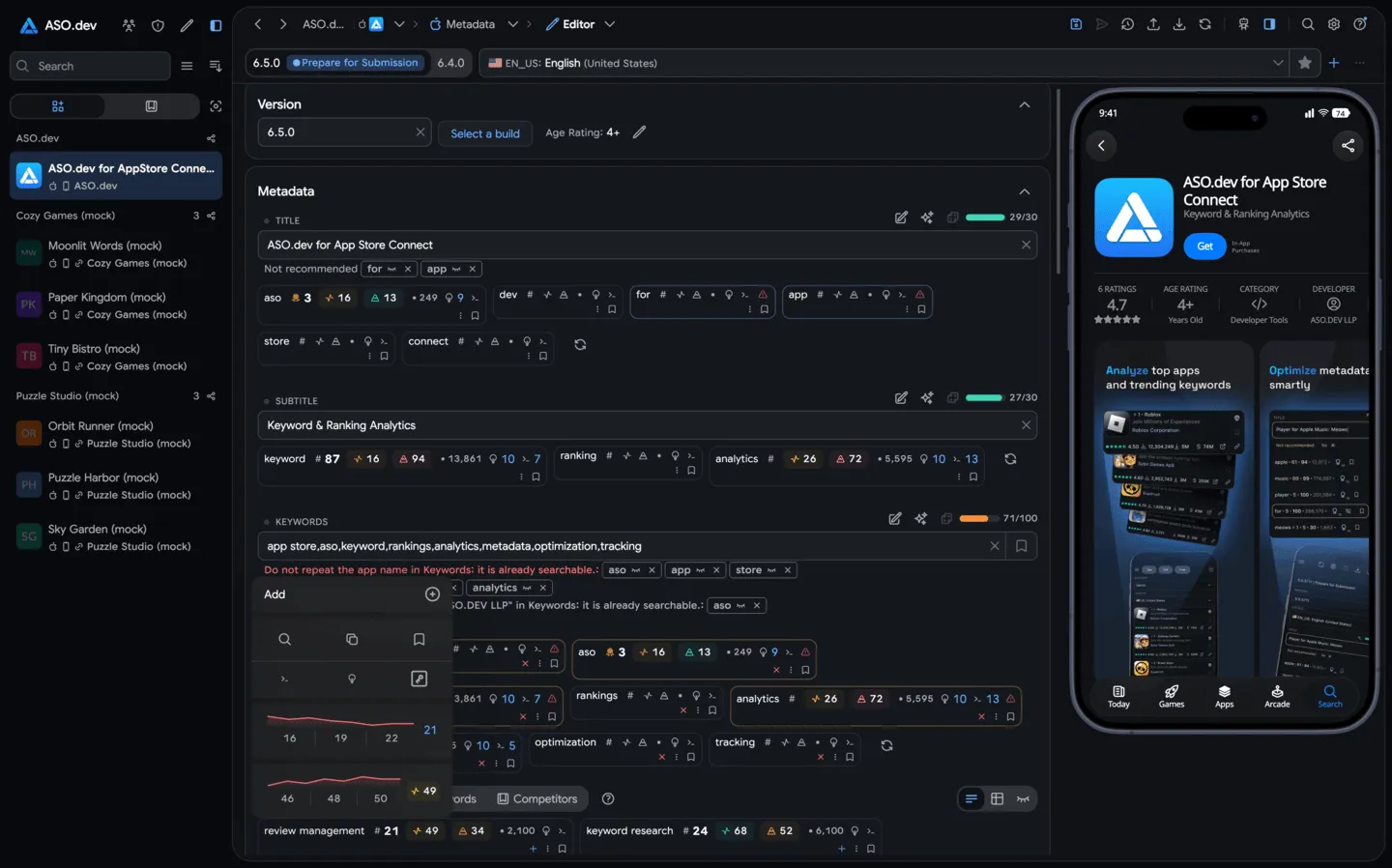
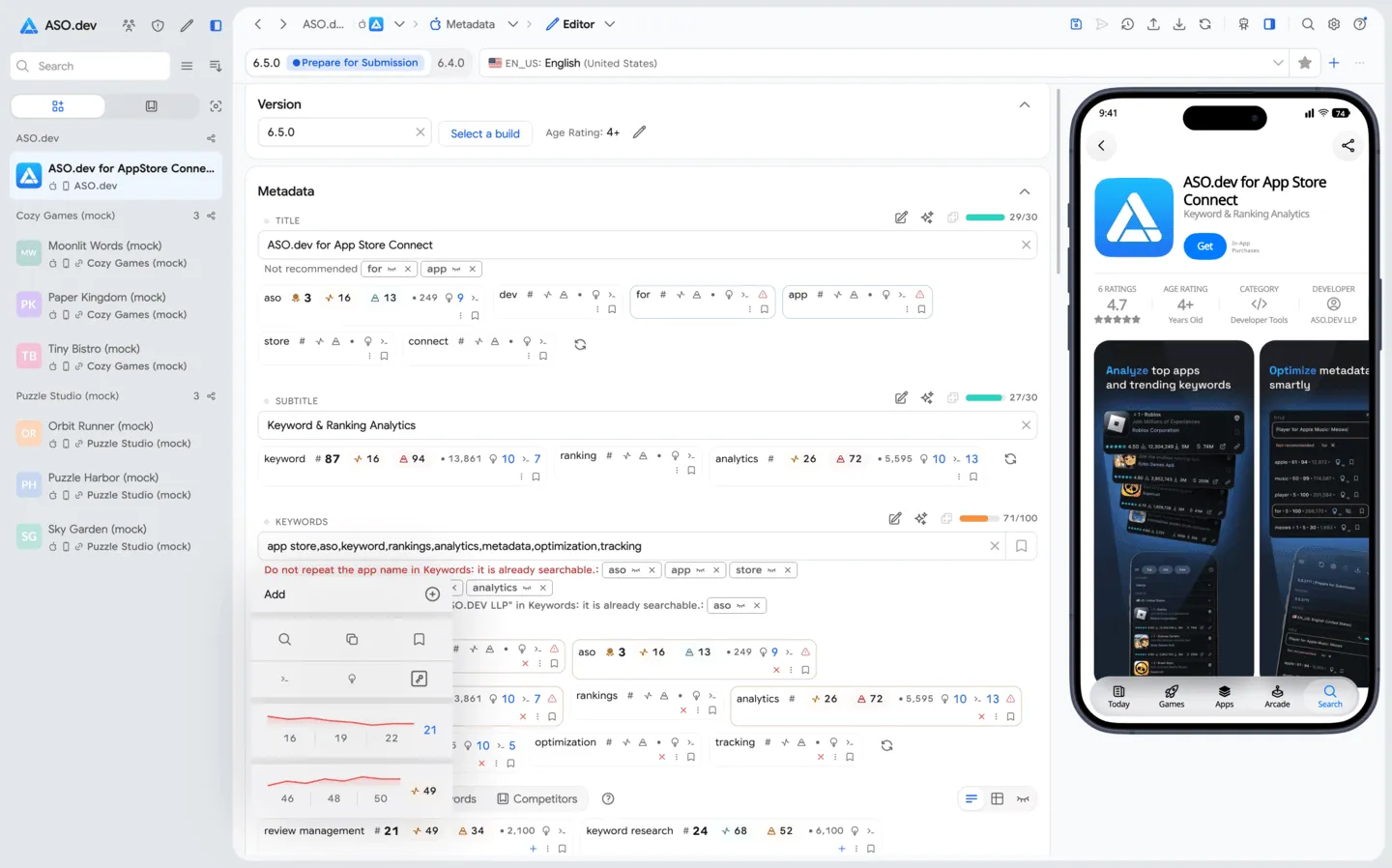
A workflow you can repeat
Draft safely, update every localization, and send validated changes to App Store Connect with a clear view of what changed.
Keep the API key in Secure Storage on your device and send requests directly to Apple—or through the dedicated proxy configured for that workspace.
Use smart checks, bulk actions, translation providers, and cross-localization insights to move faster.
Preview changes, catch field issues early, and submit a clean release without manual copy-paste work.
For teams and solo developers
Run the same dependable workflow whether you manage a client portfolio or publish one app after hours.
Edit, translate, compare, and validate country localizations together while keeping local context visible.
Find field limits, duplicates, missing values, and inconsistent changes before they slow down submission.
Coordinate screenshots, in-app events, subscriptions, pricing, CPP, and PPO in the same release flow.
API keys stay in Secure Storage on your device, and requests go directly to Apple. Assign a dedicated proxy to each workspace when developer accounts need isolated IP activity—similar to separate anti-detect browser profiles.
Review automation
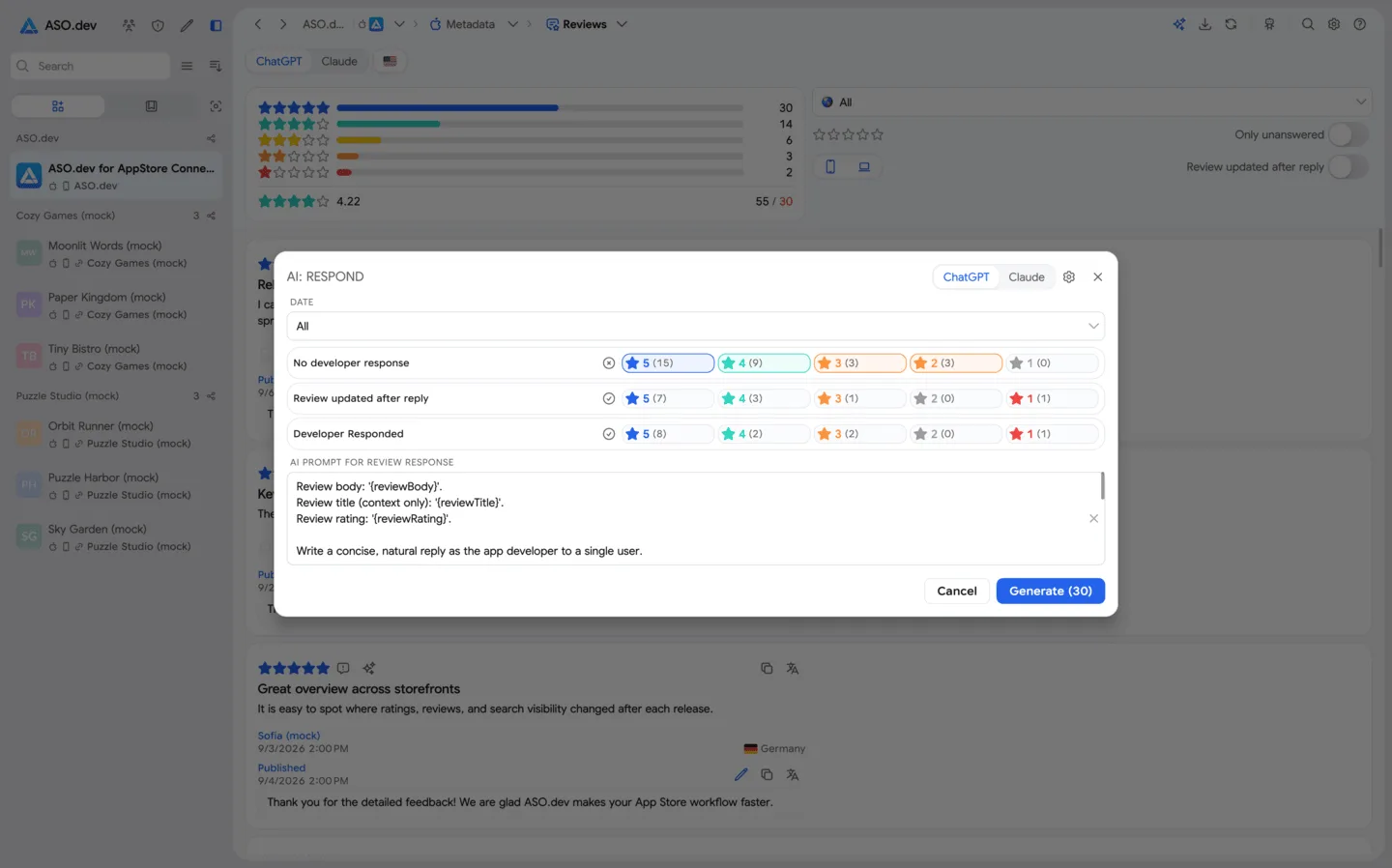
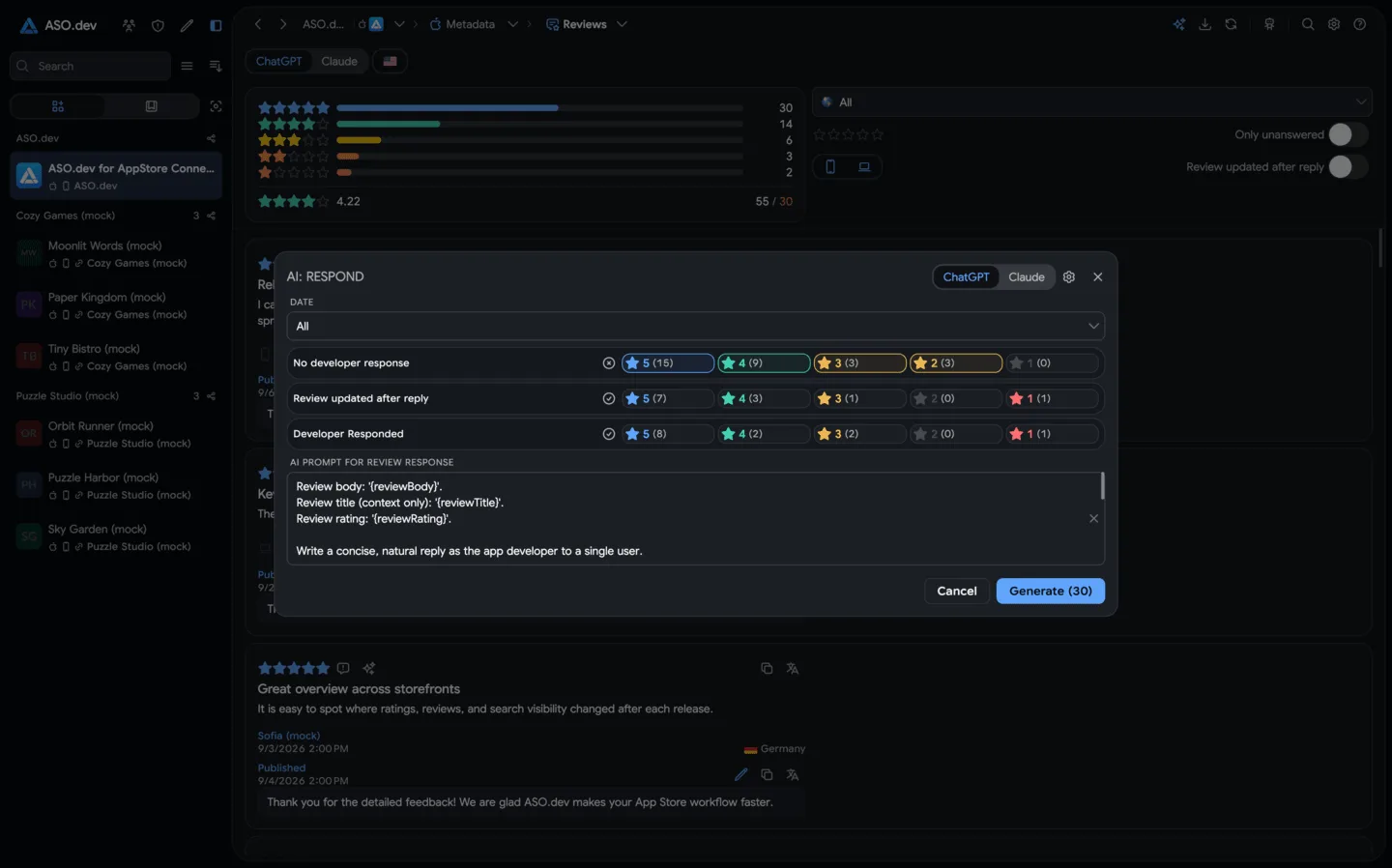
Generate relevant App Store review replies in bulk with no limit on AI-generated responses, then edit and publish them from the same queue.
Inside the platform
Go beyond titles and keywords with dedicated workflows for media, monetization, Apple Developer signing, TestFlight, and more.
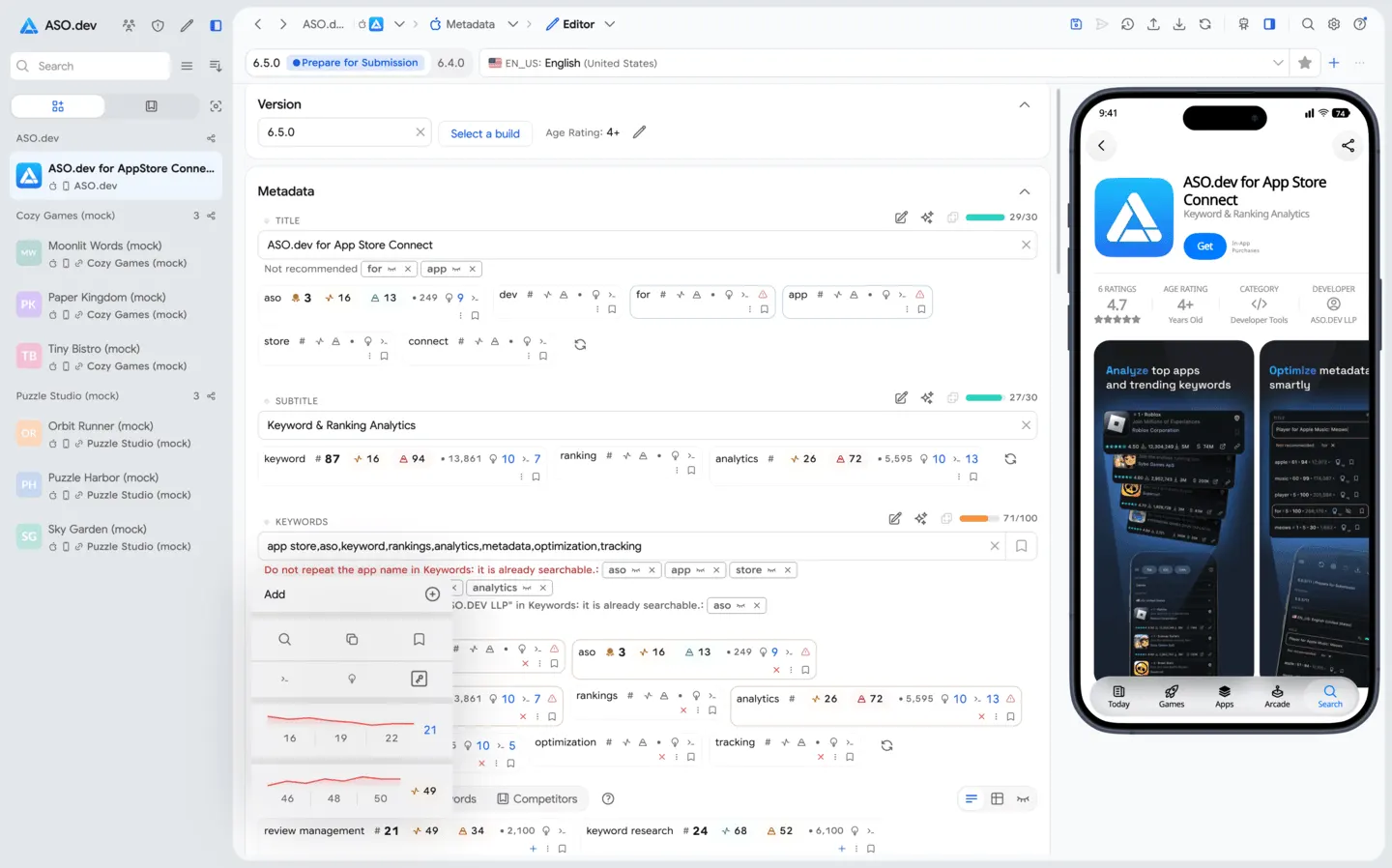
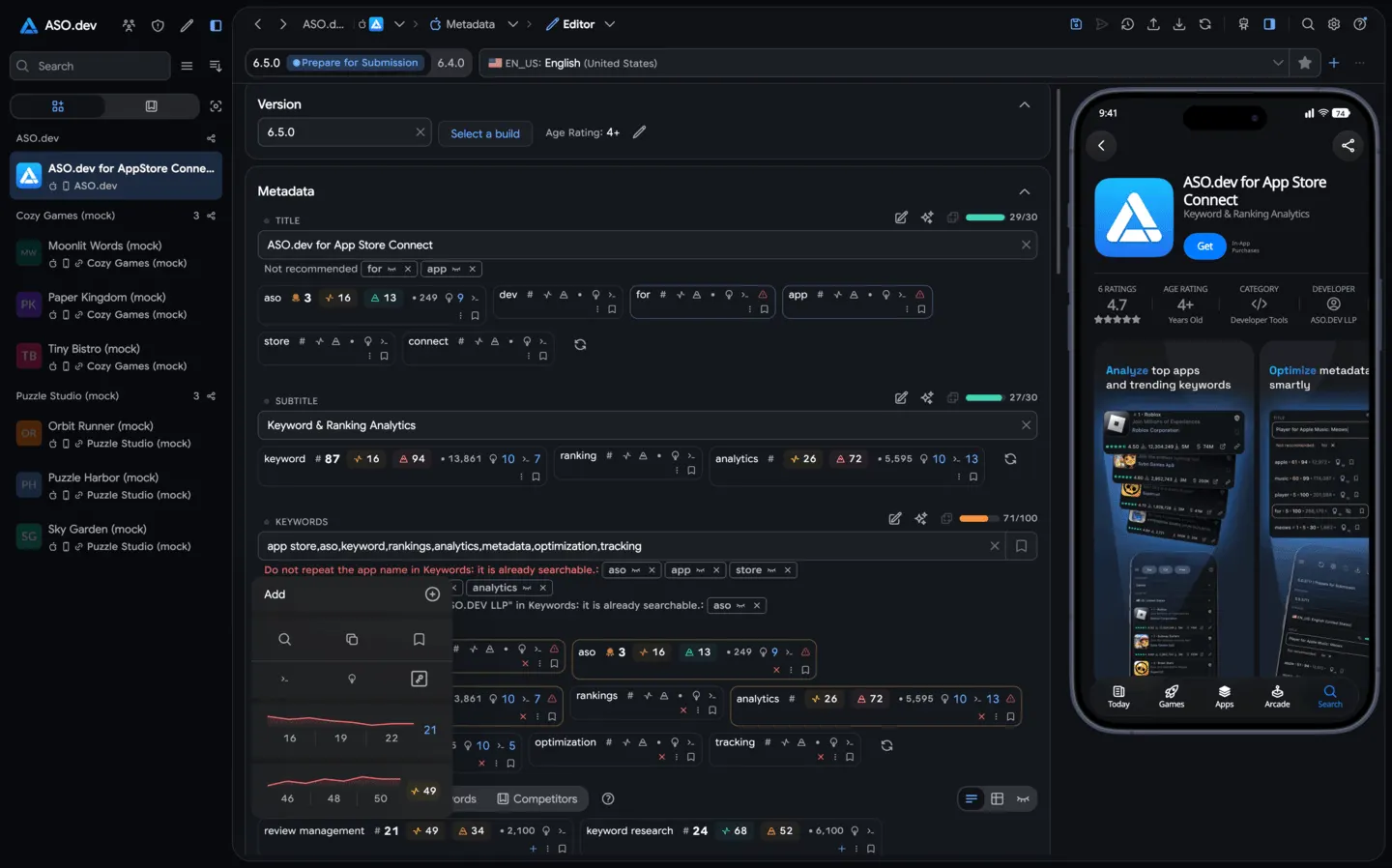 01Smart Metadata EditorSmart suggestions, length checks, previews, and rollback.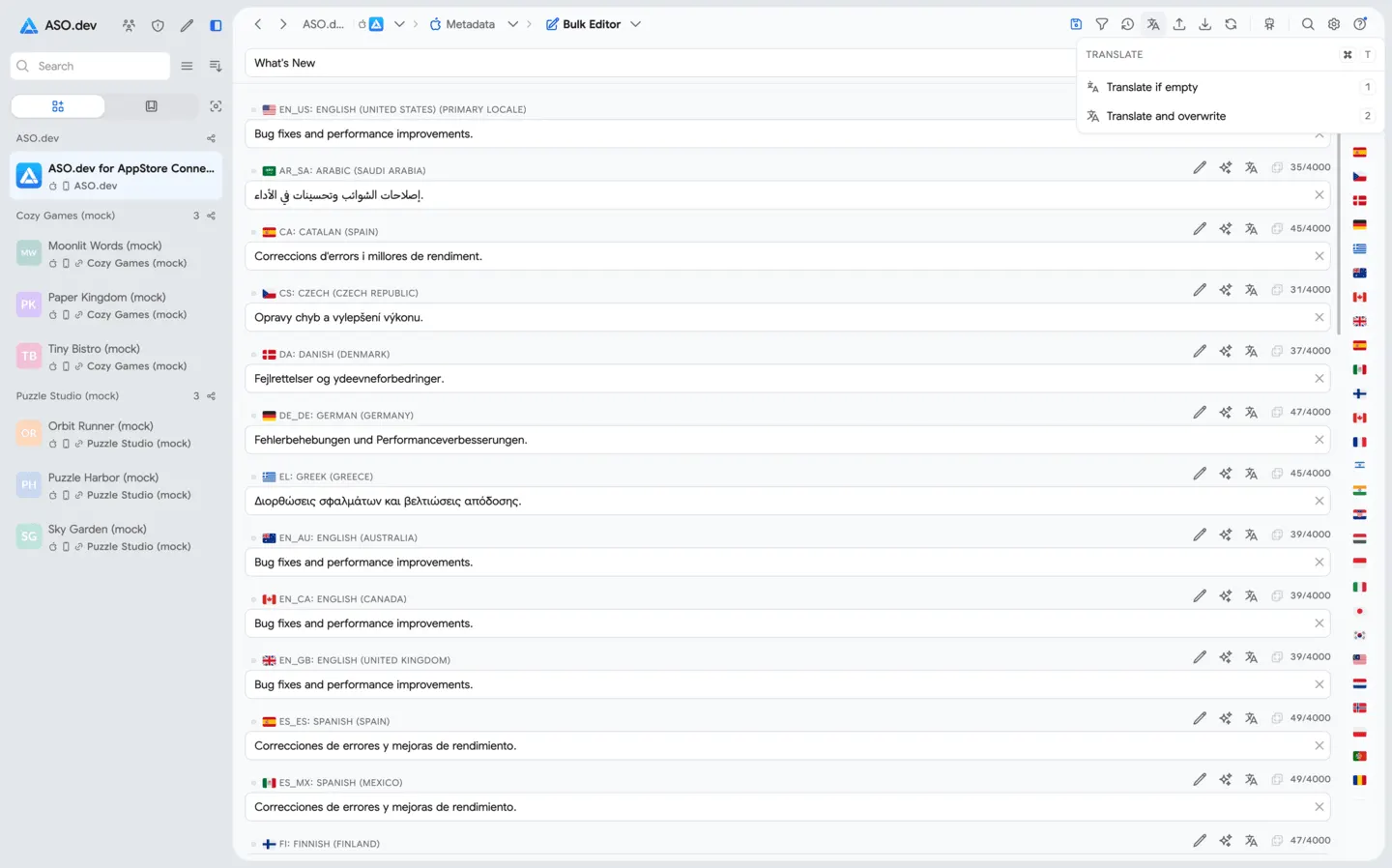
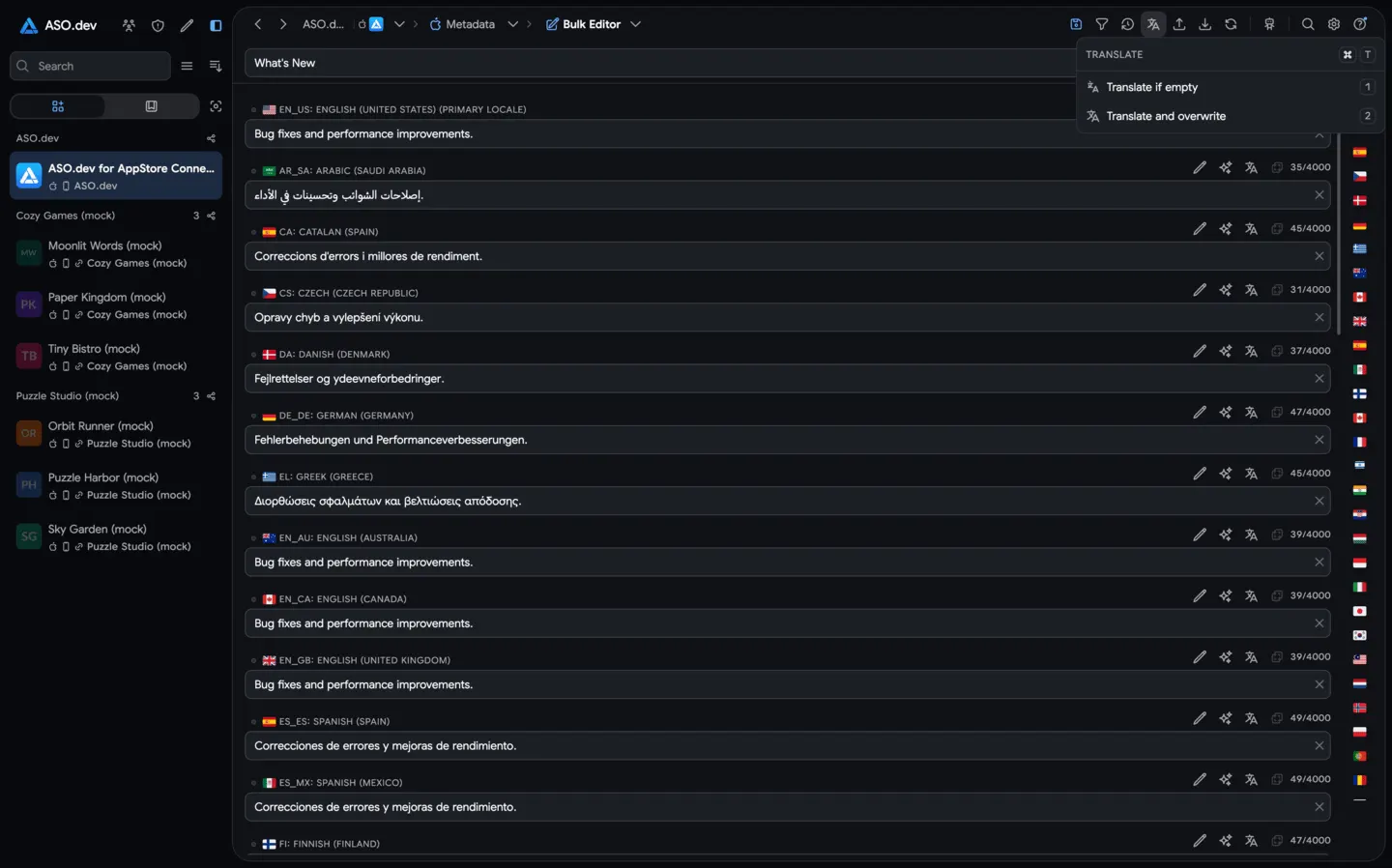 02Bulk EditorBulk edit content across all localizations in seconds. Auto-translate text with AI or Google/DeepL, detect duplicates, copy fields from past versions, and quickly see changes.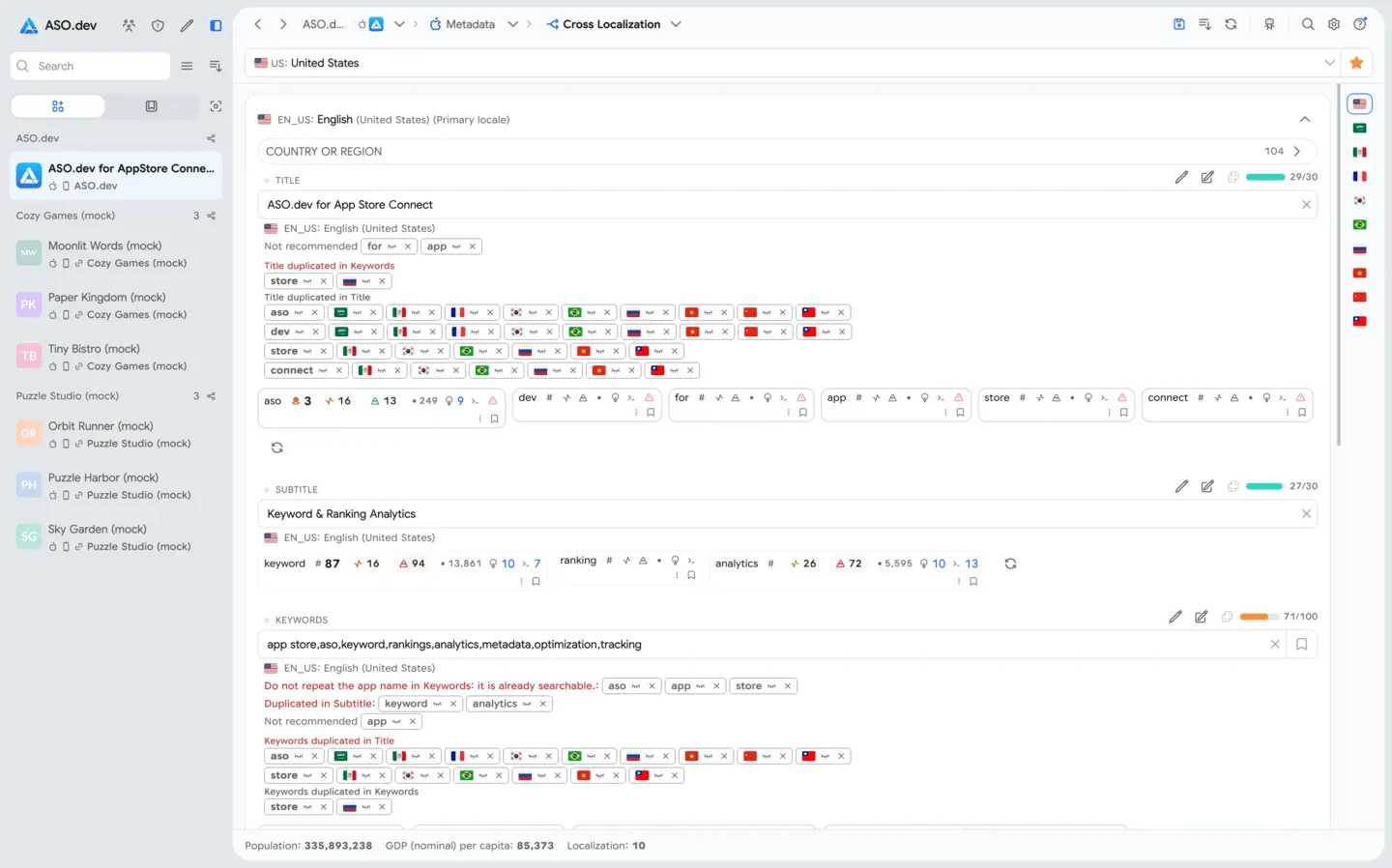
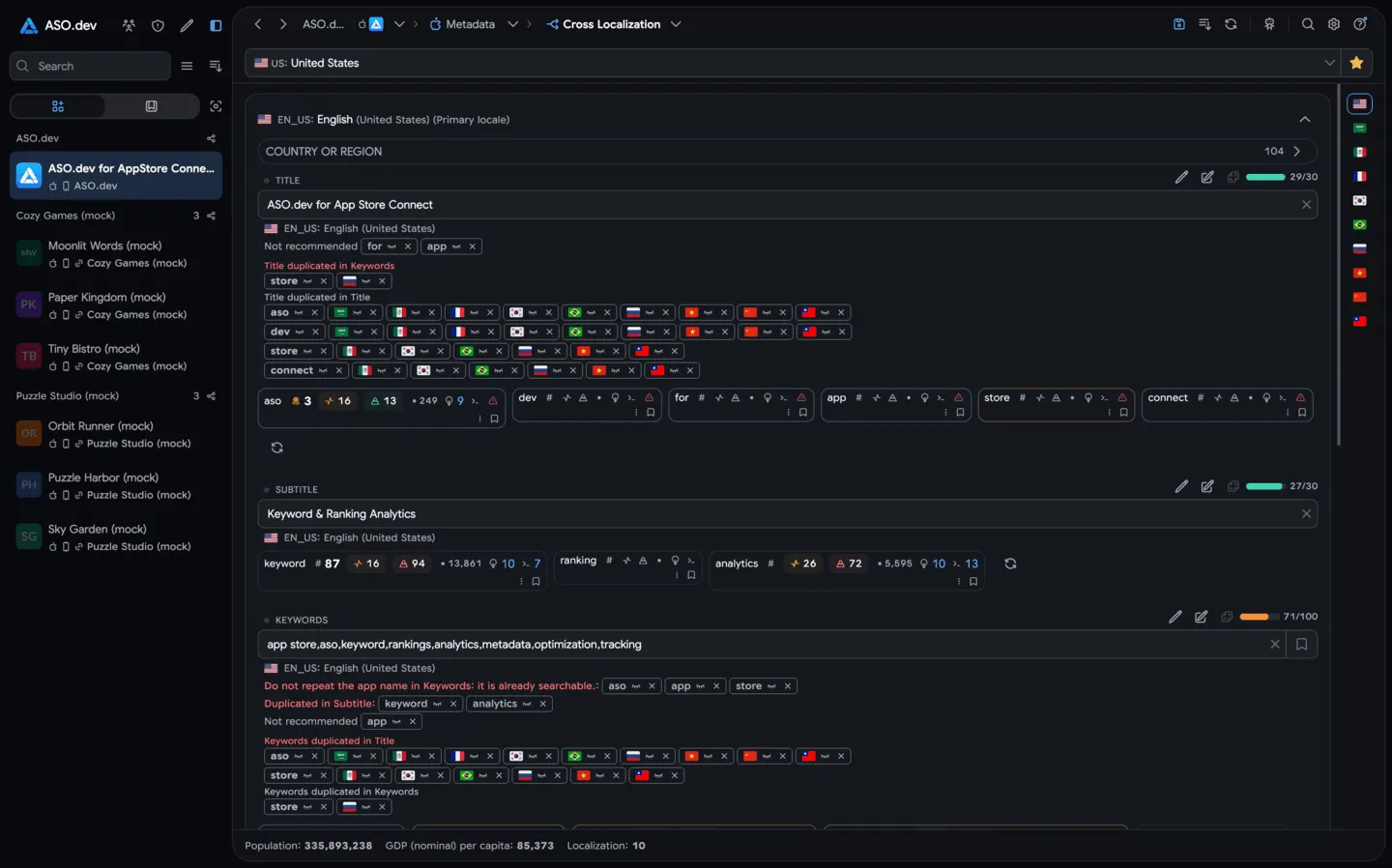 03Interactive Cross-Localization TableOptimize titles, subtitles, and keywords for every country in one interactive table. Get locale-specific suggestions and validations, and fill all available keyword slots to maximize global visibility.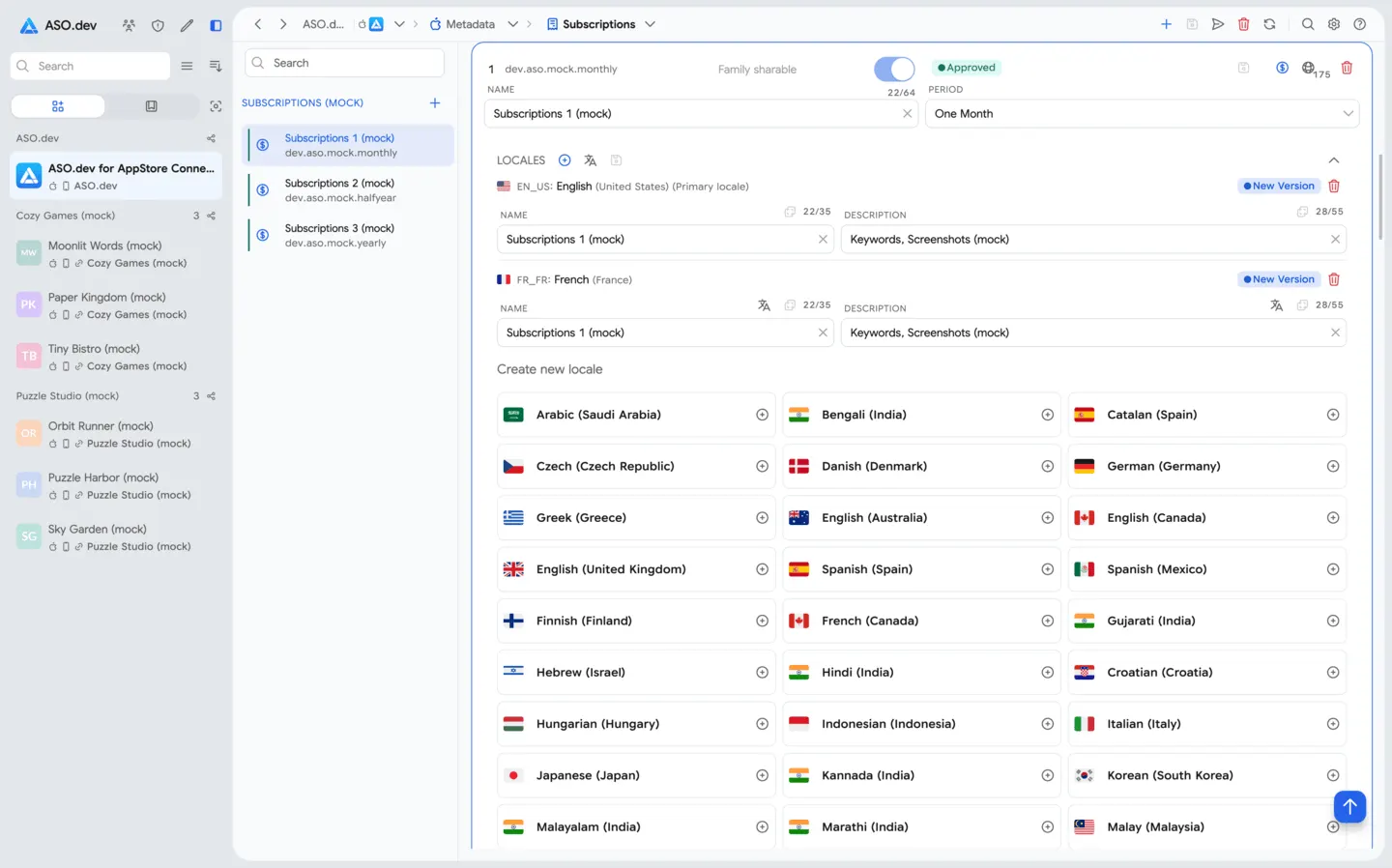
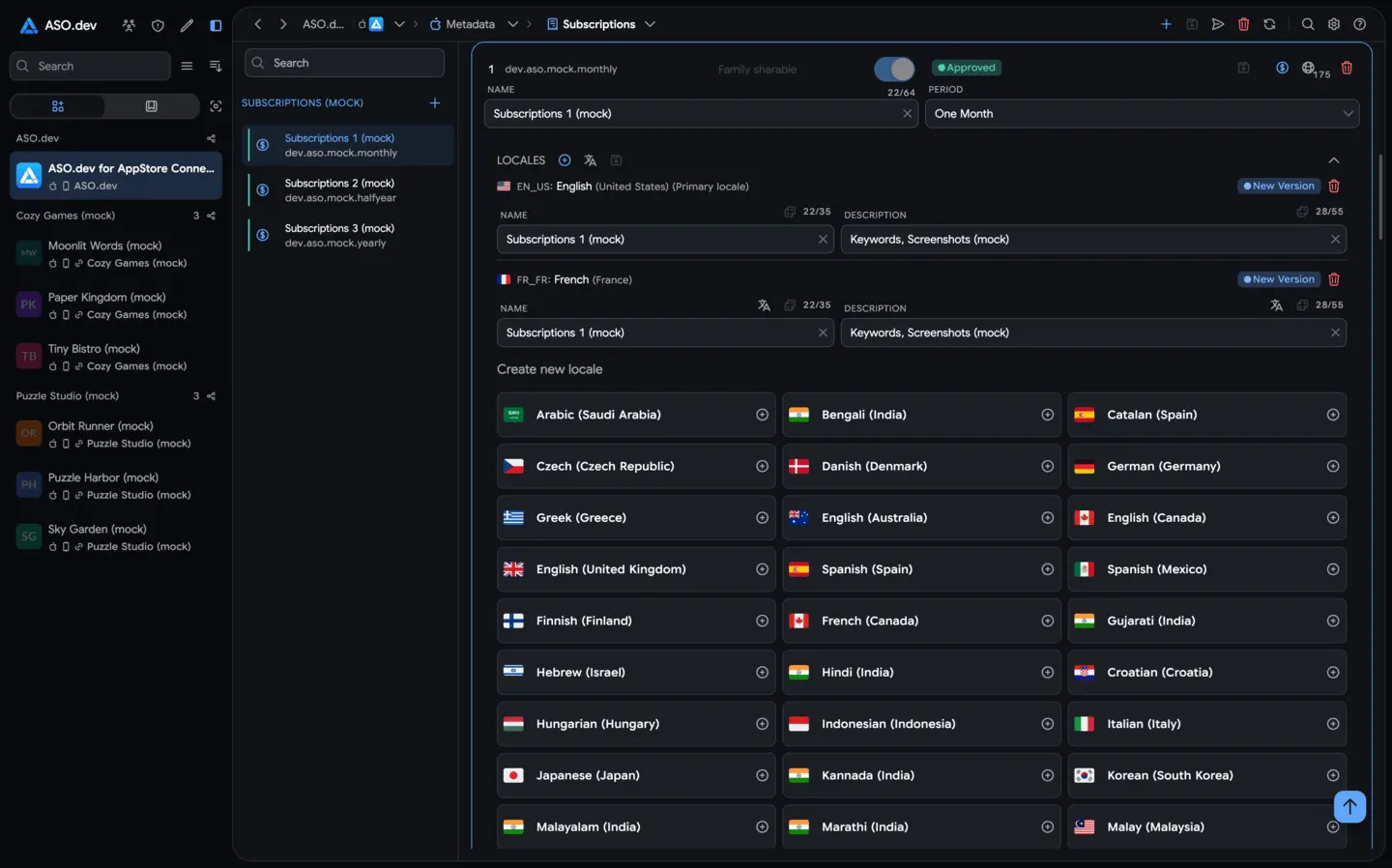 04SubscriptionsCreate, localize and update.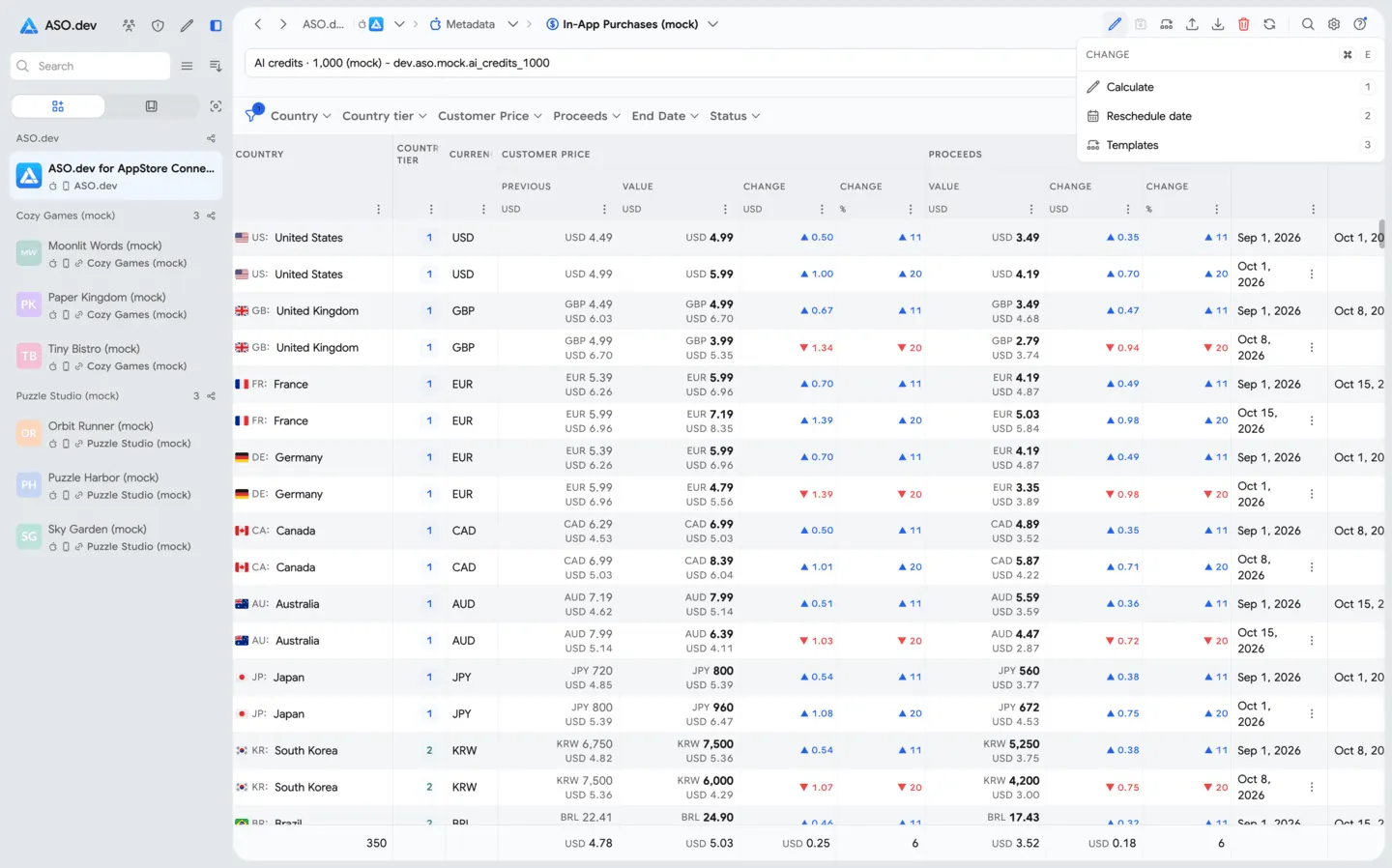
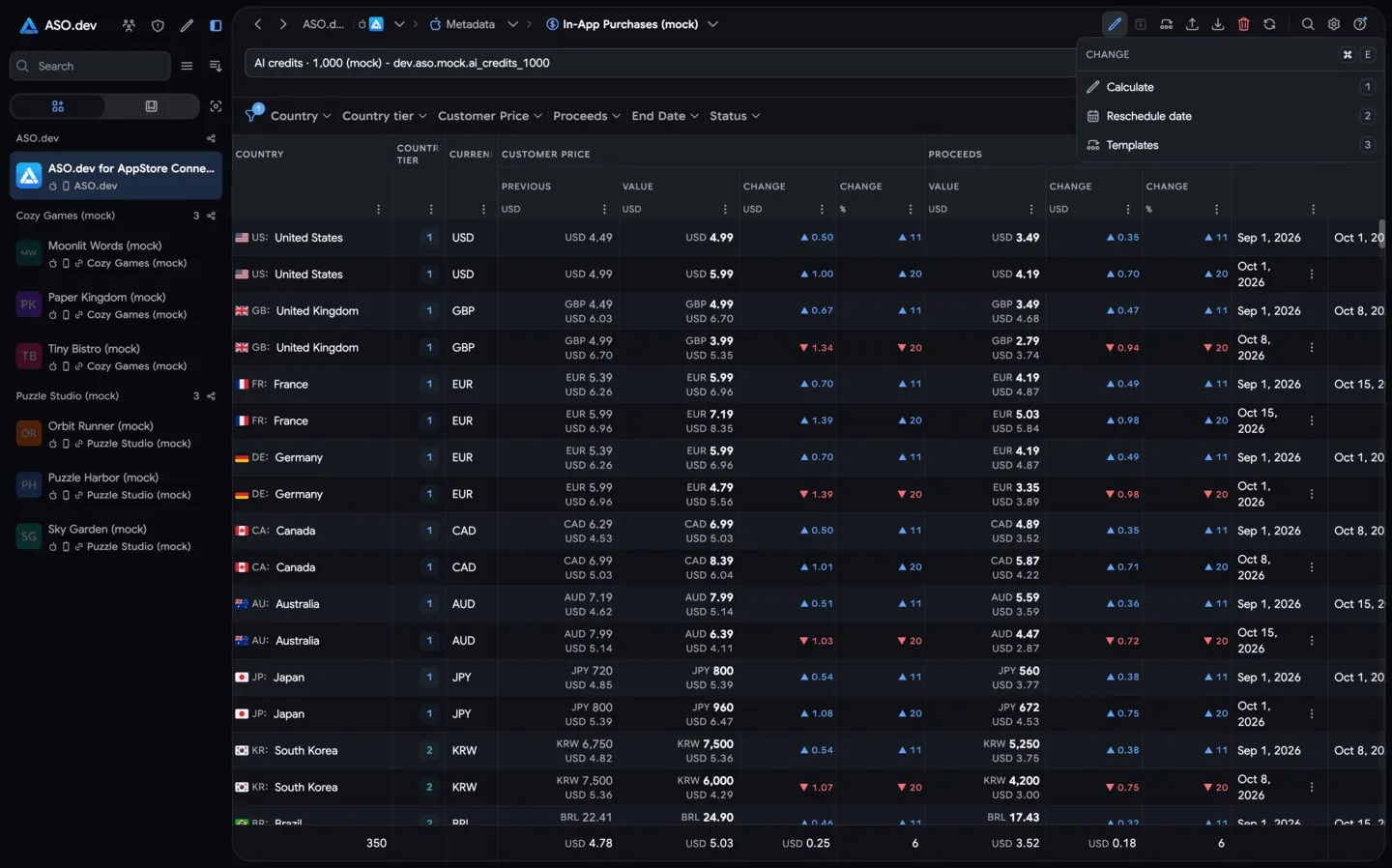 05In-App PurchasesCreate, localize, price, and submit one-time purchases.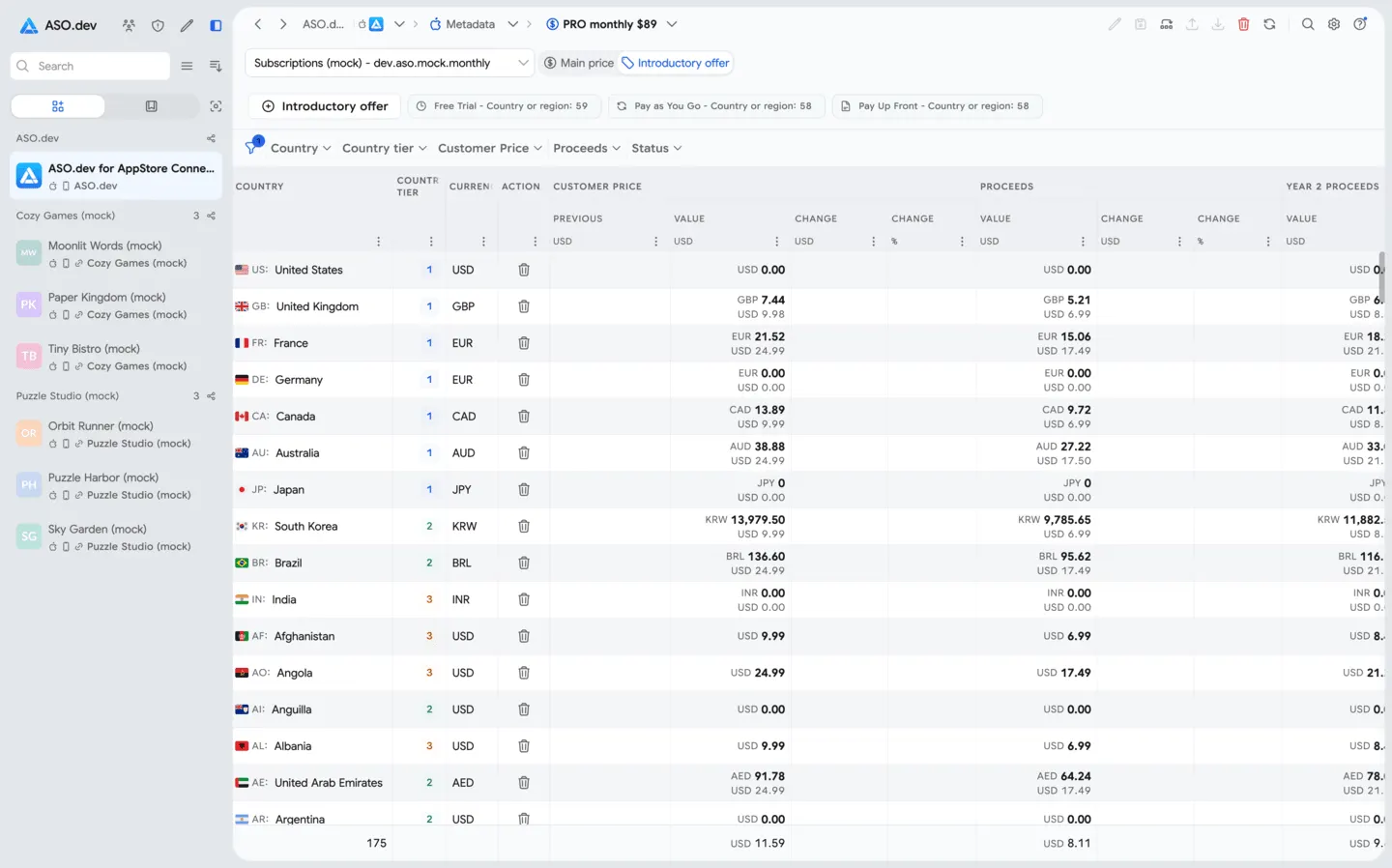
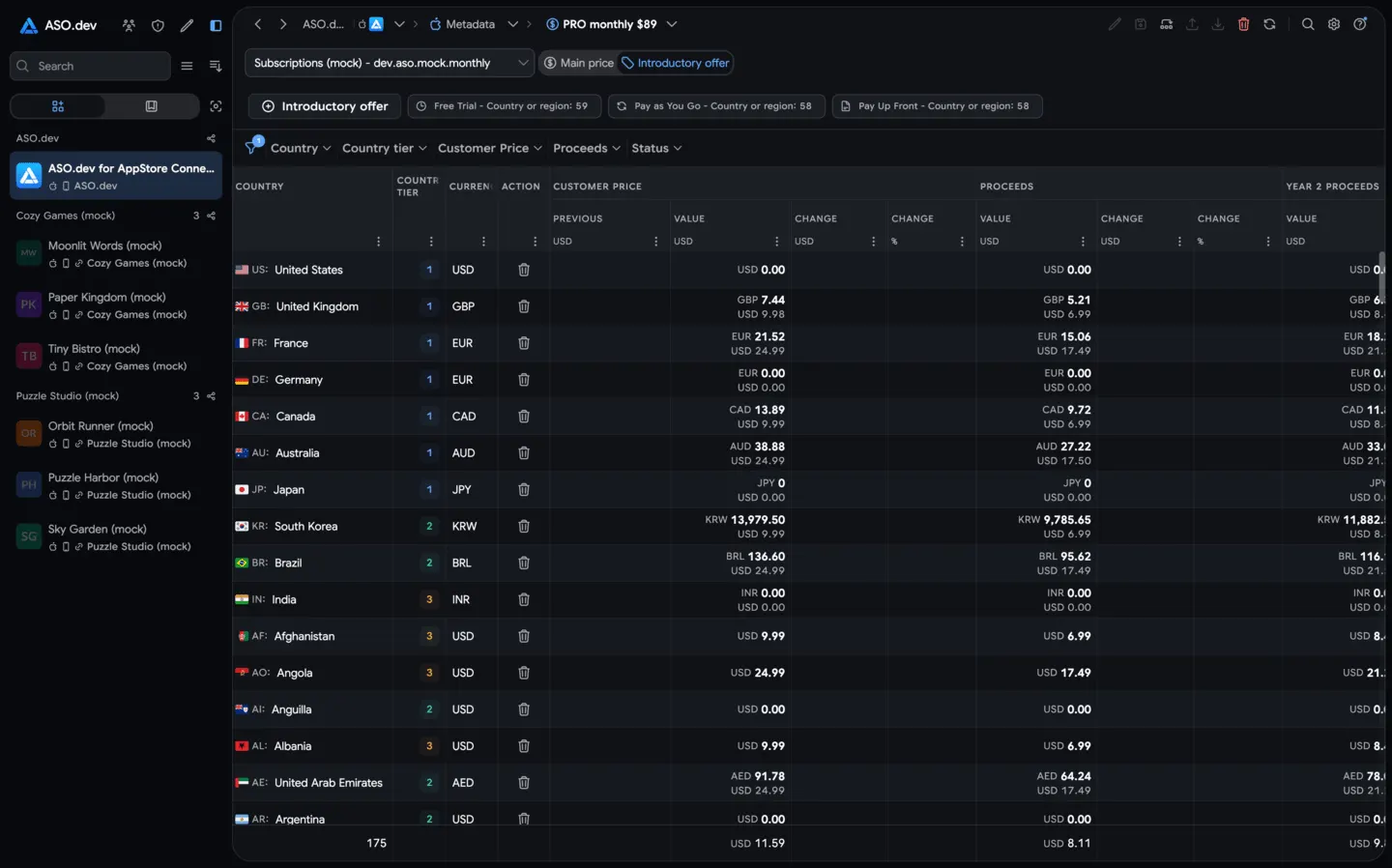 06Introductory OffersFree trials and discounted first periods for subscriptions.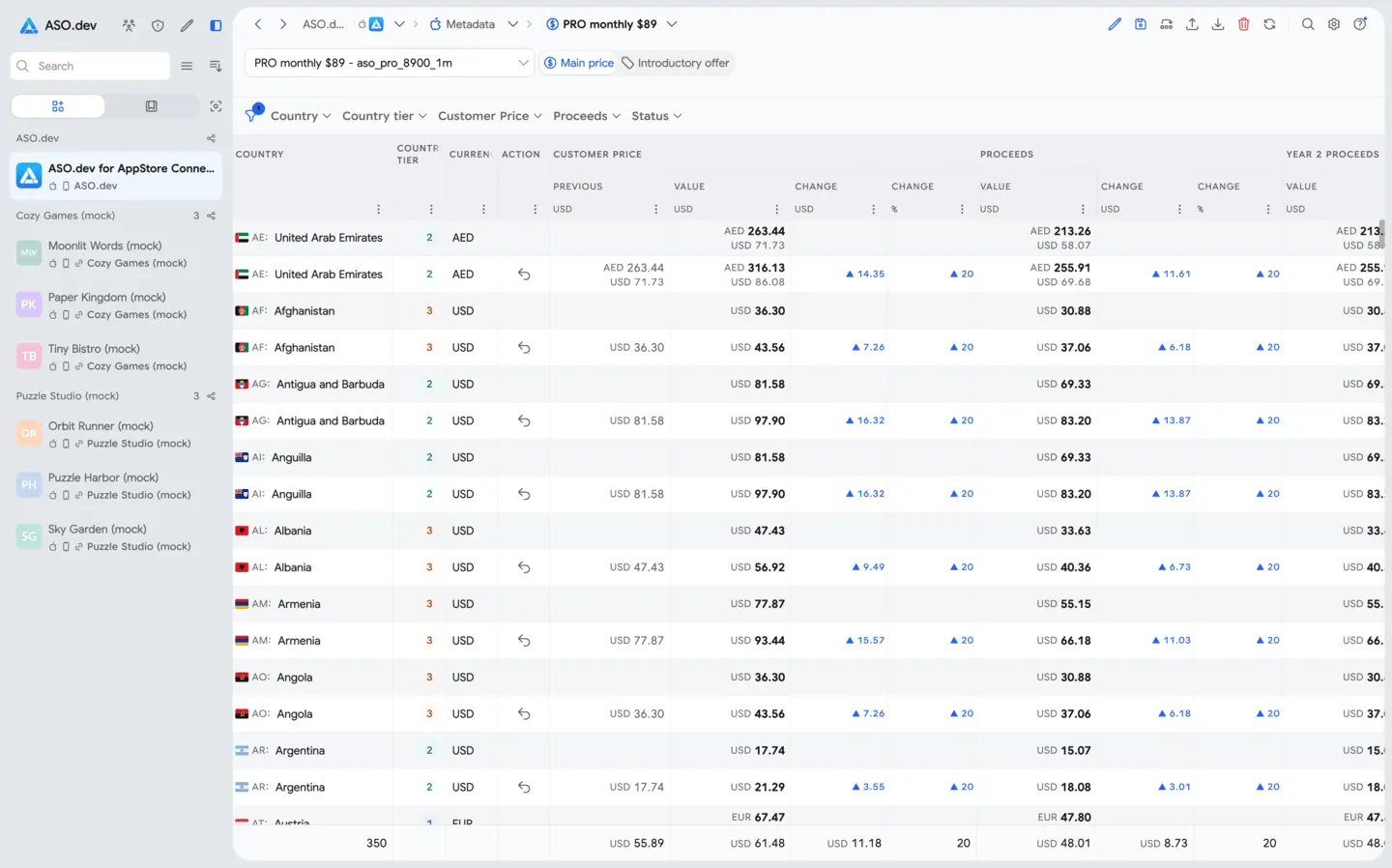
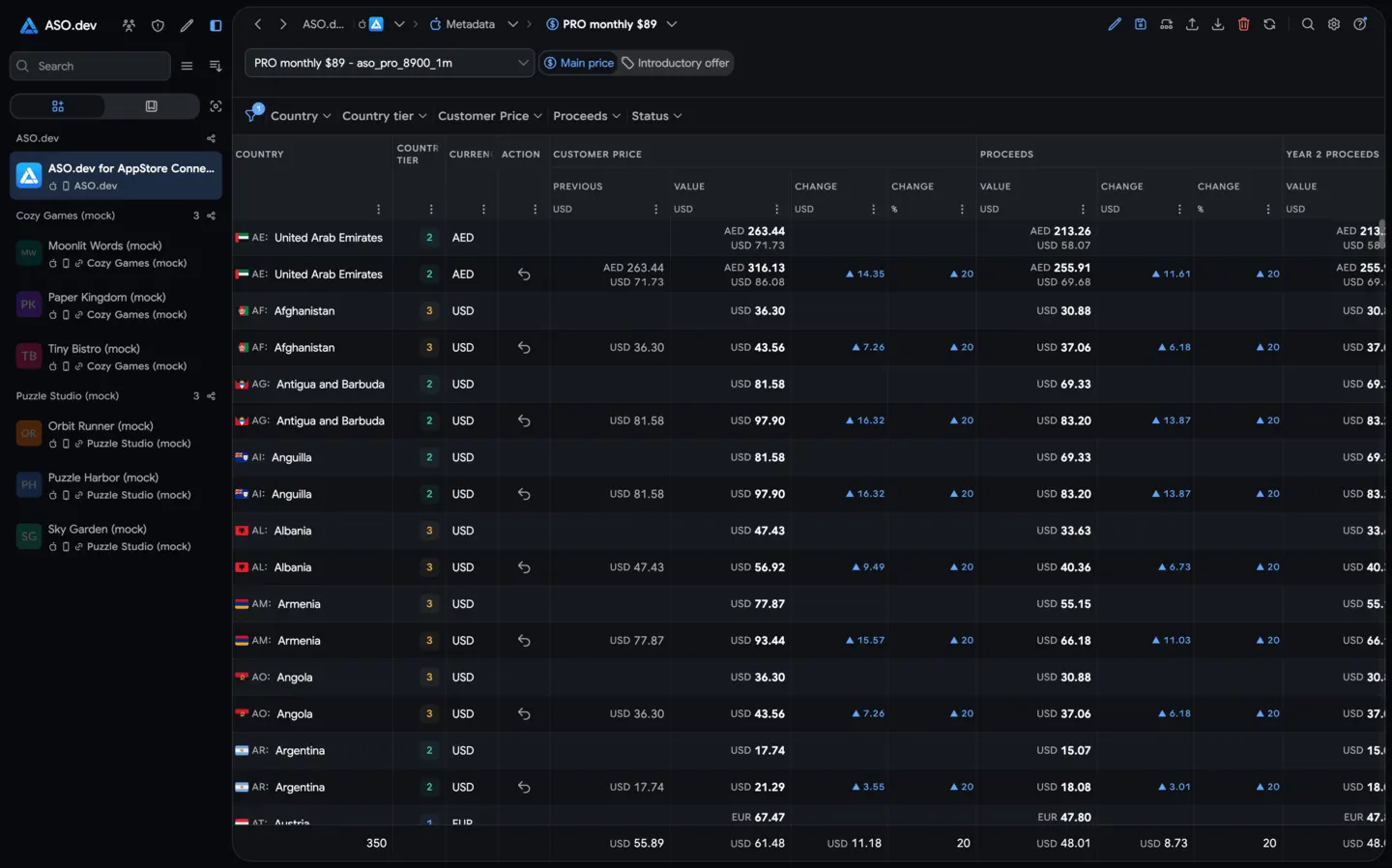 07PricingChange pricing for subscriptions, in-app purchases, and introductory offers.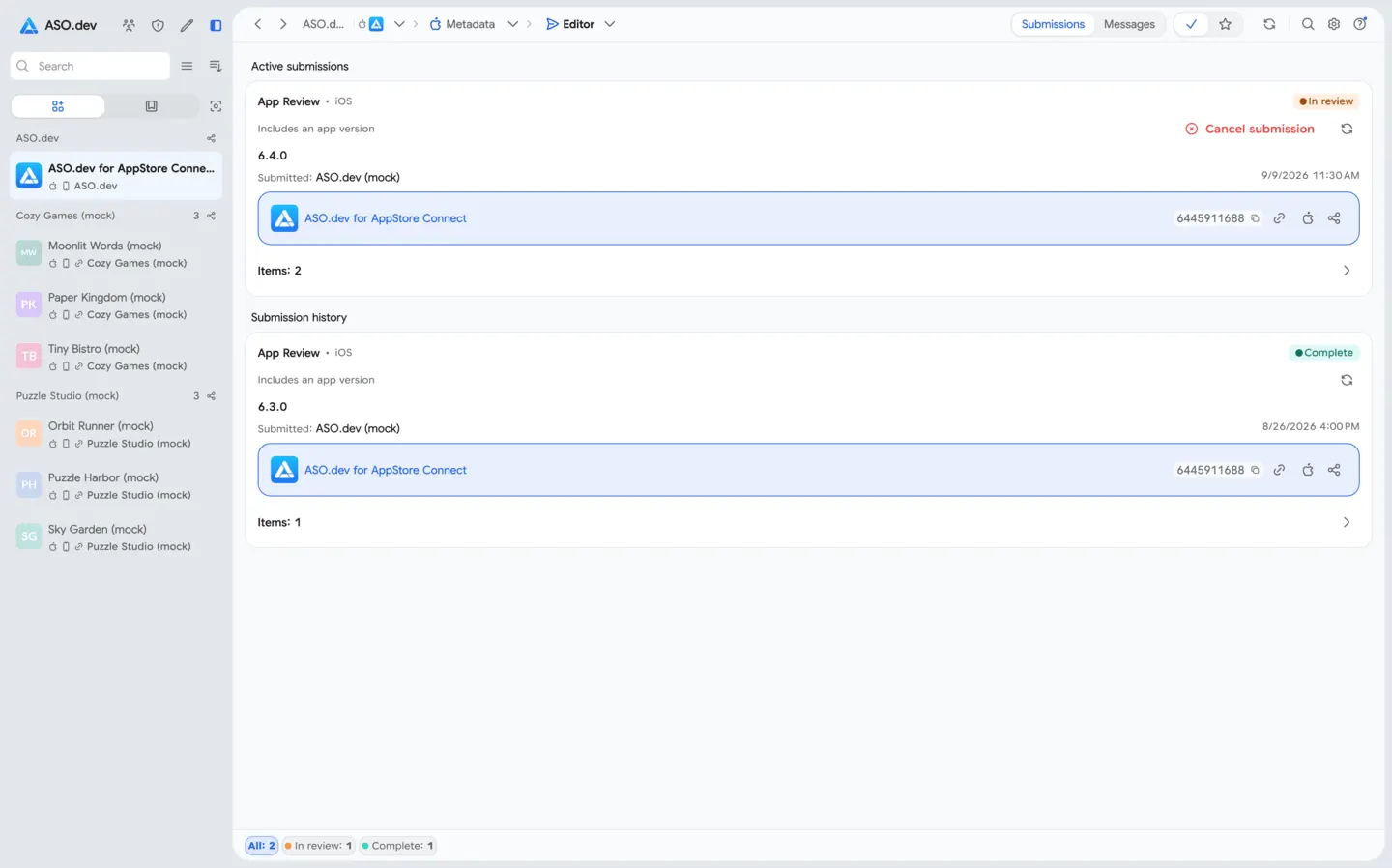
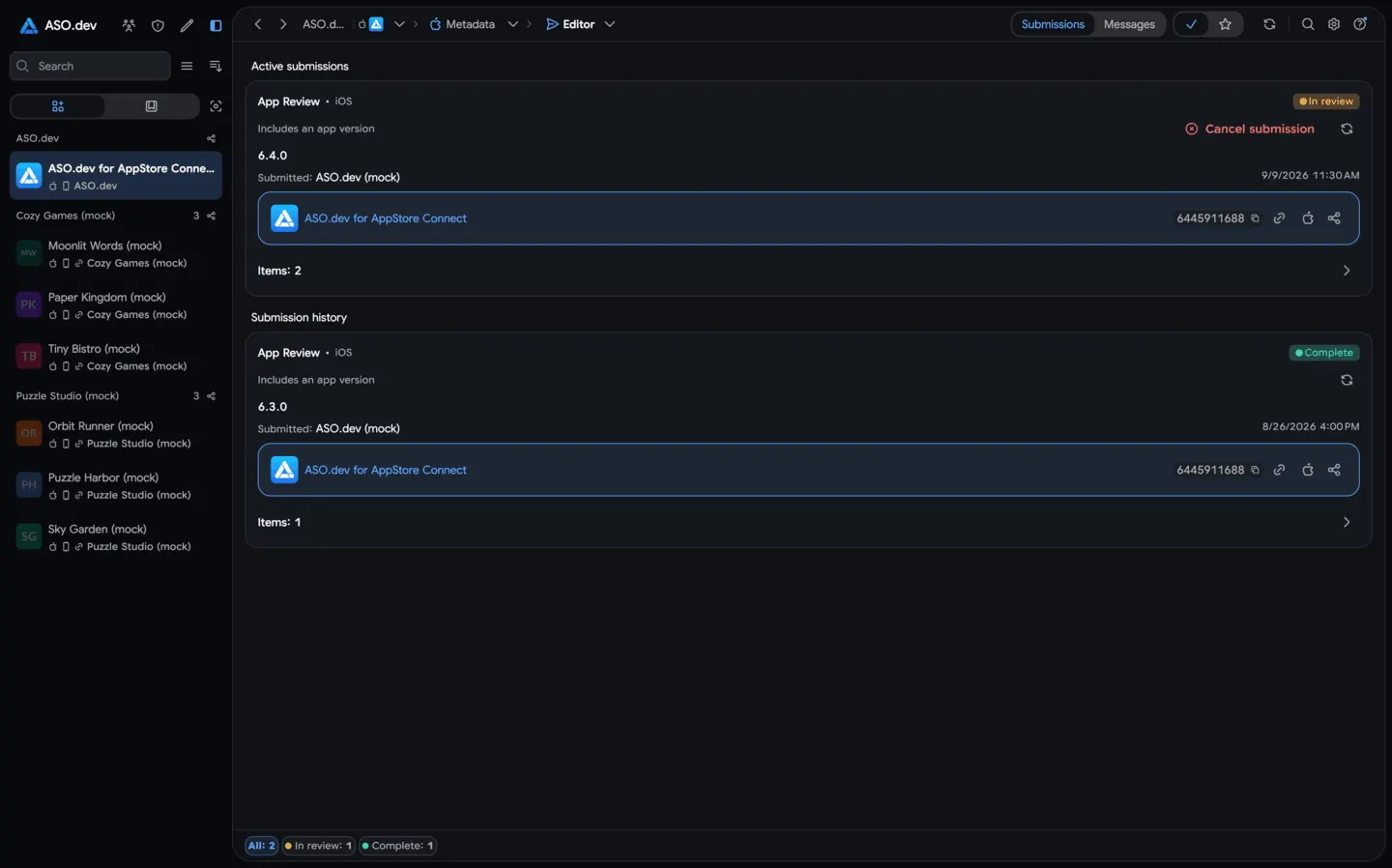 08App Store Review SubmissionsView your app’s App Store review submission history, including status, date, version, platform, participants, and submitted items.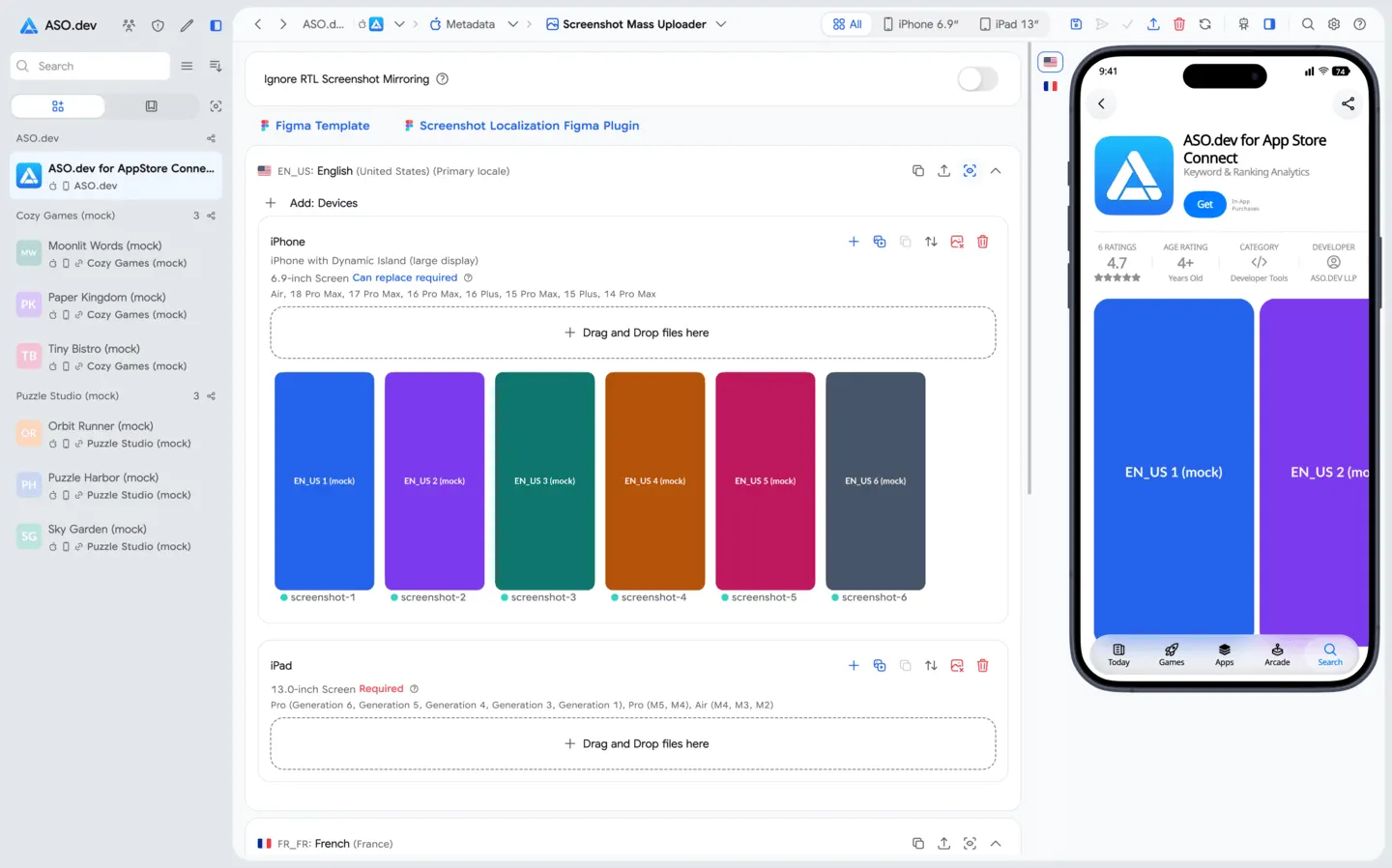
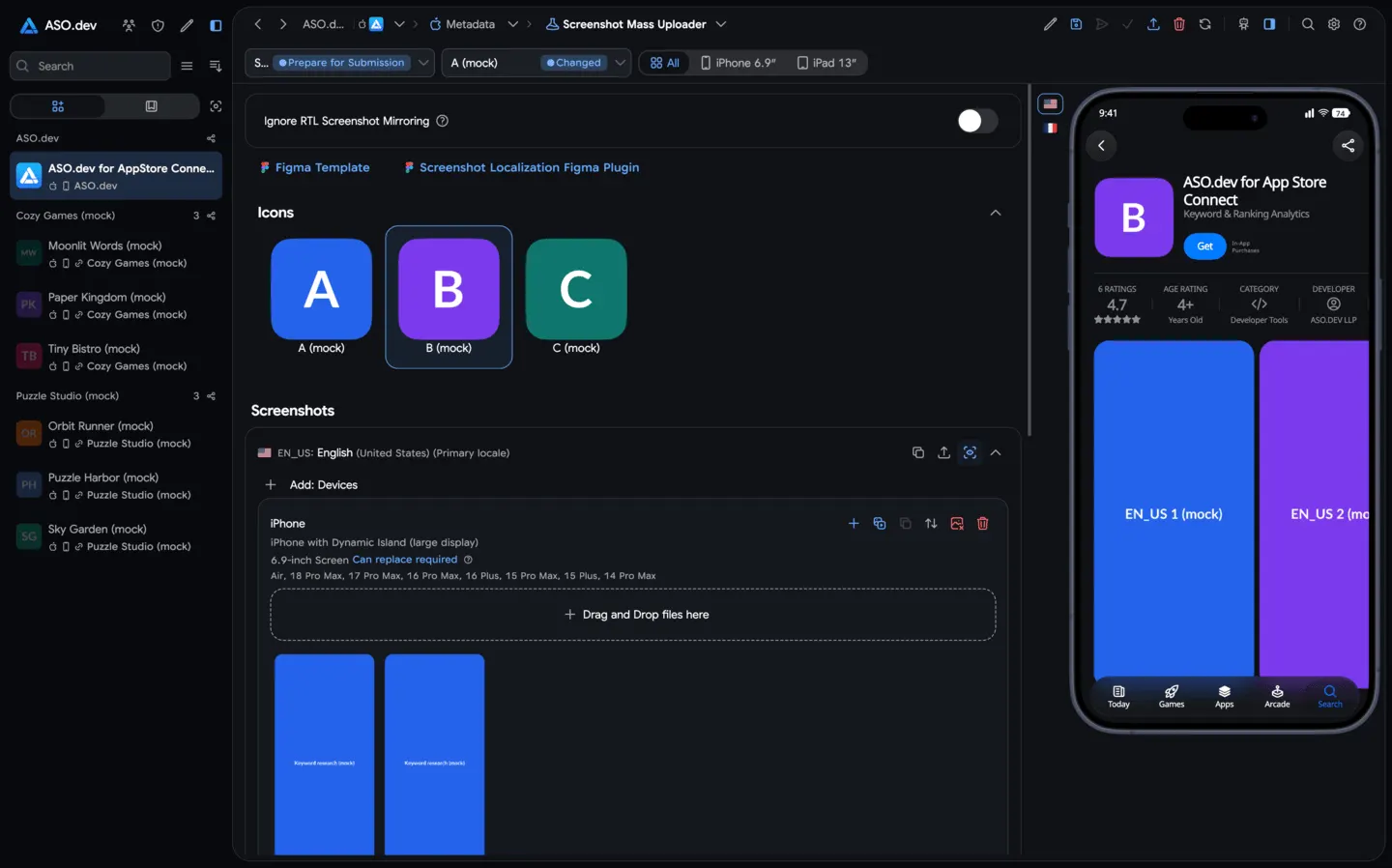
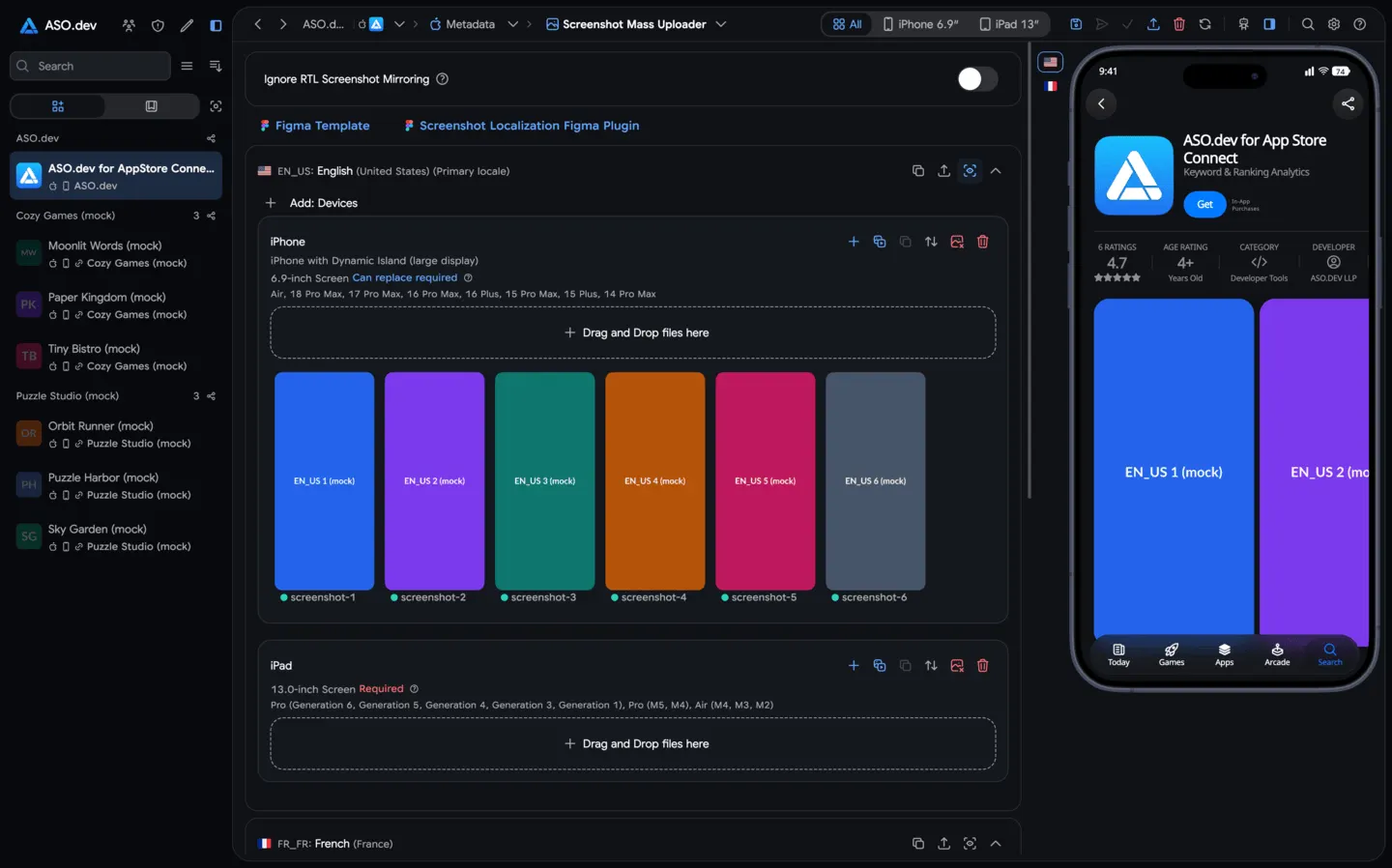 09Mass screenshot uploaderBulk upload screenshots and videos with auto device detection.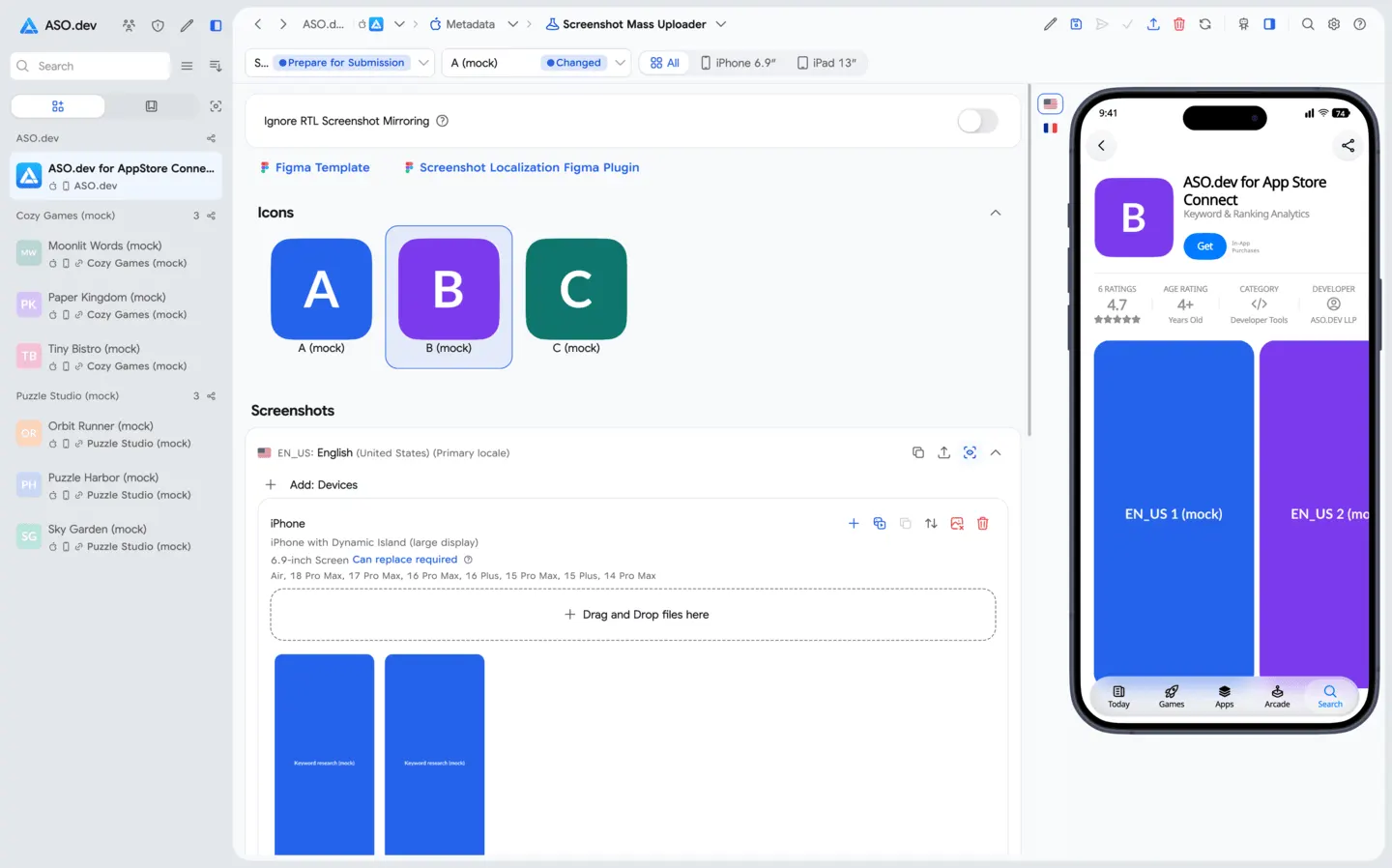
 10Product Page OptimizationRun A/B tests on your App Store page elements (icons, screenshots, etc.) to see what works best. Compare performance metrics for each variant, and easily copy or upload screenshots and videos across all locales.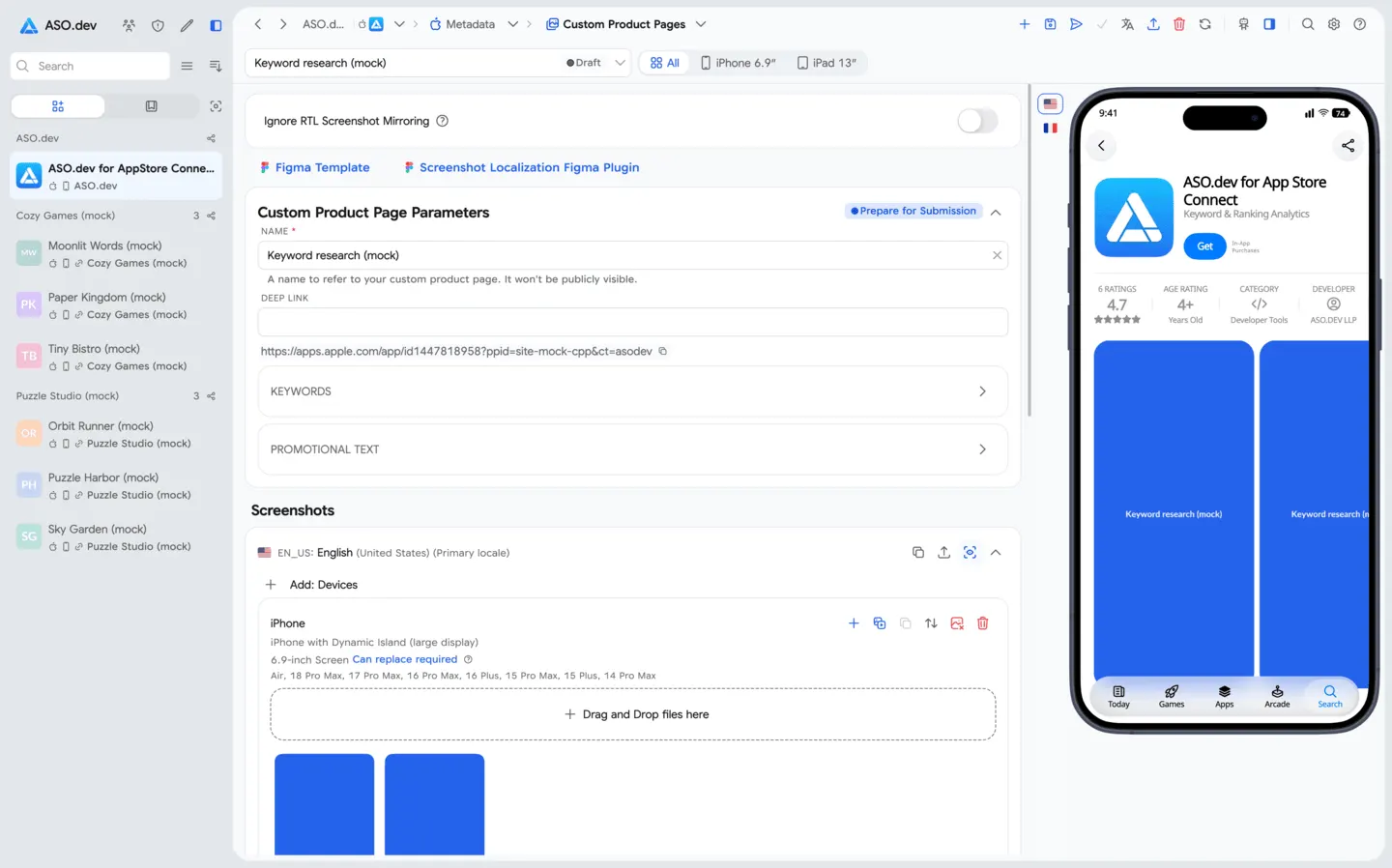
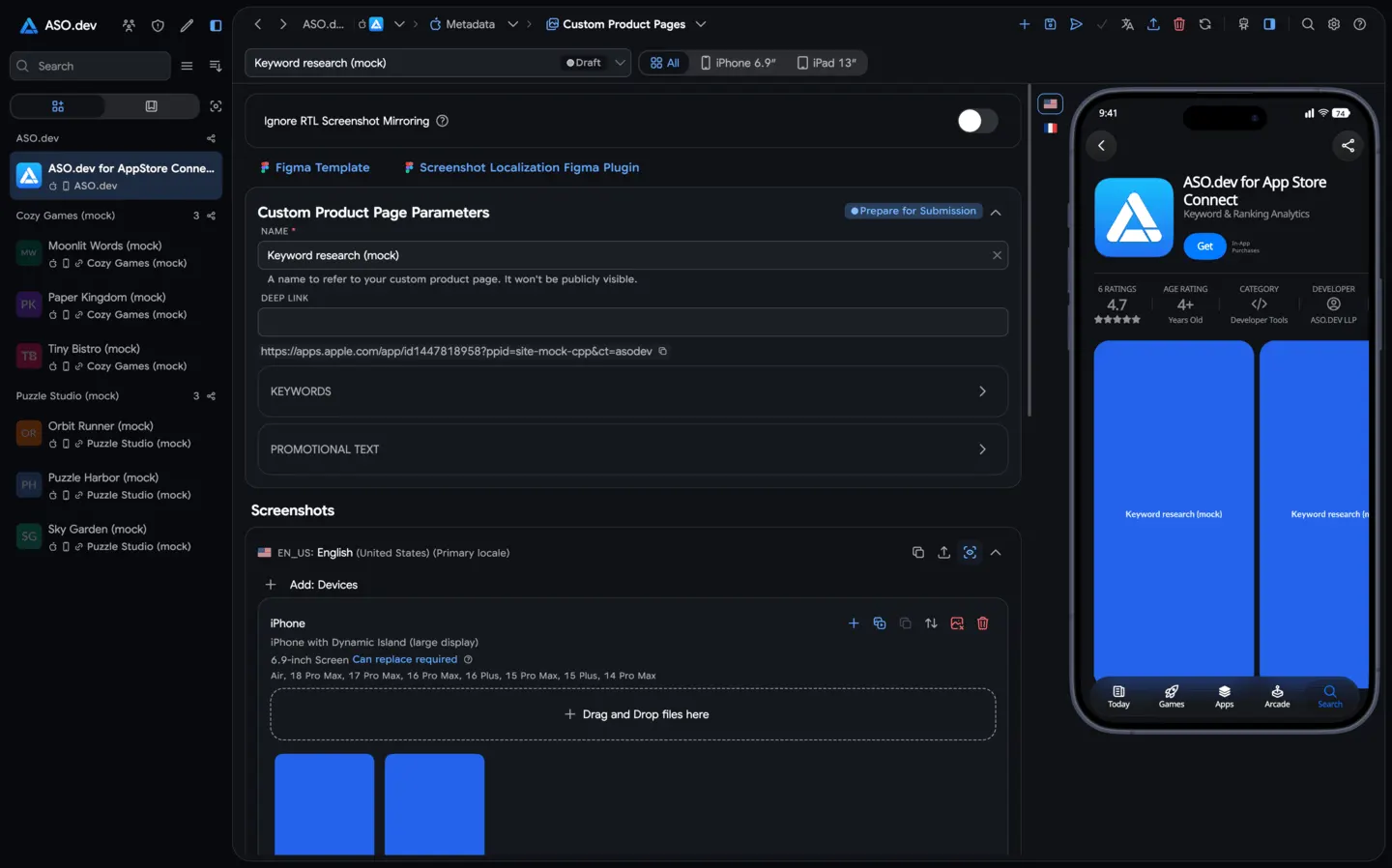 11Custom Product PagesCreate custom App Store pages for specific audiences or campaigns with tailored text, images, and localization. Test multiple versions to see what resonates, and easily duplicate text, screenshots, and videos from existing pages.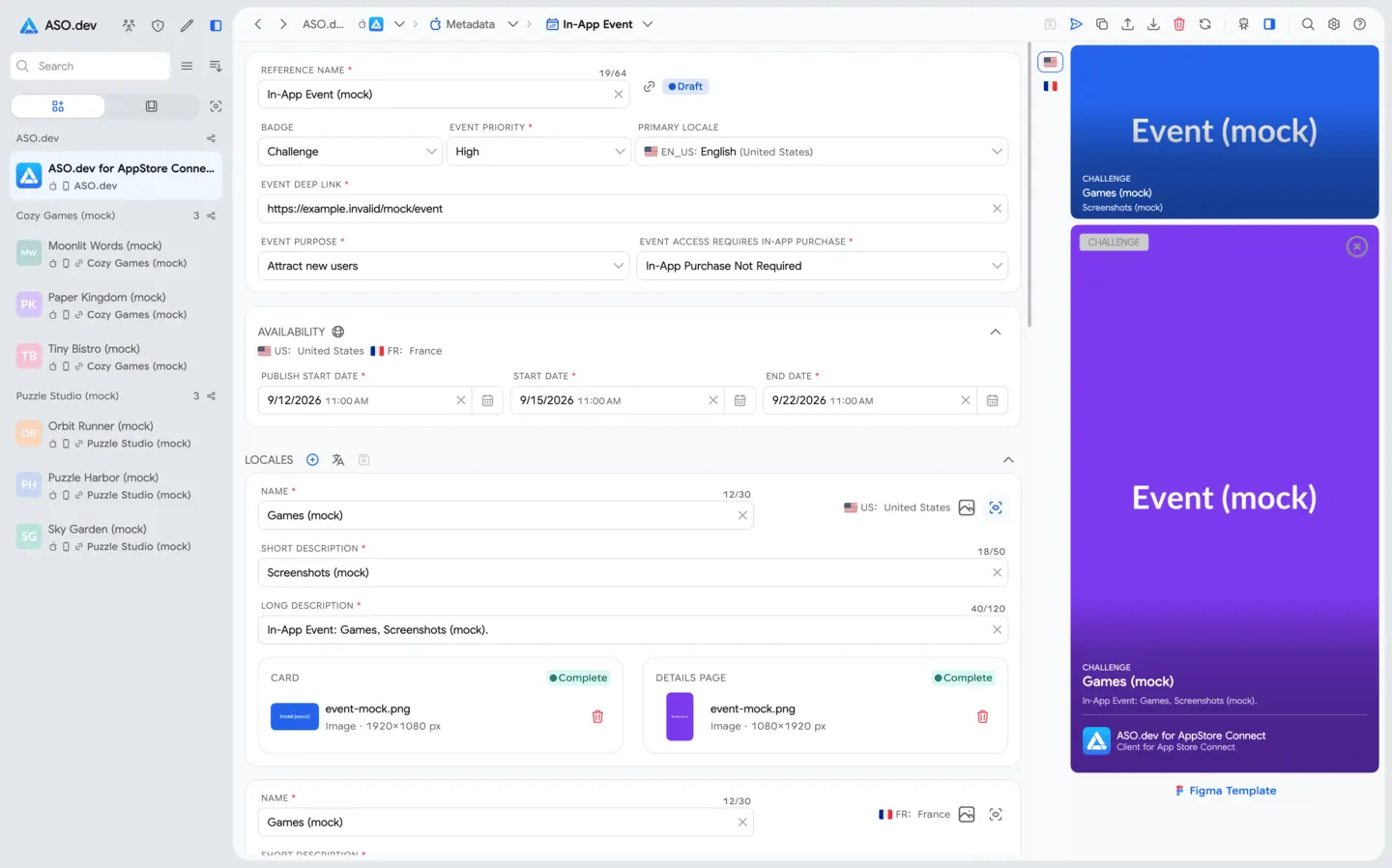
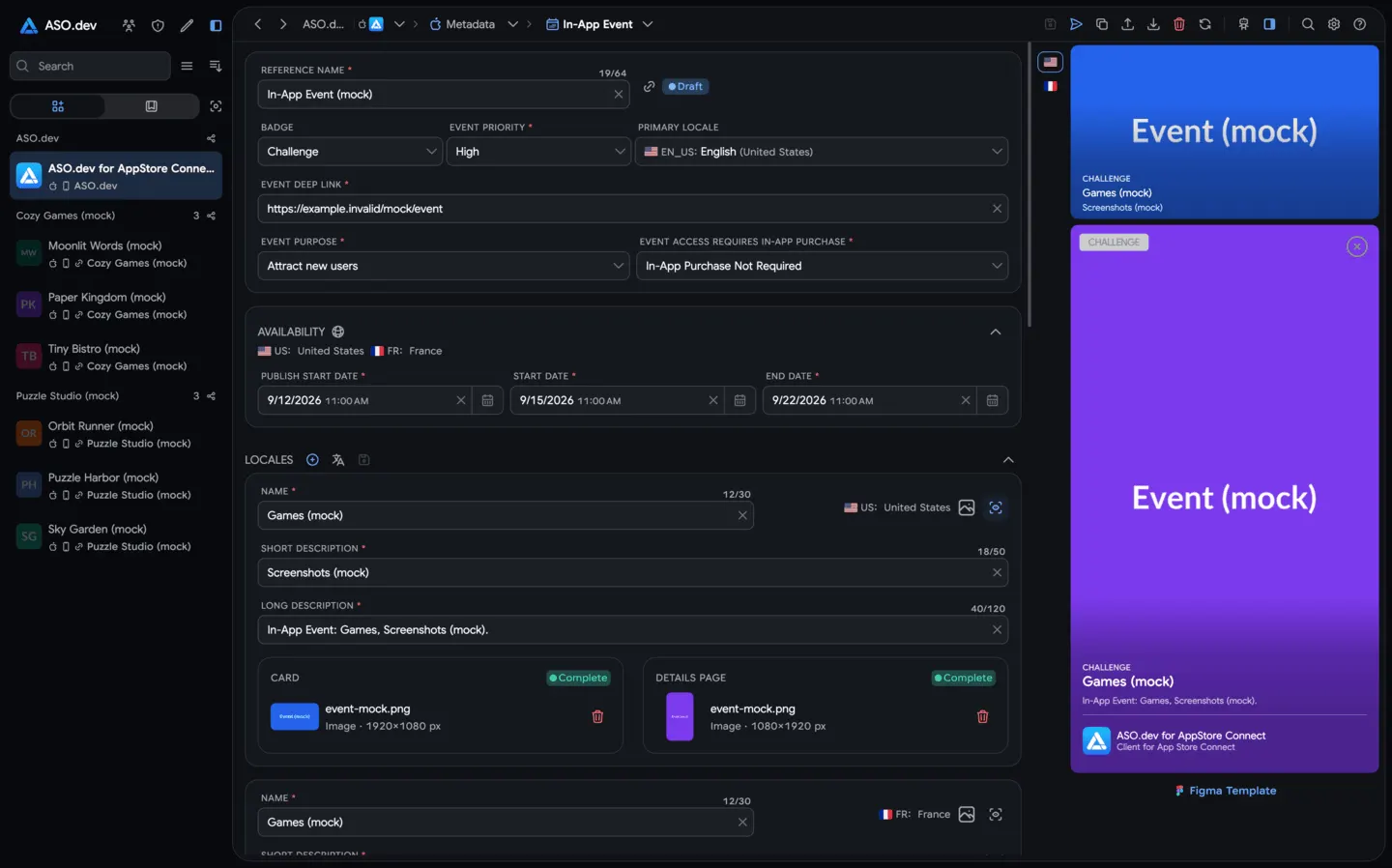 12In-App EventsPlan and promote in-app events to boost user engagement. Use the built-in calendar of holidays, clone events for quick setup, and localize names, descriptions, and media for each market.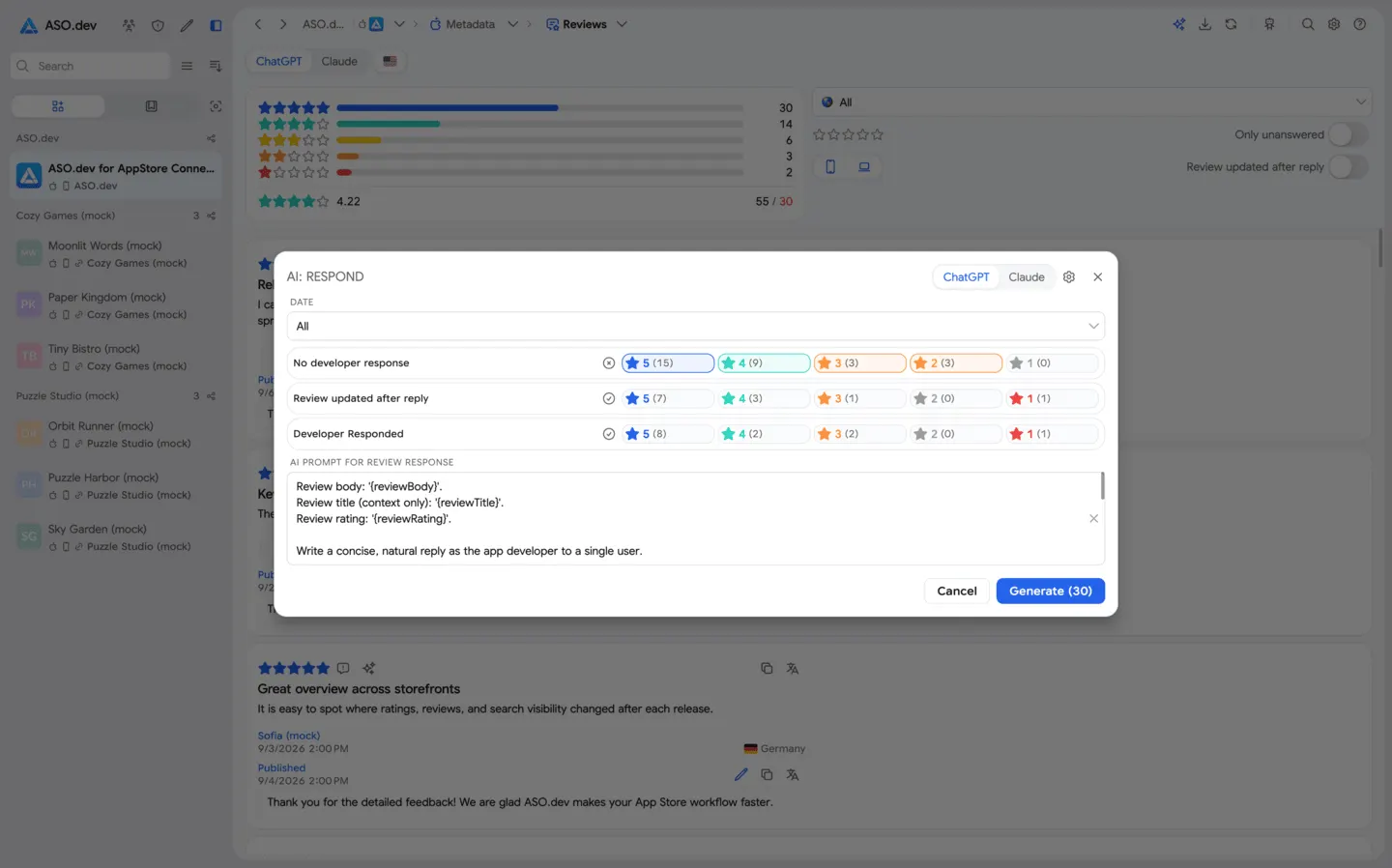
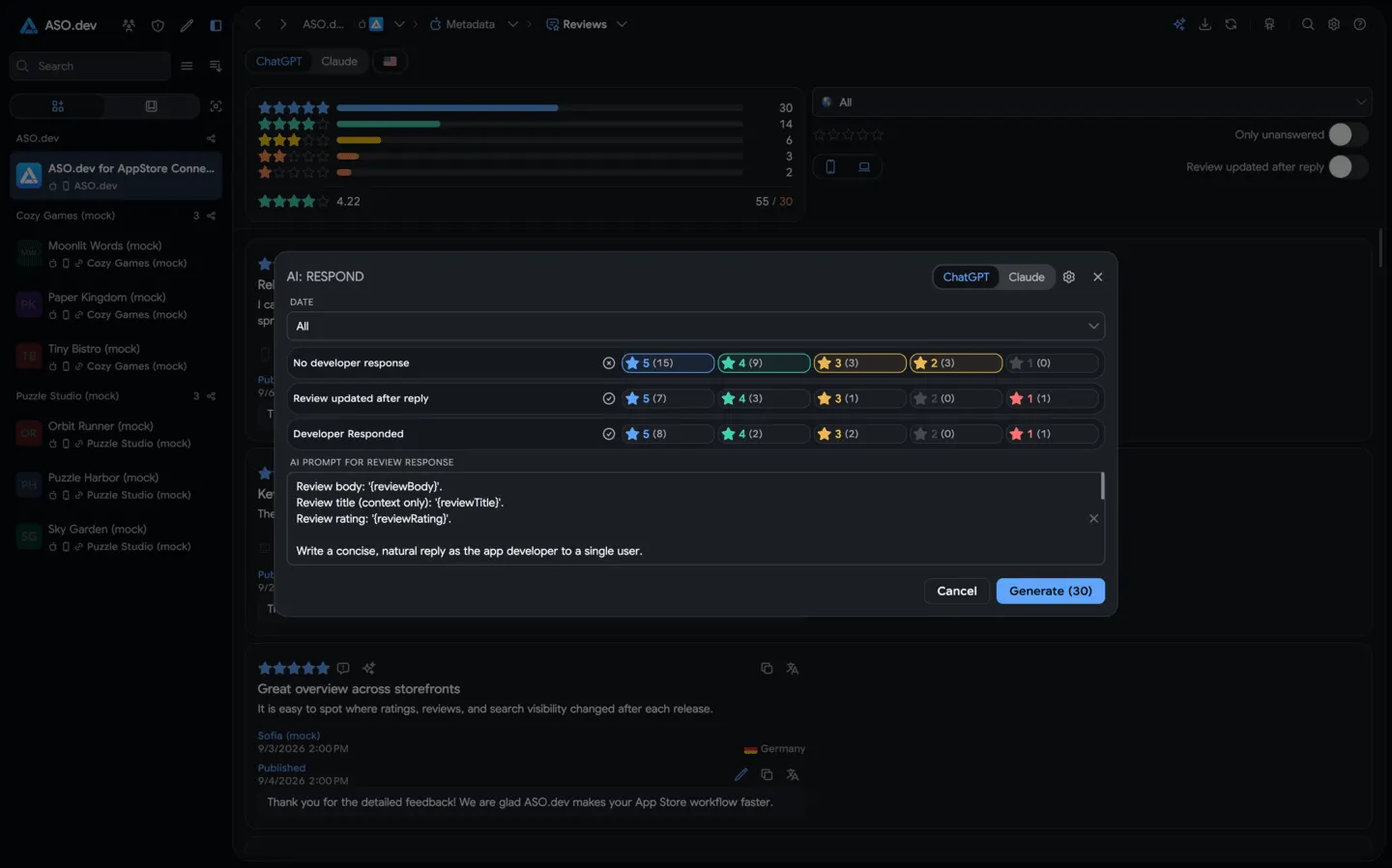 13Reply to ReviewsReply to reviews manually, in bulk, or with AI. Translate in one click and report inappropriate reviews.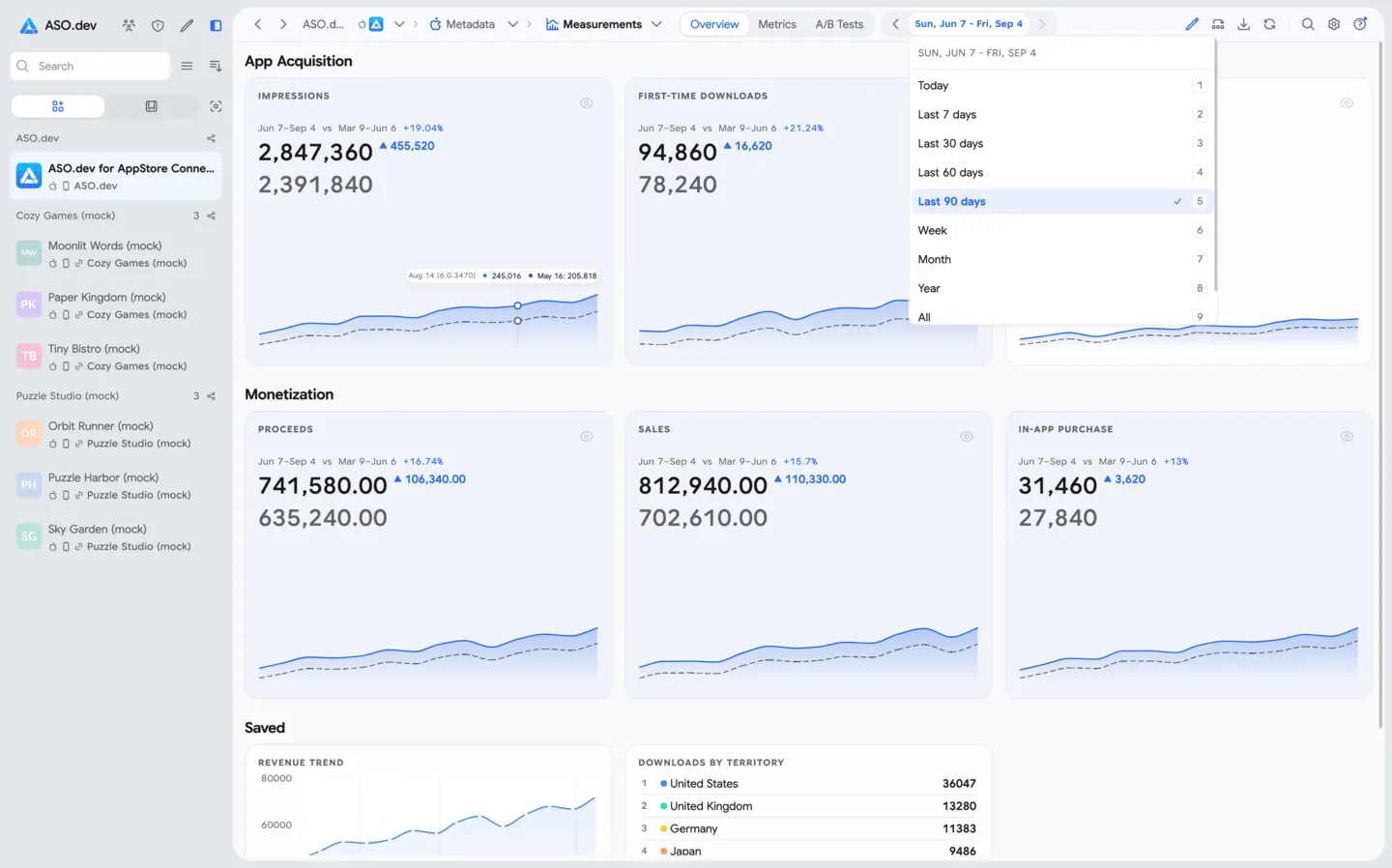
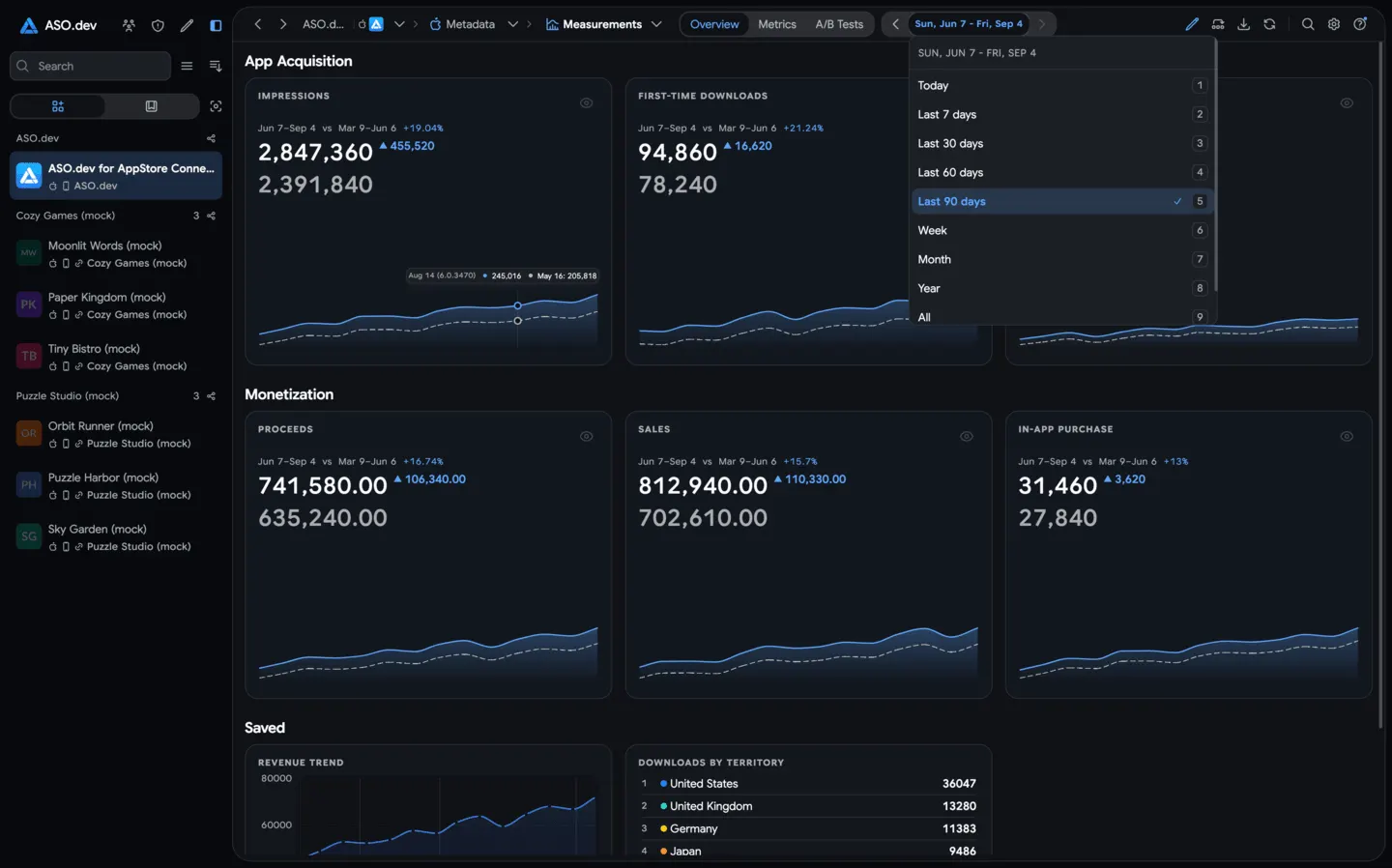 14Measurements & Metrics GraphsTrack all your key app metrics: impressions, page views, downloads, in-app purchases, retention, active devices, sessions, ratings, reviews, revenue, and more. Compare against past periods to identify trends and make data-driven decisions.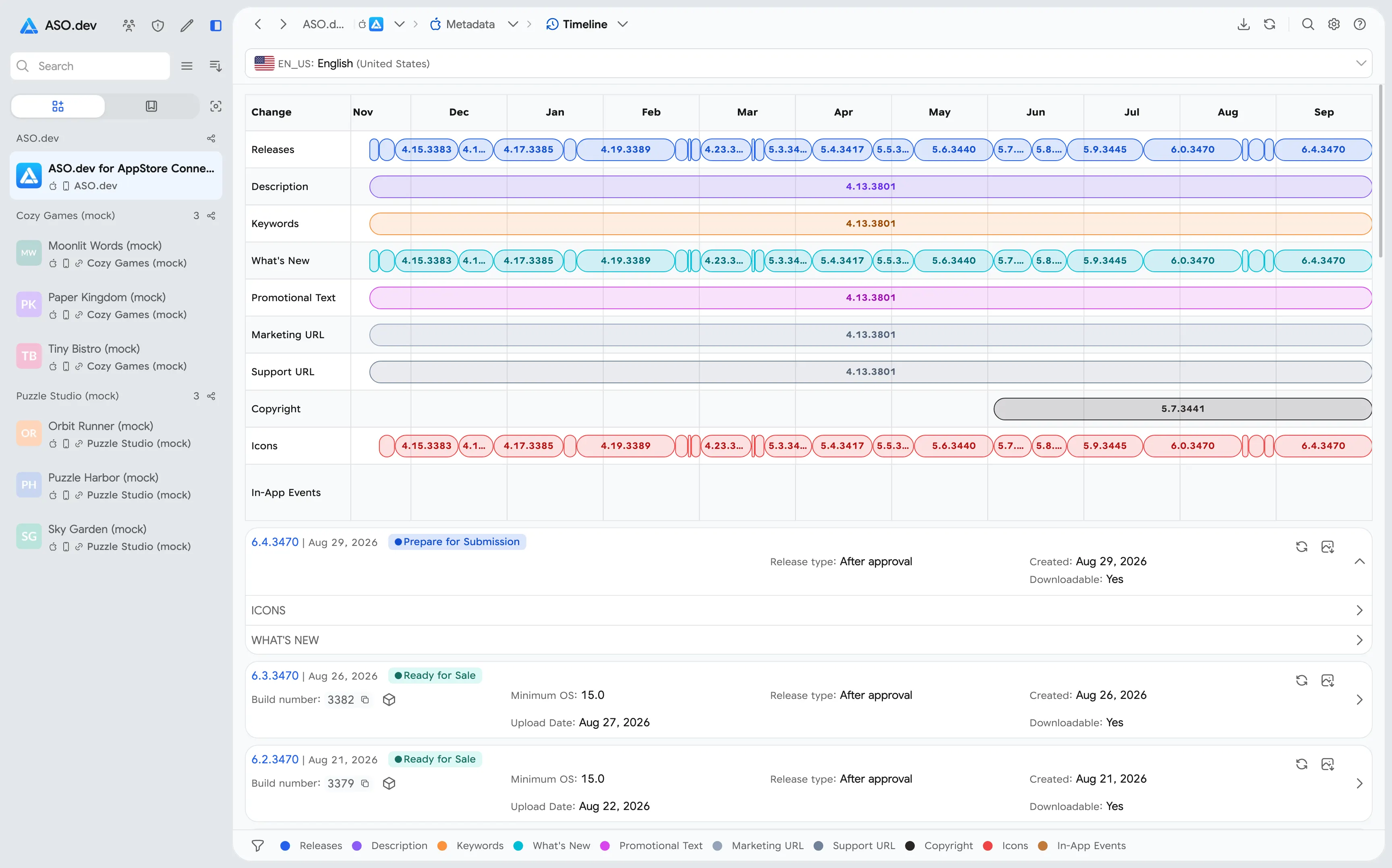
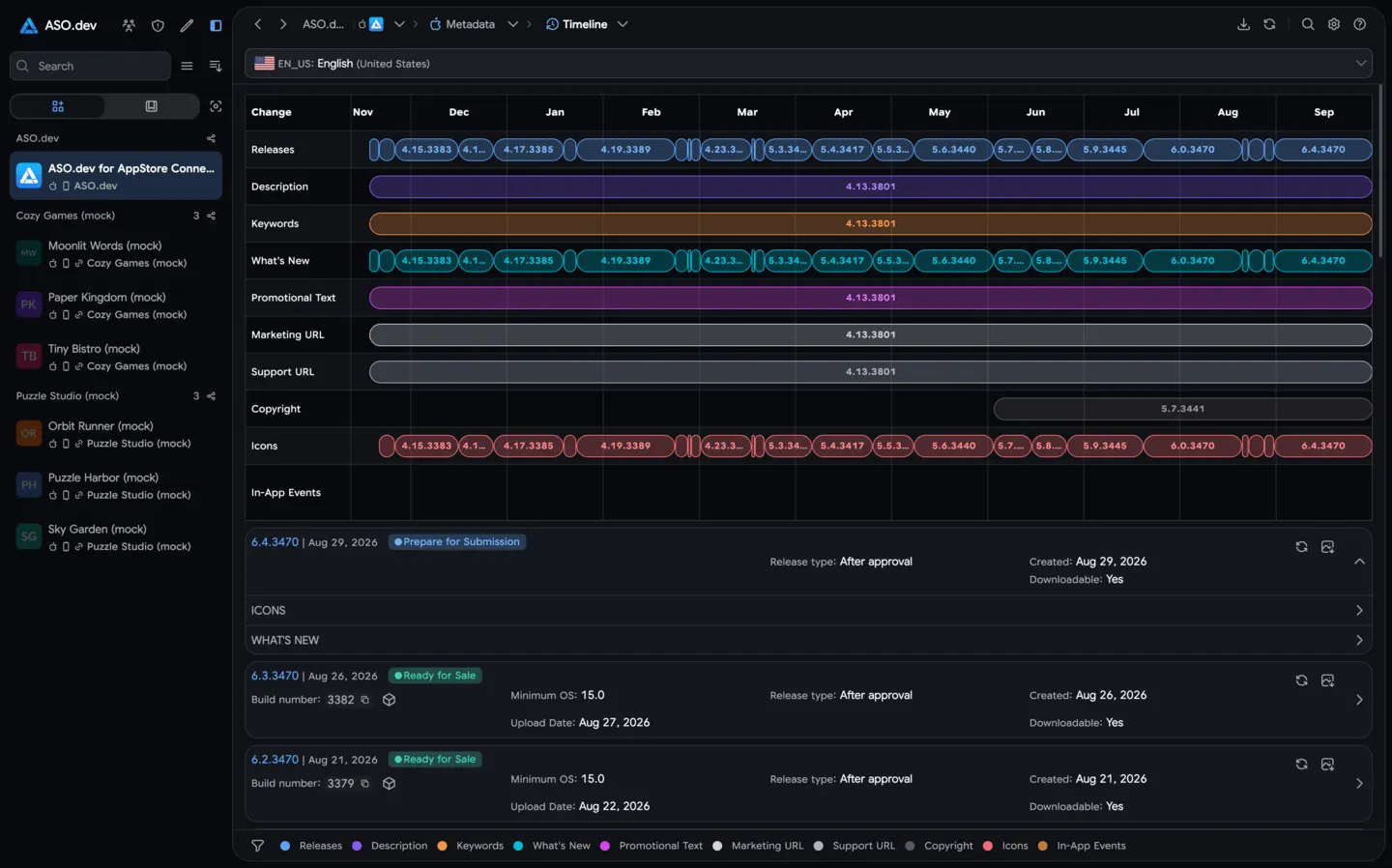 15TimelineSee a timeline of key changes to your app, like keywords, titles, subtitles, and release dates. Visualize your app’s history across versions and localizations for deeper ASO insights.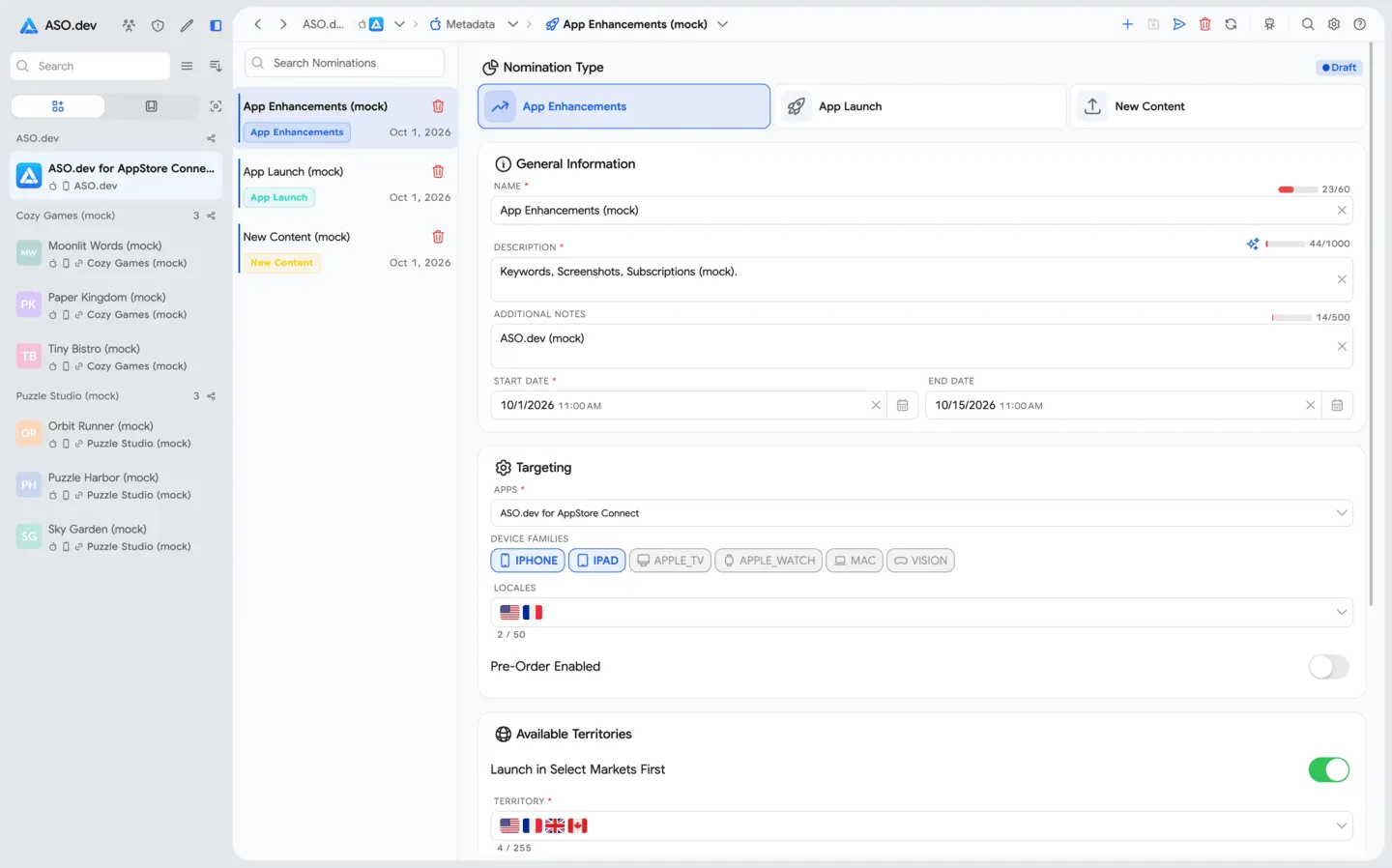
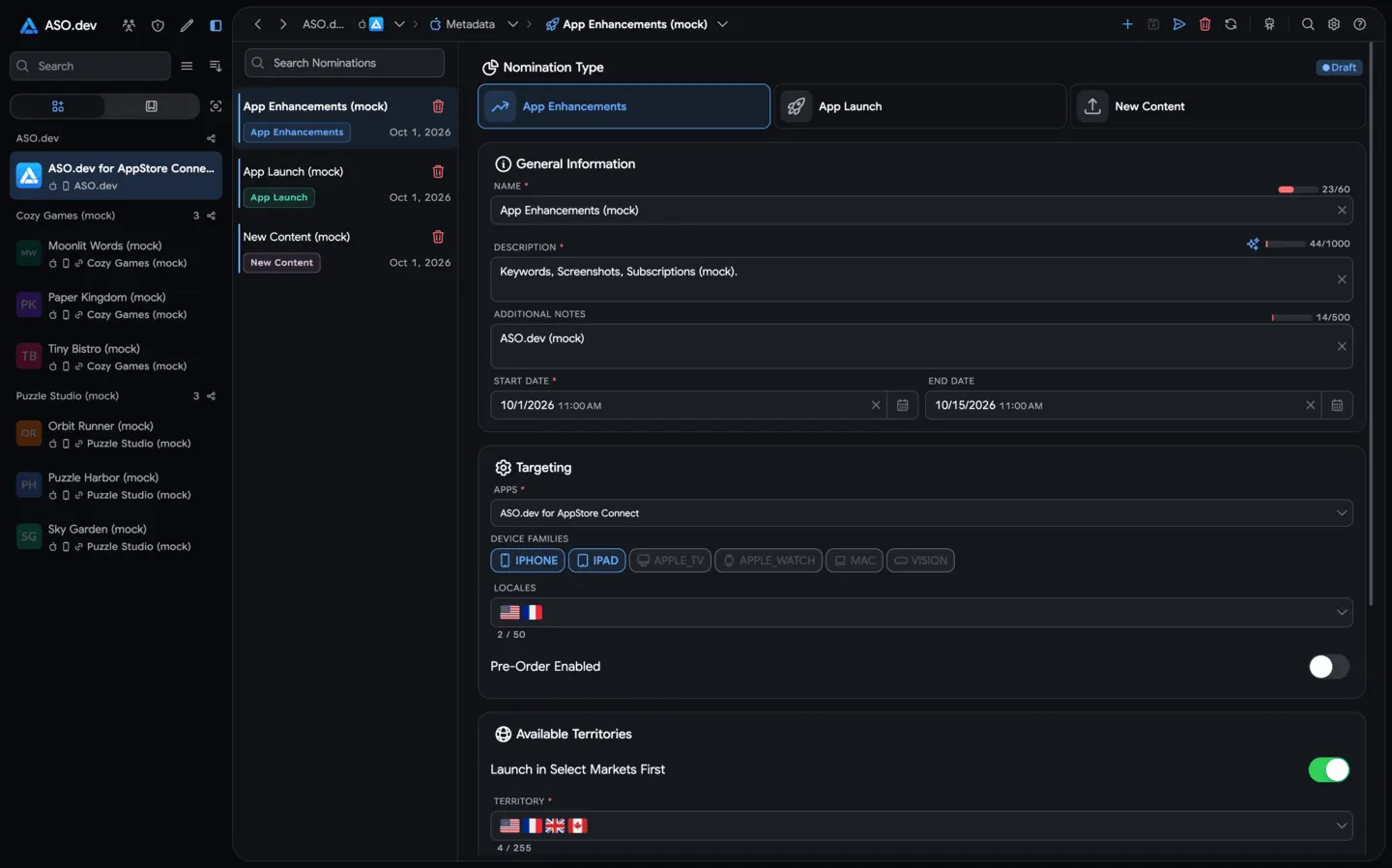 16NominationsPrepare App Store featuring nominations for app launches, major updates, and new content with dates, targeting, supplemental materials, and AI-generated drafts.
Apple Developer
Accept Apple agreements, create the first app and Bundle ID, and manage payout details, certificates, devices, and provisioning profiles from one workspace.
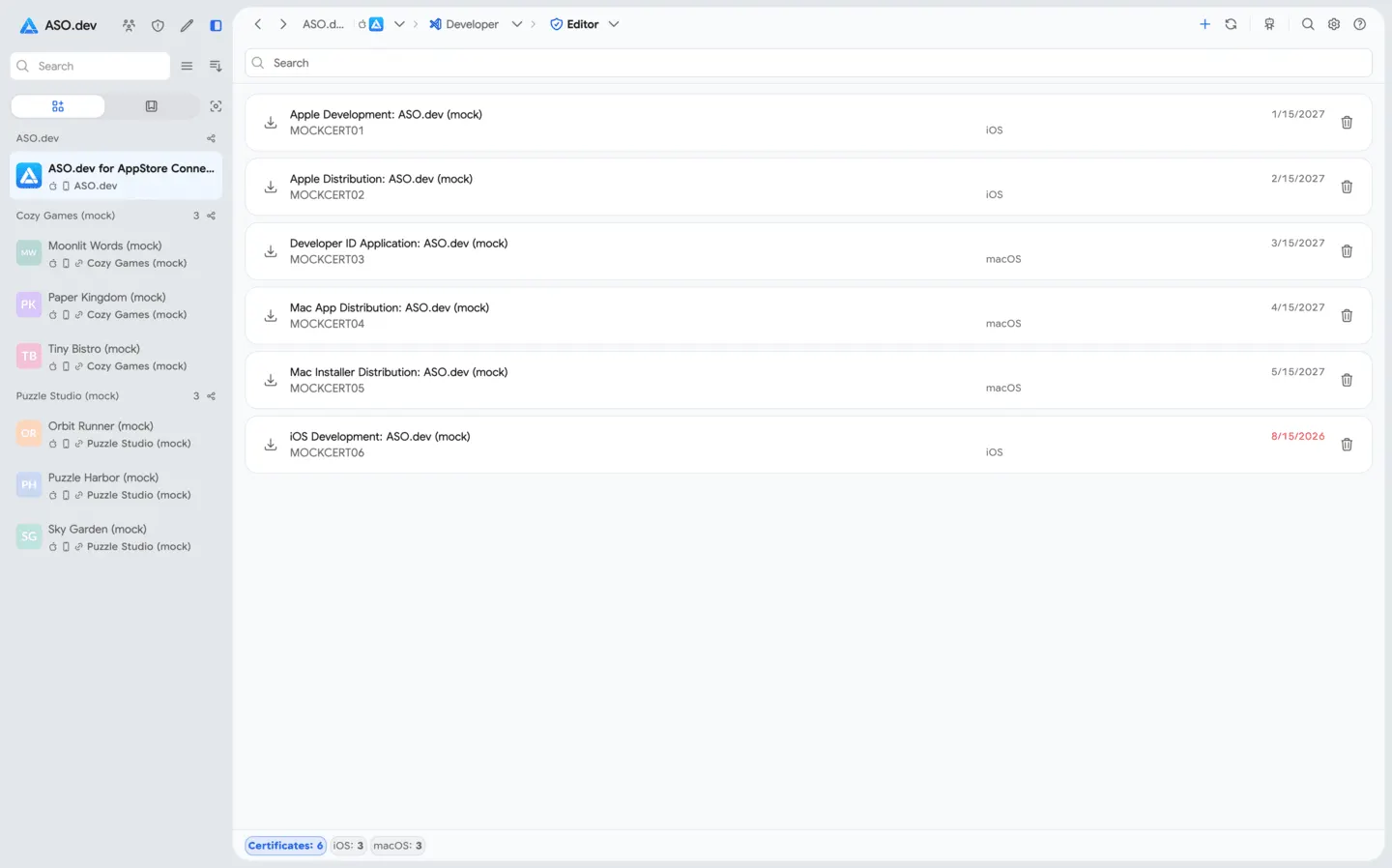
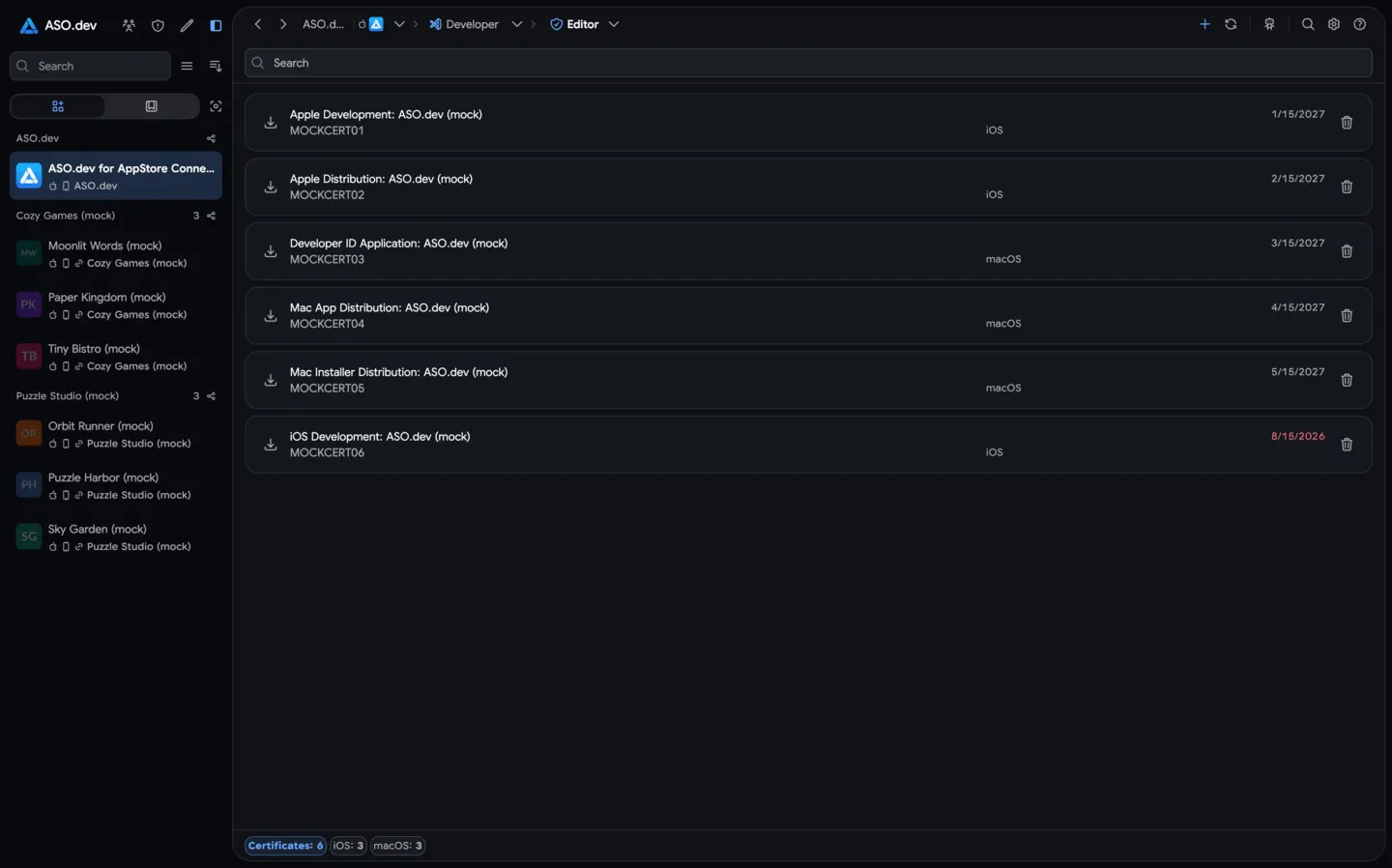 02CertificatesCreate, download, and delete development or distribution certificates without using Keychain or OpenSSL. Manage all .cer and .csr files and keep them up to date.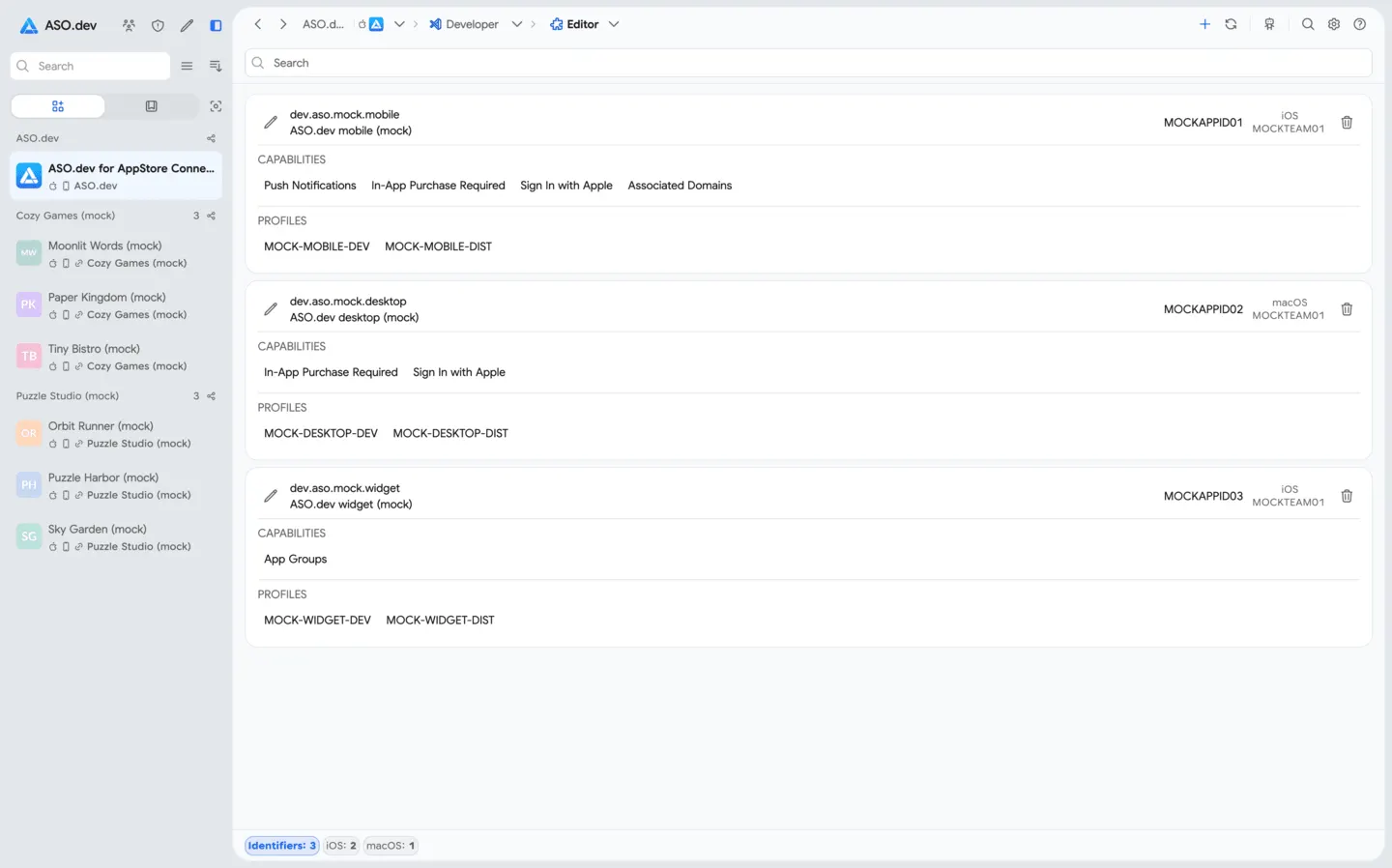
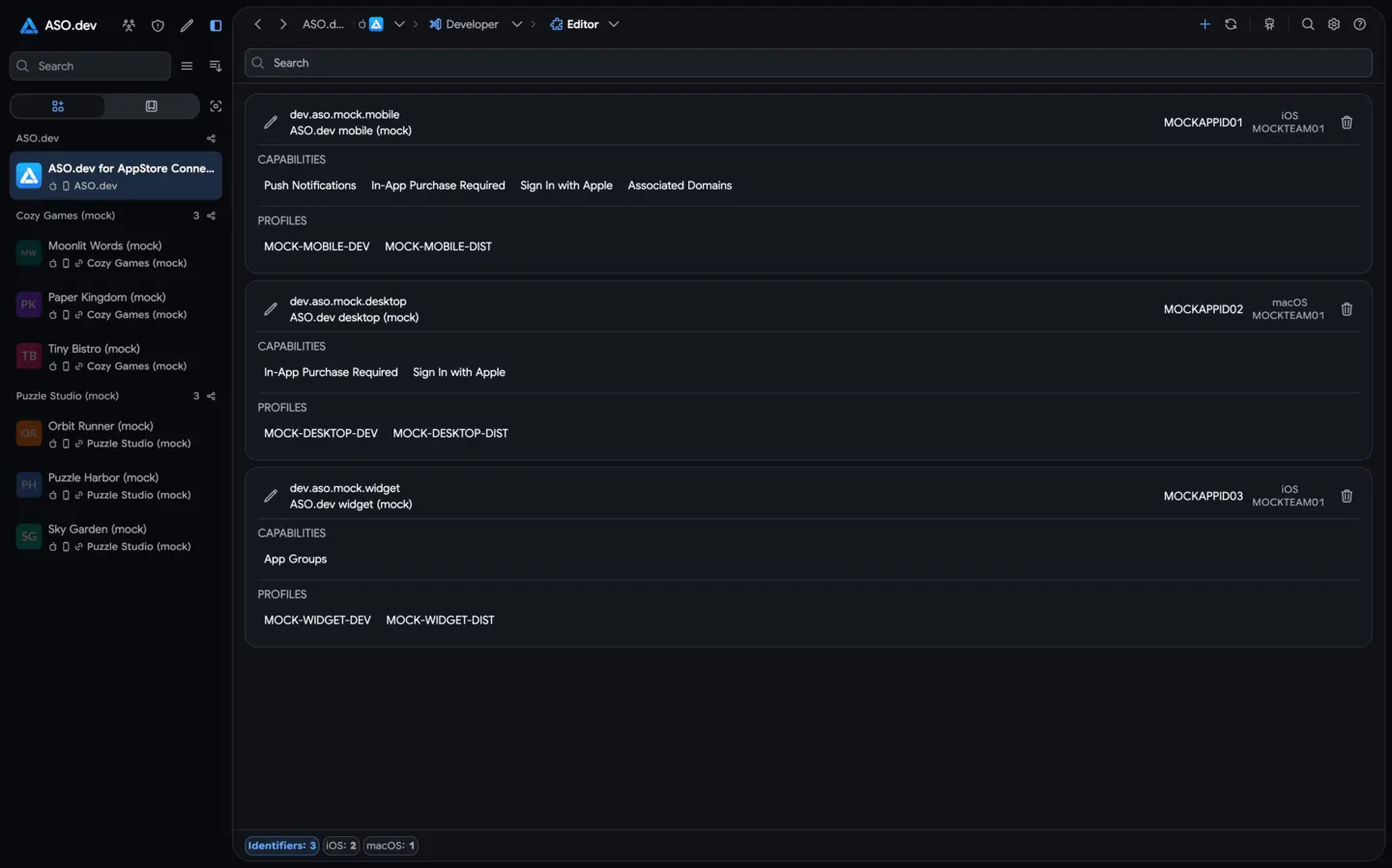 03IdentifiersQuickly create and configure App IDs with required capabilities for any platform (iOS, macOS, App Clips, etc.). Enable entitlements like Push, iCloud, or Game Center with a few clicks.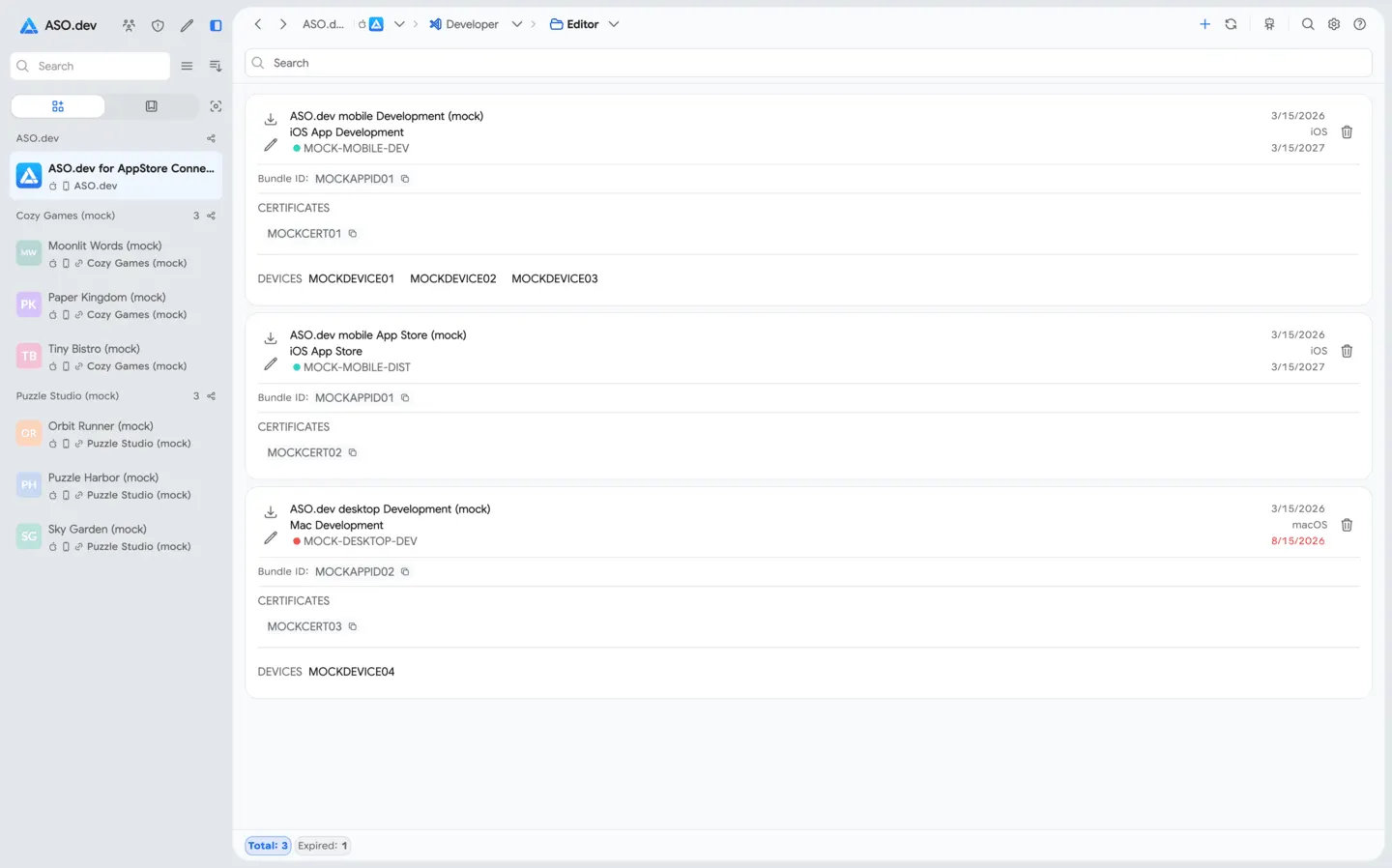
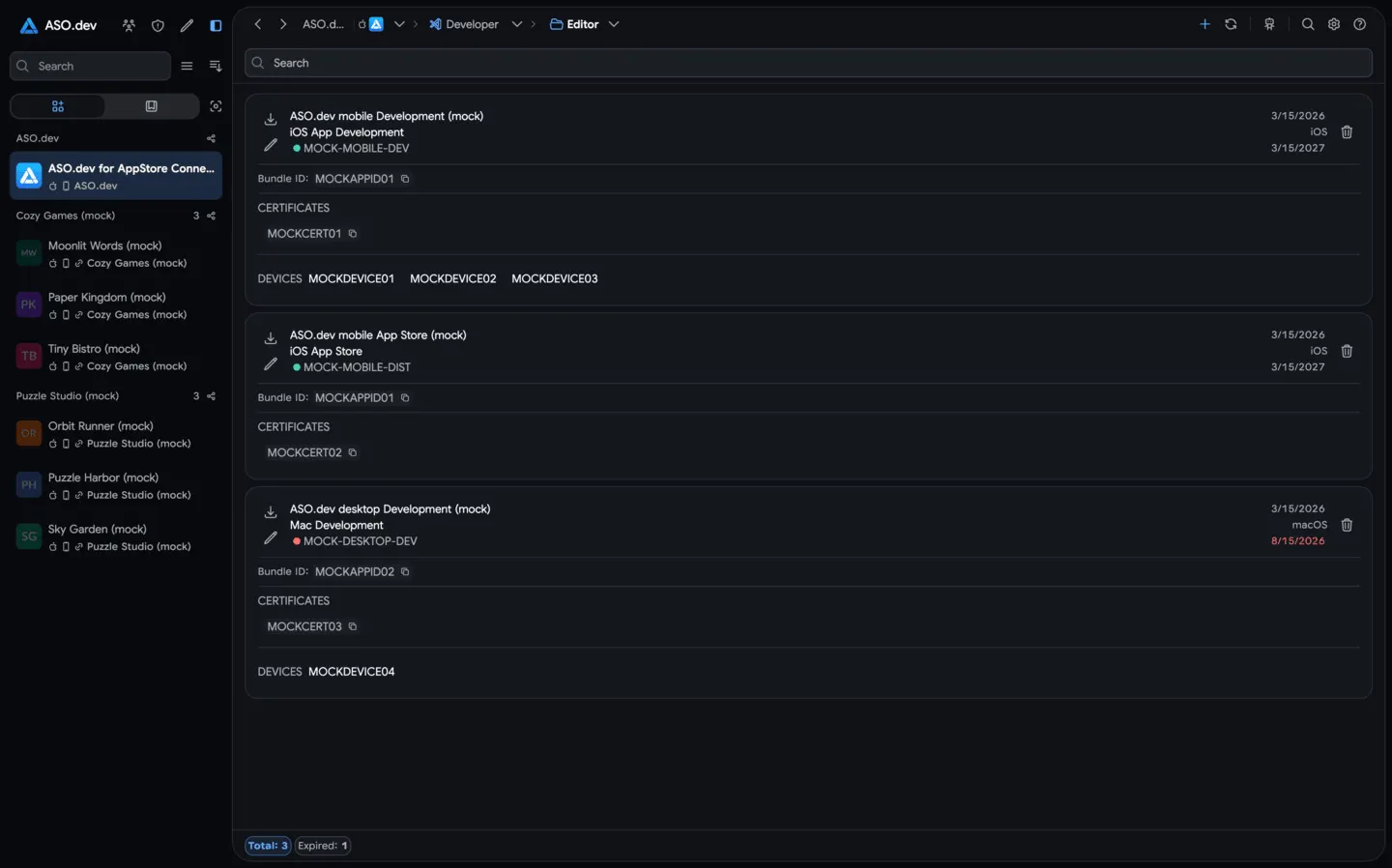 04ProfilesManage all your provisioning profiles. Easily download or delete development and distribution profiles, remove expired ones, and keep them up to date for smooth app signing.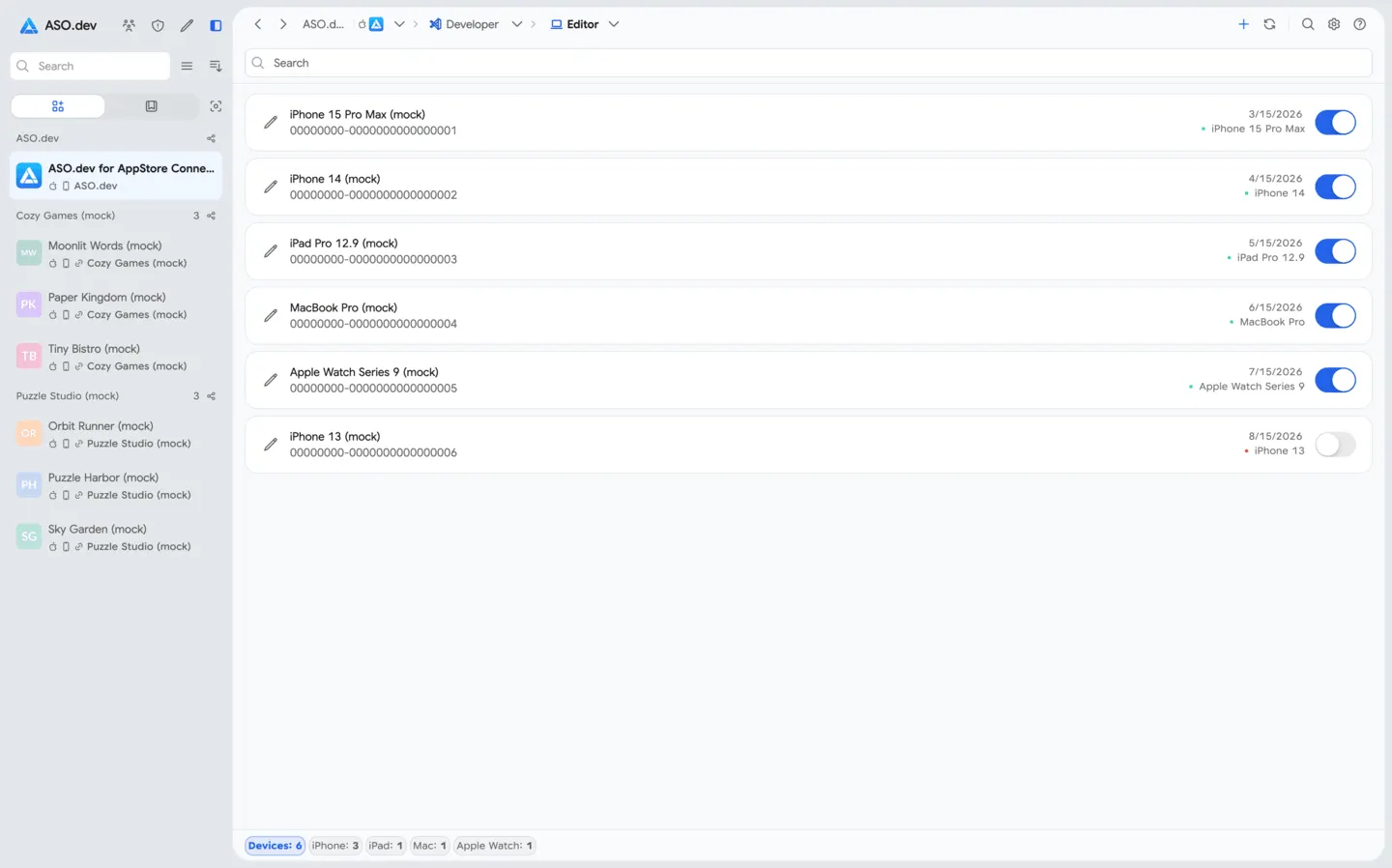
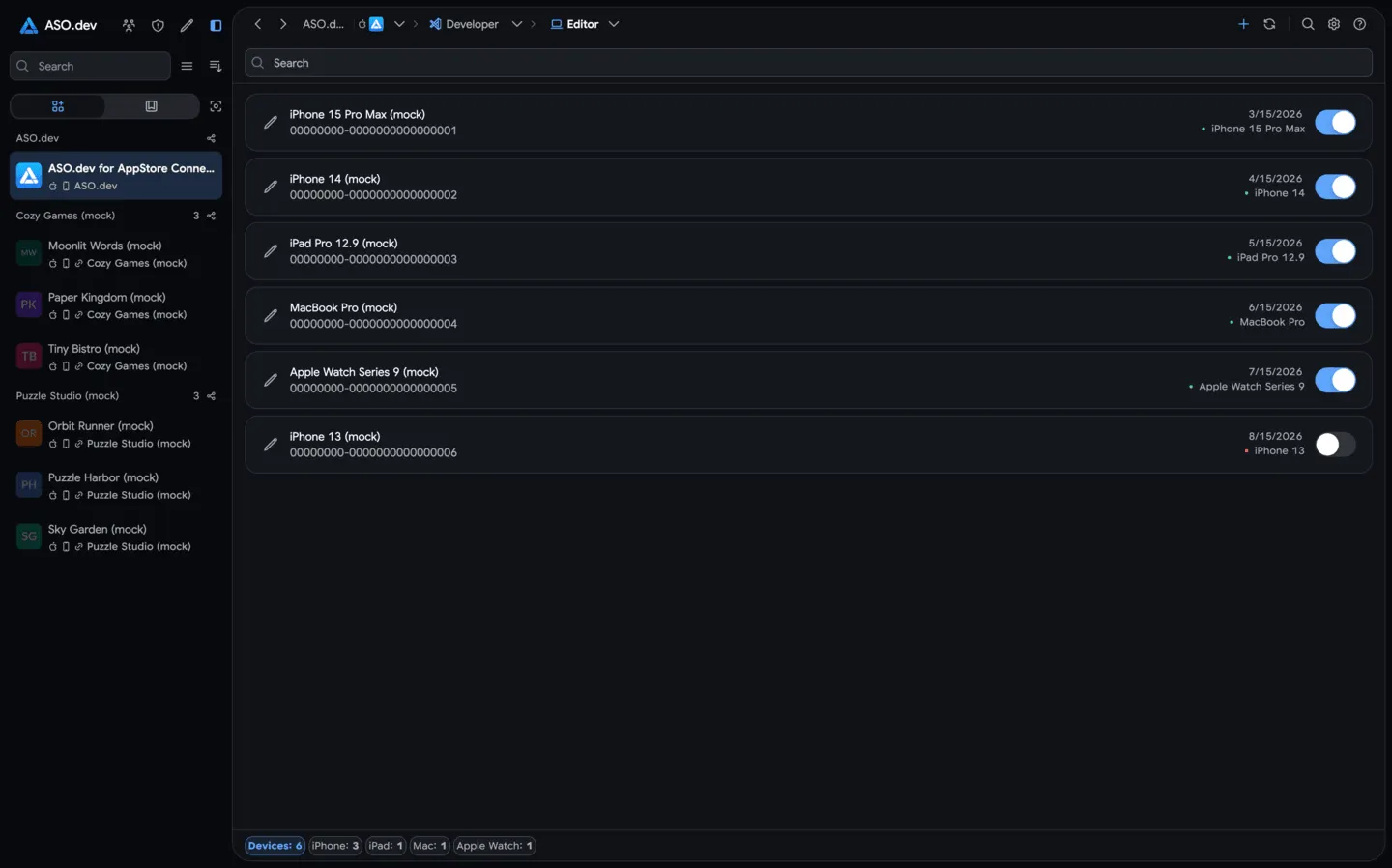 05DevicesManage registered devices in your developer account. Add new devices by UDID, edit device names, and enable or disable devices with ease.
TestFlight
Builds, testers, testing information, feedback, and crash context in one workspace from beta preparation to results.
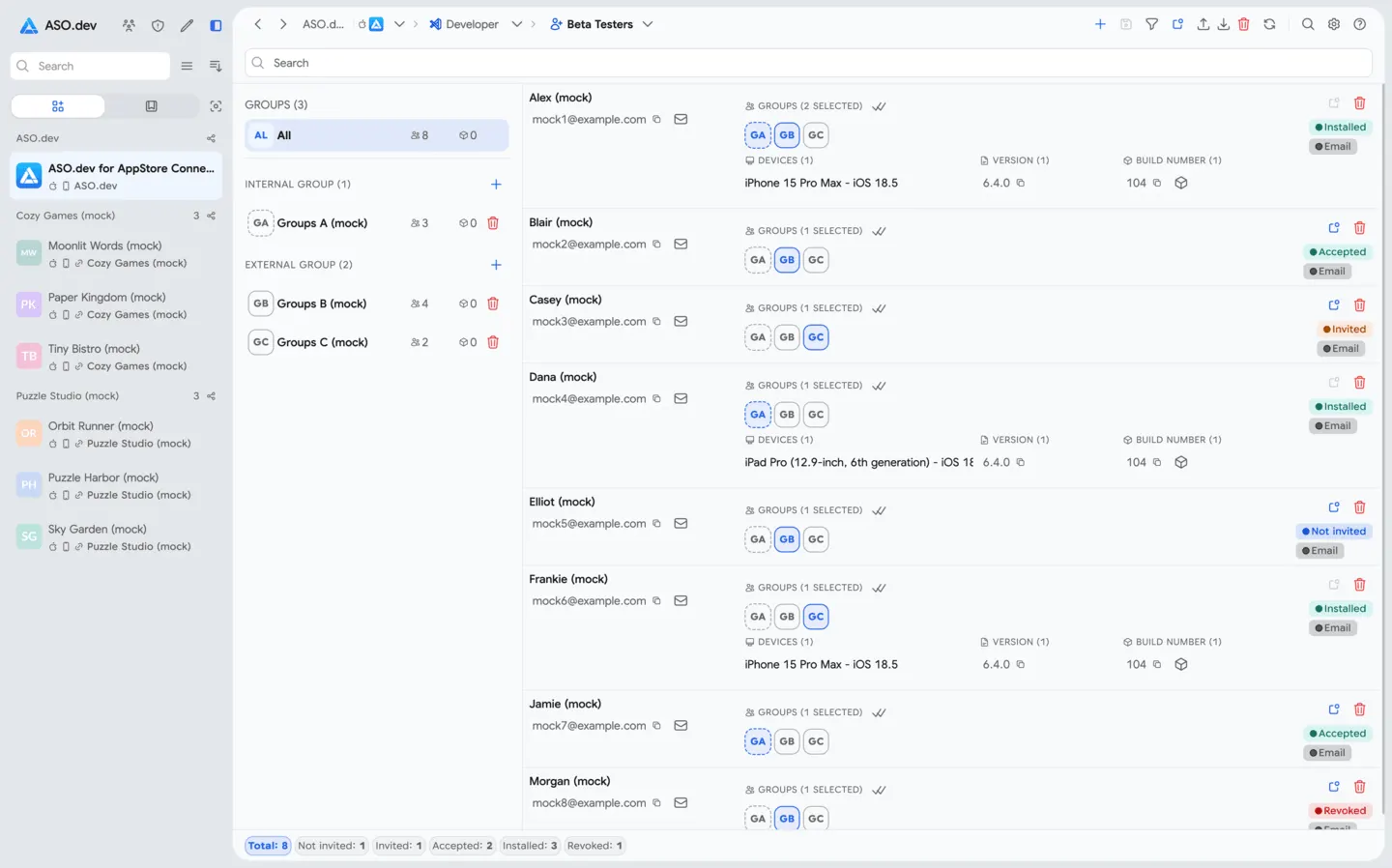
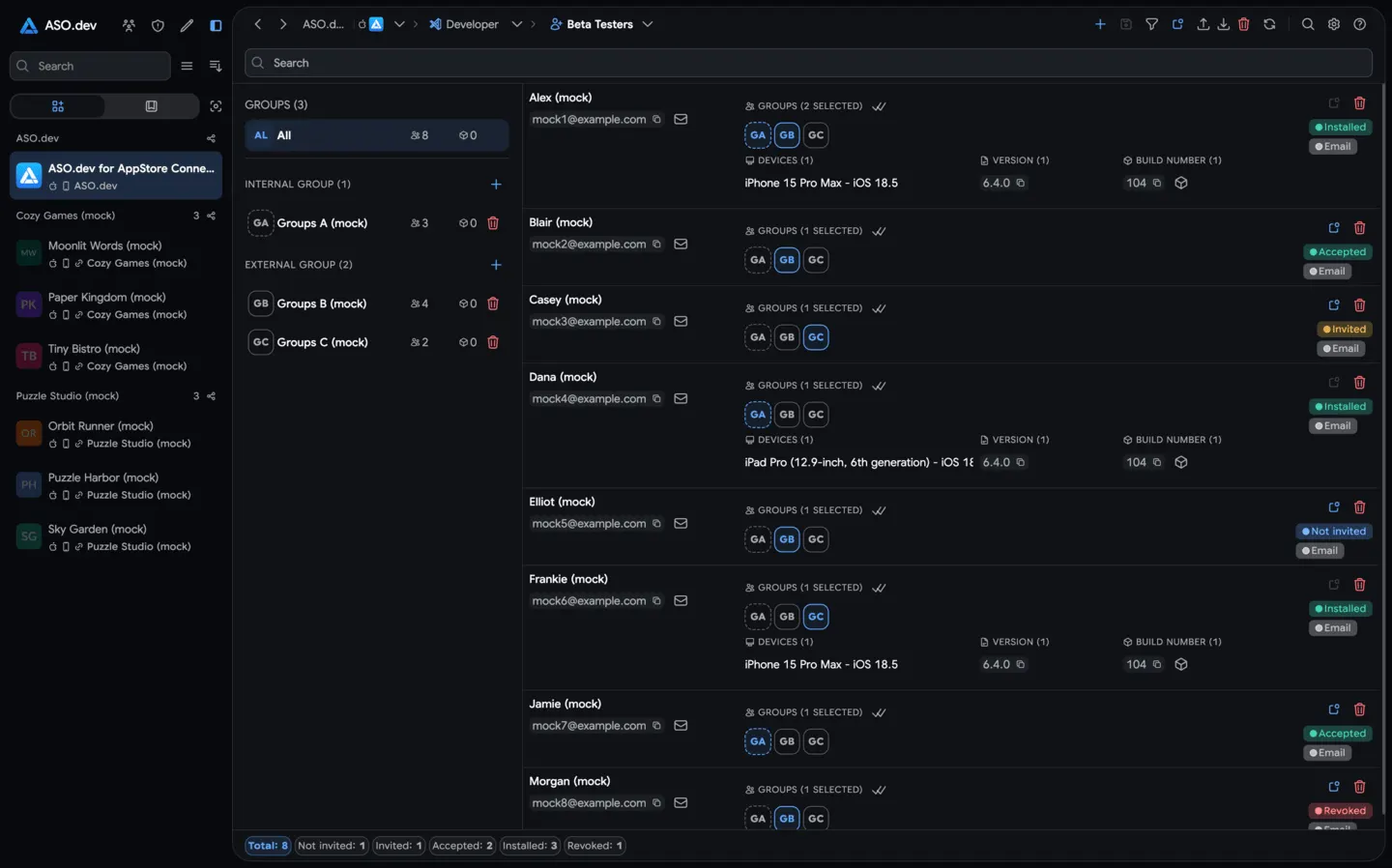 01Beta testersManage TestFlight testers and groups, invite users, track statuses, and clean up tester access before app transfers.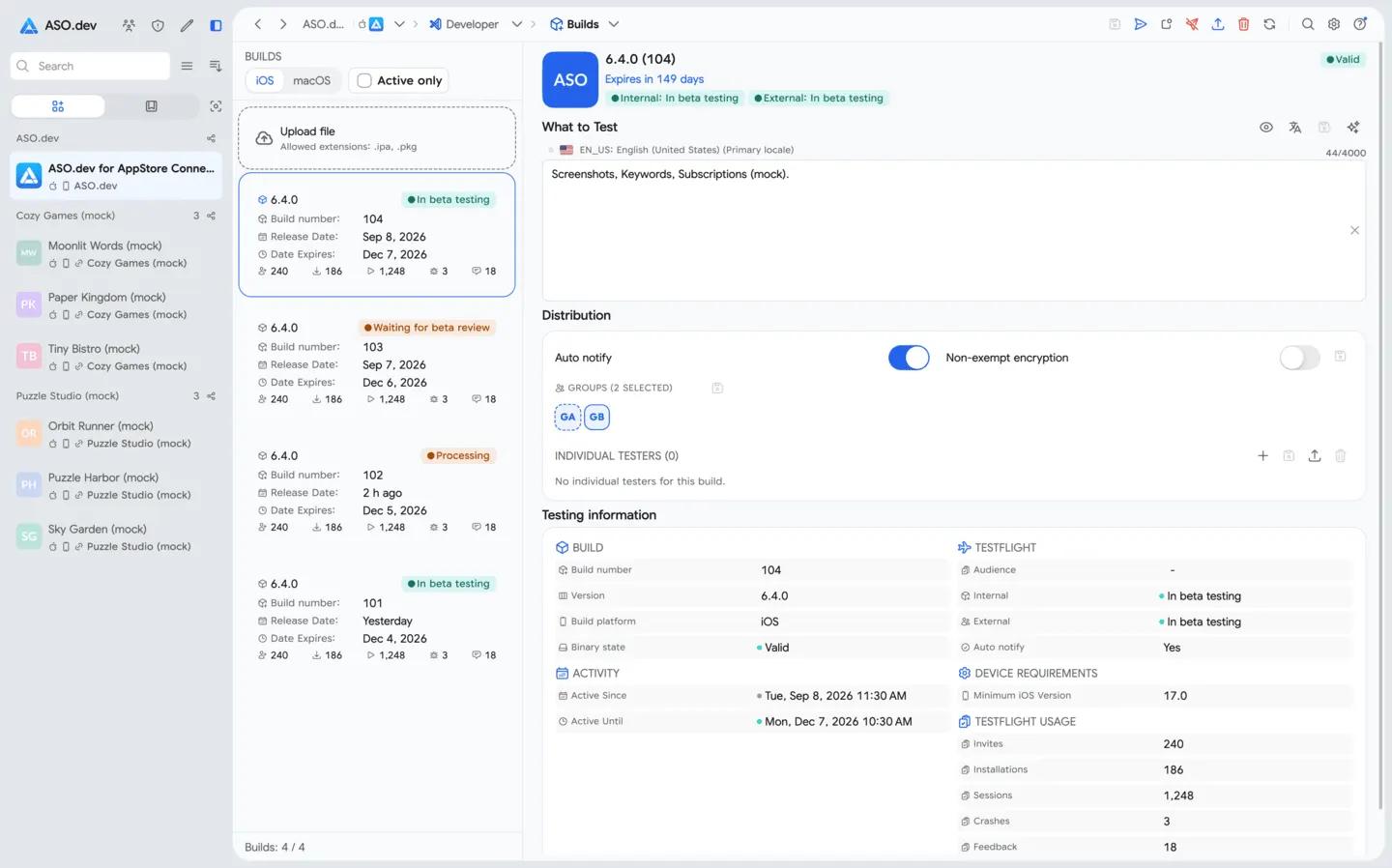
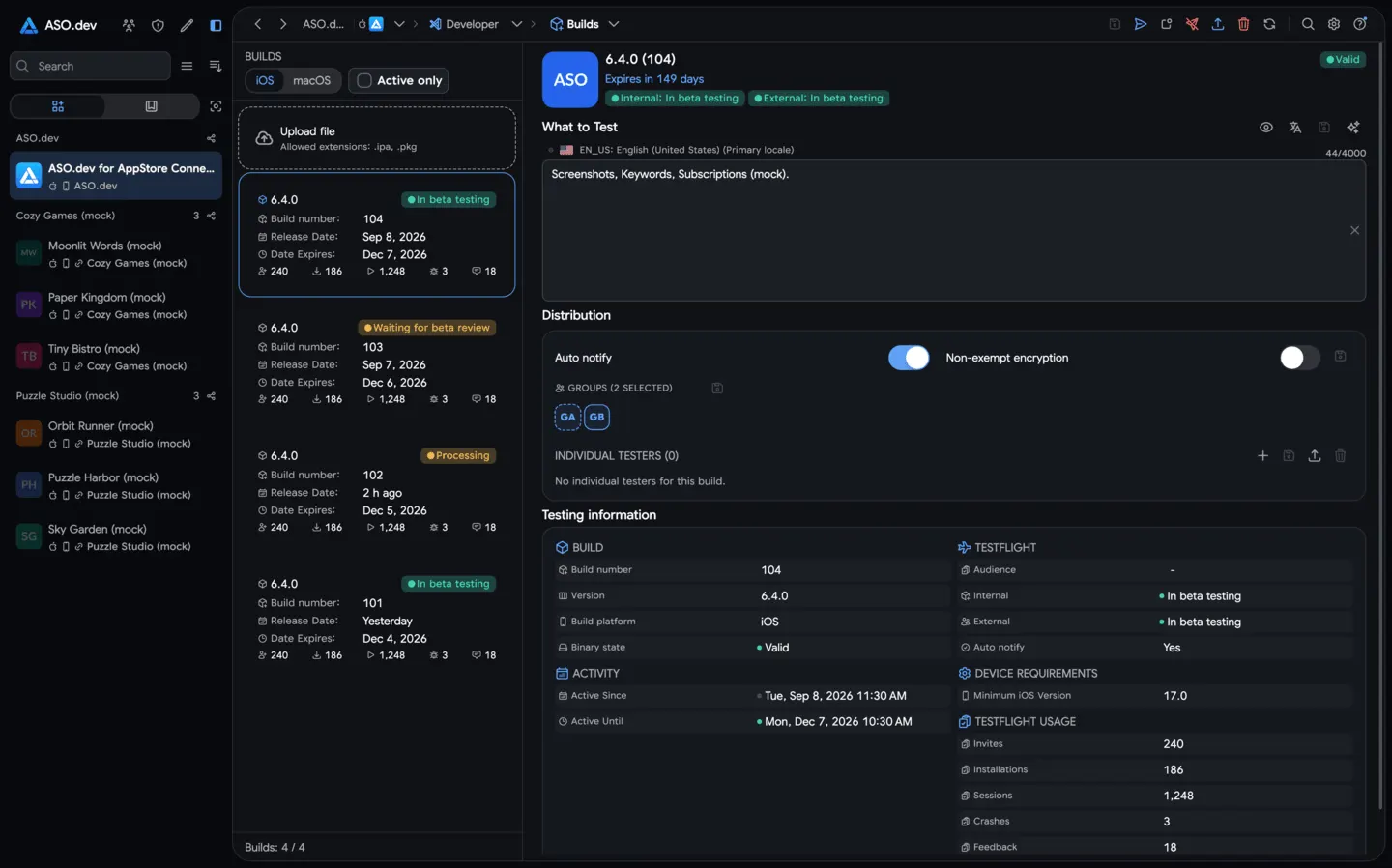 02Beta buildsView TestFlight builds, processing status, expiration, platform and version details, and attached testing groups.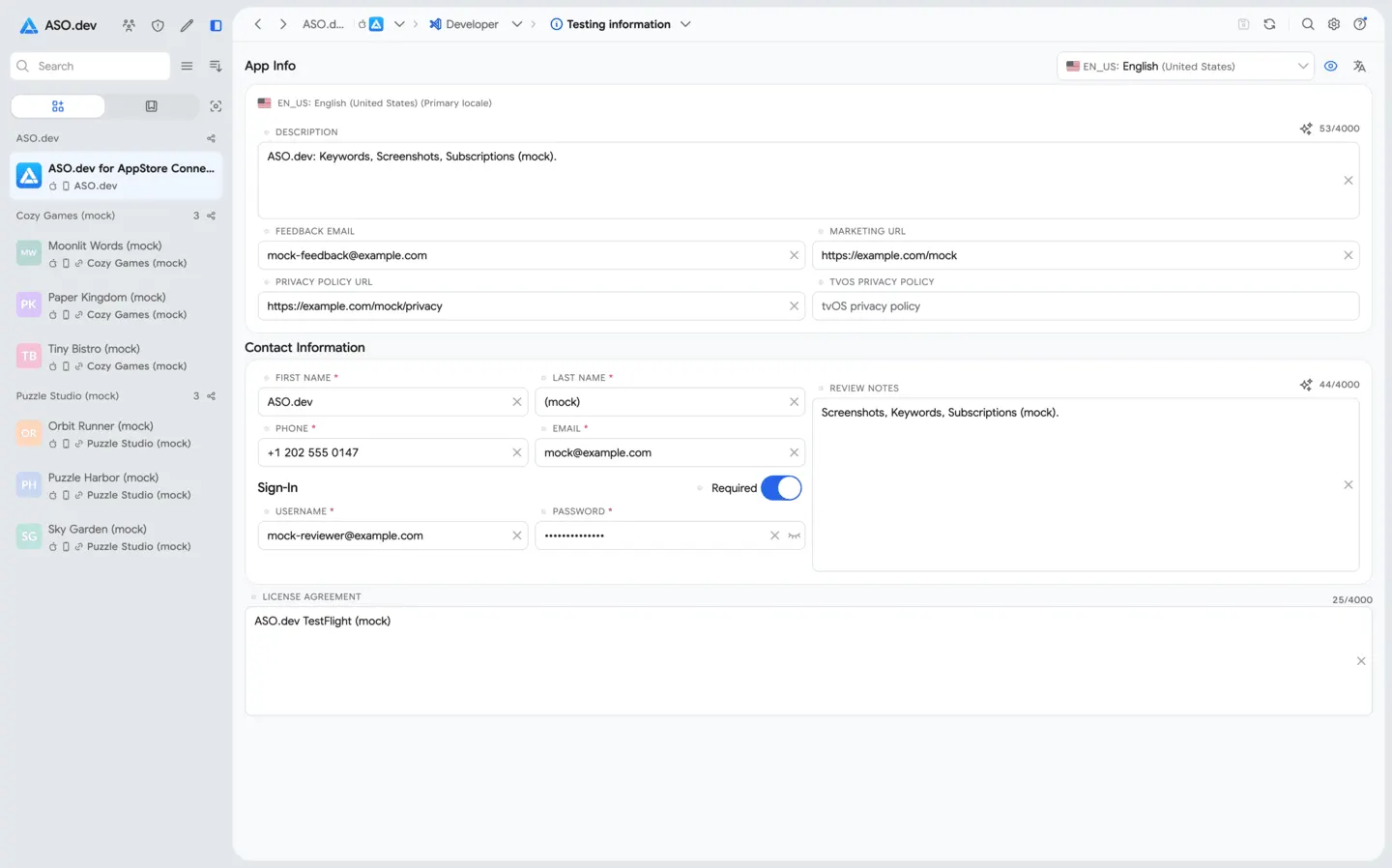
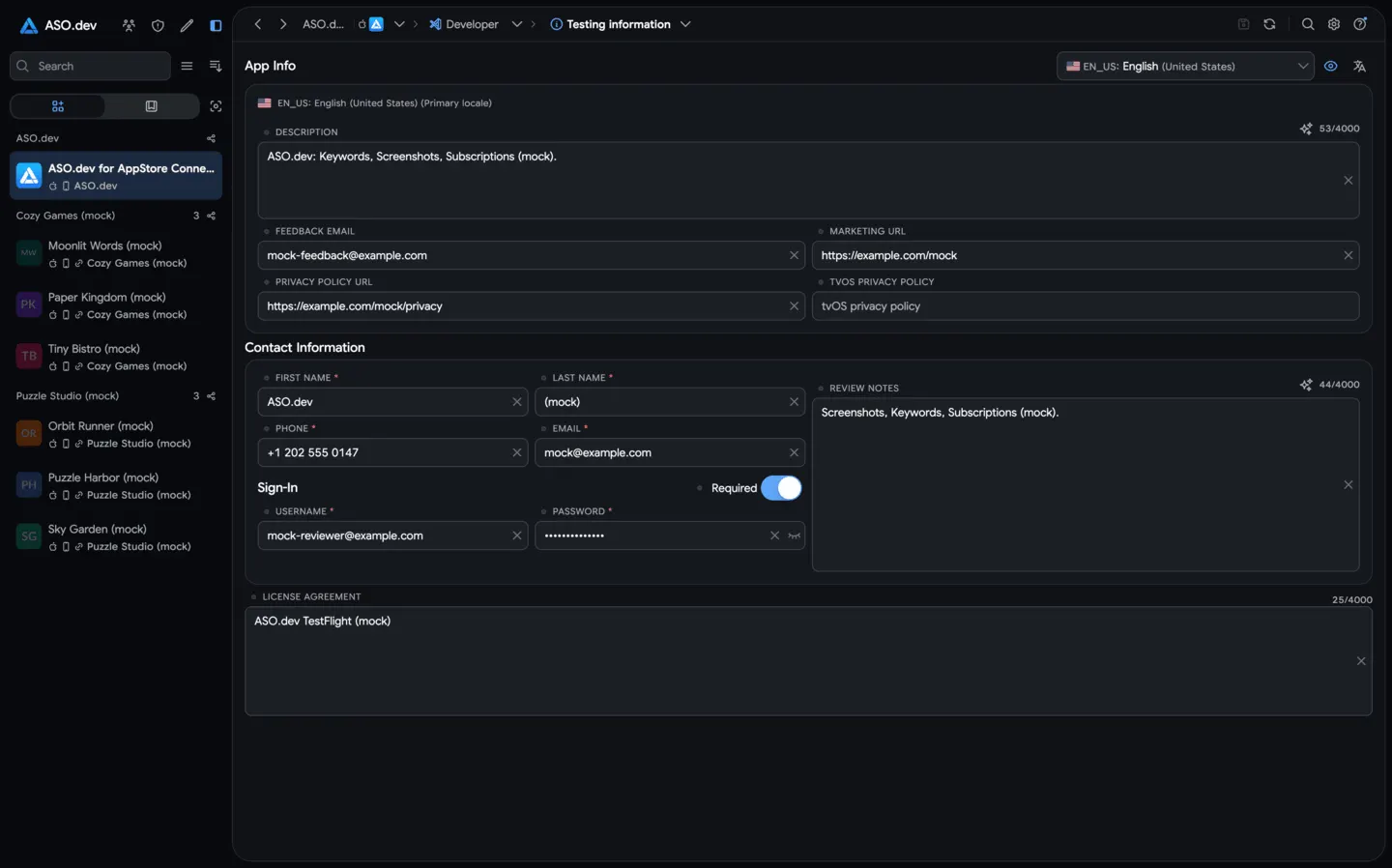 03Testing informationPrepare and update TestFlight app details: what to test, feedback email, marketing URL, privacy policy, and review notes.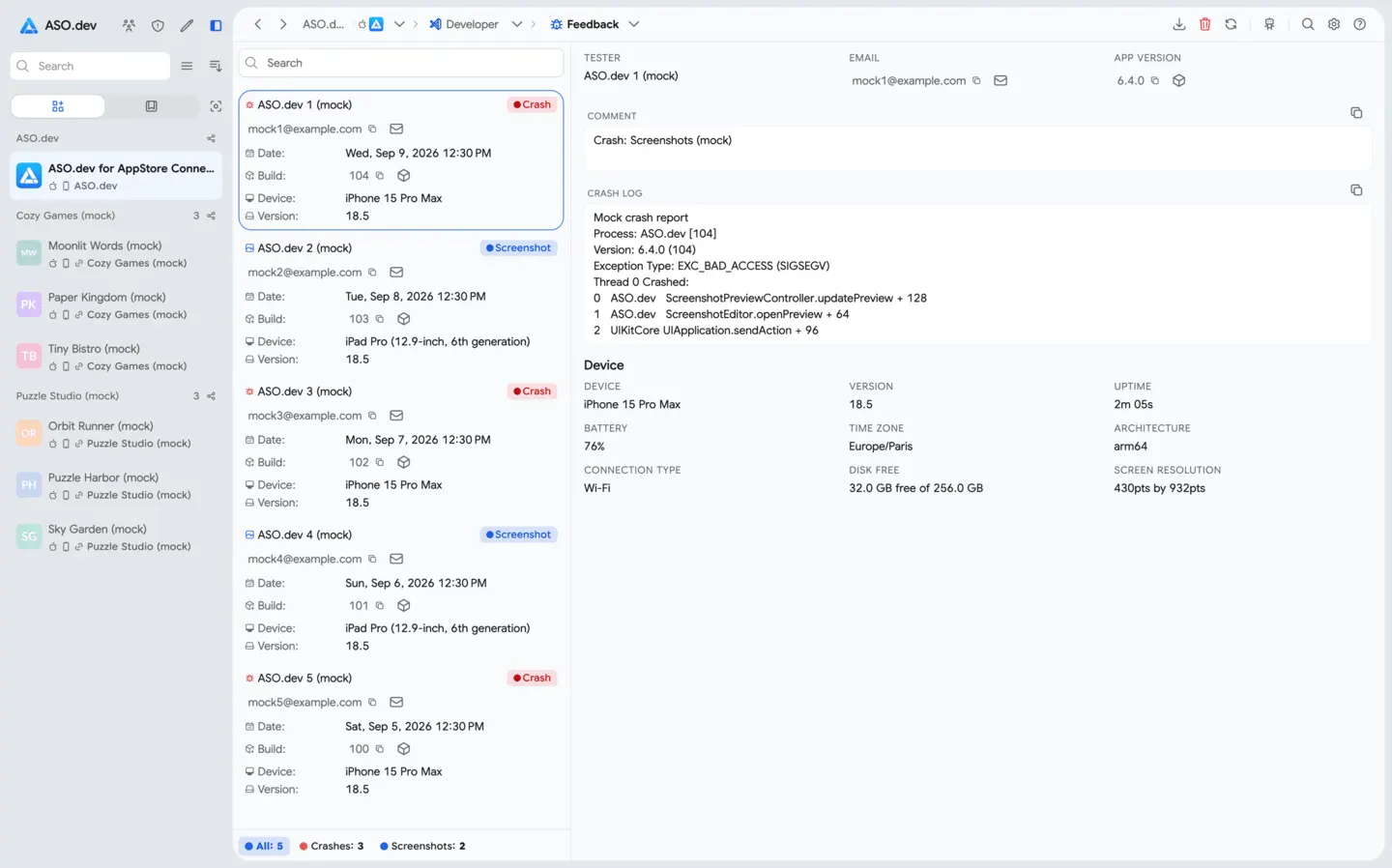
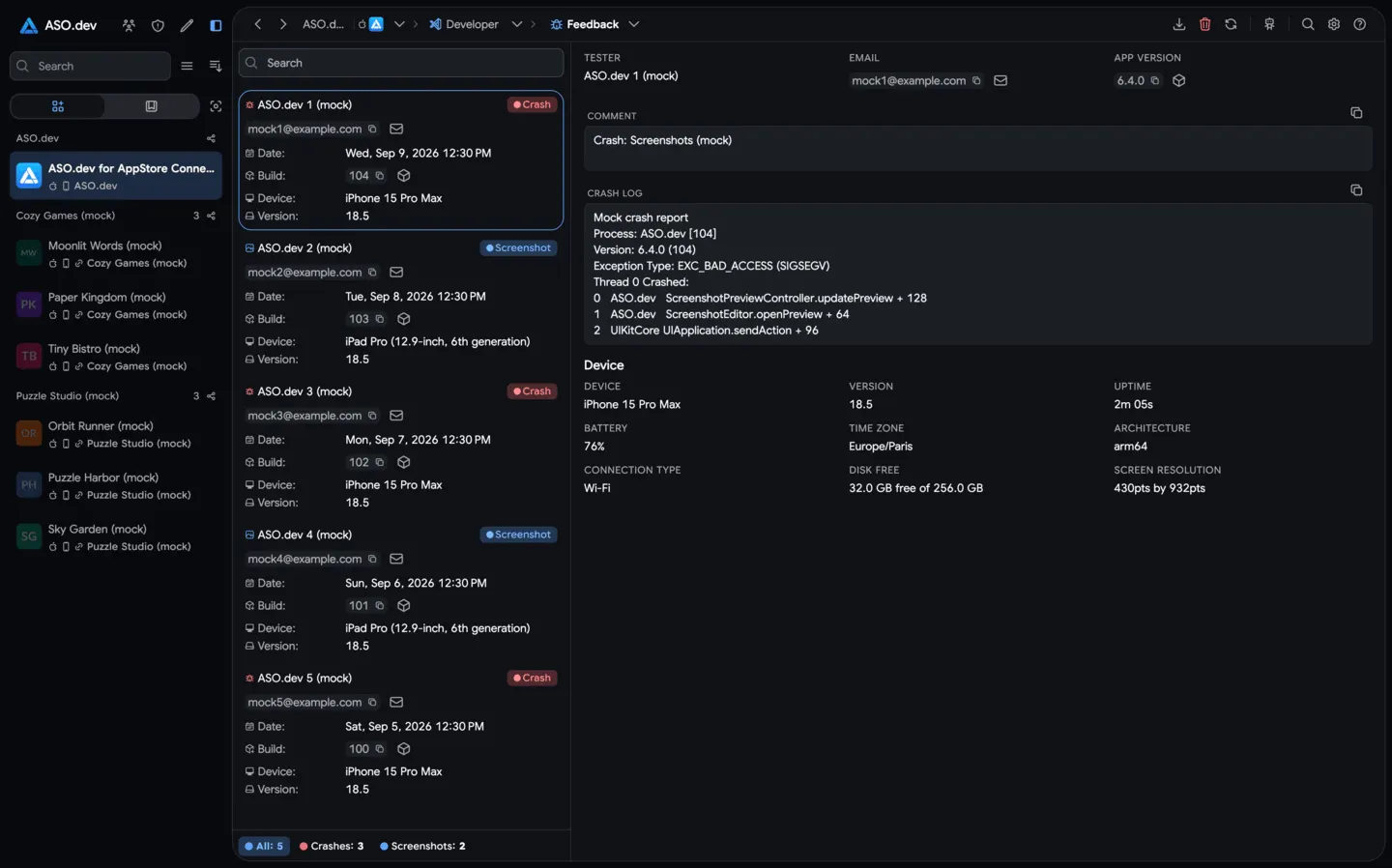 04Beta feedbackReview TestFlight feedback alongside screenshots, device context, tester details, and crash-related notes.
Questions, answered
The practical details teams usually want to know first.
The suite covers metadata and localization, media, monetization, Apple Developer certificates, App IDs, devices and profiles, plus TestFlight builds, testers, testing information, and feedback.
Publishing workflows use an App Store Connect API key. It stays in Secure Storage on your device, and requests go directly to Apple rather than through ASO.dev servers.
Assign a dedicated proxy to each workspace. This routes different developer accounts through different IP addresses—similar to separate anti-detect browser profiles.
Yes. You can edit, translate, compare, and validate up to 50 App Store localizations in one workflow.
Yes. You can generate review replies manually or in bulk without a per-reply AI generation limit, then edit and send the approved responses.
Give an ASO team more control—or give an indie developer the release process they would otherwise have to build alone.