
Google Play Pricing
Google Play Pricing is the country-level price editor for Google Play subscriptions, base plans, introductory offers, and in-app products.
It works similarly to the Apple pricing editor: open a product, edit prices and availability per country, review the calculated changes, then save the prepared updates to Google Play.
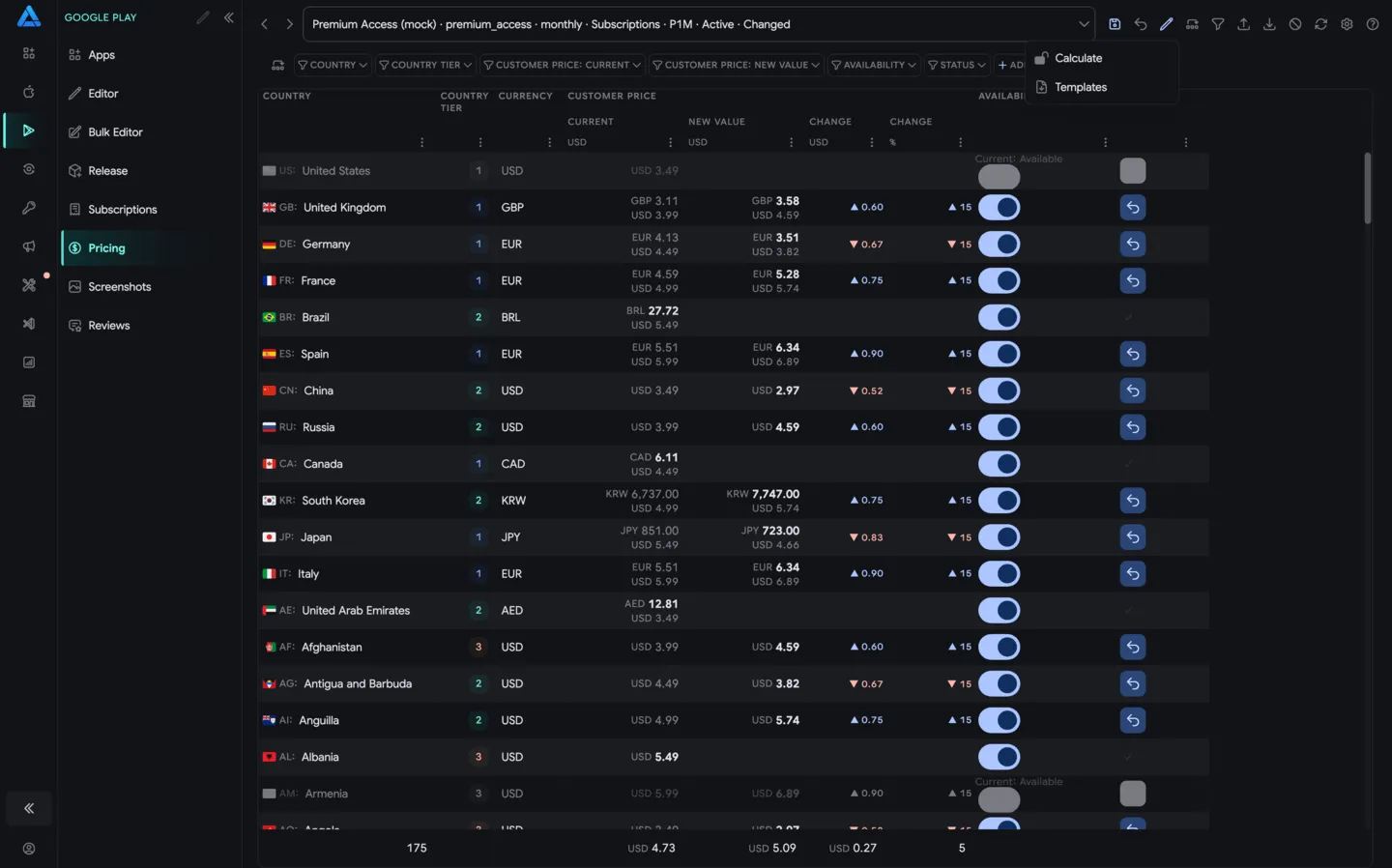
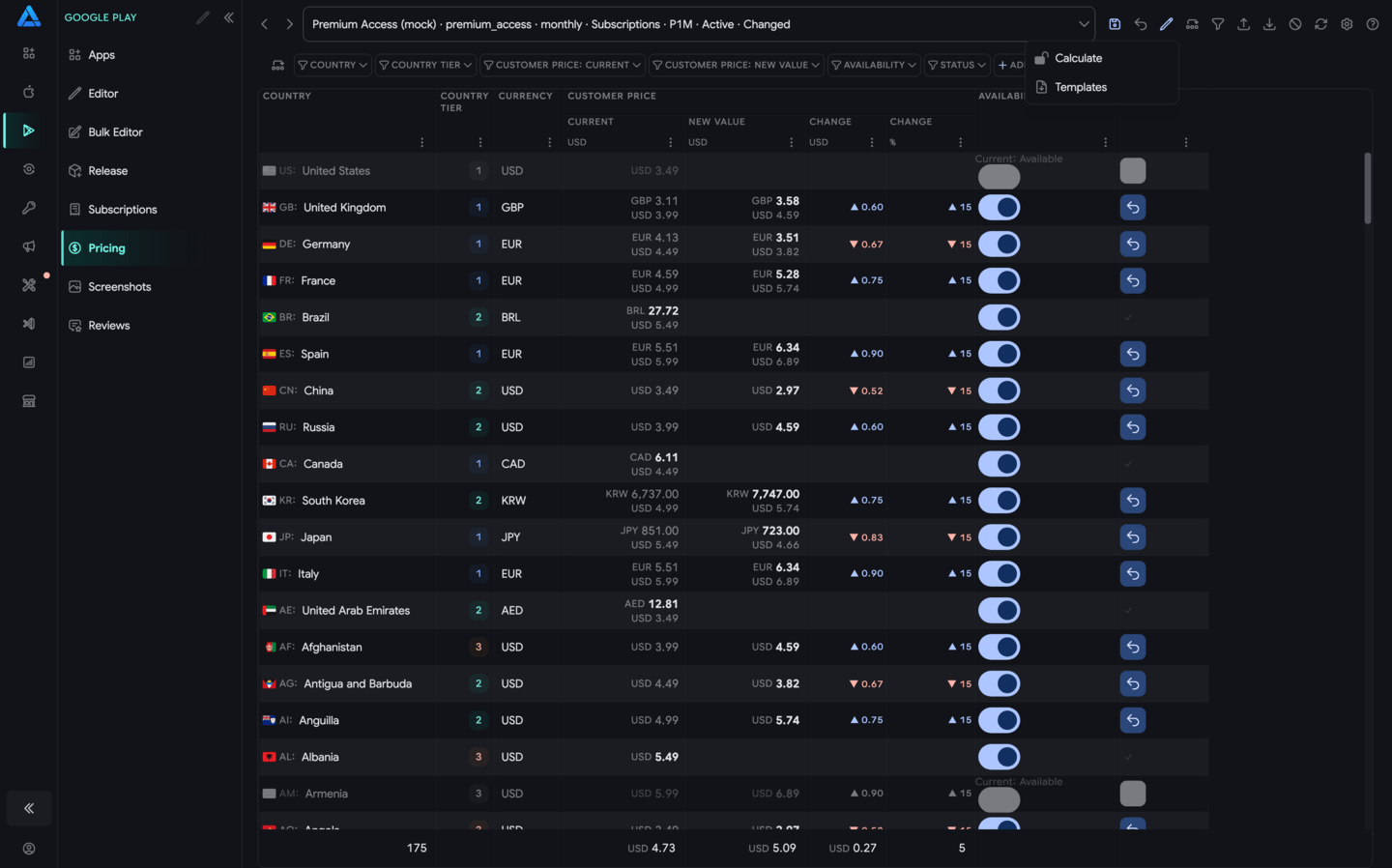
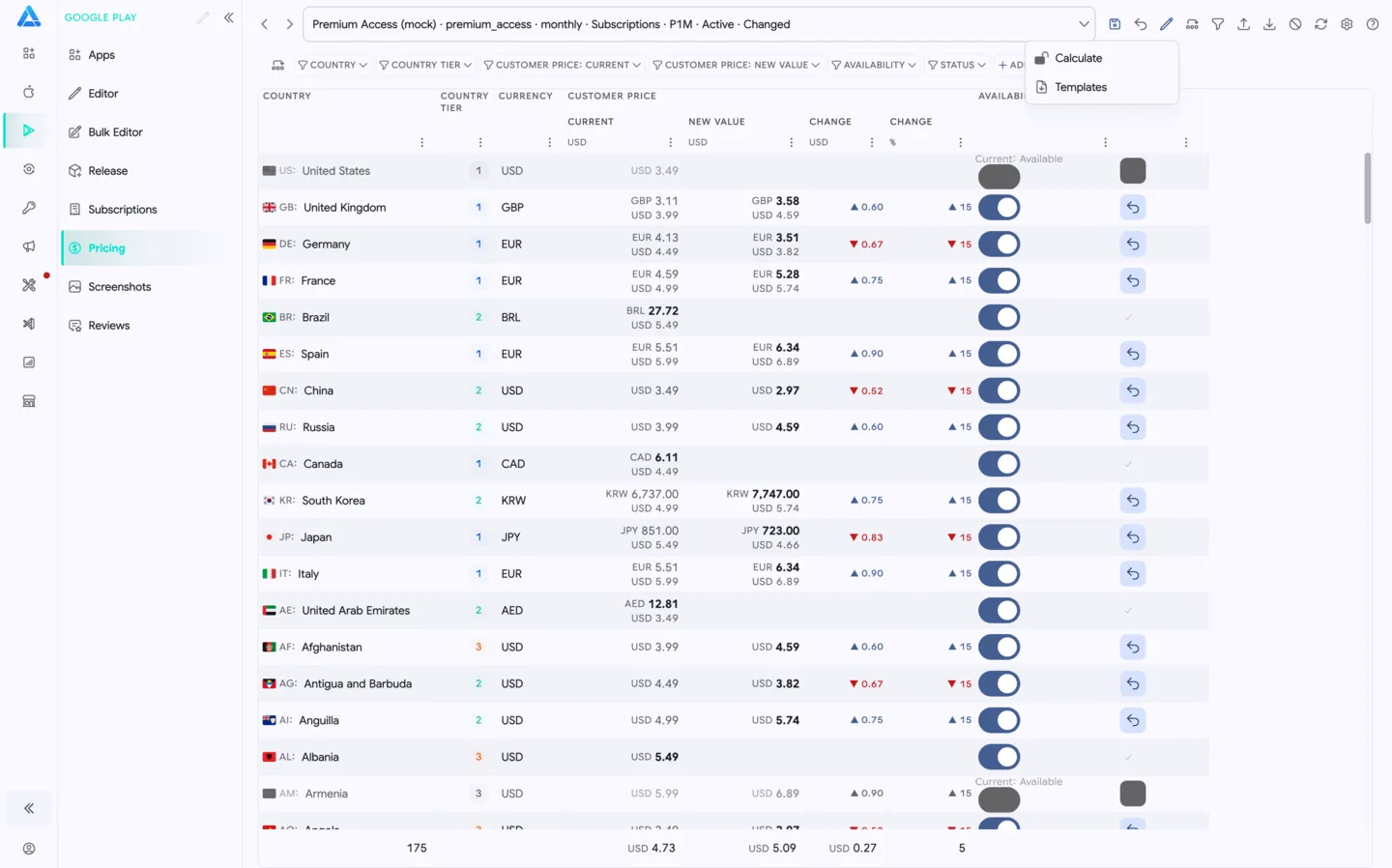
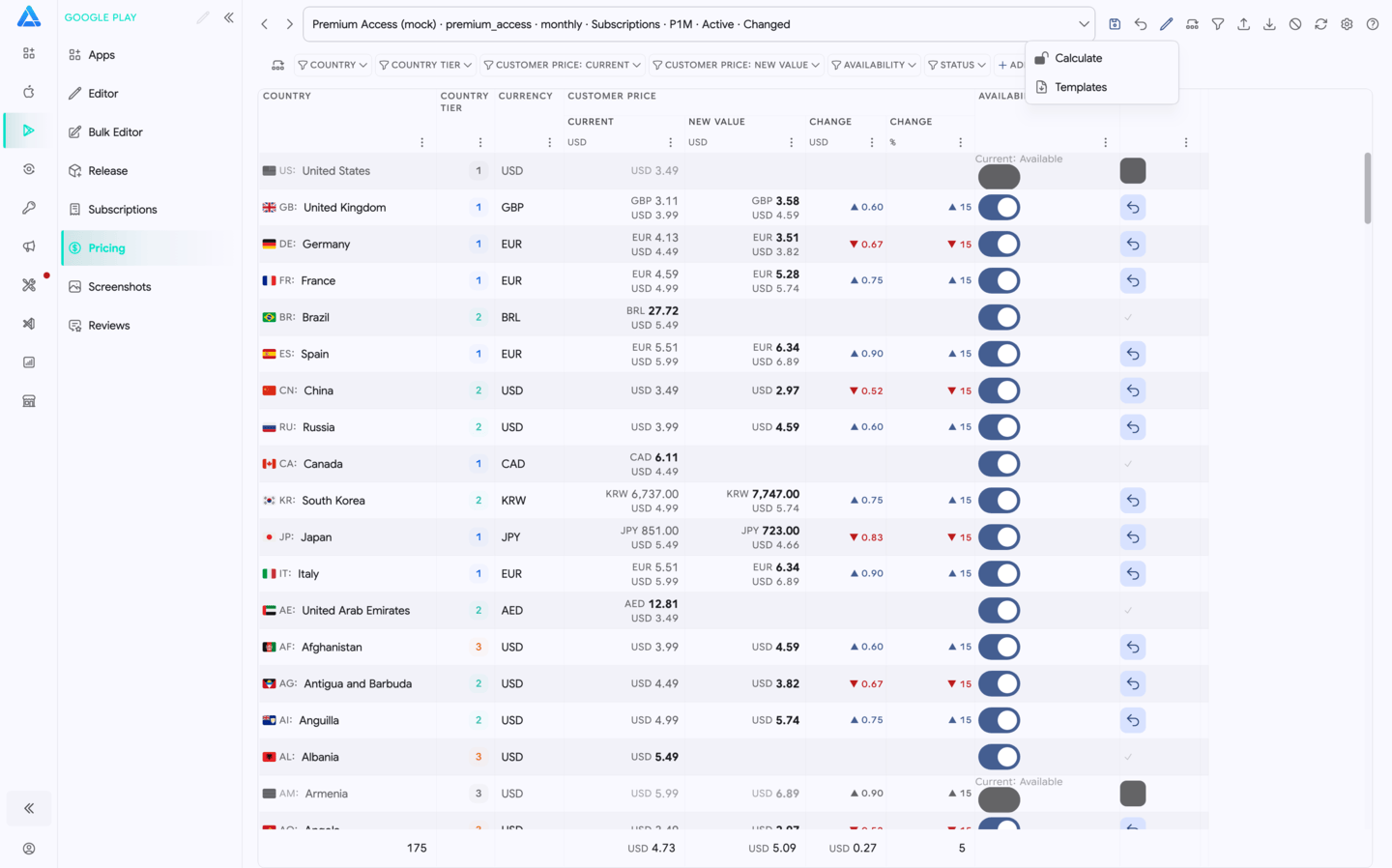
Open Pricing
Section titled “Open Pricing”Open pricing from Google Play Subscriptions and In-App Purchases.
Use Edit prices on:
- a base plan
- an introductory offer
- an in-app product
The selected product appears in the top selector, for example console-y · P1M · Active.
Pricing Table
Section titled “Pricing Table”The table shows one row per country or region. Use it to review the current state and prepare country-specific changes.
Common columns include:
- Country - country or region where the product can be sold.
- Currency - local currency for the country.
- Customer price - current customer-facing price.
- New prices - the price that will be saved.
- Change - absolute price change.
- Change % - percentage difference from the current price.
- Availability - whether the product is available in that country or region.
- Status - whether the row has a prepared change.
The left count at the bottom shows how many countries or regions are in the current table.
Filters and Sorting
Section titled “Filters and Sorting”Each column can be filtered. Use operators such as Contains and Equals to find a country, currency, price range, or availability state.
This is useful when you want to:
- change only selected countries
- review countries with large price changes
- find unavailable regions
- compare one currency group
Availability
Section titled “Availability”Use the Availability toggle to enable or disable the product for a specific country or region.
Availability changes stay local until you save. This lets you review price and distribution changes together before sending them to Google Play.
Price Changes
Section titled “Price Changes”You can edit prices manually in the table or use the top actions to prepare changes in bulk.
The table shows both the current price and the prepared new price so you can quickly see:
- which countries changed
- how large the change is
- whether the new value still matches the intended pricing strategy
Top Bar
Section titled “Top Bar”The top bar contains the main actions:
- Save - save prepared prices and availability to Google Play Console.
- Edit - open price editing or recalculation actions.
- Filter - apply table filters.
- Import - import pricing data from a file.
- Export - export pricing data for backup or offline editing.
- Deactivate - deactivate the selected Google Play product, base plan, or offer.
- Refresh - reload the latest prices from Google Play Console.
- Settings - open pricing editor settings.
- Help - open documentation for this screen.
Save Changes
Section titled “Save Changes”Review changed countries, availability toggles, and percentage differences before saving.
Click Save to send the prepared updates to Google Play Console. If prices were changed in Google Play Console by another teammate, click Refresh before editing.