
App Store Connect Is Losing Localizations: How to Protect and Restore Them
Languages are disappearing from app versions in the App Store Connect web console, and their screenshots go with them. How ASO.dev checks every save, and how anyone can bring lost localizations back.
此内容尚不支持你的语言。
Languages are disappearing from app versions in App Store Connect. A version that had German, Spanish, French and Italian can suddenly keep only the primary language, and the screenshots of the lost languages go with them. In the App Store, the affected countries then show the primary language’s metadata.
We have made the ASO.dev metadata editor guard every save against this and bring lost localizations back. The main recovery path works for everyone, not only for those who already used ASO.dev before the loss.
What is happening
Section titled “What is happening”Developers report the problem in several communities and on X (discussion on X). According to them, languages can disappear when a new version is created or when any change is saved in the App Store Connect web console. The version then keeps only some of its languages, most often just the primary one. When you open such a version in ASO.dev, the editor compares its languages with the release and shows what is missing.
We have not seen the problem through the App Store Connect API so far, and Apple has not published an explanation. We did not wait for one: ASO.dev now checks every save it makes through the API and offers recovery to everyone.
A lost language costs more than its text. According to Apple’s documentation, when a language is deleted, the countries that showed it fall back to the primary language’s metadata. A language added again starts with the primary language’s screenshots: screenshots belong to a version localization, and a recreated language is a new localization.
How ASO.dev protects every save
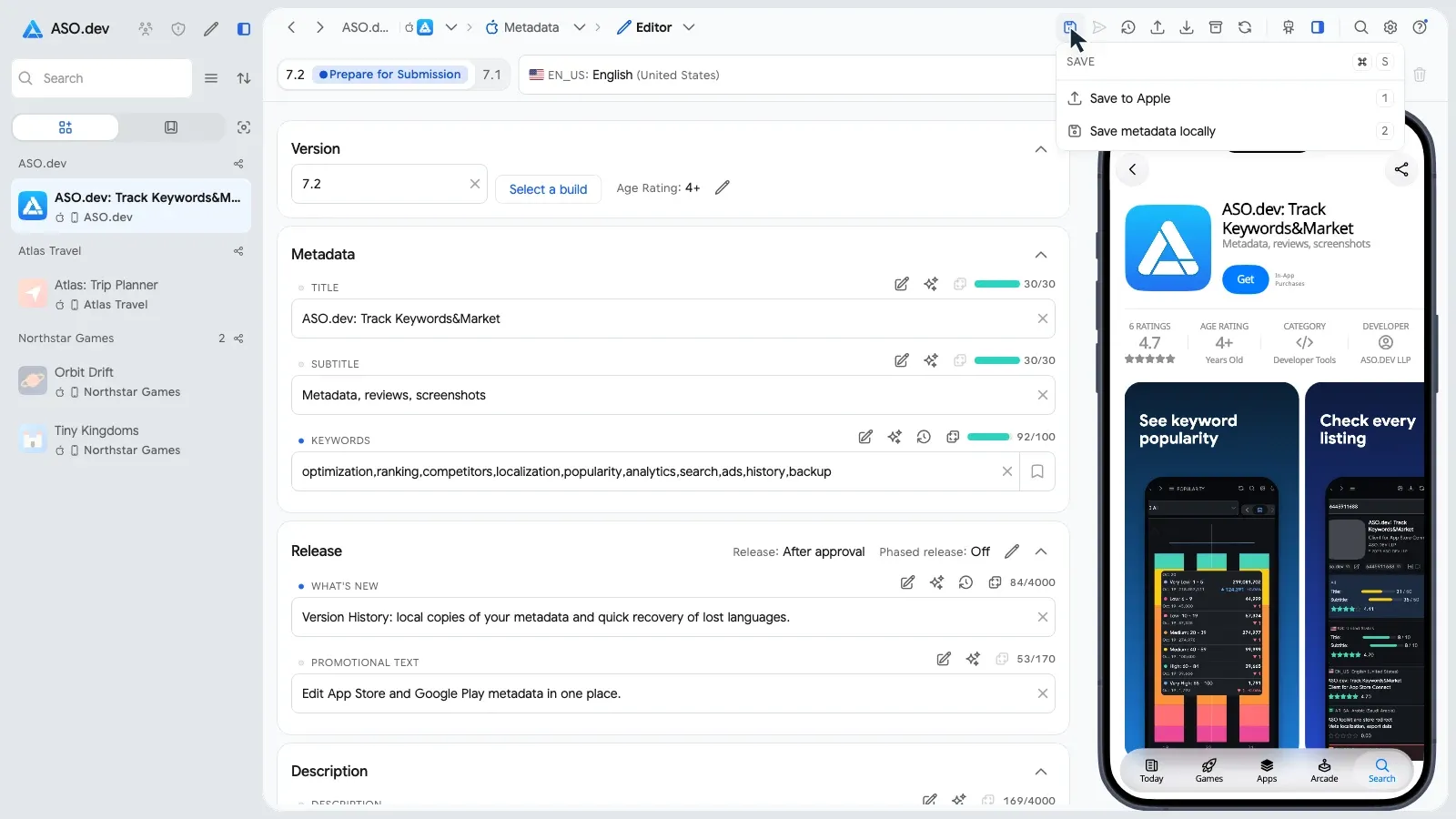
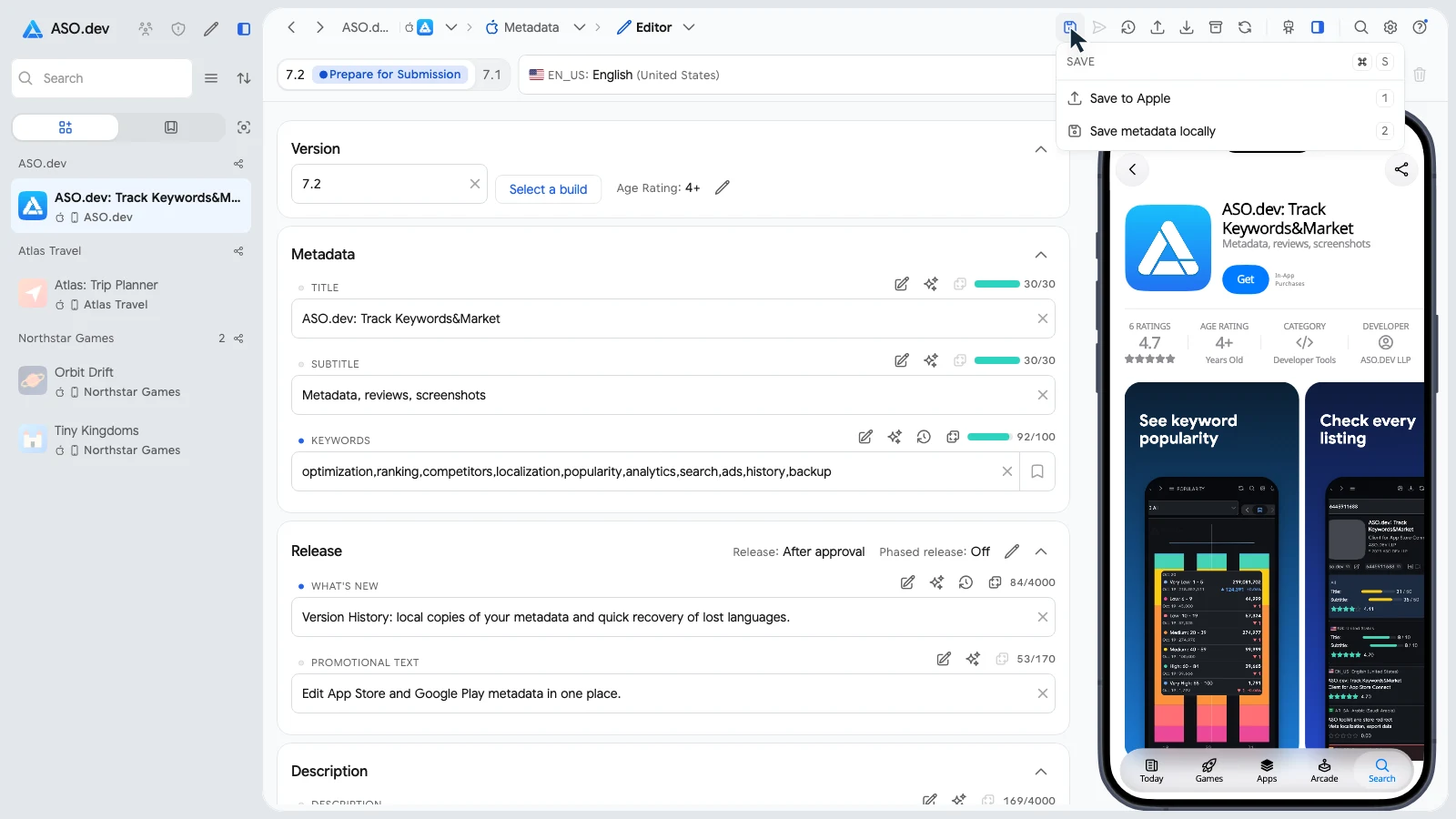
Section titled “How ASO.dev protects every save”Save in the editor now has two options: Save to Apple sends the changes, Save metadata locally keeps a copy of the draft on this device.
During each Save to Apple, ASO.dev:
- keeps the draft on this device before writing anything;
- reads every language of App Info and of the version from Apple, and remembers the order of each language’s screenshots;
- stops if languages disappeared since the editor loaded them, and shows which ones: such a removal could be someone else’s deliberate deletion, so ASO.dev overwrites nothing;
- checks again after writing (Checking Apple localizations) and recreates any language Apple lost during the save, up to two attempts (Restoring missing localizations);
- reports the languages Apple still lacks (Localizations still missing in Apple) and keeps them in the draft for the next save.
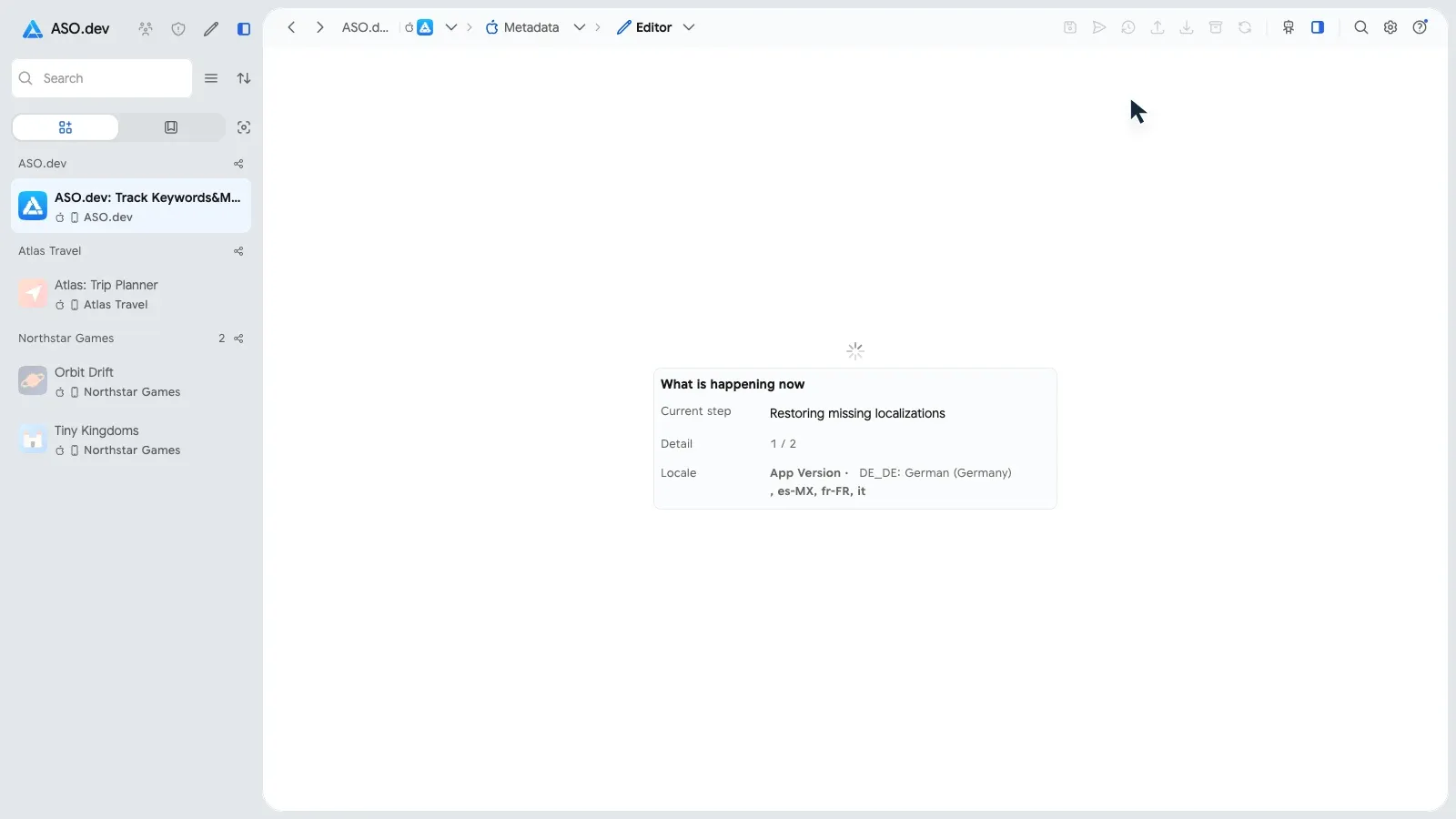
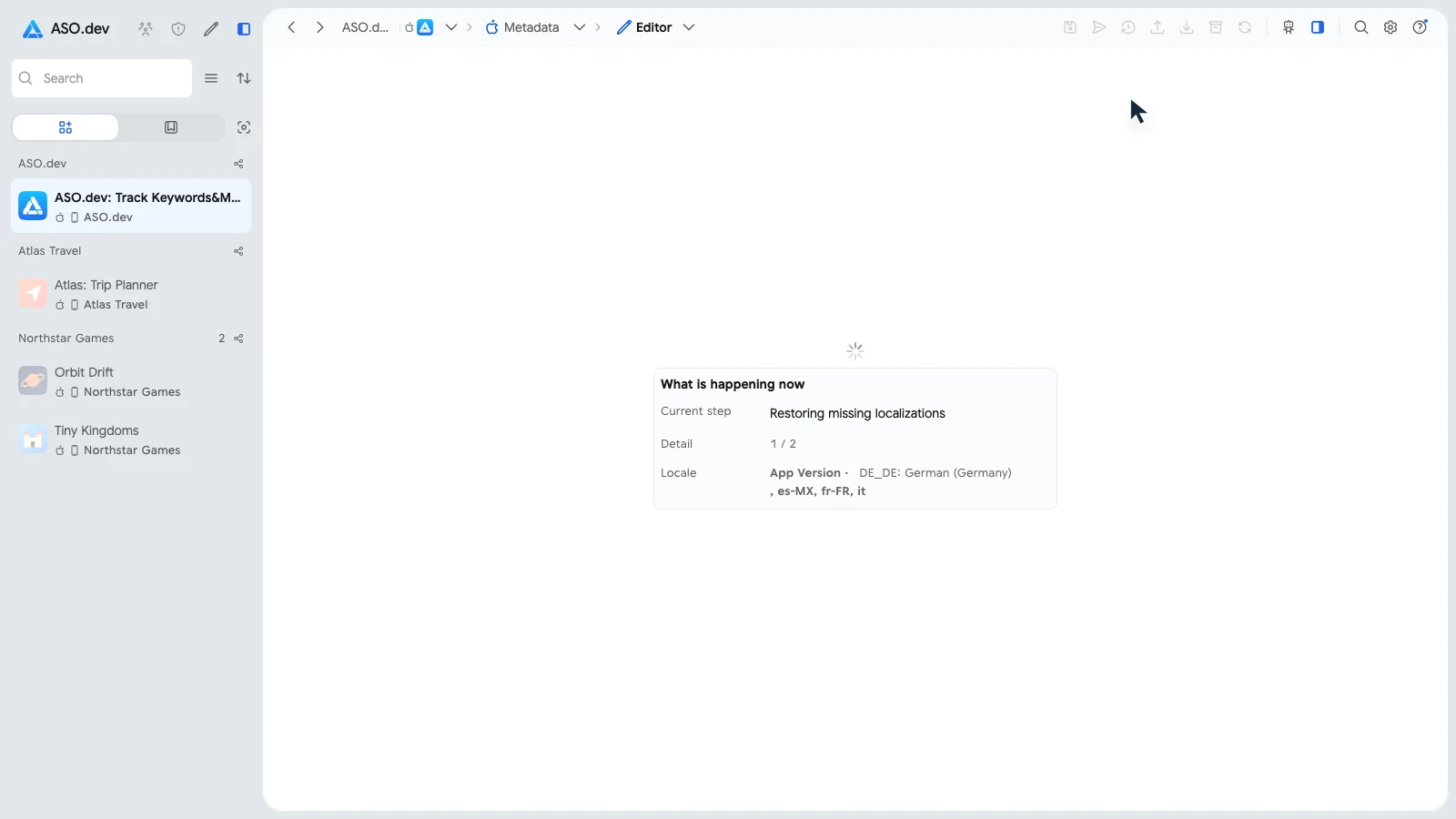
A language you delete in ASO.dev is not treated as a loss. If a save fails, the draft stays on this device, and the Metadata saved on this device button opens it in Version History.
Bringing back screenshots
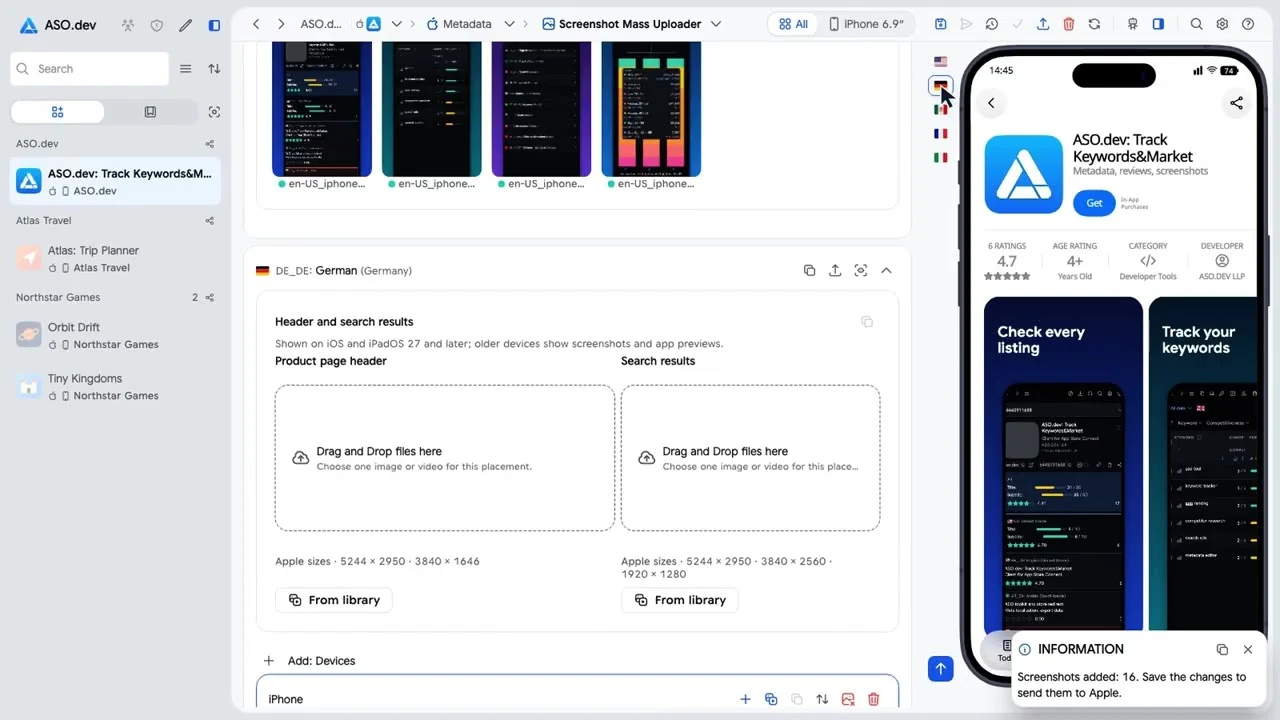
Section titled “Bringing back screenshots”After a save that recreated languages, the editor shows Check screenshots of new or restored languages with their flags.
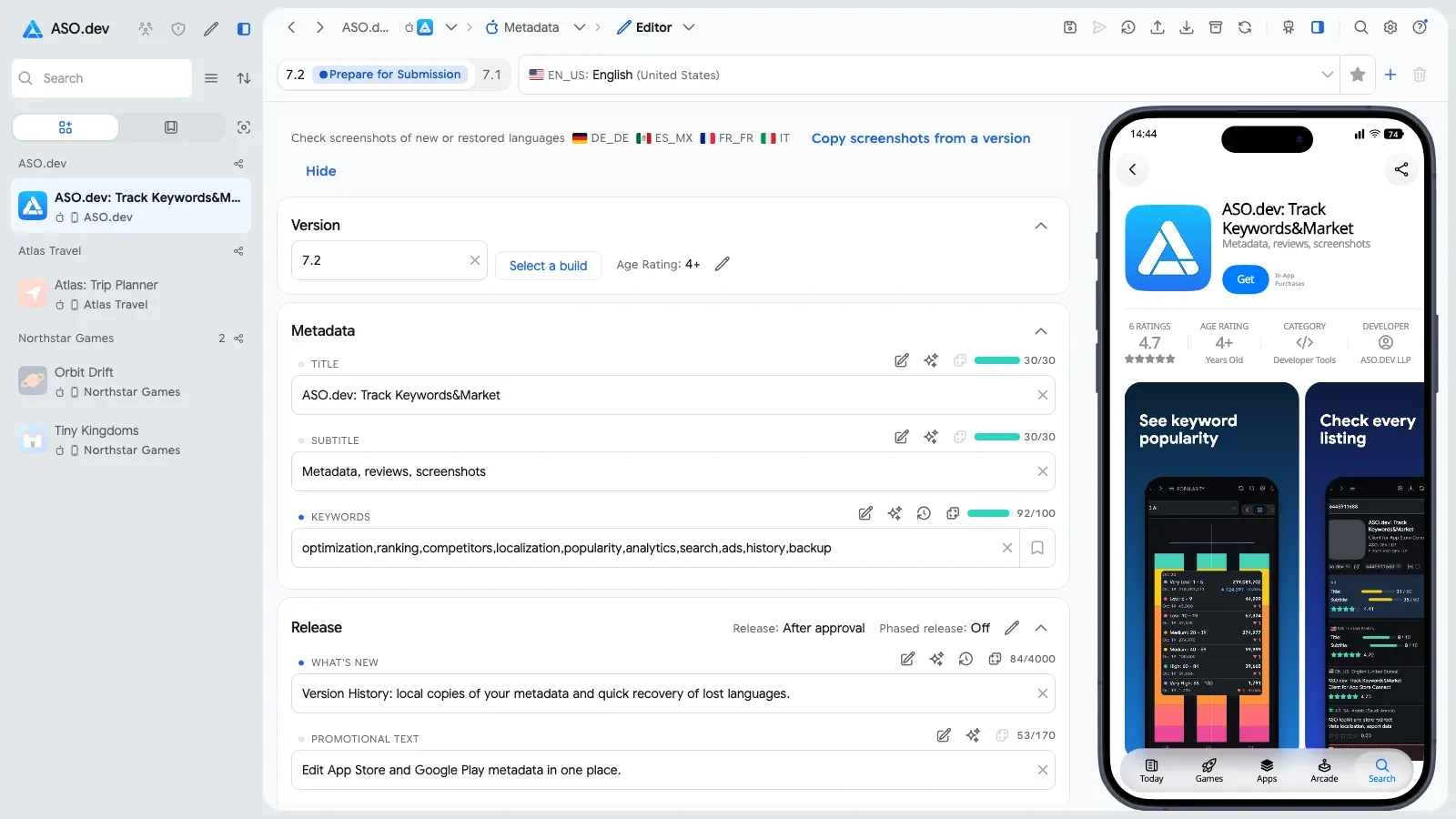
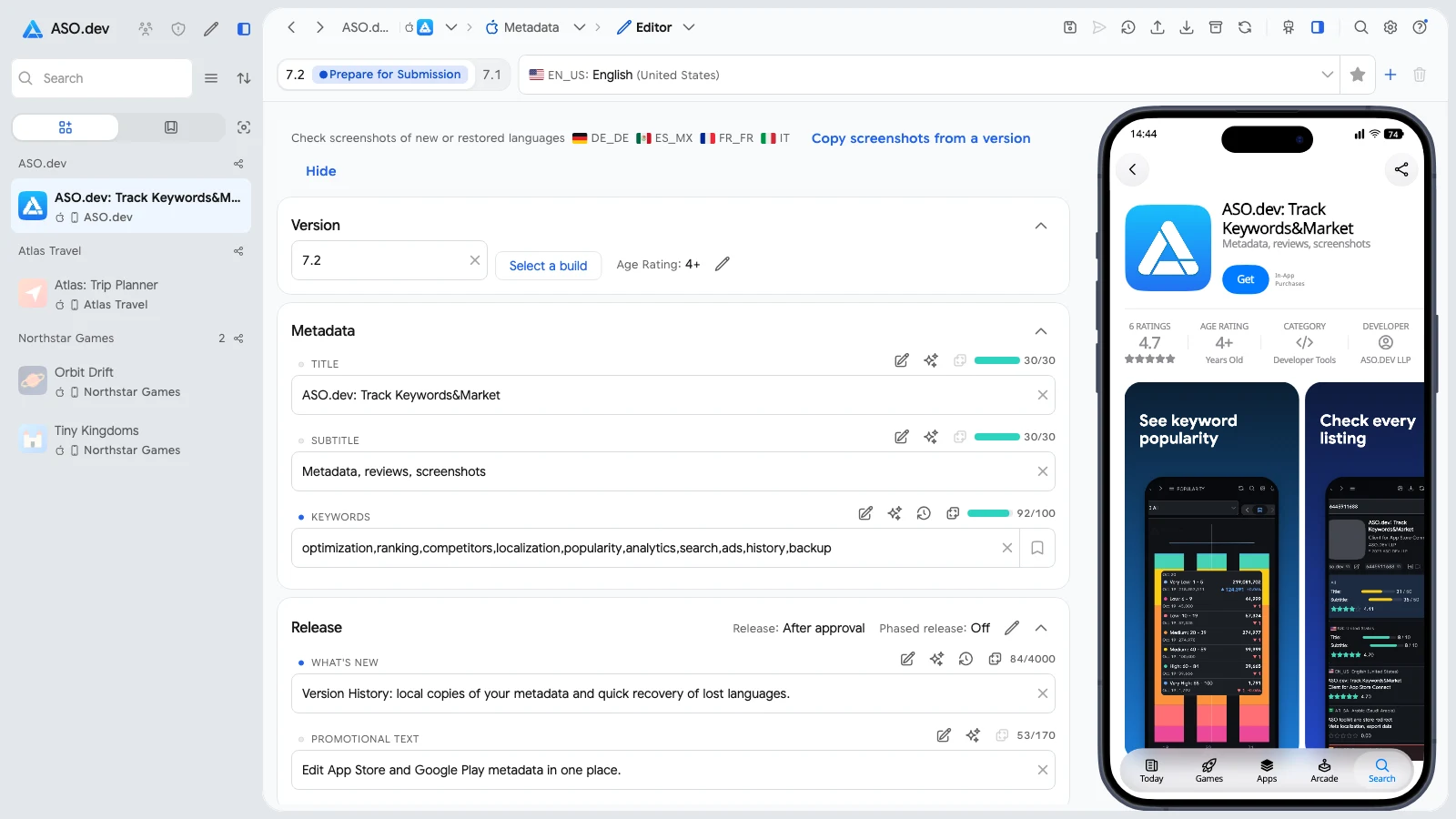
Copy screenshots from a version opens the screenshot editor with a dialog. Its first source, marked Version History, is the layout these languages had right before the save, in the original order. Any other version of the app can be the source too.
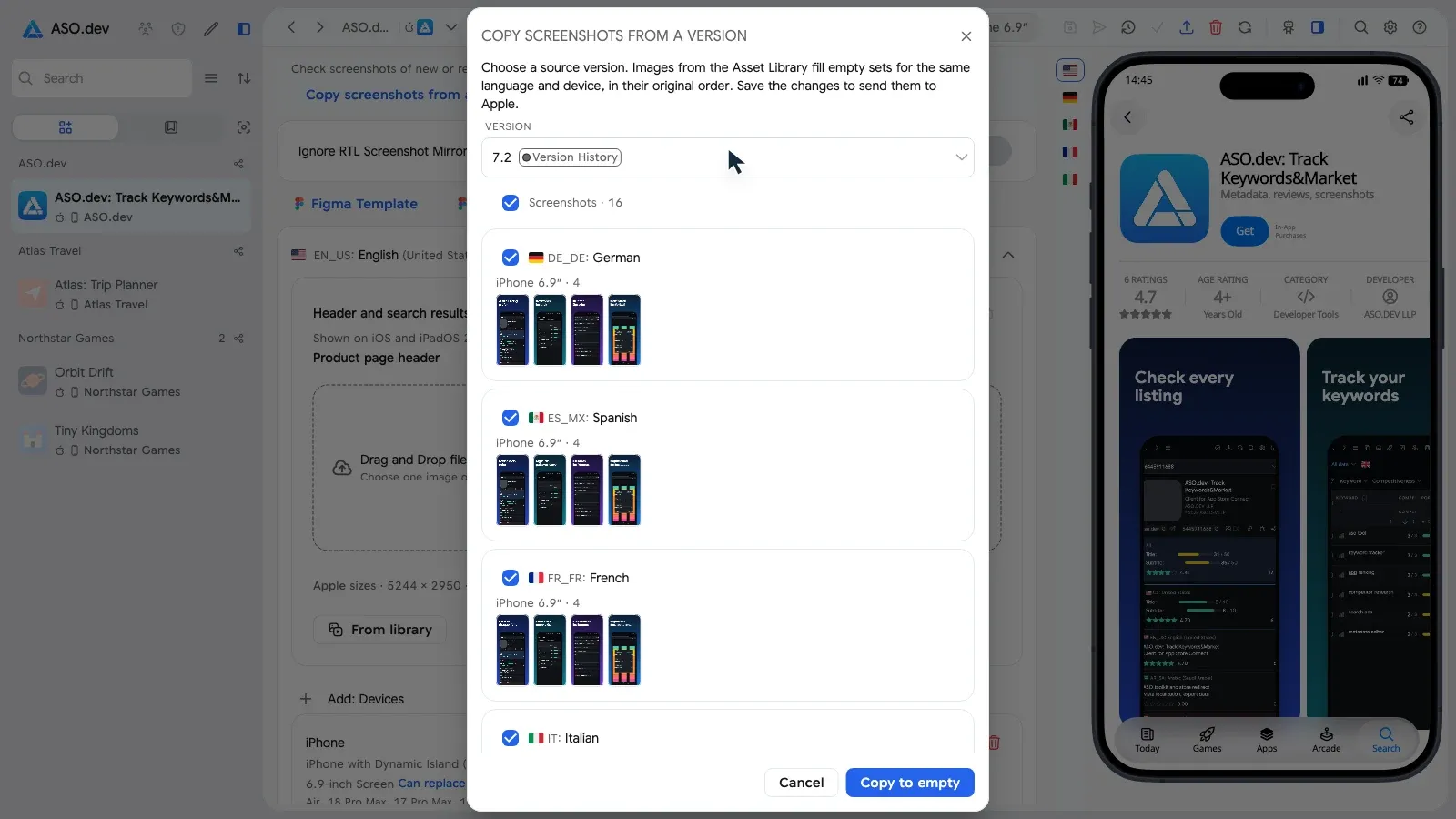
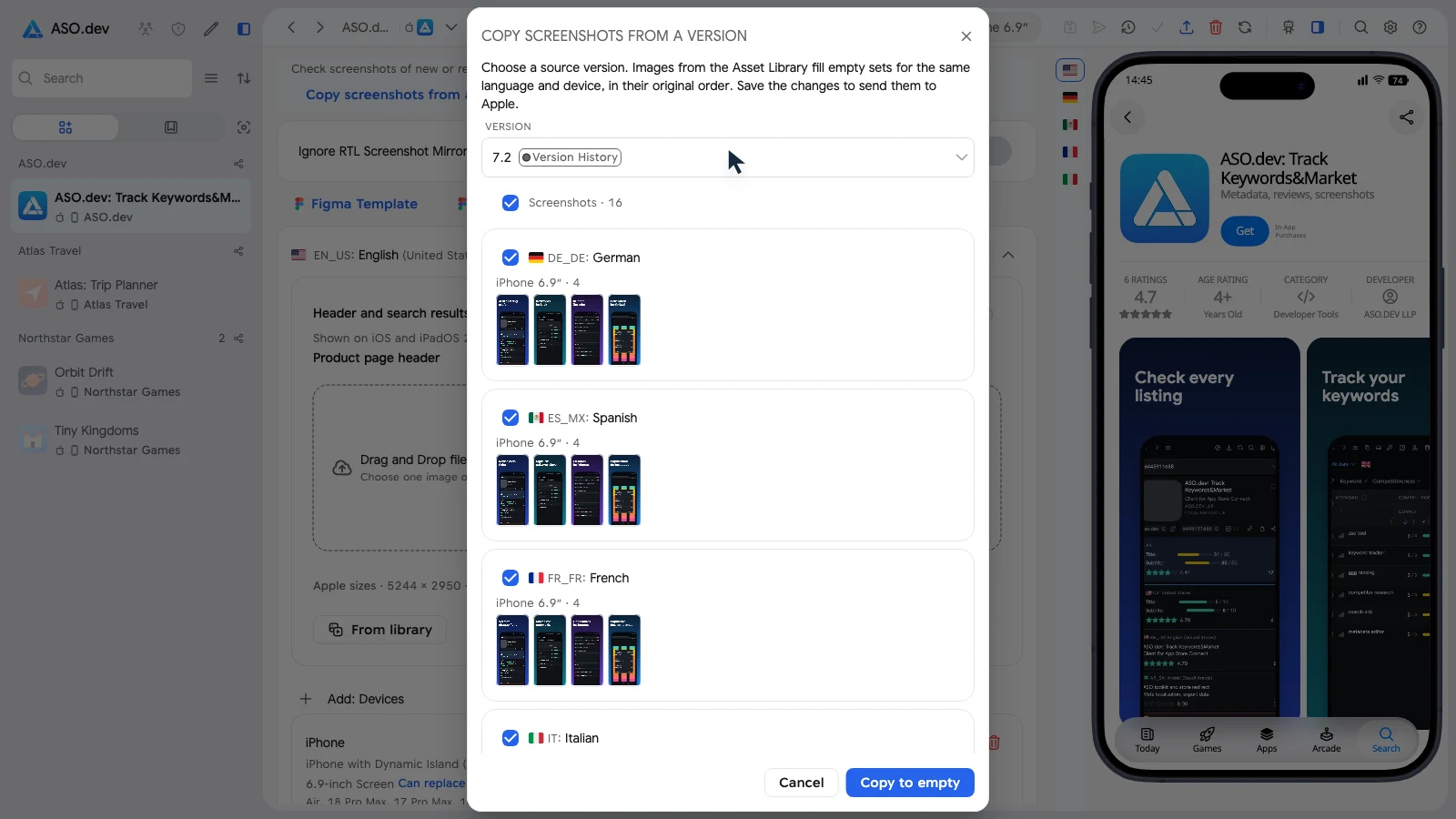
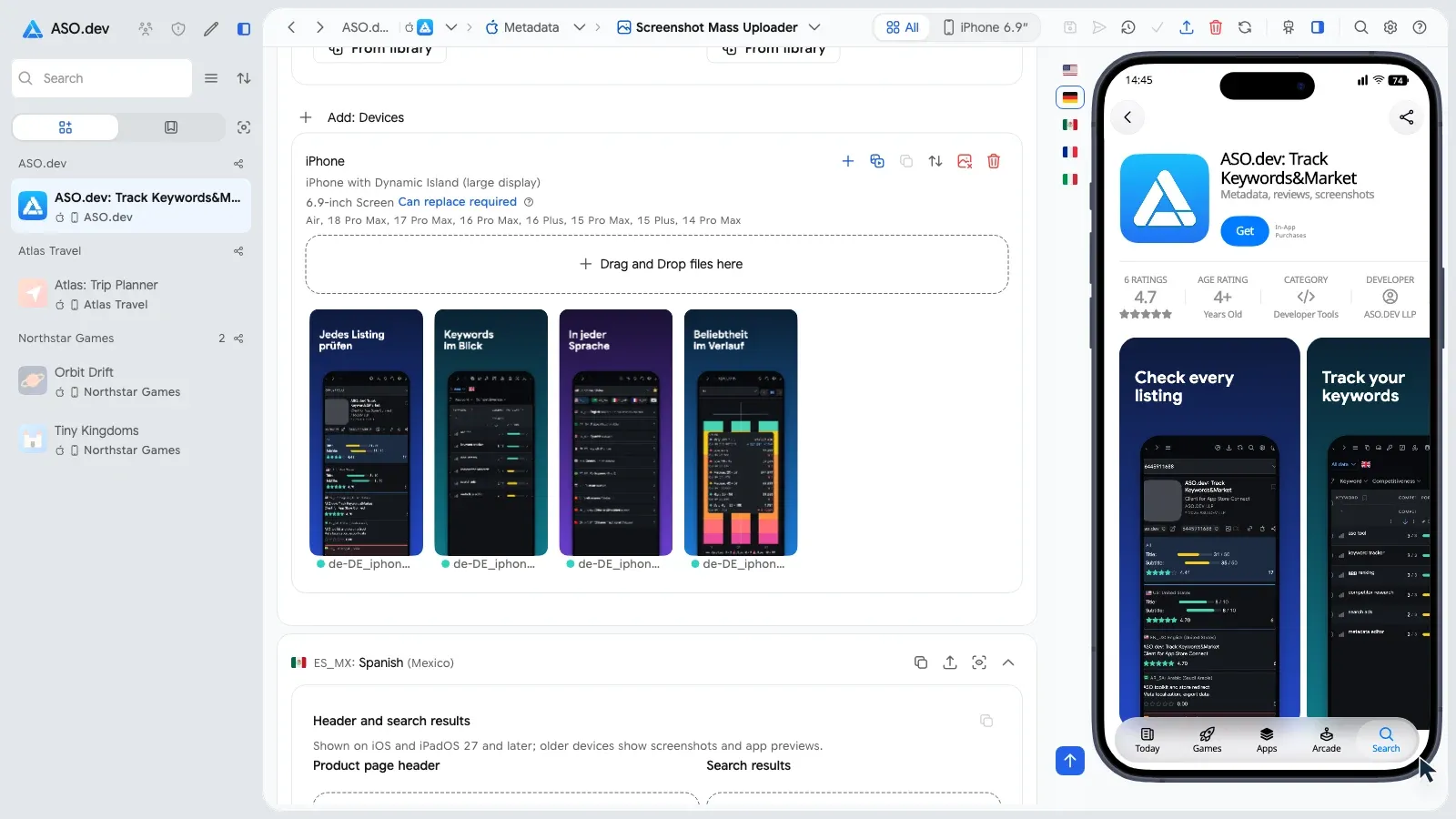
The images come from the Asset Library, so nothing is uploaded again. Copy to empty fills only empty sets of the same language and device; then save the screenshots.
Recovery for everyone
Section titled “Recovery for everyone”Comparison with the release
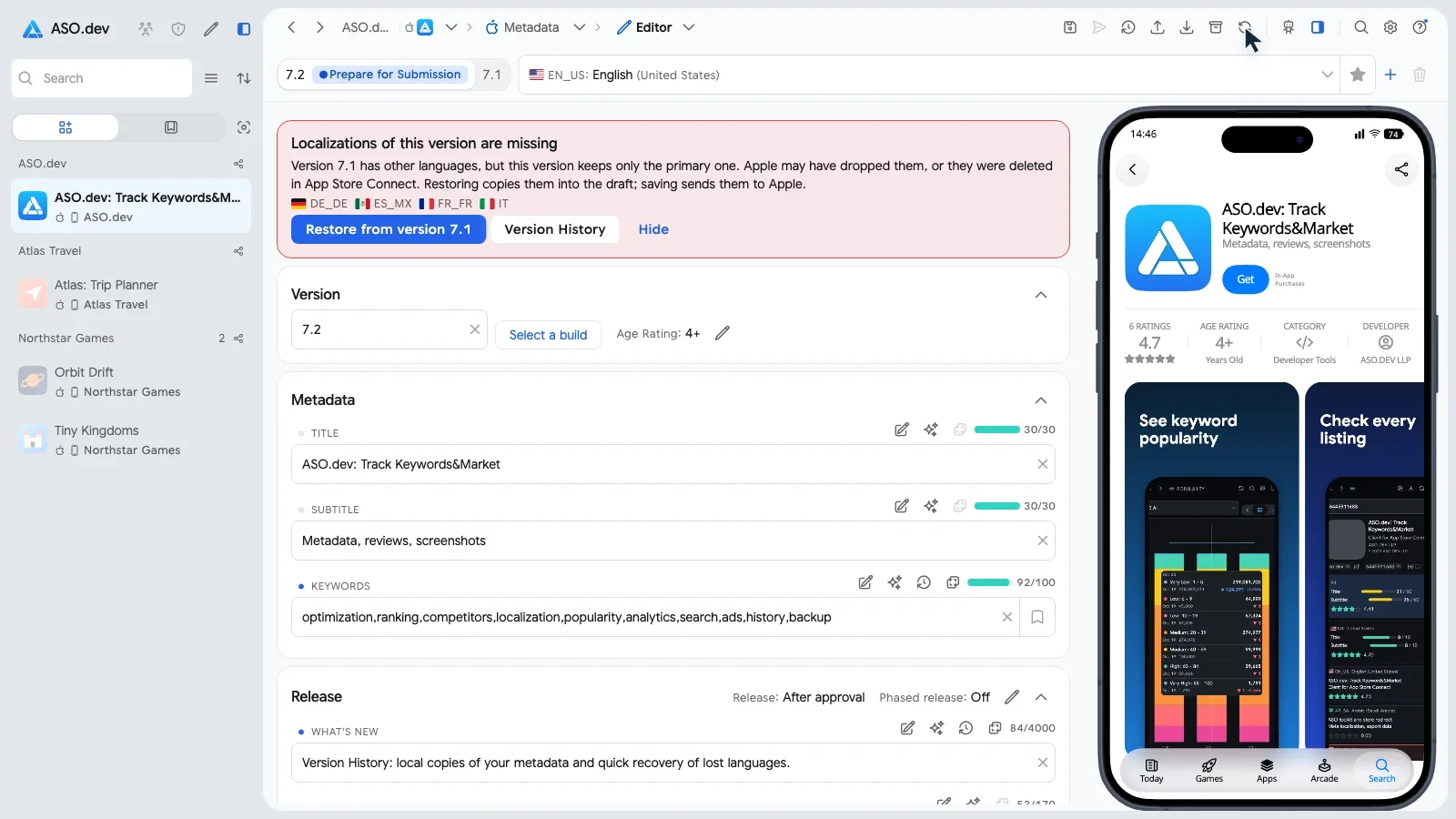
Section titled “Comparison with the release”The editor compares the languages of the editable version with the released version of the same platform. When only the primary language is left, it shows the red warning Localizations of this version are missing with the lost languages. When a few languages are missing, it shows a quiet line In version 7.1, but not in this one.
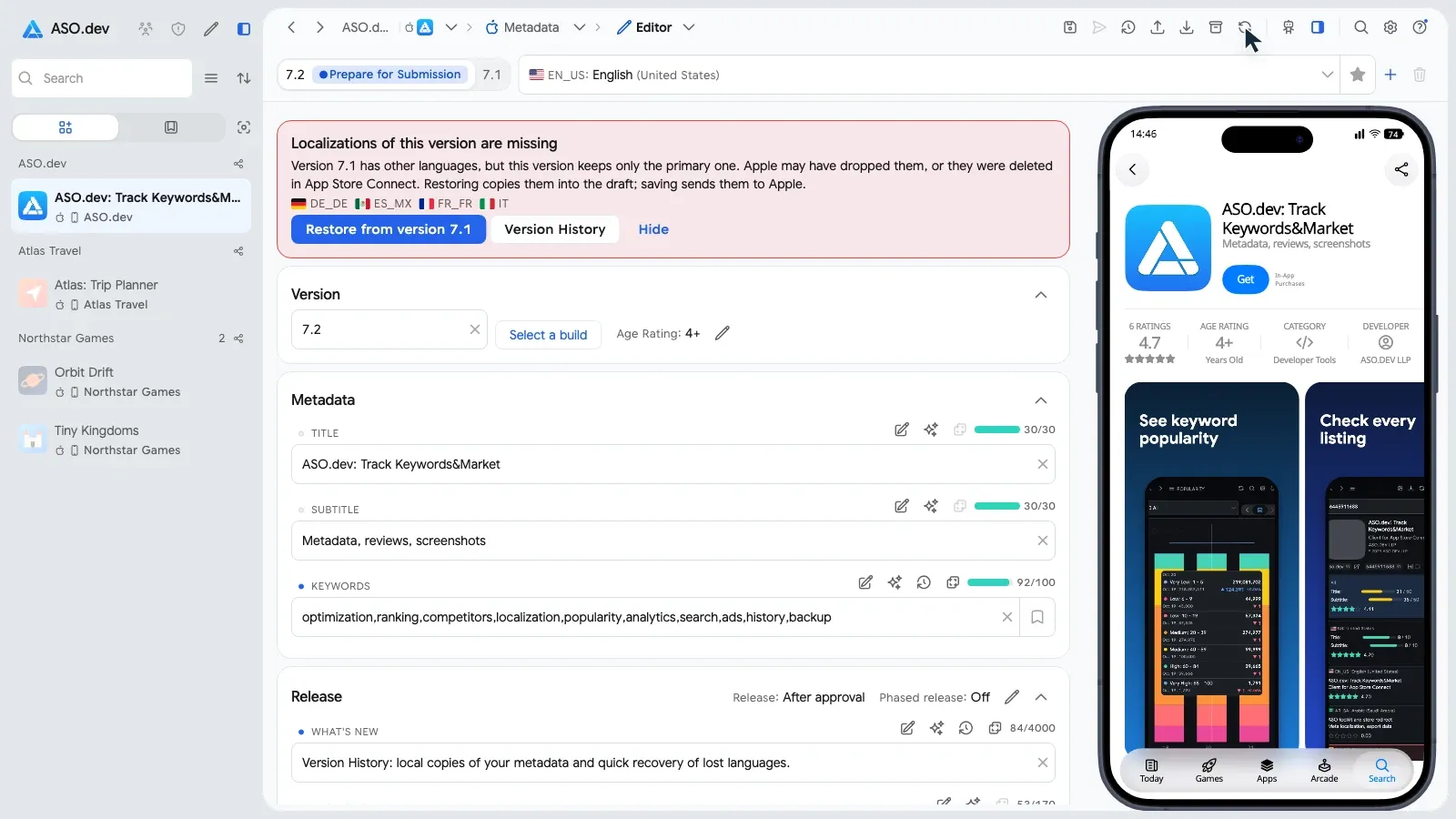
ASO.dev never restores a language by itself. Restore from version 7.1 copies the release’s texts into the draft, and saving sends them to Apple. Hide keeps the notice hidden for this version. A separate warning, These languages have no App Info, lists languages whose App Info part is missing and offers Delete language.
Older releases and public App Store history
Section titled “Older releases and public App Store history”Open Copy from previous version → Custom to see Copy Metadata. App Store Connect keeps the description, keywords and What’s New of every release, but App Info only for the live and the pending version. ASO.dev fills in the old name and subtitle of earlier releases from its public App Store history, marked with the date they were seen, if ASO.dev has observed the app’s App Store page.
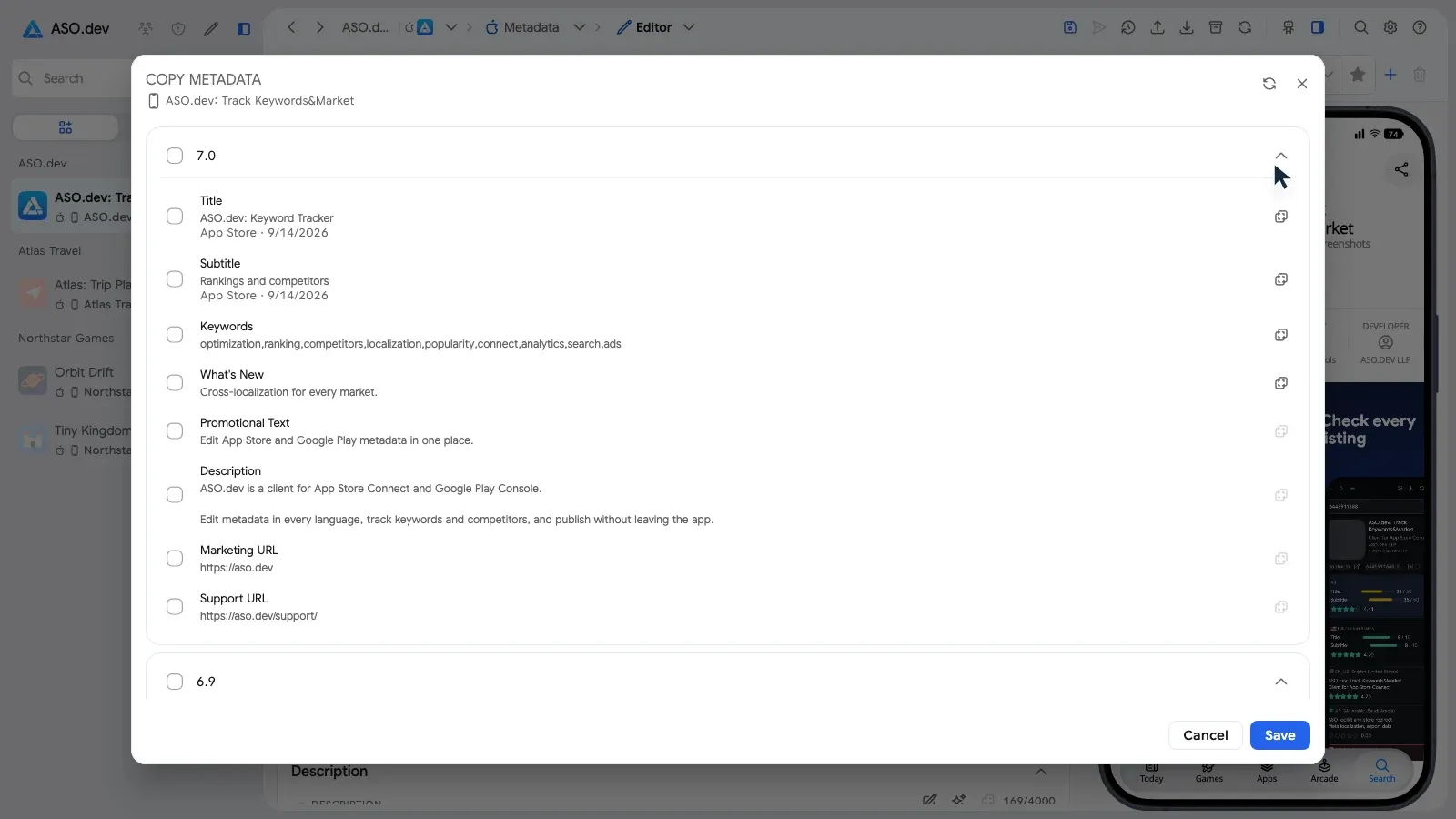
Public App Store history is available on the Pro plan and above. To review how an app’s releases and metadata changed over time, open the App Timeline.
Screenshots from any release
Section titled “Screenshots from any release”The Copy screenshots from a version dialog also lists every release of the app. Choose the released version, and its screenshots fill the empty sets of the restored languages from the Asset Library.
Local copies in Version History
Section titled “Local copies in Version History”If you already use ASO.dev, there is one more source. Each time the editor loads or saves, it keeps a local copy: what Apple returned, the published version and your drafts. Version History lists them with the date and origin.
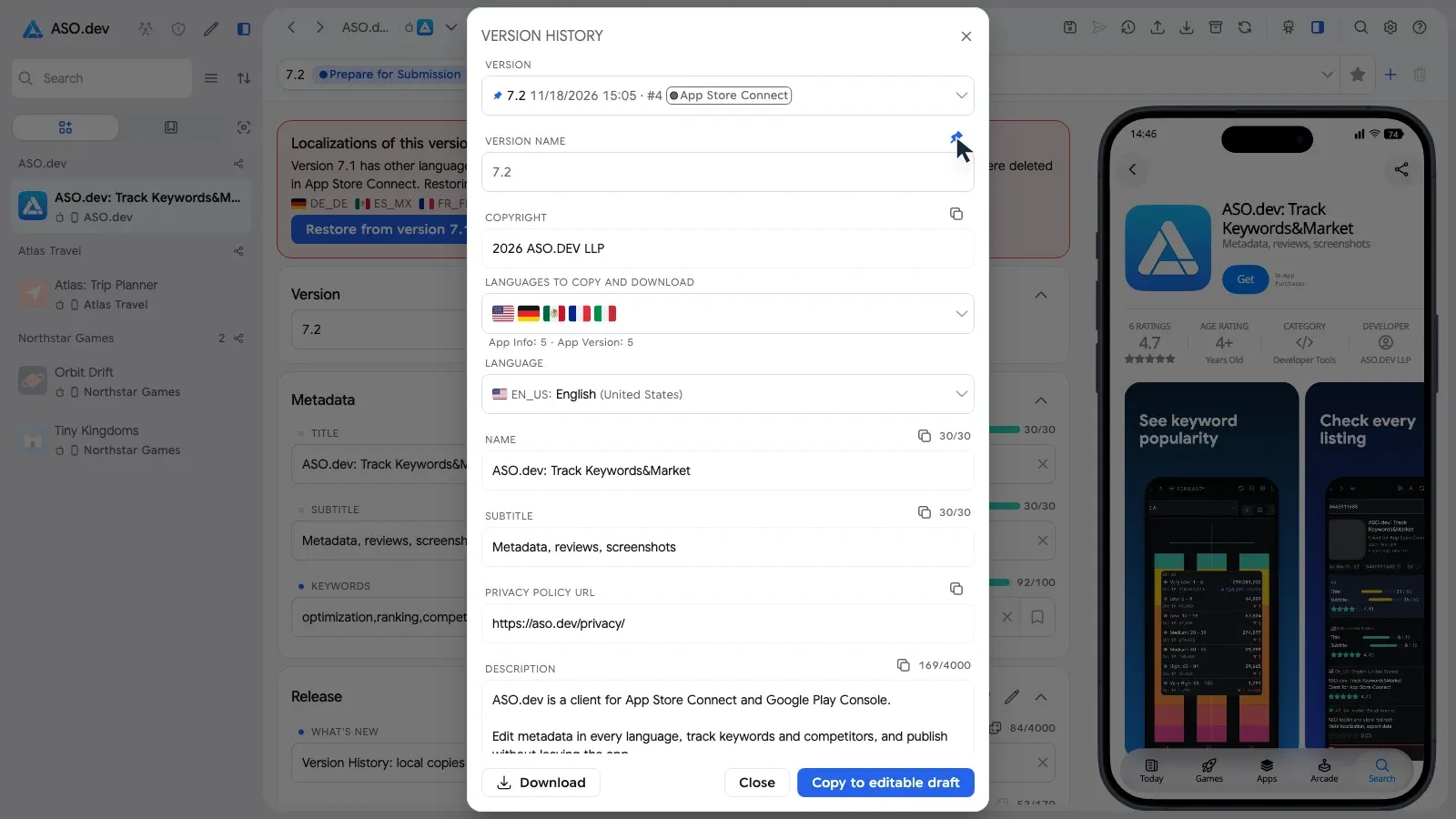
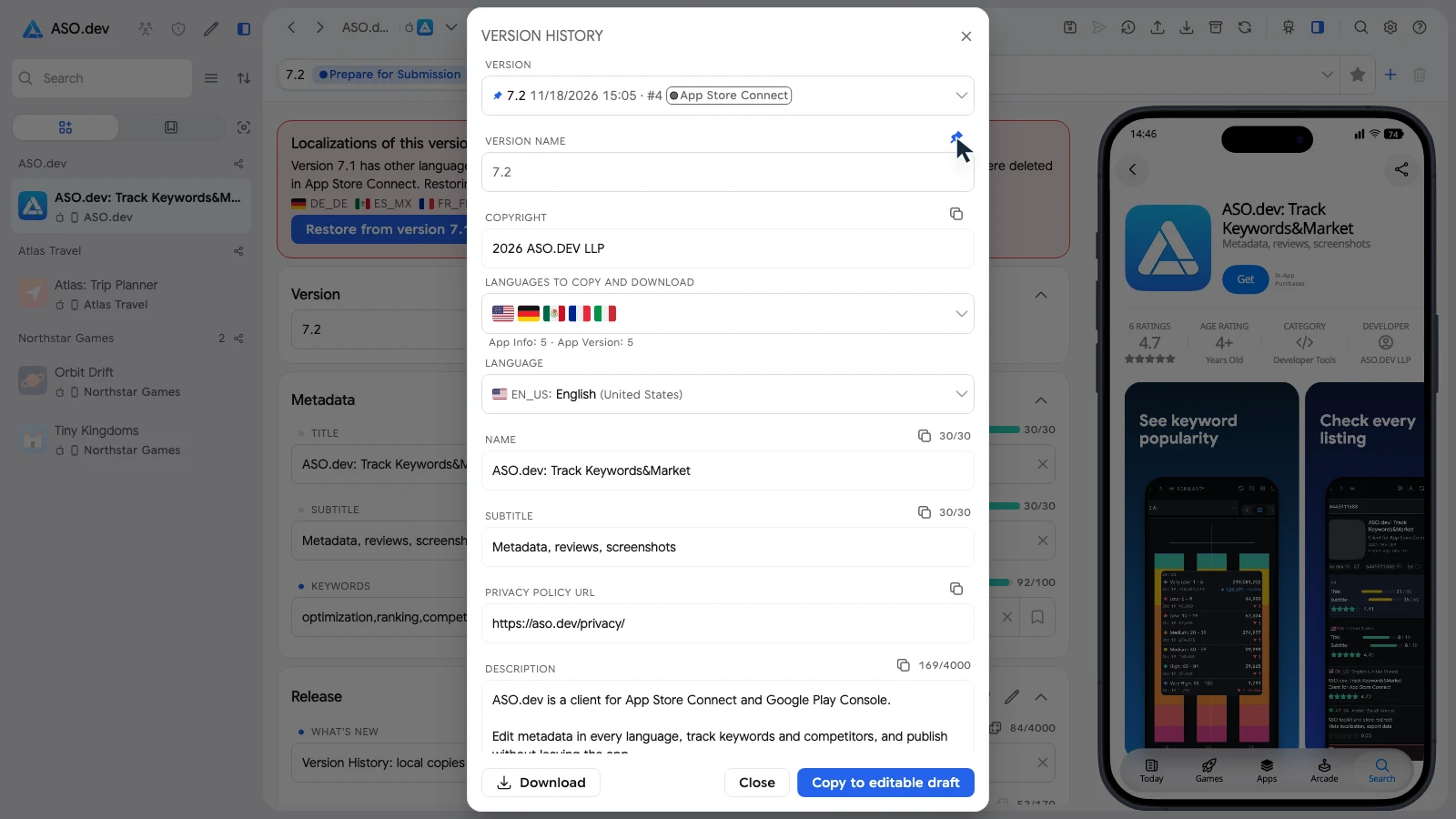
Pick the copy that still had all languages, then:
- name it and Pin to the top, so it stays easy to find;
- choose the Languages to copy and download;
- Download the chosen languages, or Copy to editable draft: nothing changes in Apple until you save.
Copies are stored only on this device and start from your first use of ASO.dev.
Summary
Section titled “Summary”- Languages disappear from App Store Connect versions together with their screenshots; we have not seen this through the API so far.
- ASO.dev reads every language before each save, checks again after it and recreates what Apple lost.
- Anyone can restore languages from the release, older releases and the public App Store history, and copy screenshots from any release.
- ASO.dev users also have local copies of every load and save in Version History.