
独立开发者SEO:新手自助优化全攻略
你有了一个bootstrap项目,一个很棒的产品,但客户寥寥。于是我开始认真研究SEO。
做独立开发,技能全方位提升,也更关注商业(变现)。同时你会发现,市场营销其实很难!
以下是我最近几天(或几周)学到和实践的SEO要点。
大家都说.com略好,但其实影响不大。老域名更有优势 - 域名声誉和外链很重要!这也是为什么收购有潜力但表现一般的项目(含域名)有时很值。
我们以$98买下了ASO.dev。
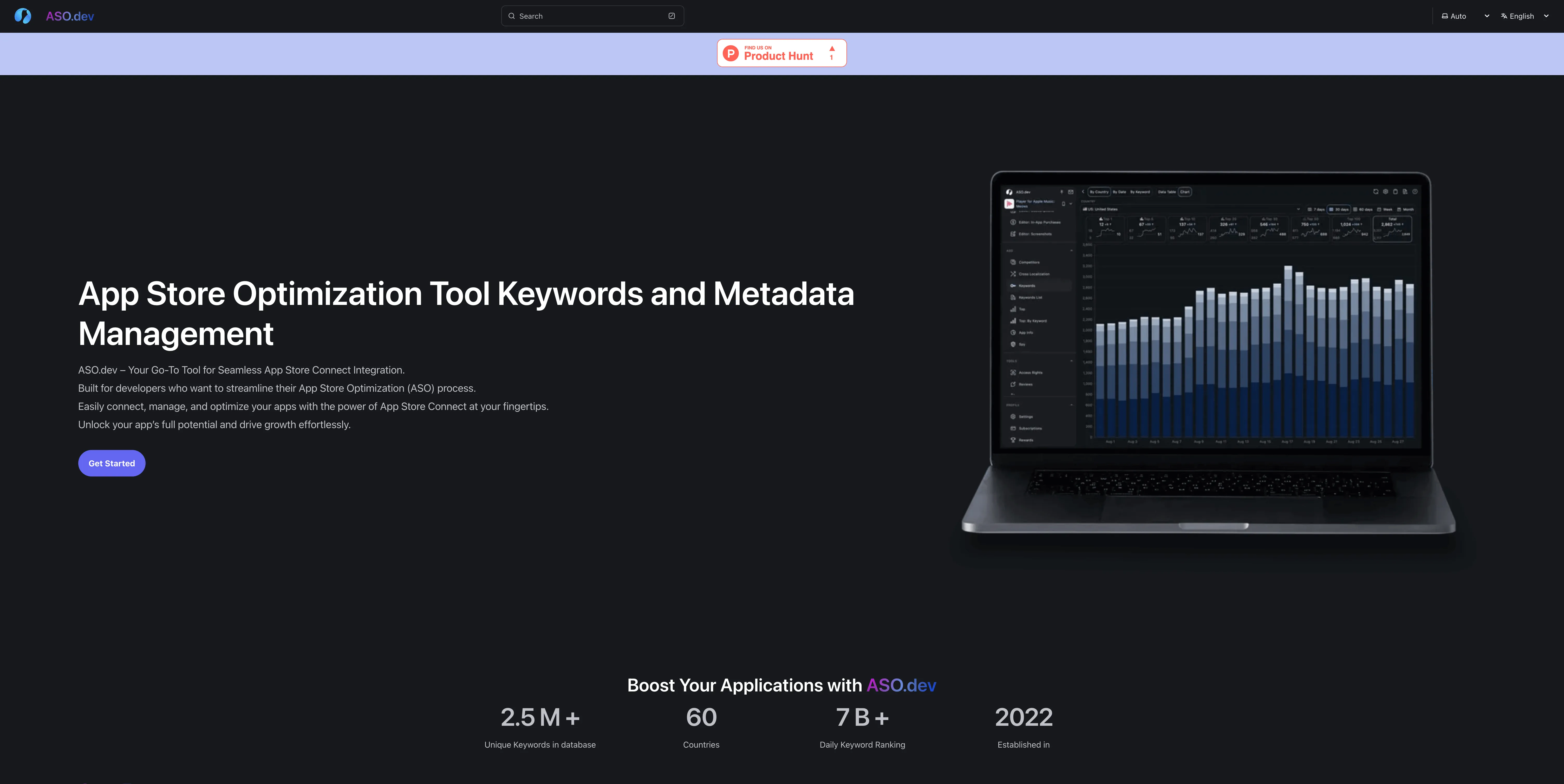
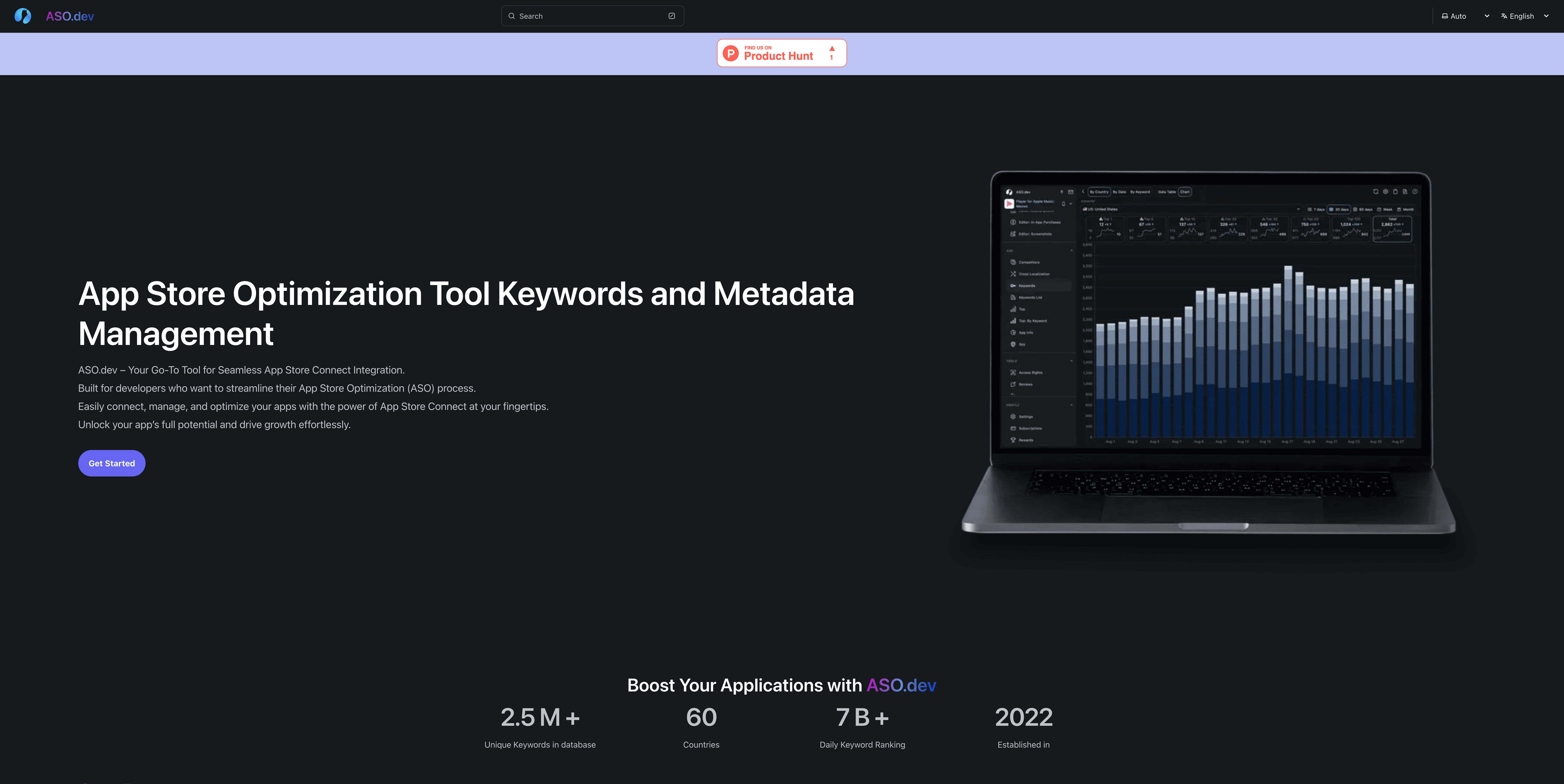
接下来就是建站。
SEO优先,必须用SSR。别信Google能完美解析JS的说法,理论上可以,实际上很难。你可以用React/Angular重型SSR,但我们选了astro.build - 极快、极简、优雅。官方有很多免费主题,我们最终选了Starlight主题,稍微改了下首页(需要复制Hero.astro并重写Head.astro)。
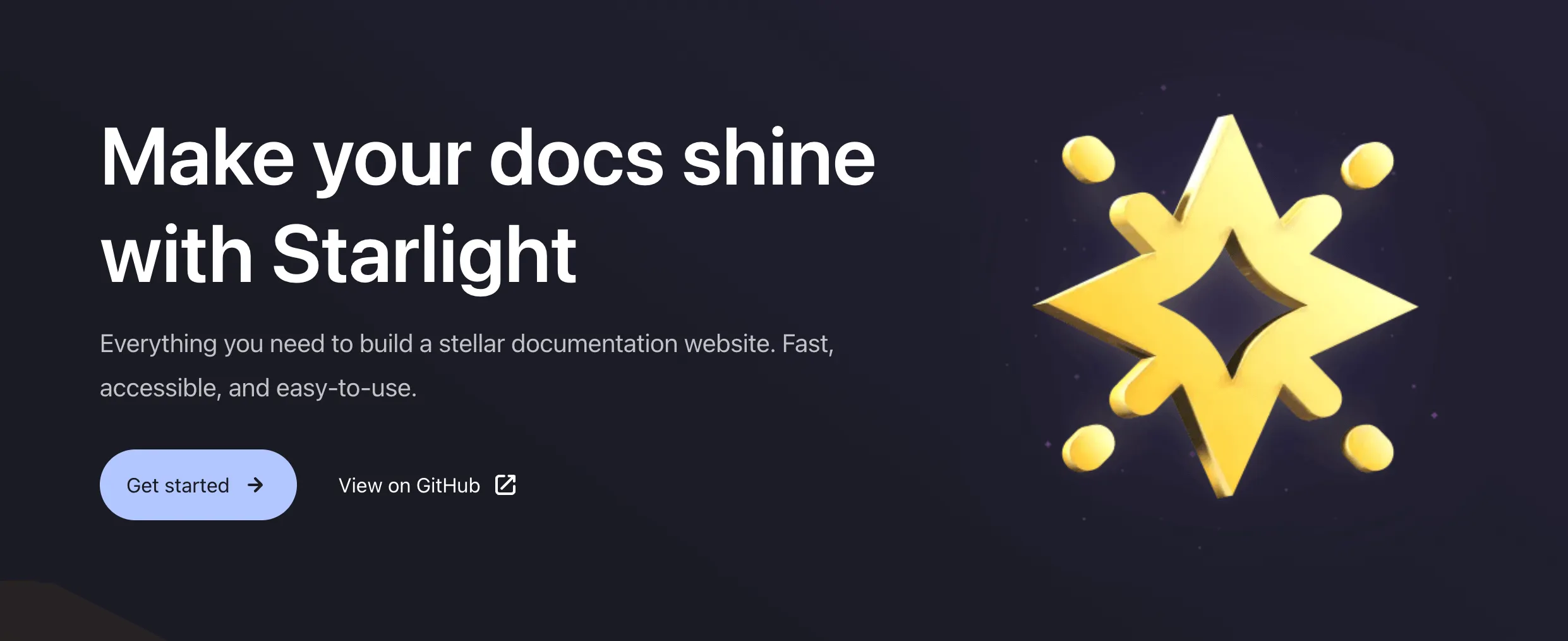
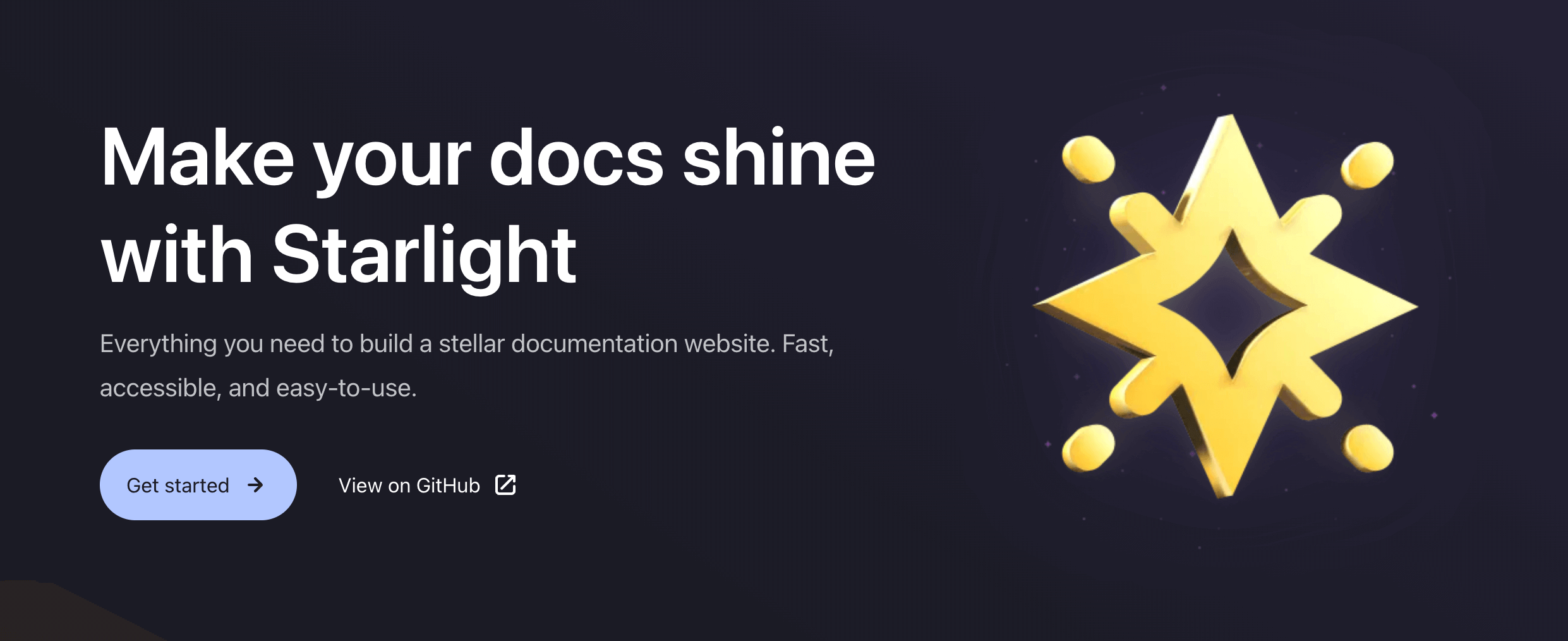
目前体验很好。我们还用同样技术栈重构了播放器meows.app,API动态渲染很顺畅。请了个初级开发者练手,结果更快更简单。Angular 14即使有Universal渲染也太重了 - 可参考Astro的WIP示例。
现在图片压缩也直接用astro.build自带工具,以前还用TinyPNG(手动或API+GPT脚本)。
Google Search Console
Section titled “Google Search Console”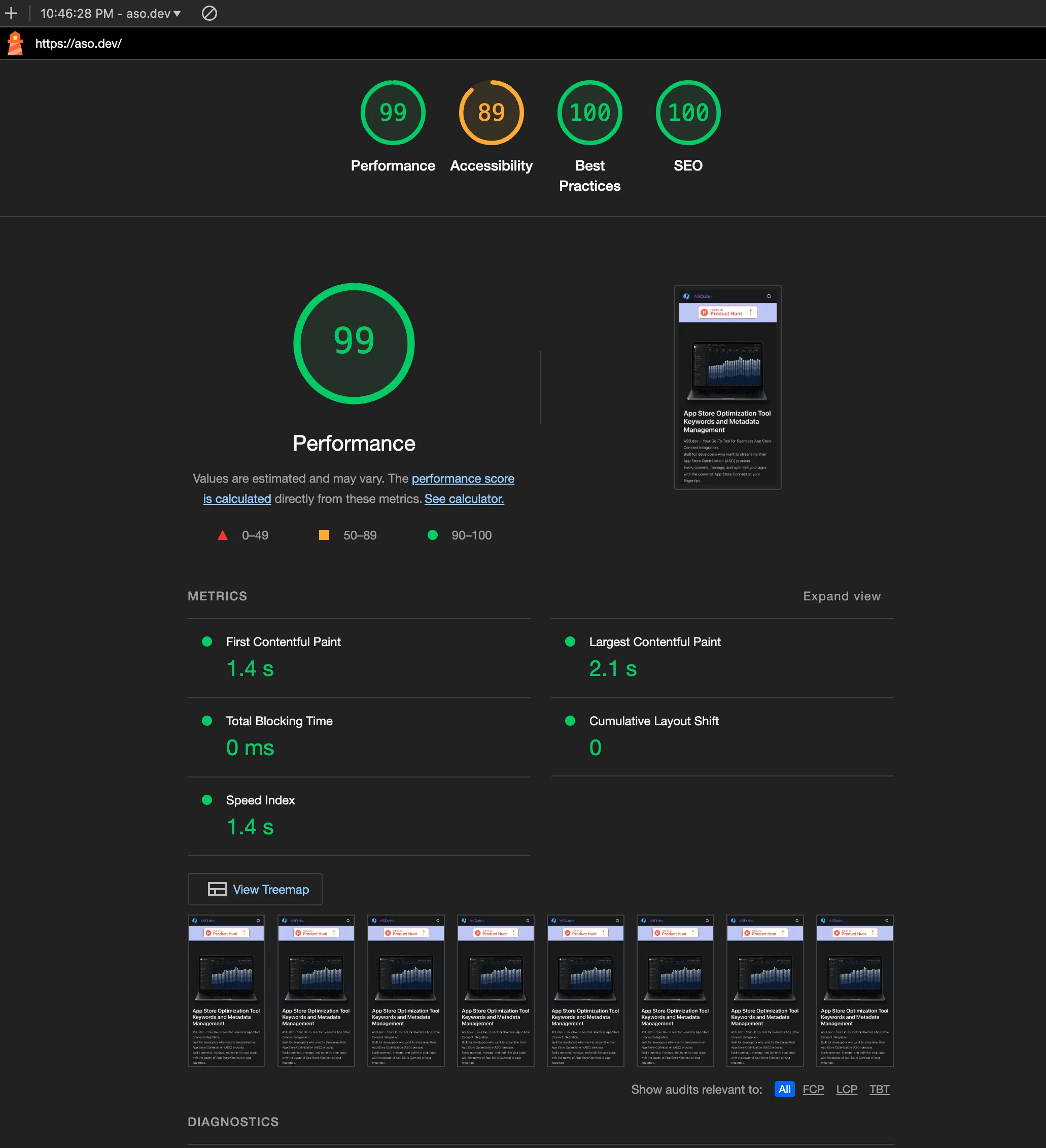
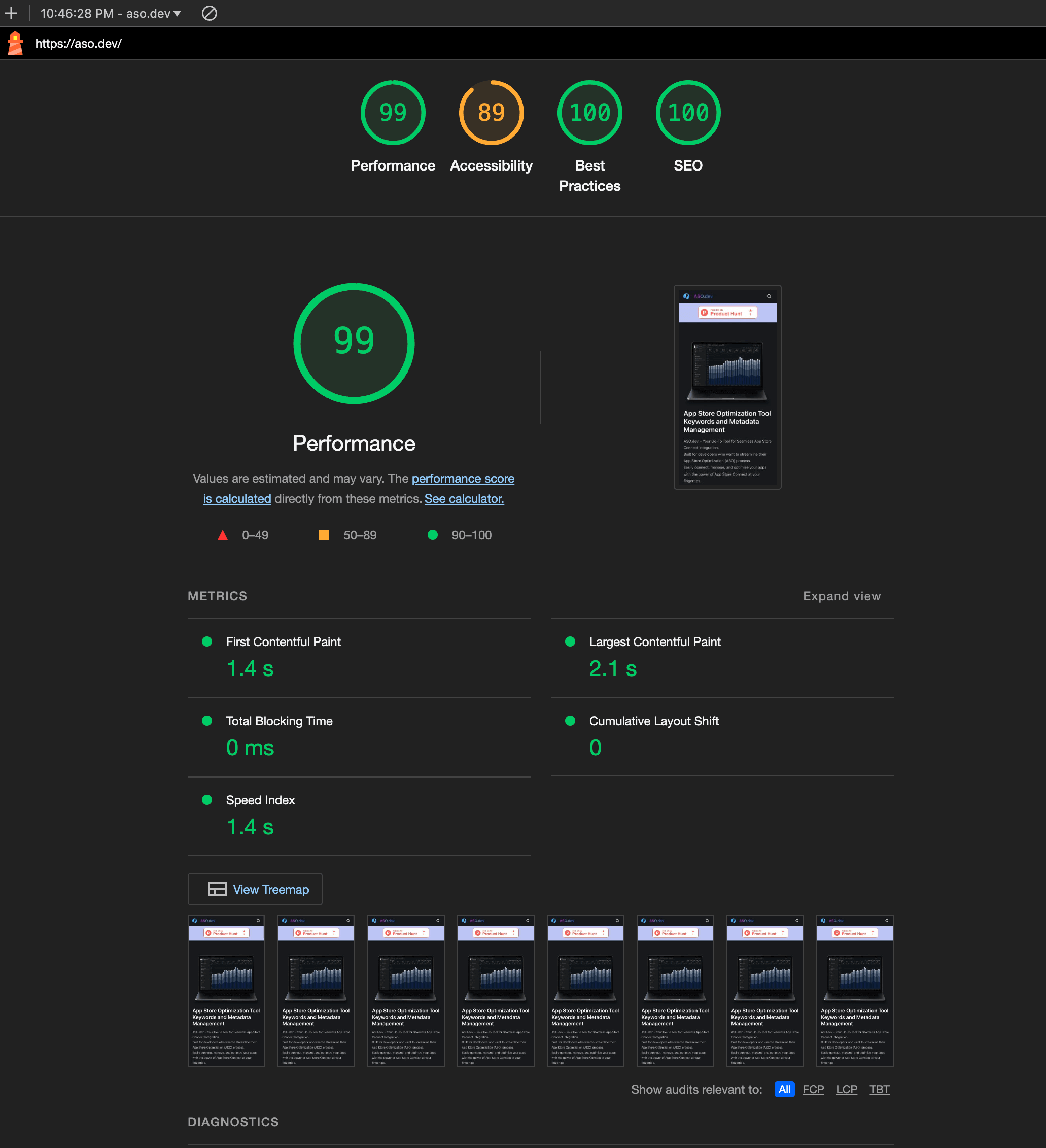
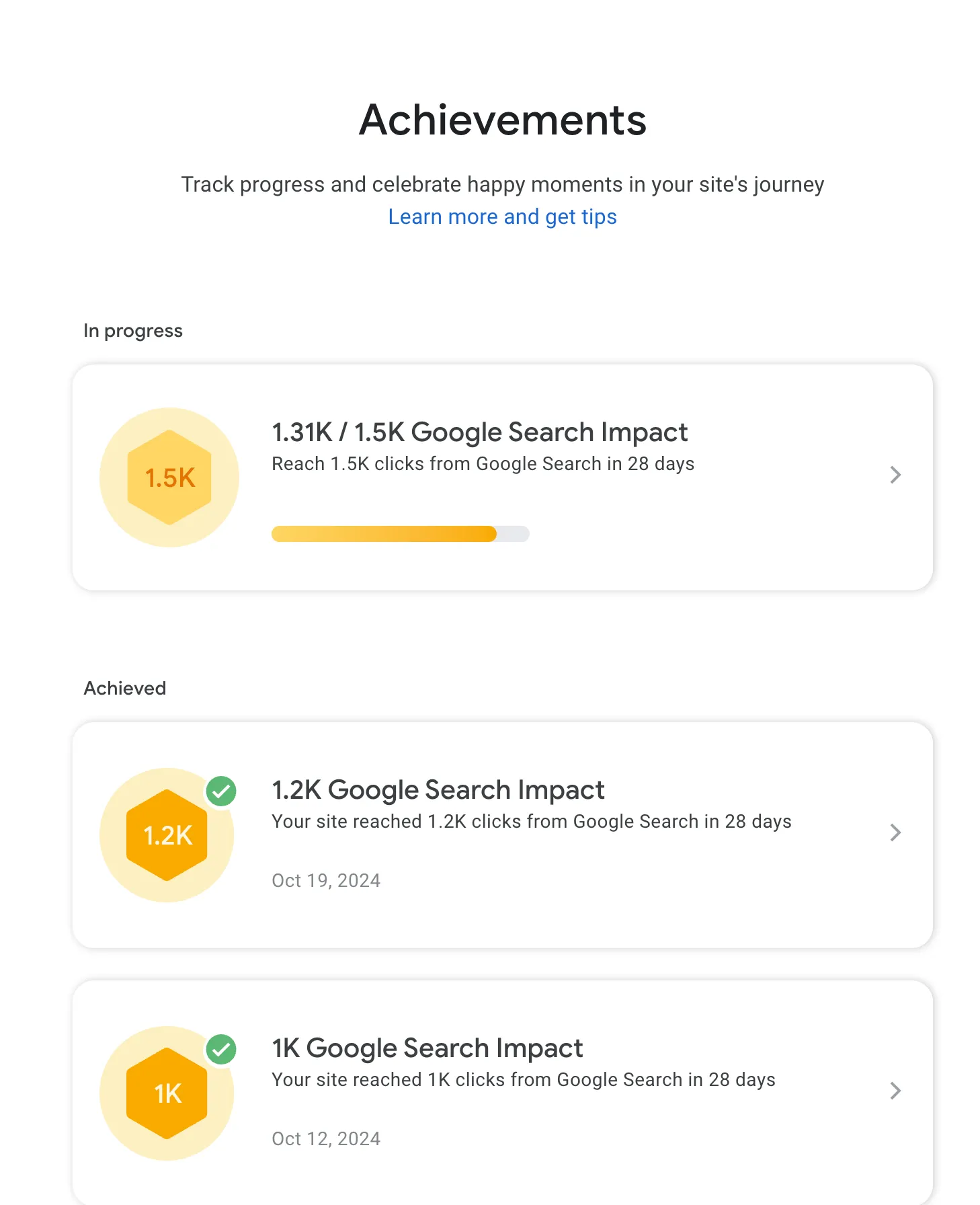
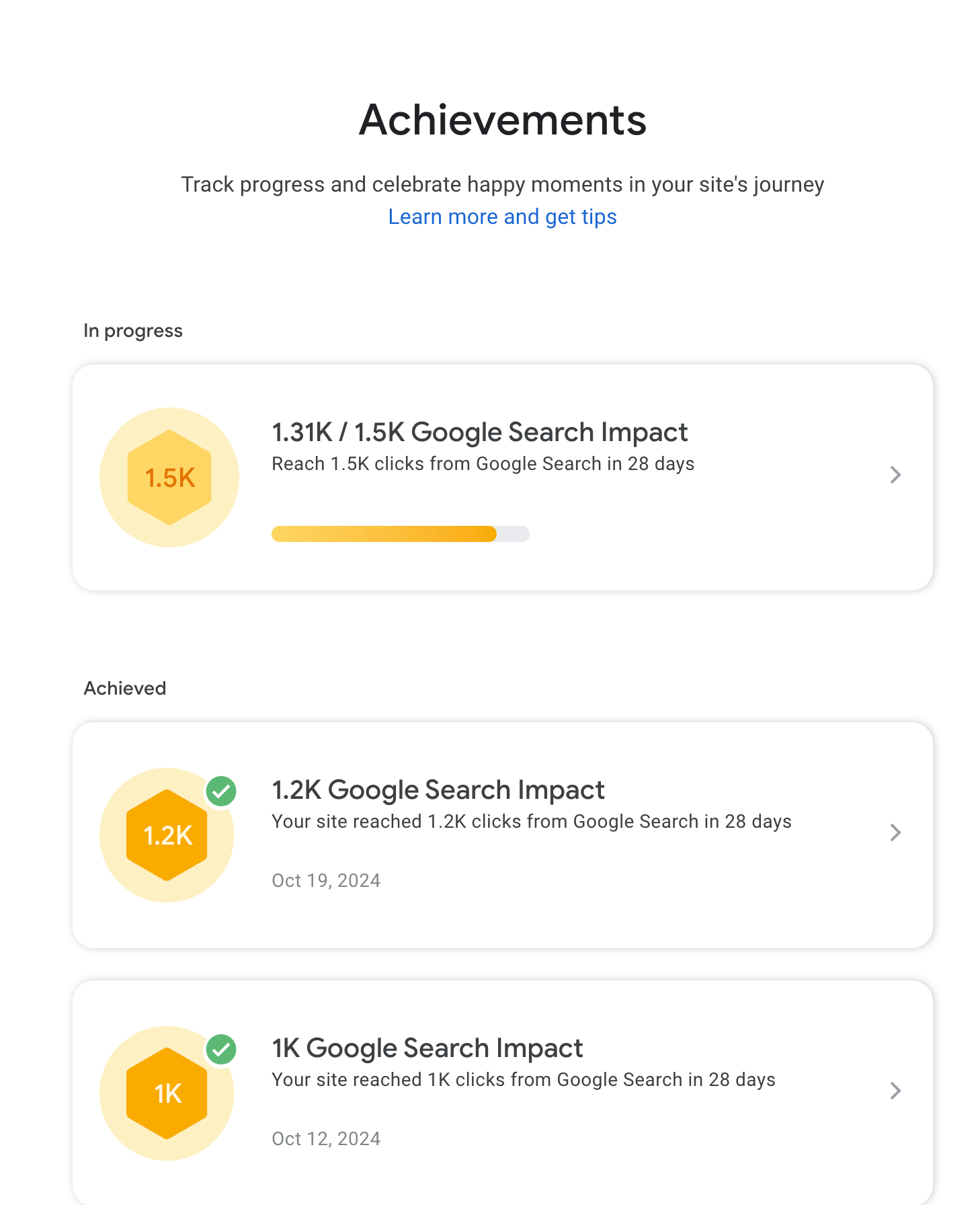
然后就是Google Search Console。添加网站后可跟踪收录、发现报错,还能解锁成就(可以在X/Twitter炫耀)。
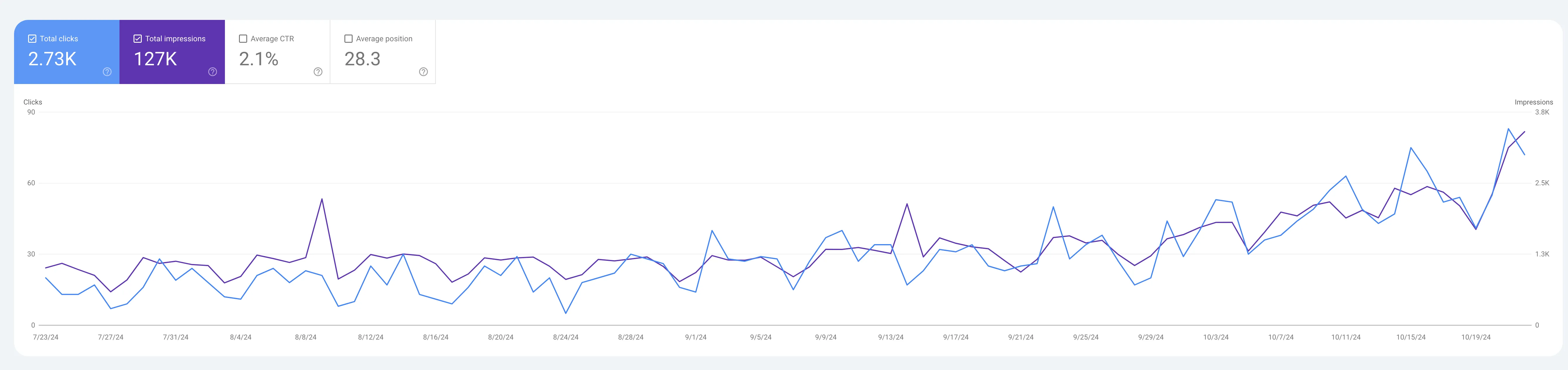
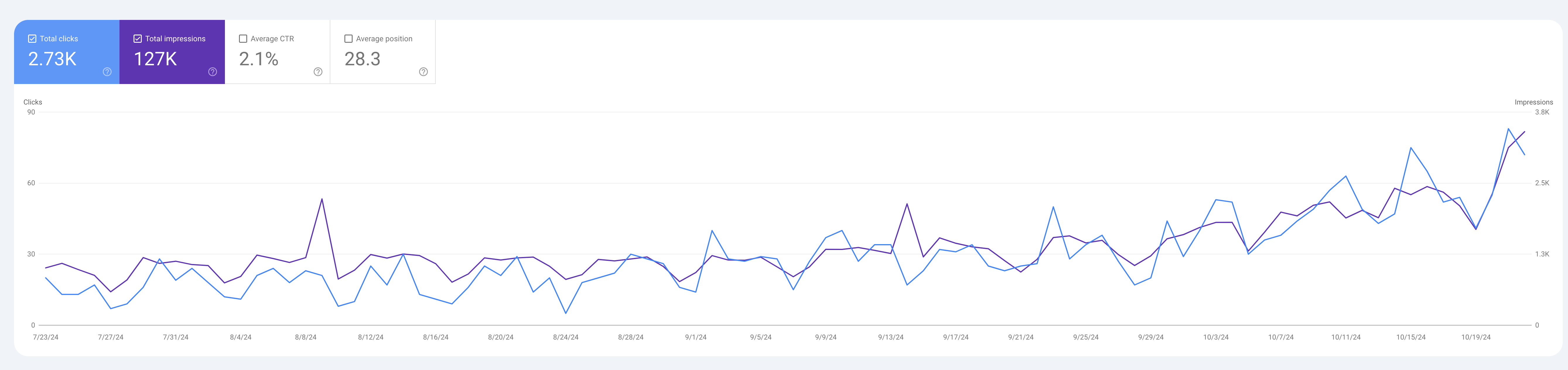
工具很多,但我目前只用这两个免费工具。
Ahrefs
Section titled “Ahrefs”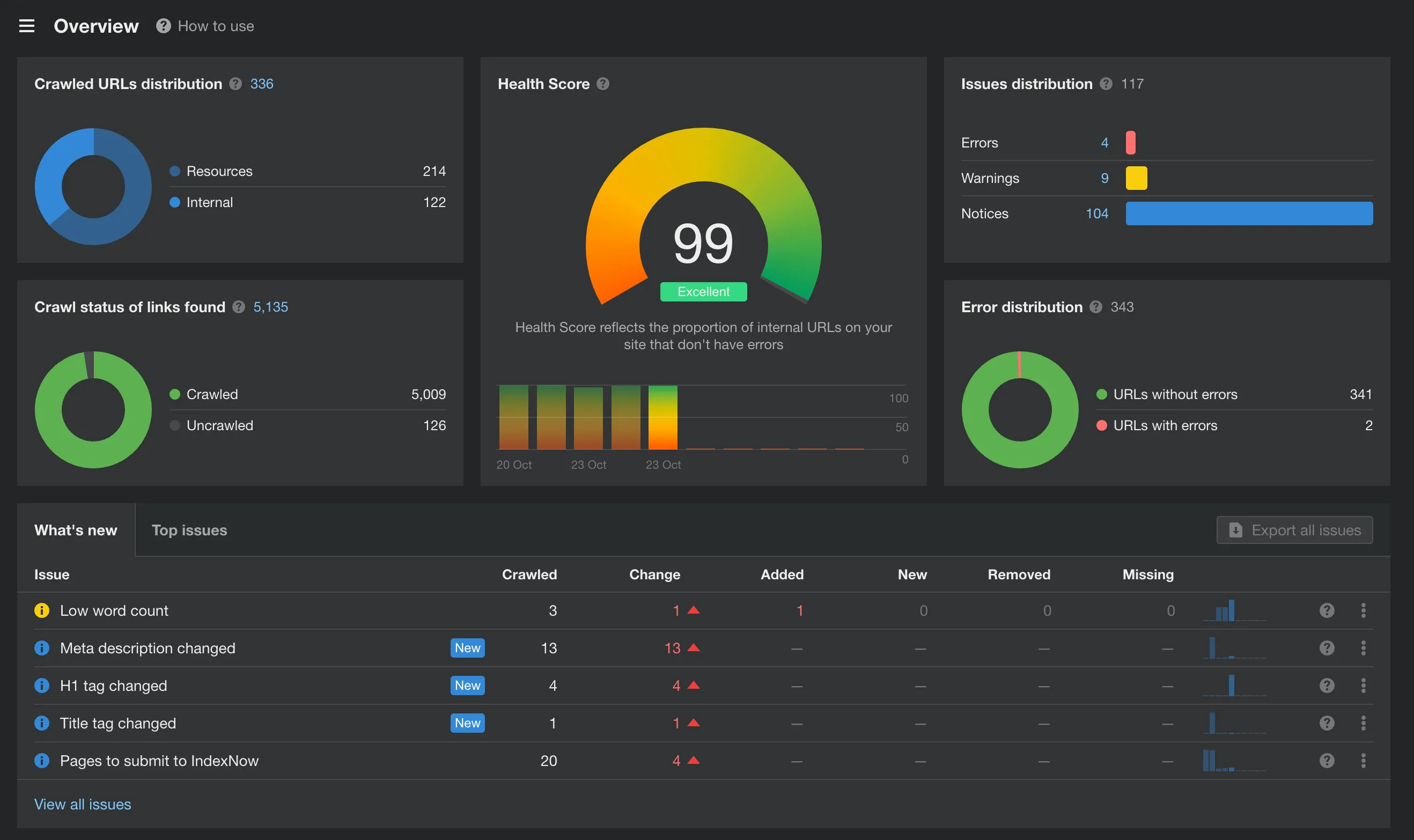
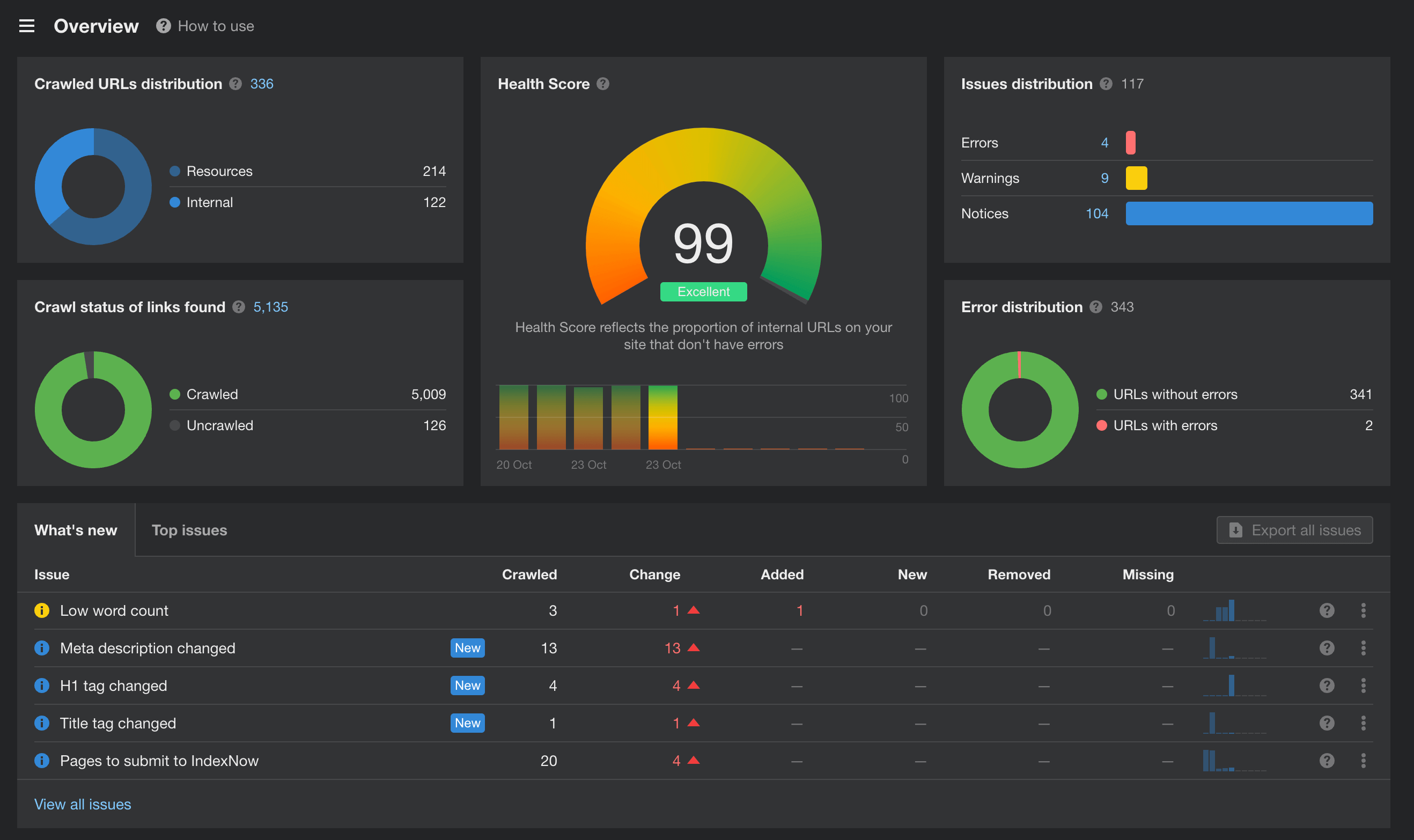
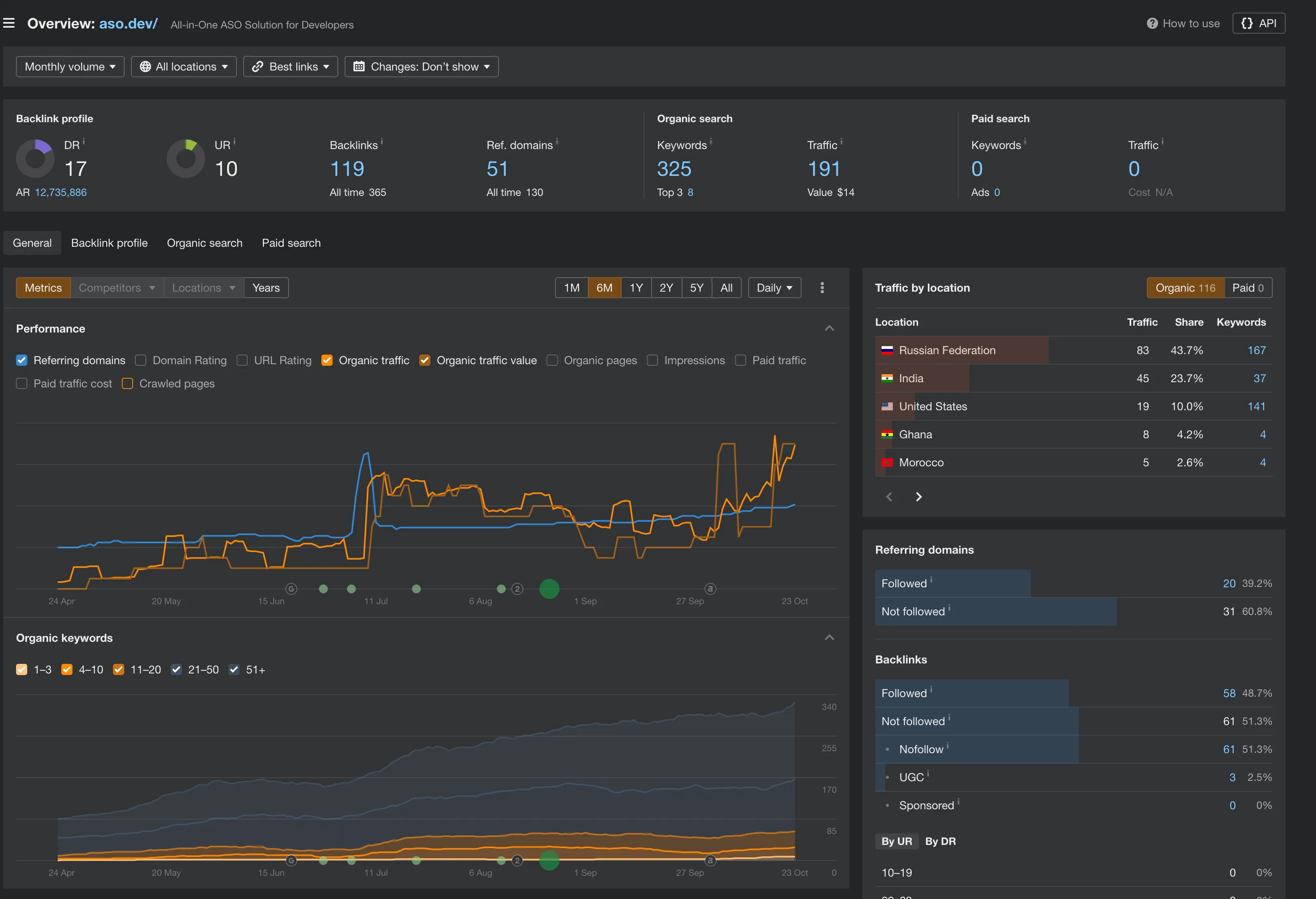
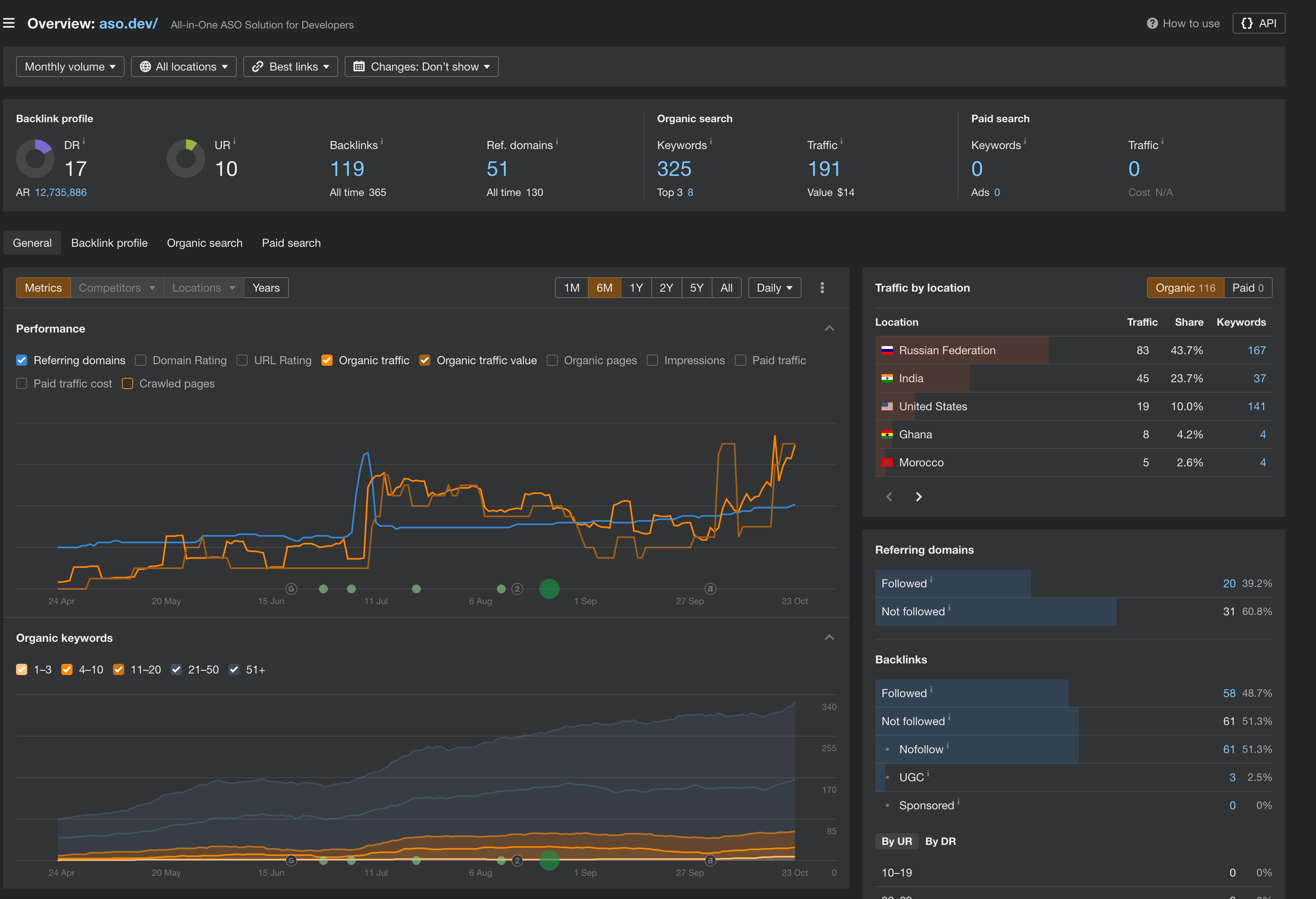
Ahrefs很强大,免费额度有1万次查询,能详细分析页面问题。虽然不能全修复,但减少报错很有帮助。
我站的大部分SEO优化思路都来自这个工具。
优化页面标题与描述
Section titled “优化页面标题与描述”标题建议50-60字符,描述110-160。在.md文件的meta结构里这样写:
seo: seo_title: "All-in-One ASO Solution for iOS Developers, marketing" seo_description: "ASO.dev is ultimate tool for App Store Optimization (ASO) with App Store Connect integration.Manage,optimize,grow your apps effortlessly with powerful features"然后我让GPT写了个Bash脚本批量检查,试了30次终于跑通(比手动快多了):
# Function to check the length of seo_title and seo_descriptioncheck_seo_params() {  local file=$1  local in_seo_block=false  local seo_title=""  local seo_description=""
  while IFS= read -r line  do    # Look for the start of the seo block    if [[ "$line" =~ ^seo: ]]; then      in_seo_block=true    fi
    # If inside the seo block, search for seo_title and seo_description    if [[ "$in_seo_block" = true ]]; then      # Search for seo_title      if [[ "$line" =~ seo_title:[[:space:]]*\"(.*)\" ]]; then        seo_title="${BASH_REMATCH[1]}"      fi      # Search for seo_description      if [[ "$line" =~ seo_description:[[:space:]]*\"(.*)\" ]]; then        seo_description="${BASH_REMATCH[1]}"      fi    fi
    # If the seo block ends (new block or end of file), stop reading    if [[ "$in_seo_block" = true && "$line" =~ ^[^[:space:]] && ! "$line" =~ ^seo ]]; then      in_seo_block=false    fi  done < "$file"
  local have_errors=false
  # Check if seo_title is present and valid  if [[ -z "$seo_title" ]]; then    echo $divider    echo $file    echo "seo_title: Empty or not found"    have_errors=true  elif [[ ${#seo_title} -lt 50 || ${#seo_title} -gt 60 ]]; then    echo $divider    echo $file    echo "seo_title: Length ${#seo_title} (50 <> 60): '${seo_title}'"    have_errors=true  fi
  # Check if seo_description is present and valid  if [[ -z "$seo_description" ]]; then    if [[ $have_errors = false ]]; then      echo $divider      echo $file    fi    echo "seo_description: Empty or not found"    have_errors=true  elif [[ ${#seo_description} -lt 110 || ${#seo_description} -gt 160 ]]; then    if [[ $have_errors = false ]]; then      echo $divider      echo $file    fi    echo "seo_description: Length ${#seo_description} (110 <> 160): '${seo_description}'"    have_errors=true  fi
  # Print divider only if there are no errors  # if [[ $have_errors = false ]]; then  #   echo $divider  # fi}echo $divider# Recursive search for all .md and .mdx files in the src/content/docs directoryfind src/content/docs -type f \( -name "*.md" -o -name "*.mdx" \) | while read file; do  # Check if the file contains a seo block before proceeding  if grep -q "seo:" "$file"; then    check_seo_params "$file"  fidoneecho $divider
运行脚本,定位到文件,把内容丢给GPT,让它帮你写最优标题和描述。示例prompt:
Write seo_title and seo_description, send the result in English, use best practices and length requirements for seo.Result in the format:`yaml seo_title: "" seo_description: ""`seo_title 50-60 symbols, seo_description 100-160 symbolstext is ...然后批量更新所有页面 - 虽然很基础,但总比没元数据或内容重复强。
Favicon修复
Section titled “Favicon修复”我们一开始favicon搞错了 - 用RealFaviconGenerator生成和测试。
也可以用websiteplanet。
我还加了OG标签 - 让社交媒体预览更美观。至少要有og:title、og:description、og:image(用绝对路径)。所有图片都走bunny.net,但还在持续优化。
application/ld+json结构化数据
Section titled “application/ld+json结构化数据”加了点结构化数据(application/ld+json),不确定效果,但看起来很酷。可参考结构化数据标记。
 {        tag: "script",        attrs: {            type: "application/ld+json",        },        content: JSON.stringify({            "@context": "https://schema.org",            "@type": "WebSite",            url: canonical?.href,            headline: ogTitle,            description: page_description_seo,            image: [imageUrl?.href],
            mainEntity: {                "@type": "Article",                headline: page_description_seo,                url: canonical?.href,                dateModified: data?.lastUpdated,                image: [imageUrl?.href],                author: {                    "@type": "Organization",                    name: "ASO.dev",                    url: "https://aso.dev",                },                publisher: {                    "@type": "Organization",                    name: "ASO.dev",                    logo: {                        "@type": "ImageObject",                        url: fileWithBase(config.favicon.href),                    },                },            },        }),    },
自定义404页面
Section titled “自定义404页面”我们做了自定义404页面。直接跳转首页会被判为错误,影响SEO。
404页面加noindex标签:
// 404if (canonical?.pathname === "/404") { headDefaults.push({ tag: "meta", attrs: { name: "robots", content: "noindex", }, });}Nginx配置自定义404页面:
 location / {      proxy_redirect off;      absolute_redirect off;
      proxy_set_header Host $http_host;
      try_files $uri $uri/ =404;
# try_files $uri $uri/ /index.html; add_header Cache-Control "no-store, no-cache, must-revalidate, max-age=0"; add_header Pragma "no-cache"; add_header Expires "Thu, 01 Jan 1970 00:00:00 GMT"; } # 404 page error_page 404 /404.html; location = /404.html { root /app; internal; }我们有很多301跳转。确保所有URL都以斜杠结尾(如https://aso.dev/aso/),避免重复。彻底检查后,清理了旧链接,并用NGINX加了老URL跳转。
# https://aso.dev/app-info/app-info/ https://aso.dev/aso/app-info/ rewrite ^(/ru|/en)?/app-info/app-info/?$ $1/aso/app-info/ permanent;hreflang多语言标签
Section titled “hreflang多语言标签”我们给hreflang加了x-default。之前都不知道有这功能。
// Link to language alternates.if (canonical && config.isMultilingual) { for (const locale in config.locales) { const localeOpts = config.locales[locale]; if (!localeOpts) continue; const langPostfix = localeOpts.lang === "en" ? "" : localeOpts.lang; headDefaults.push({ tag: "link", attrs: { rel: "alternate", hreflang: localeOpts.lang, href: localizedUrl(canonical, langPostfix).href, }, }); } headDefaults.push({ tag: "link", attrs: { rel: "alternate", hreflang: "x-default", href: localizedUrl(canonical, '').href, }, });}SEMrush
Section titled “SEMrush”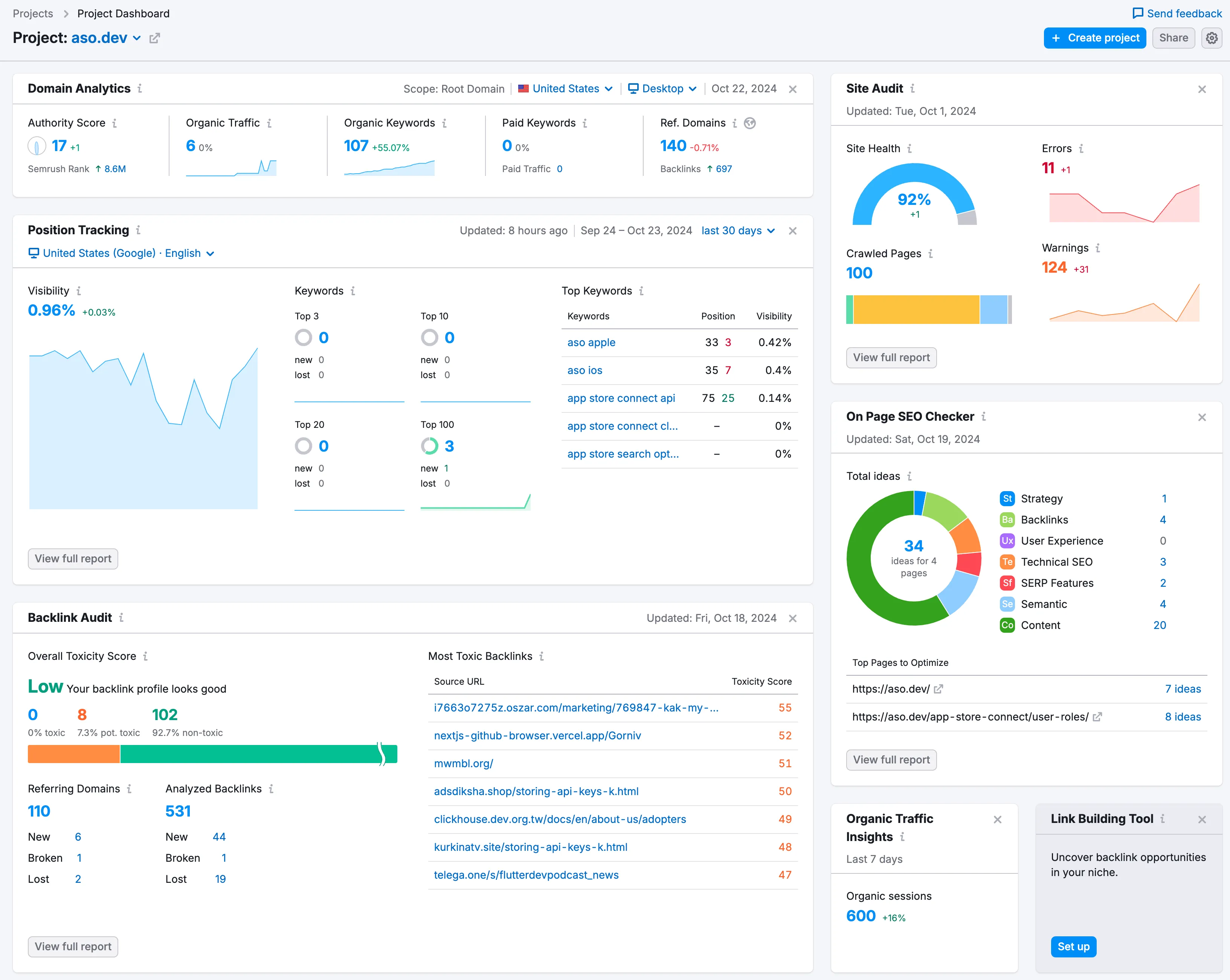
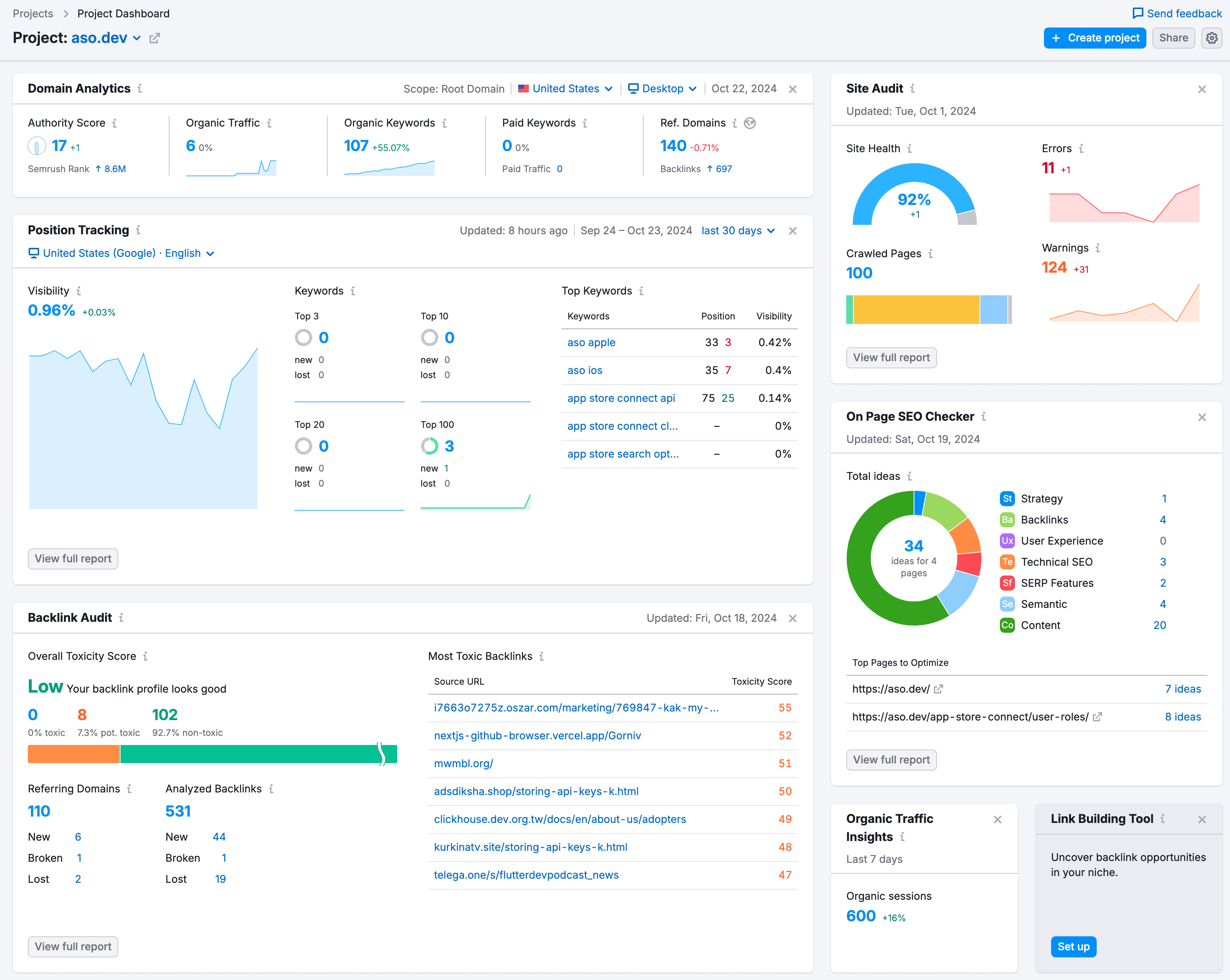
SEMrush用得更久,降级免费版很方便,但100次检查和价格一般。
外链很难搞。一定要来自权威网站,垃圾外链反而有害。一条纽约时报的好链胜过几百个小博客。我们在各大创业/独立项目平台挂站,找到一份几百条外链机会的Excel,慢慢推进。
上线Product Hunt也有帮助 - 订阅获取动态。虽然多次推迟,但很快就上线。
我们也尽量写有价值的干货文章,而不是水文。
如有遗漏或错误,欢迎指正。