
Team Access Control: Manage Permissions & Roles
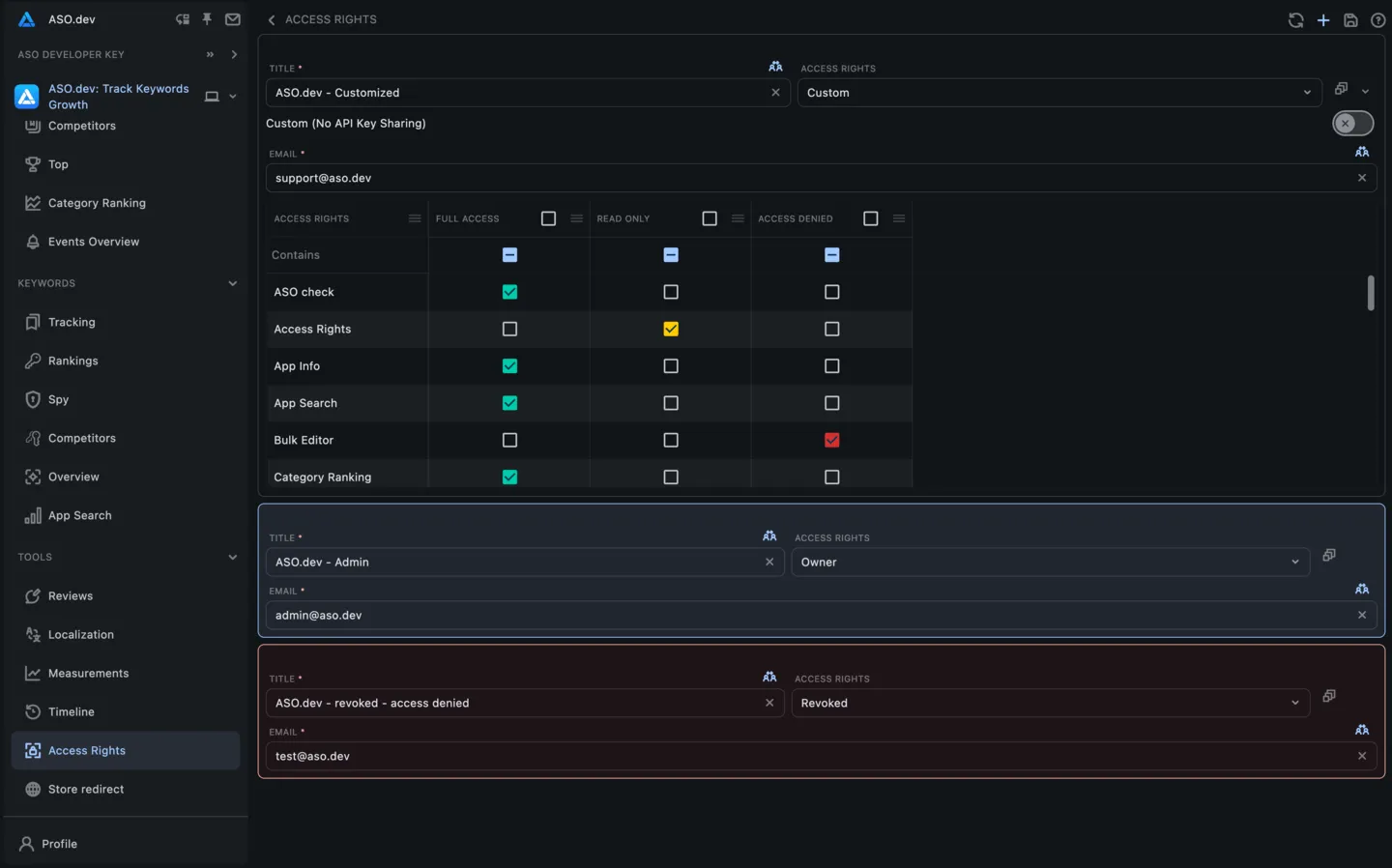
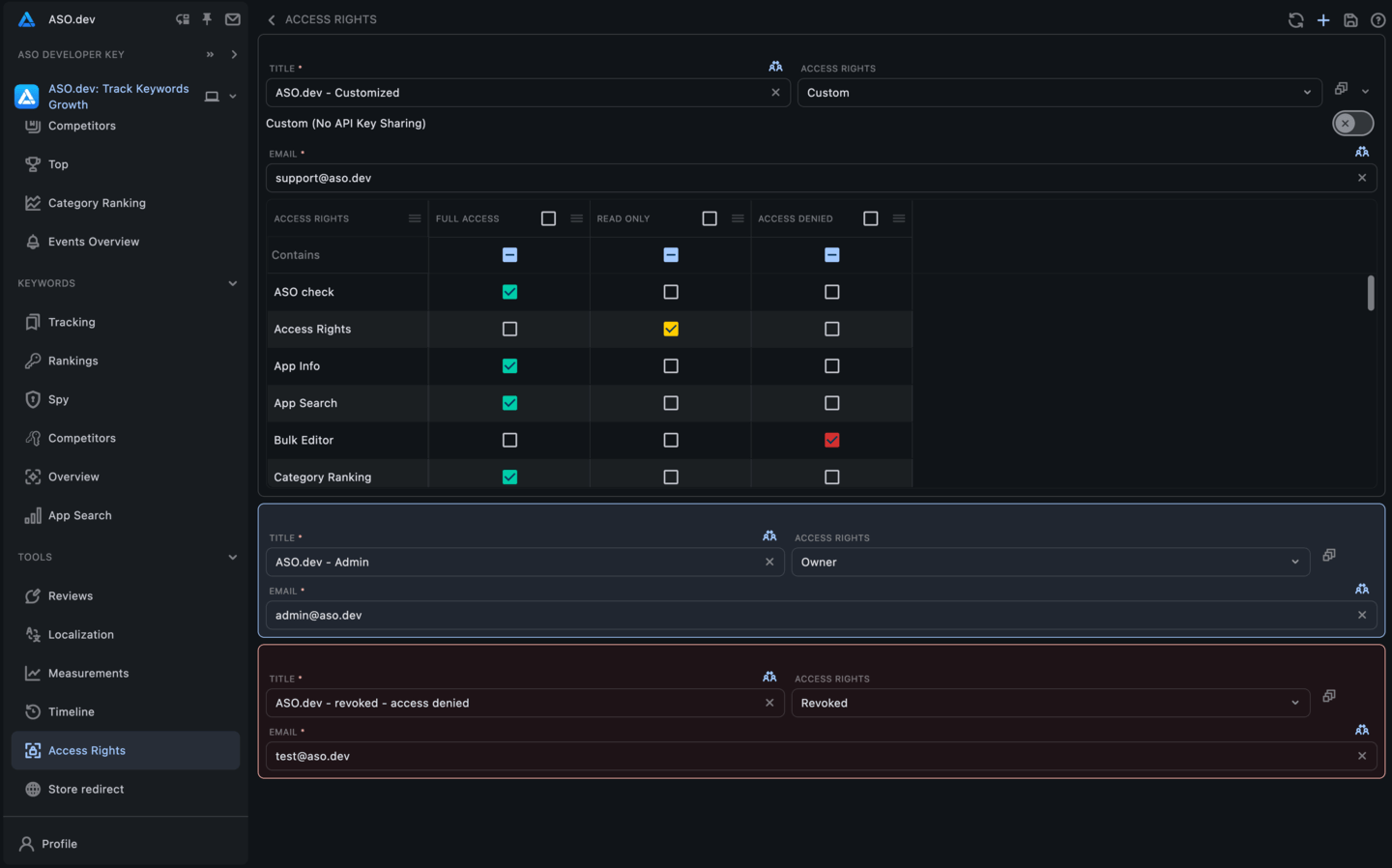
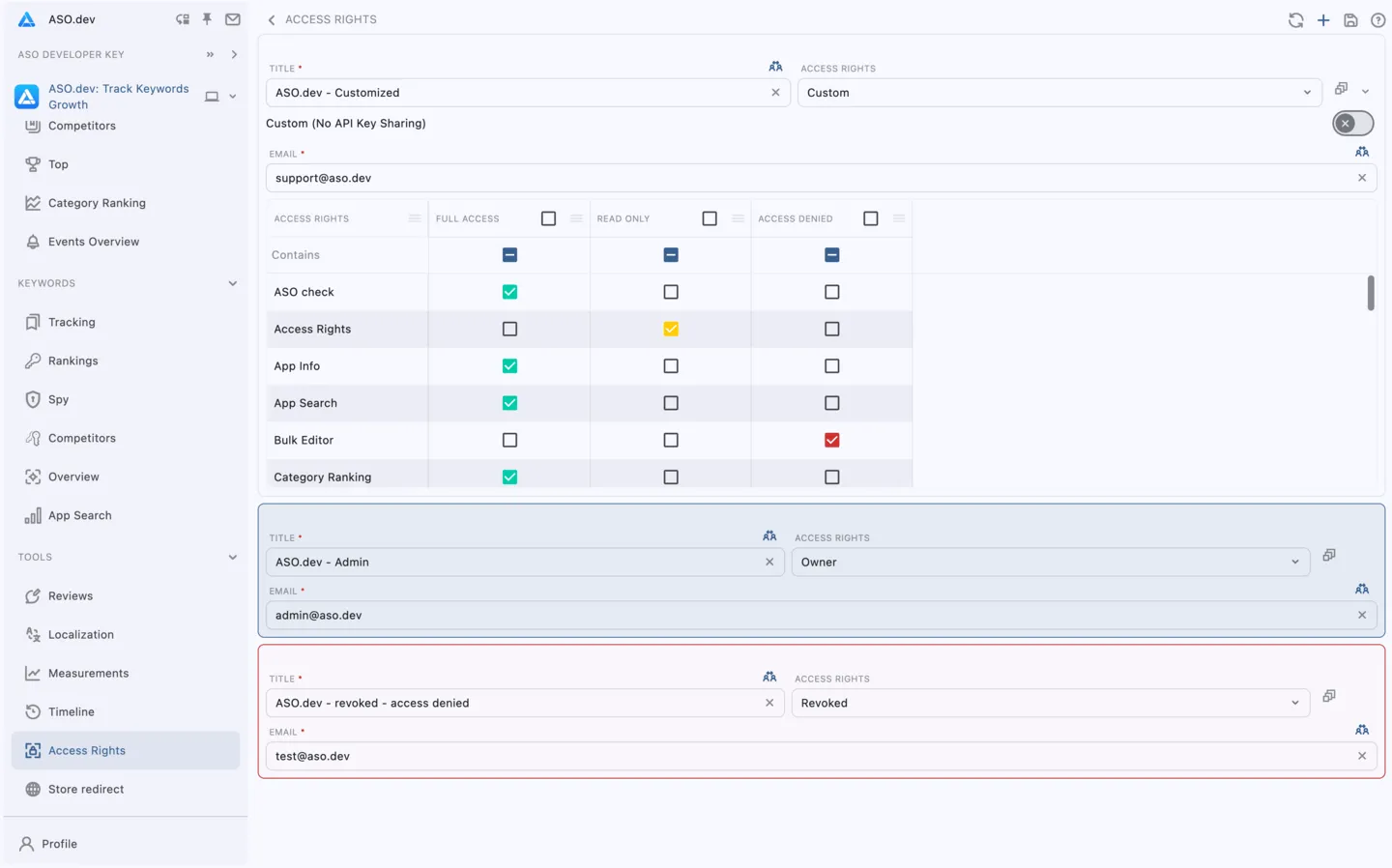
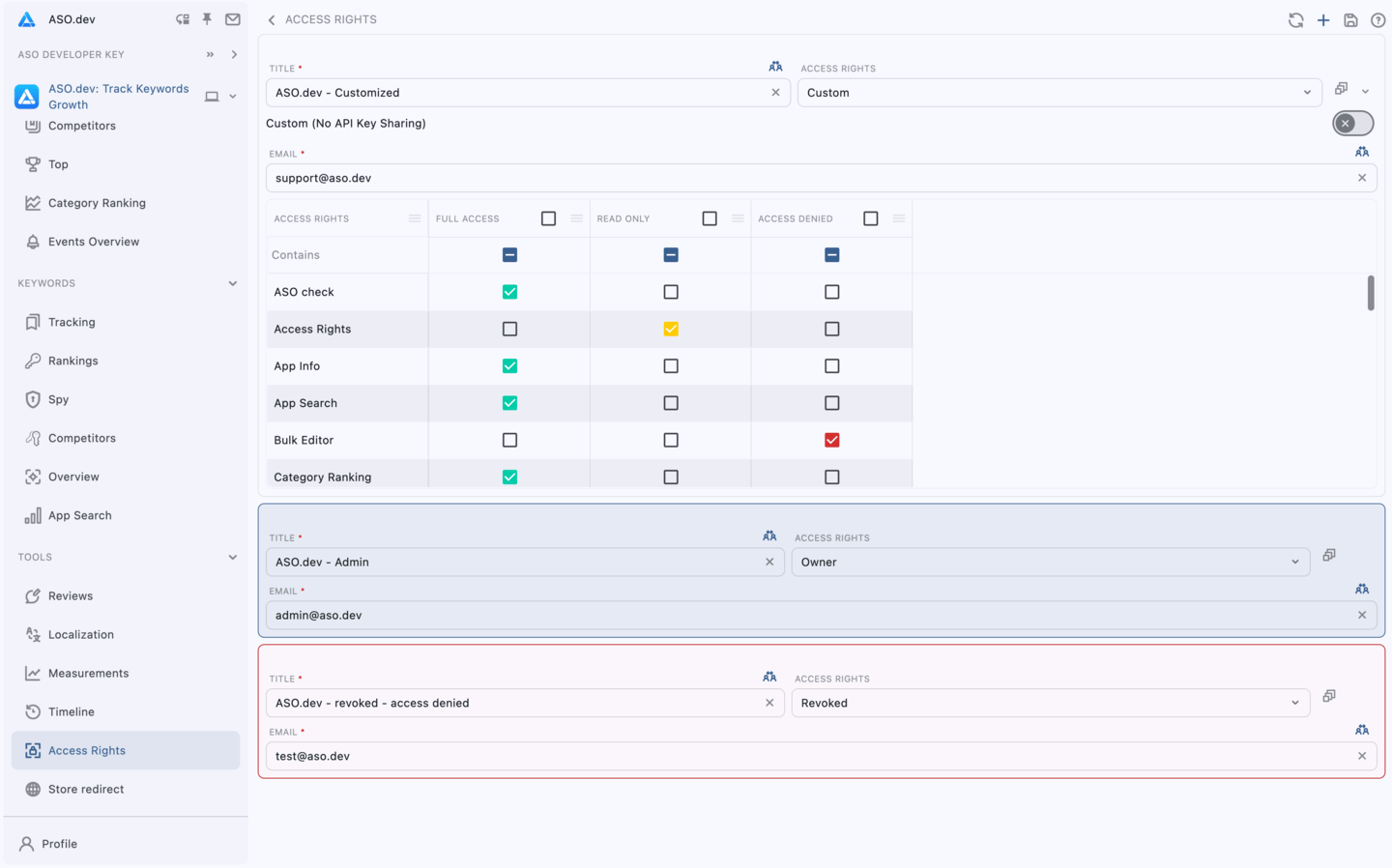
You have the ability to grant access to project by sharing a link and adjusting access levels, grant owners permissions, enabling customized permissions for each access section with access levels (such as read, write, or denied), and also have the option to revoke access when needed.
Users can access to your project by entering an encryption code, which was entered during the project creation phase. The provided encryption code is used to end-to-end encryption the project’s sensitive data, ensuring its security. It’s important to note that ASO.dev does not have access to this encrypted data.
In the event that the project owner forgets their encryption code, the encryption code would need to be changed on the owner’s device through the project editor. This ensures that the owner retains control over the encryption code and can manage access to the project accordingly.
This encryption code serves as a means of authentication and allows authorized users to securely enter to project and begin working on it.
Access Rights
Section titled “Access Rights”Users with access to this section can manage access rights and permissions for other users in the ASO.dev app.
Bulk Editor
Section titled “Bulk Editor”Users with access to this section can perform bulk edits.
Cross Localization
Section titled “Cross Localization”Users with access to this section can view or change App Metadata.
Editor
Section titled “Editor”Users with access to this section can edit and modify the content and metadata of applications.
Editor: Publish
Section titled “Editor: Publish”Users with access to this section can publish and update build on the respective app stores.
Screenshots
Section titled “Screenshots”Users with access to this section can manage and upload screenshots for applications.
Subscriptions
Section titled “Subscriptions”Users with access to this section can manage subscriptions and billing information.
Keywords
Section titled “Keywords”Users with access to this section can manage keywords for applications, including adding, removing, and optimizing them.
Keywords List
Section titled “Keywords List”Users with access to this section can manage and organize Keywords List for applications.
List Apps
Section titled “List Apps”Users with access to this section can view and manage the list of applications.
List Apps: Competitions
Section titled “List Apps: Competitions”Users with access to this section can track and analyze competitors’ applications.
Measurements
Section titled “Measurements”Users with access to this section can access various performance measurements and metrics related to the applications.
Reviews
Section titled “Reviews”Users with access to this section can view or respond to user reviews.
Screenshot
Section titled “Screenshot”Users with access to this section can create, upload and edit screenshots.
Users with access to this section can perform competitive analysis and track competitors’ ASO strategies or track current application Keywords.
Timeline
Section titled “Timeline”Users with access to this section can view and track the history and timeline of changes made to applications.
Users with access to this section can view and analyze the top rankings for applications by countries.
Top by keywords
Section titled “Top by keywords”Users with access to this section can view and analyze the top applications and rankings by keywords.
Translations
Section titled “Translations”Users with access to this section can manage translations projects.
Translations: Editor
Section titled “Translations: Editor”Users with access to this section can edit and modify translations for applications.