
iTunes Store Region Switcher: Change Store on Device
ASO.dev provides three independent ways to work with App Store regions.
Each method serves a different purpose - from quick previews to full ASO analysis.
Which method should you choose:
iTunes Switcher (device)
→ for accurate ASO analysis and the real App Store experience
Switching via apps.apple.com without changing the iTunes country on the device
→ for quick page previews
ASO.dev Extension for Google Chrome
→ for fast and convenient App Store browsing in the browser
Switching the iTunes Country on a Device (iTunes Switcher)
Section titled “Switching the iTunes Country on a Device (iTunes Switcher)”iTunes Switcher changes the country of the native App Store directly on your device:
iPhone, iPad, or Mac.
Need the iOS-only flow without installing the ASO.dev app? Use the Switchr page:
This is the only way to see the App Store exactly as users see it in the selected country.
What you see:
- real search results
- local featuring
- in-app events
- real screenshots and videos
- prices and subscriptions
- CPP and PPO variations
Important:
- available only on iPhone, iPad, and Mac
- Apple ID is not changed
- subscriptions are not reset
- account settings are not affected
How it works
Section titled “How it works”The country list supports:
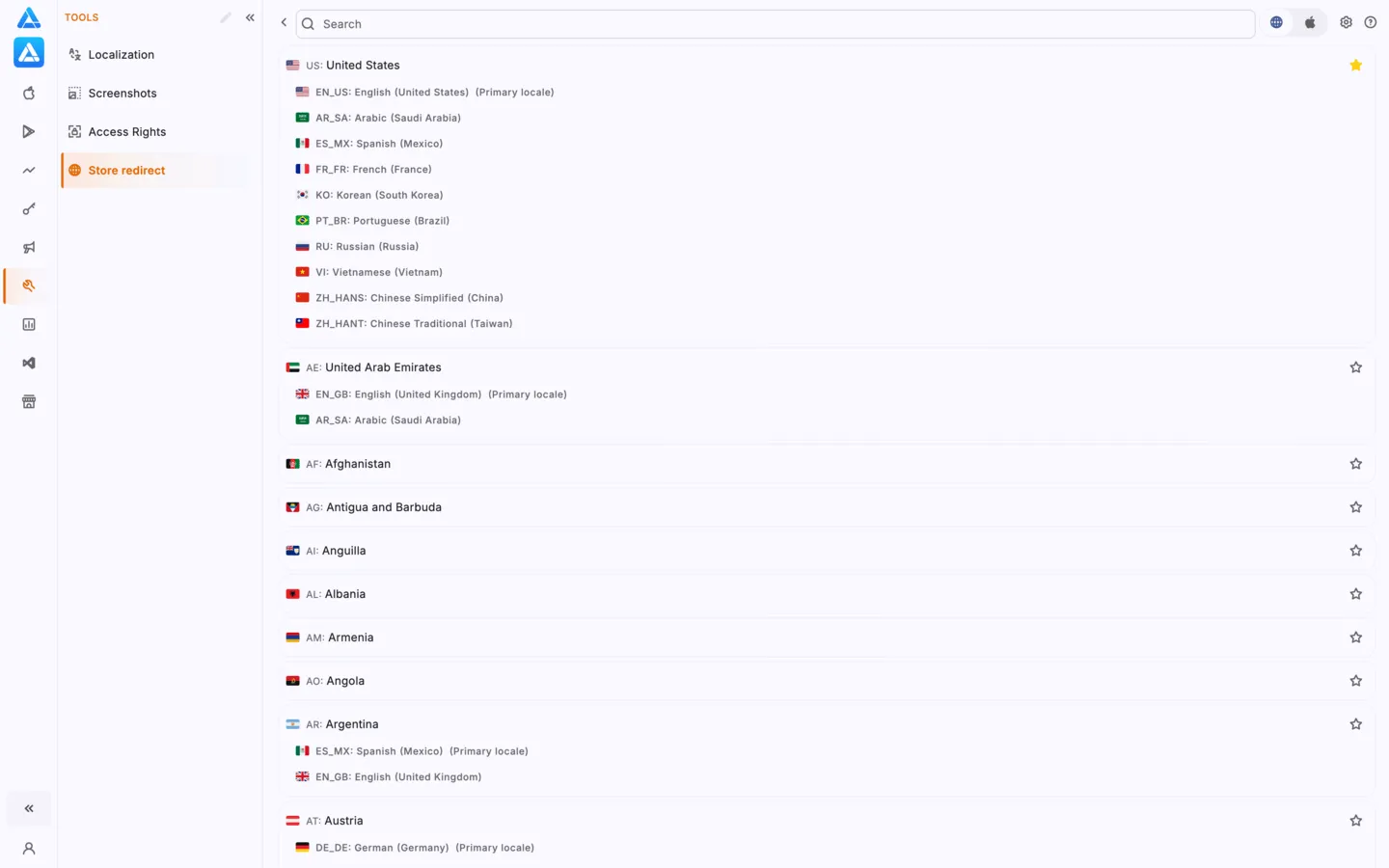
- Search by country name
- ⭐ Favorites - tap the star to pin a country to the top of the list
This is useful if you regularly check the same regions.
Select a country from the list and the App Store will open in the chosen region.
iOS/macOS shows a system message:
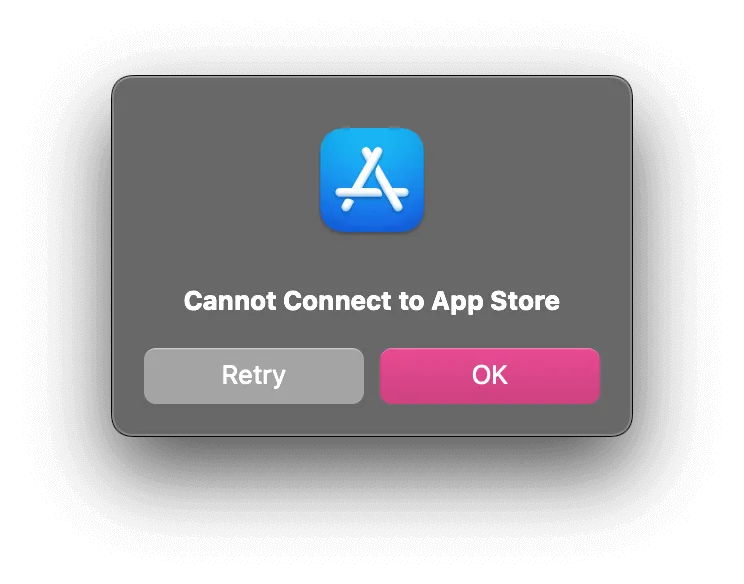
This is normal system behavior. Just tap OK.
App Store Language
Section titled “App Store Language”When switching the country via iTunes Switcher, the App Store language is determined automatically according to Apple’s system rules and depends on the language set on your device.
Apple applies cross-localization rules:
- if the selected country has a localization matching the device language, the App Store opens in that language
- if not, the default language for that country is used
Example:
- device language: English
- selected country: Germany
If the app has an English localization, the App Store listing will open in English.
If no English localization is available, the German version will be shown.
ASO.dev does not override these rules and displays the App Store exactly as real users see it on their devices.
Workflow
Section titled “Workflow”Opening the App Store Web Version in a Browser (apps.apple.com)
Section titled “Opening the App Store Web Version in a Browser (apps.apple.com)”Apple allows you to browse the App Store in a browser at apps.apple.com.
This method is useful if you need to:
- quickly open an app page
- check metadata
- work without an iPhone or Mac (Windows, Android, Linux)
Country switching is done via the URL.
However, the web version shows a simplified App Store model.
It does not reflect:
- real search results
- personalization
- in-app events
- CPP / PPO
- featuring and recommendations
This is a good tool for quick checks, but not for deep ASO analysis.
How to Change the Country in the Web App Store
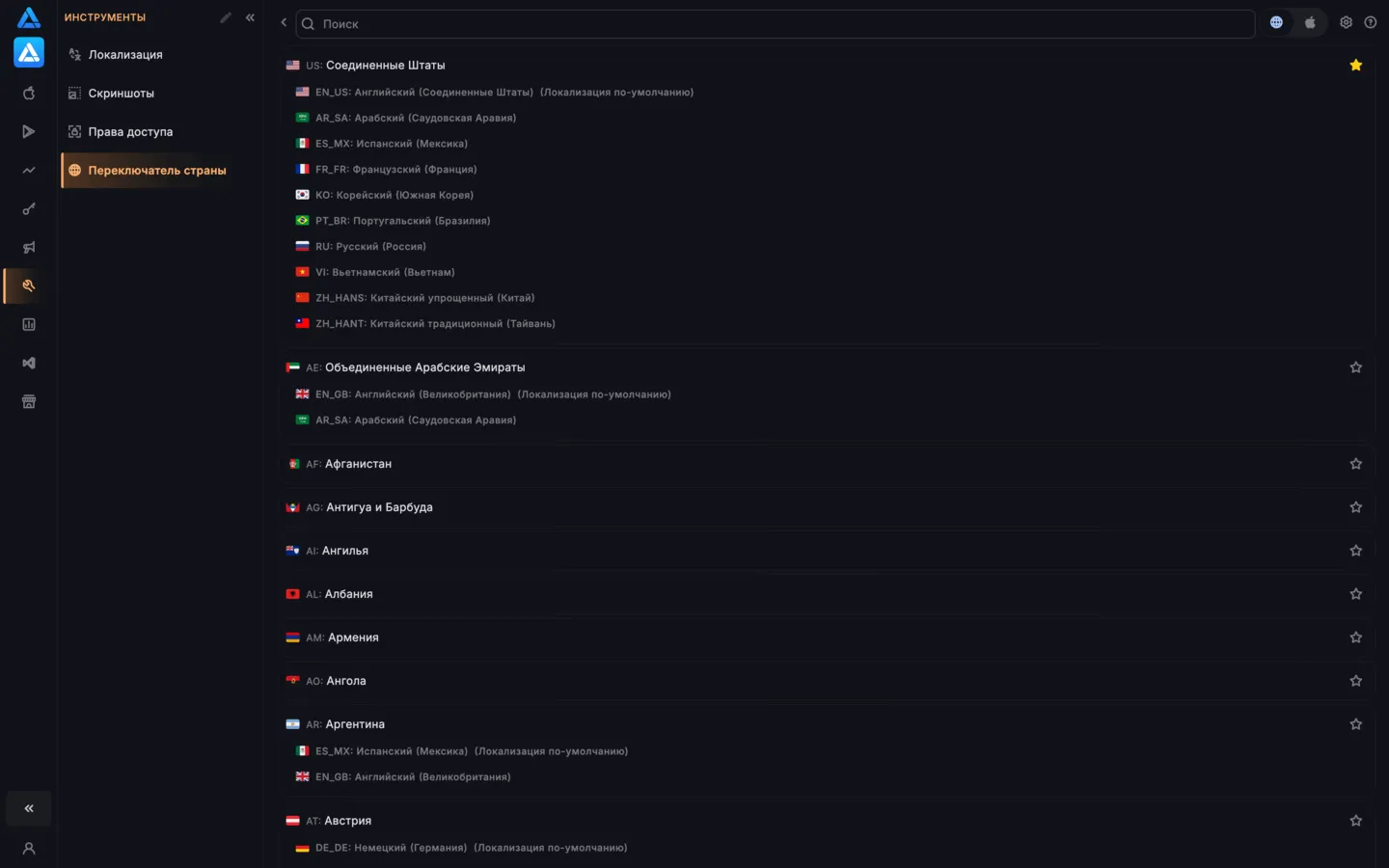
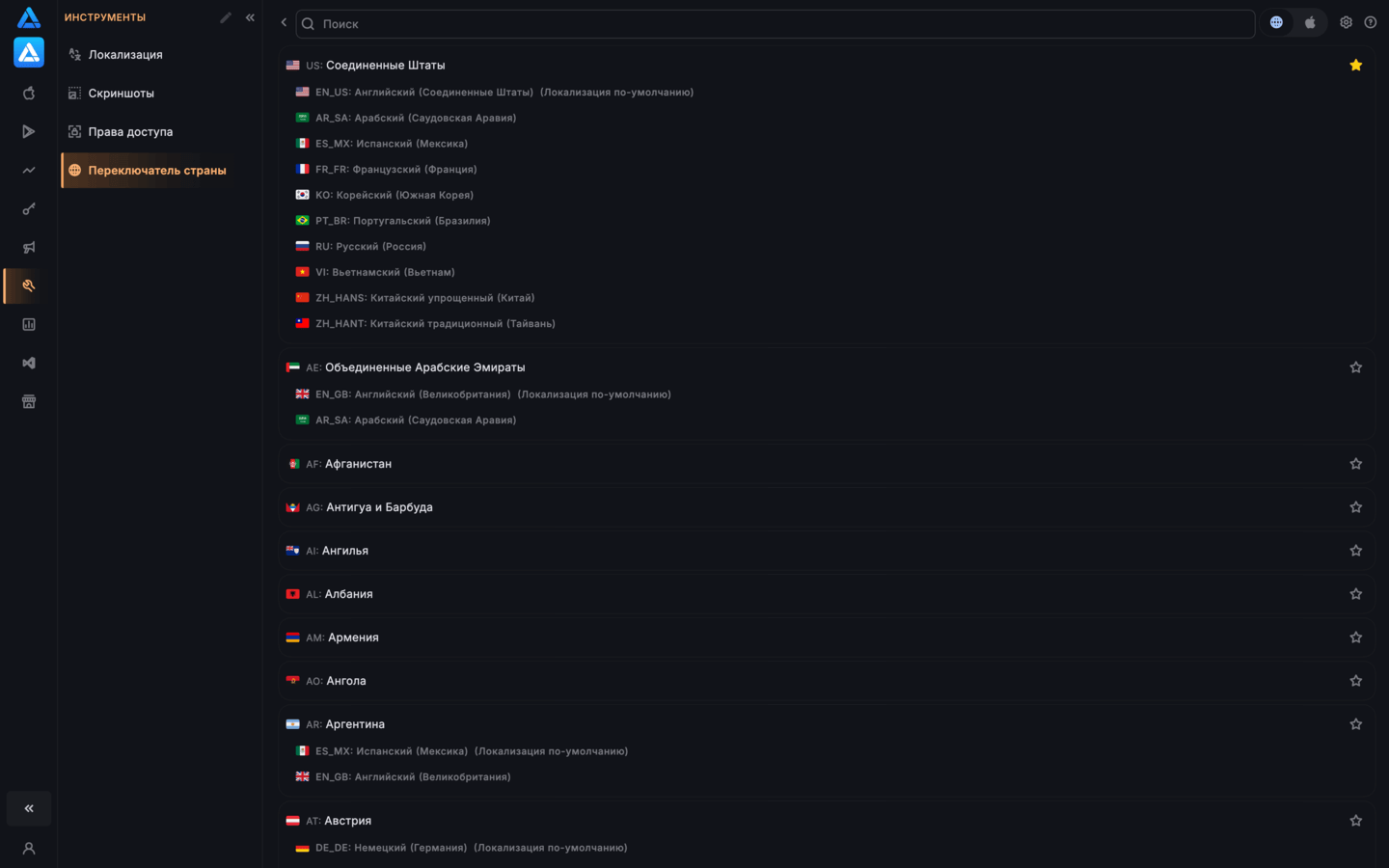
Section titled “How to Change the Country in the Web App Store”To change the country in the web version of the App Store, select a country from the list.
For each country, supported languages are shown according to Apple’s cross-localization rules (if available).
- clicking a country opens the app page in the default localization
- clicking a language (if available) opens the page in that localization
ASO.dev Browser Extension
Section titled “ASO.dev Browser Extension”For convenient work with the App Store web version, ASO.dev offers a browser extension.
ASO Locale Switcher allows you to:
- instantly change country and language directly on
apps.apple.com - switch between localizations without editing the URL manually
- quickly review different countries and languages
The extension works in the browser (including Windows)
without changing the iTunes Store or affecting the device - browser only.
This is the best option if:
- you mainly work with the App Store in a browser
- you need fast locale switching
- speed matters
- you don’t have access to an iPhone or Mac
- deep ASO analysis is not required